Quite often when you have made a selection on a layer mask, the edges will be jagged and sharp. You can remove this clicking on the Layer Mask > Filter > Blur > Gaussian Blur > Apply a subtle Blur. Perfect!
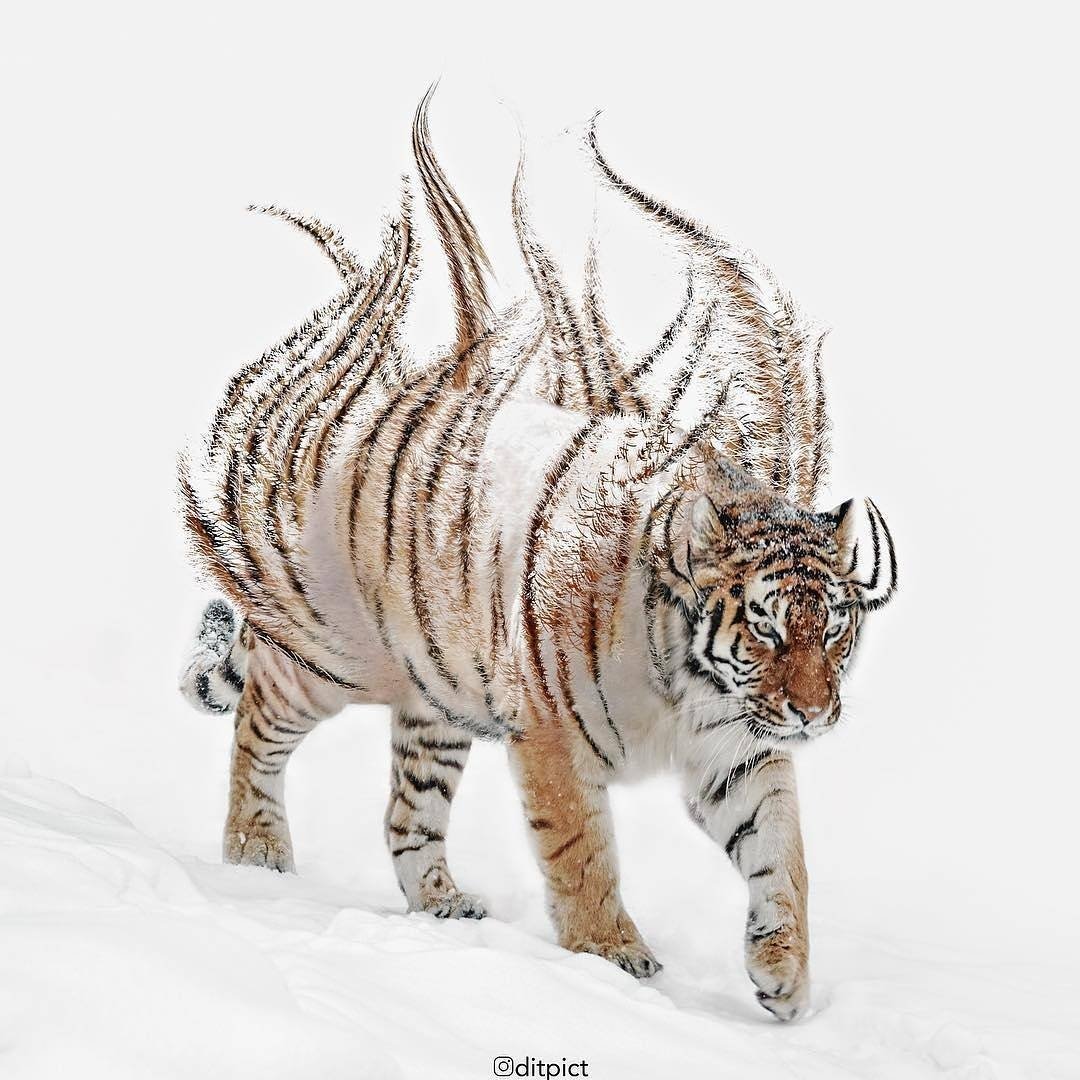
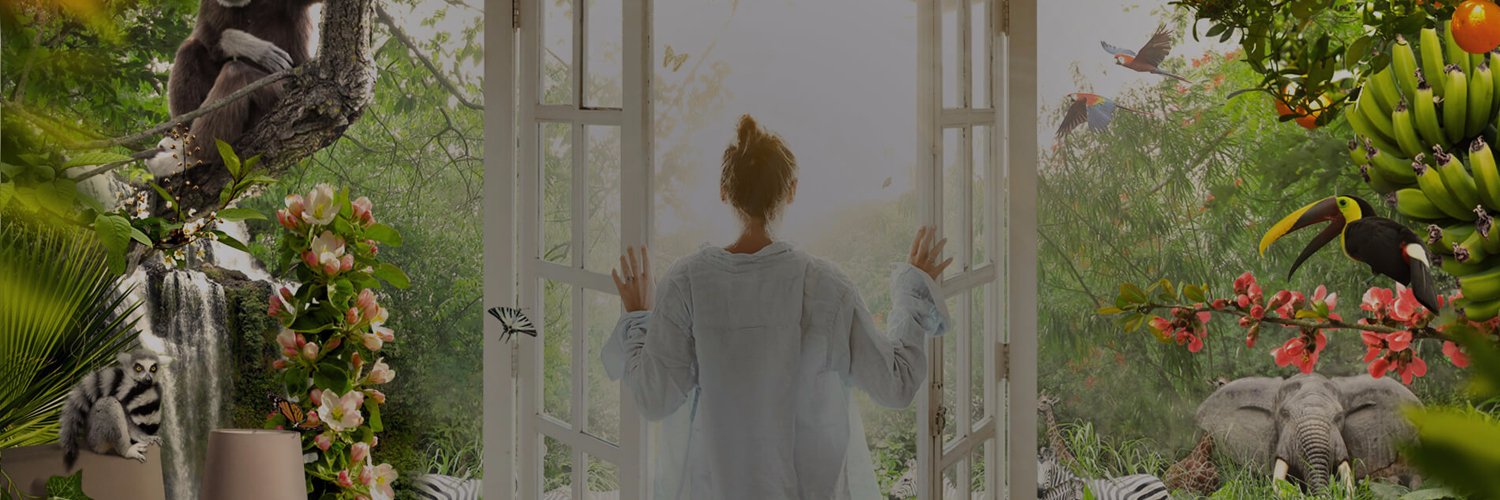
PHOTOSHOP TIP: focus on your blending, its the first thing anyone will observe! You don’t need too many images for your edit to look good. Simply be creative have a minimalistic approach to create a masterpiece.
We have compiled 128 Photoshop tips (100% FREE) waiting to be absorbed into your brain. No matter where you are on the Photoshop learning curve, there is something here for you. - Inspiration Clan https://t.co/YJo5sc2NyM