New tutorial: creating personalised Memoji gifs using Keynote. Your asked for it - here it is! Please retweet and tag teachers you think might be interested. Did I go too fast? 😂 No worries - you can watch the tutorial here: https://t.co/mcwLDslsGG @AppleEDU@Usingtechbetter
❤️ Keynote. Create a personalised gif by layering video with layered images. Use in your presentations. No fill background - export as animated gif to create transparent background. Retweets and I’ll create tutorial later in the week. If your want? @AppleEDU@Usingtechbetter
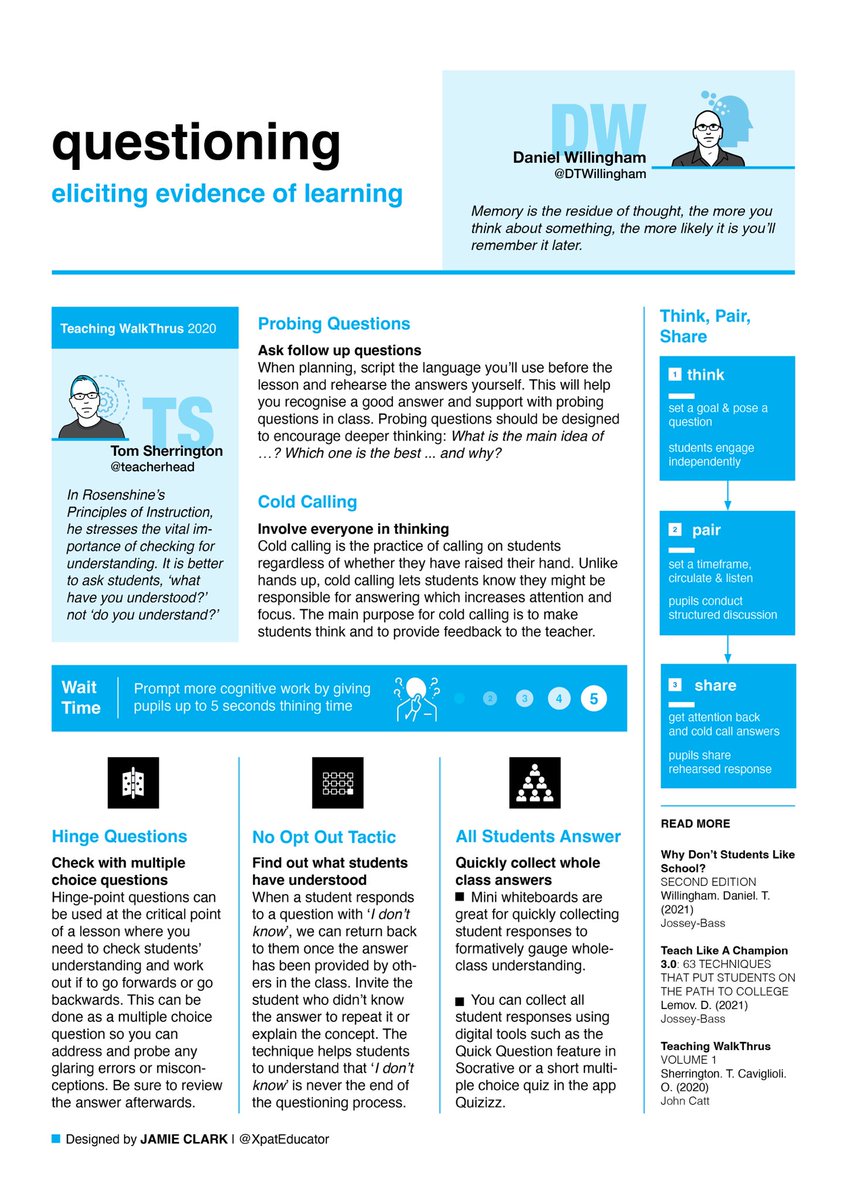
NEW! One-pager on questioning techniques to elicit evidence of learning. Thanks to the inspirational people featured: @Doug_Lemov@teacherhead@DTWillingham 🙌
#ARoniPad and #realitycomposer allows you to step back in time. Great for students to create humanities-based projects that are immersive and demonstrate knowledge/Understanding. Here's a little 1915. Scan - place - tap on abjects for spatial Audio. @Usingtechbetter#MadeOniPad
@Holy_Cross_Coll Take a deep dive with Digital Coach Clare Rosman into the world of augmented reality using Reality Composer at our next PLC Rotation. Learn how to create an AR experience to enhance student engagement and outcomes. #AppleDistinguishedSchools @CEWADigLearn
Our Creativity Challenge continues! This week, @jasontries draws a picture using #MotionGraphics to show how #EveryoneCanCreate innovative lessons. Tag a teacher who needs to see this and learn more at https://t.co/EhB8se7RBT.
Layering video with your apple pencil drawings in #keynote allows for students to visual scenes and characters in their narrative. Can prompt writing before starting and add life after. And @unsplash is an awesome free resource. @AppleEDU@Usingtechbetter
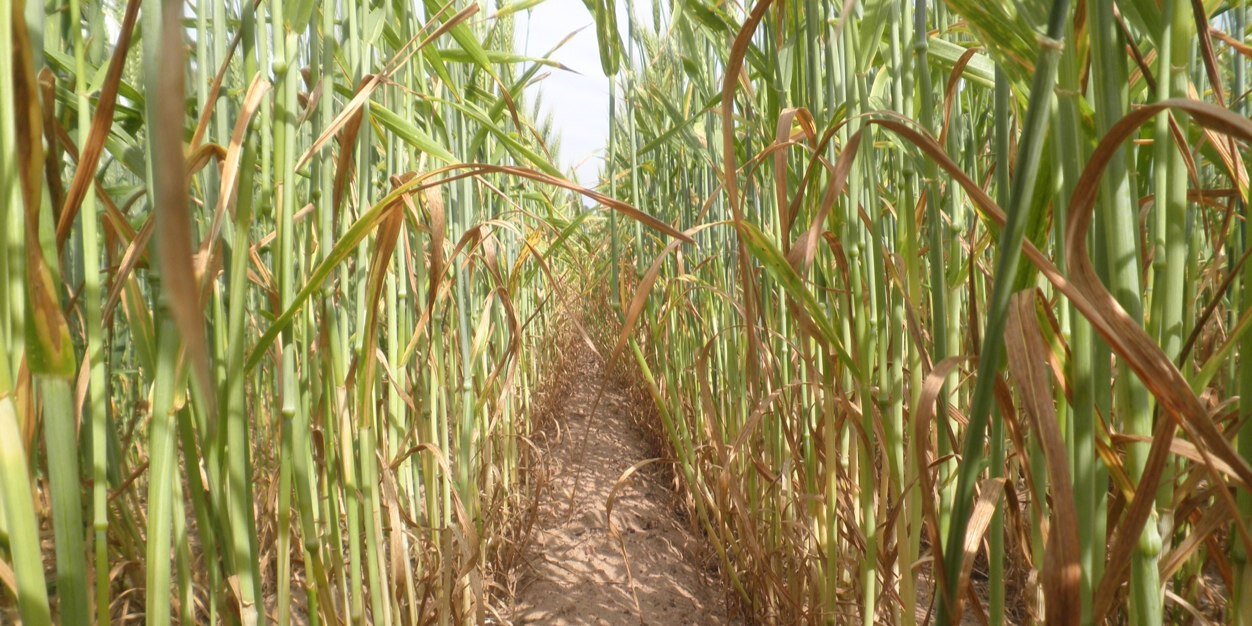
Bring the environment into your digital storytelling by using camera, #keynote and ‘instant alpha’ creatively. Add characters and layer to create depth and unique compositions. Here’s how: @AppleEDU@Usingtechbetter#madeiniPad