I'm "kinda" back!
I recently got the time to experiment with my local stable diffusion version and train some models. Results and models coming up.
Results will for now be posted on Rule34. Here's a little sneak peak :)
#rule34#stablediffusion#ai#r34
@Sreliata@Ainiwaffles From my time living in Germany I can definitely confirm the last part is the worst.
"Wir nehmen keine Patienten mehr auf." Ja, dann schreibt das doch auf eure Homepage ihr Affen.
@Kryiat My tool of choice for that is @miki3dxart's Fluid Painter😊https://t.co/XOR42eJQC6
The shader is a custom one I made. I can share it if you'd like.
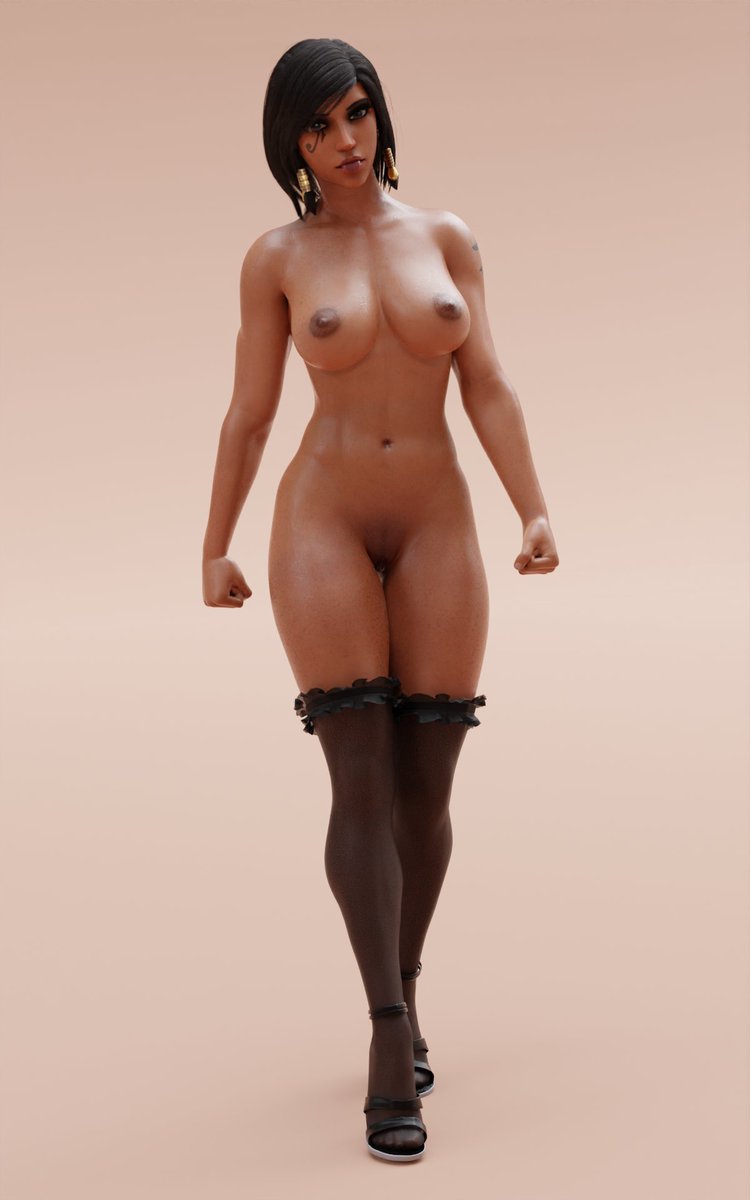
This is to represent Pharah in a walking motion.😅
Latest version of Pharah v5.1.26 for Blender 3.0 by @PharahBestGirl . Thanks to b0sch @clemensb0sch for the many tips and constructive criticism.🙇👍
Resolution: 1200 x 1920 as png.
Model and stuff: @PharahBestGirl
@Shion77960014@PharahBestGirl (5) Try around with this a bit and see what works for your hardware without taking up too much render time. It's a balancing act. You'll get into it quite quick🙂
Last tip: If you're lazy on lighting I recommend using HDRIs😉
@Shion77960014@PharahBestGirl (4) Keep in mind that a smaller tile size will increase render time. For GPU Renders (under CUDA) I'd recommend 256 to 512. "Tiling" basically splits up your image into smaller parts and applies the sampling to those, so smaller tiles -> more samples -> more render time.
@Shion77960014@PharahBestGirl Small addition: Try experimenting with the depth of field and aperture settings on your scene cameras if you want a “realistic“ look :)
@Shion77960014@PharahBestGirl Hey :) Here to help.
How many samples did you set? Increasing those in the render settings will “sharpen“ your image. Denoising as well. At the cost of time.
Also, if you have an Nvidia GPU try changing the Render to CUDA or OptiX (for RTX cards). The speed up is substancial.