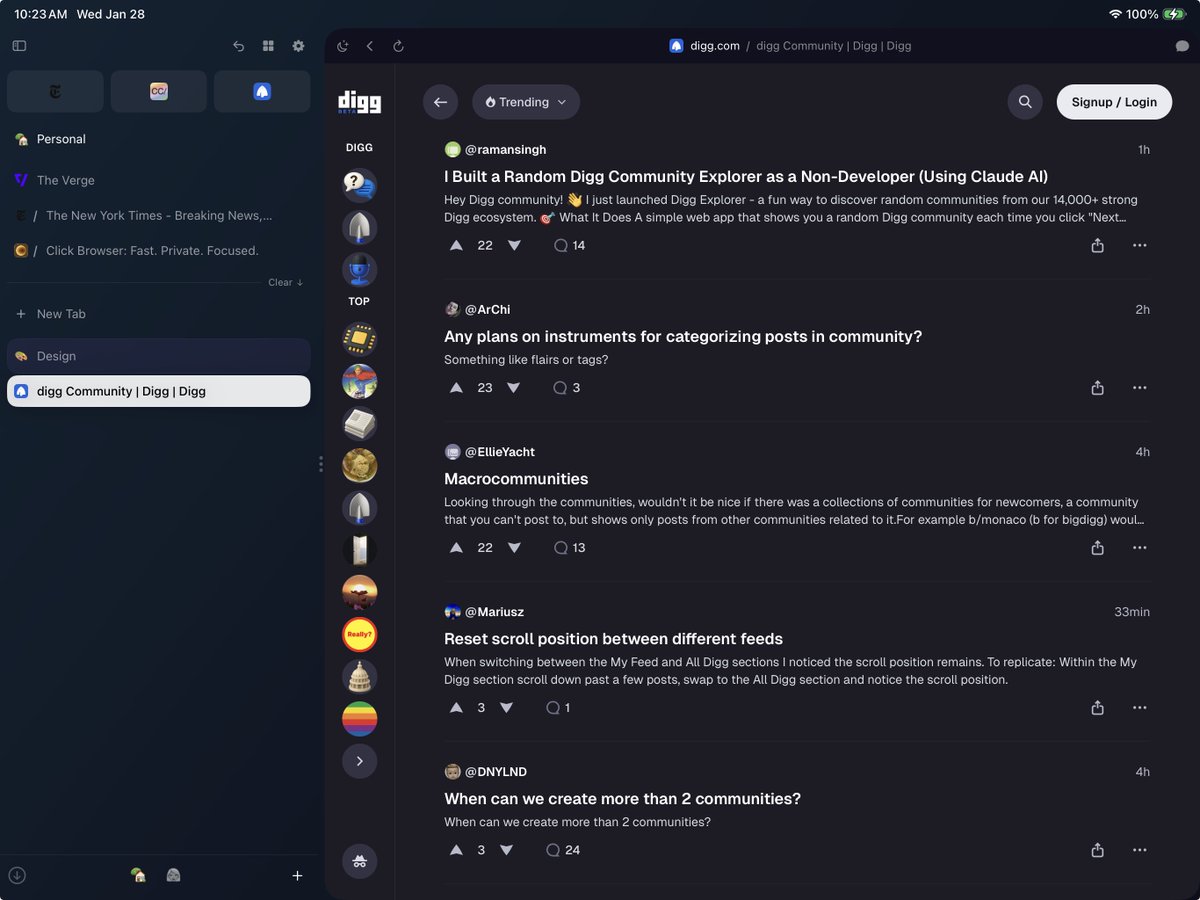
I've been working on a tool that helps me build without vendor lock in.
I work with the latest frontier models, and I’ve wanted the flexibility to jump between Claude Code, Codex, Cursor Agent, Gemini, Droid, etc. while personalizing my developer experience and making my environment available anywhere to make dev even easier.
Now I have it, and it’s my primary coding tool!
More Click updates coming soon.
— @jackbogdan
If you want to follow along in real time, Click is on TestFlight now:
https://t.co/N2T6boDfE2
More coming soon — updates, a new site, and a better way to stay in the loop!
Thanks again for your support, it means the world.
— @jackbogdan
With the pace of progress I can build almost as fast as I can think — which means **I'm the bottleneck** when it comes to sharing updates.
I'm spending this week figuring out how to keep up: across social, in the app, and on a new site.
In the meantime, here's a small sample of things I haven't promoted yet 👇
— @jackbogdan
On the AI side:
— Full embedded MCP server with authentication on macOS
— 36 new browser automation tools, 11 resources, 8 prompts
— AI Autonomy setting with approval actions
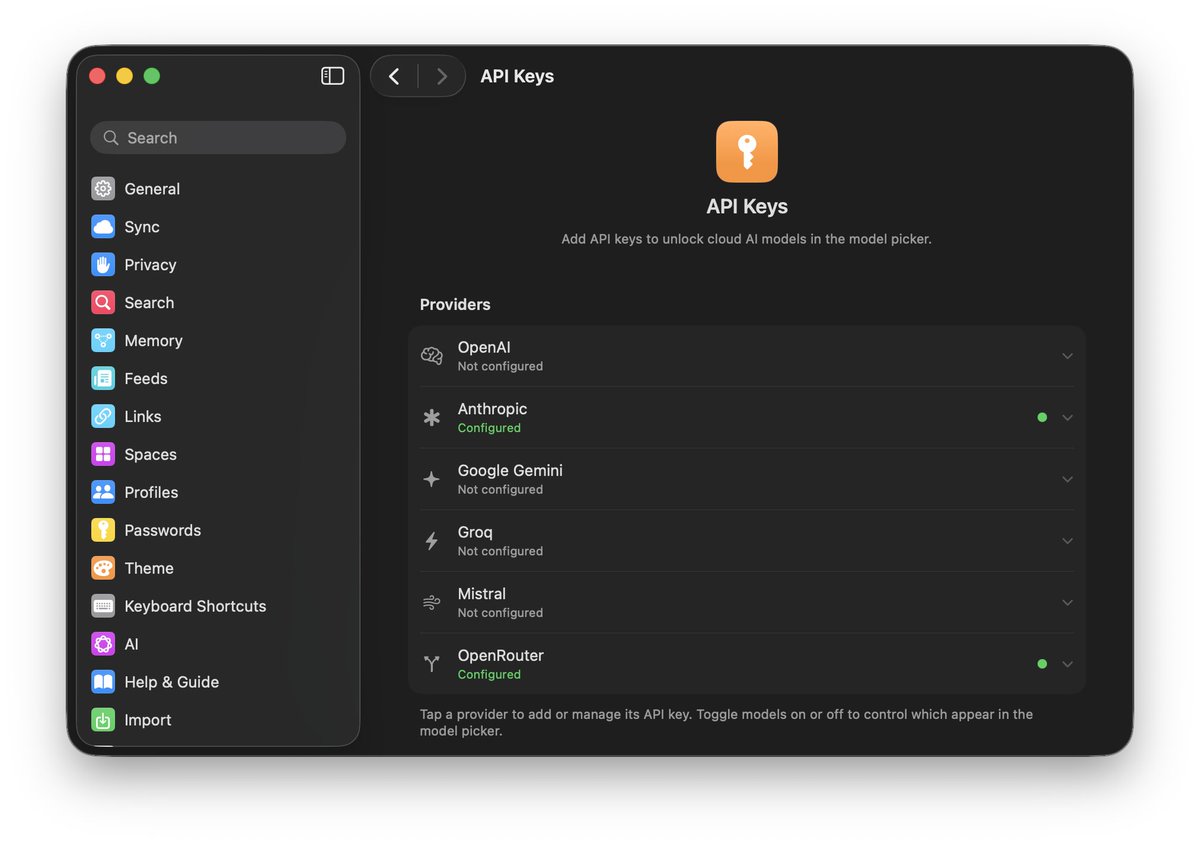
— Bring your own API keys (encrypted in Keychain)
— Subagents
@jackbogdan If you've been curious about Click, now's the time. I'm adding everyone who signs up this Sunday.
This release is a big one to jump in on — and if you try it, I'd really appreciate you sharing your experience to get the word out! https://t.co/gF5daRxB3s
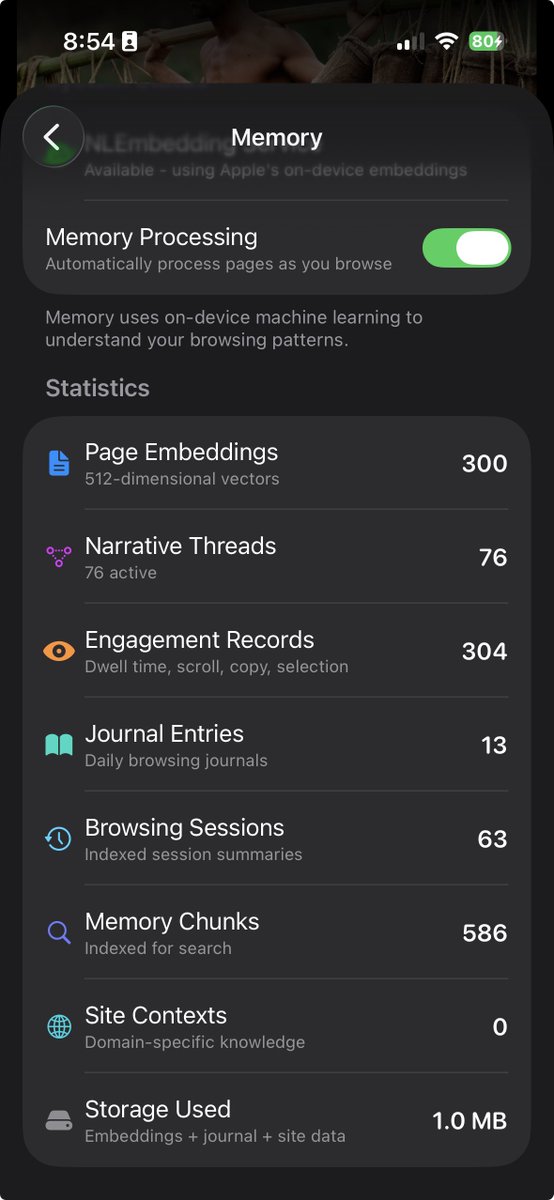
What if your browser actually learned what you care about — privately, entirely on-device? Today's @clickbrowser release is the biggest yet. New feed. New memory. New everything. Deep dives coming daily next week.
— @jackbogdan
How do you keep up with the web?
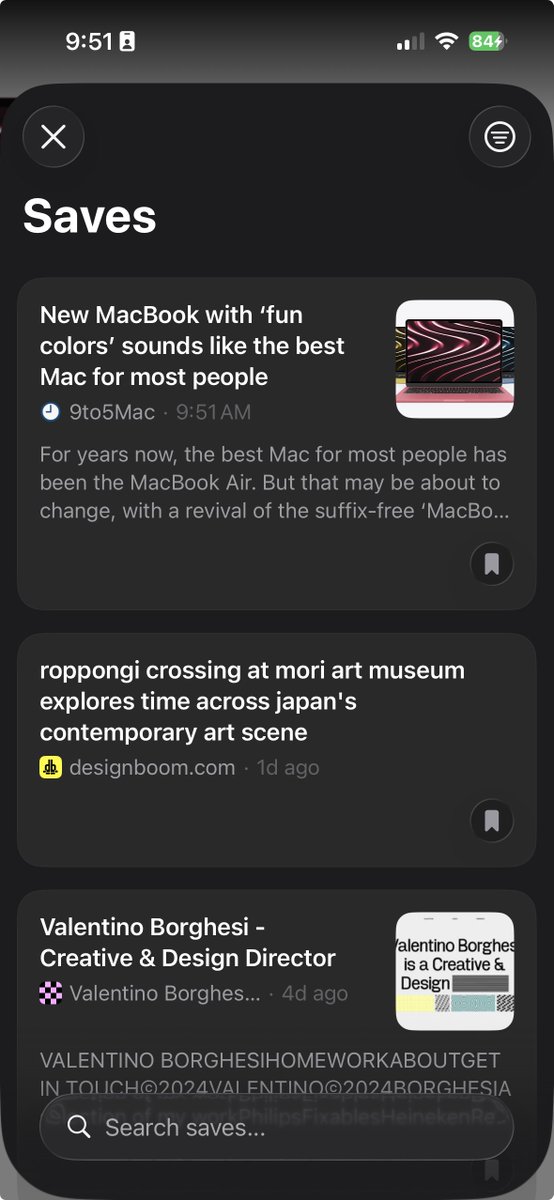
I'm a news hound, and I find social feeds too noisy. So I'm experimenting with something new in Click—a completely private feed reader, that lets you follow blogs, newsletters / substacks, YouTube channels, Bluesky creators, subreddits, and more.
Now when you're browsing, a follow button appears right in your address bar—one tap to add any source to your feed. Save anything for later with a reading list, and everything stays in sync across all your devices.
Here's an early peek at what I'm exploring. Would love to hear how you stumble upon new sources and follow your favorite creators.
(Oh, and some highly requested fixes dropping tomorrow, thanks for bearing with me)
— @jackbogdan
Switching to Click just got easier. Browser Import supports Safari, Chrome, Firefox, Arc, Orion, Dia, Comet, and Atlas.
Your bookmarks, tabs, and spaces—all in one click. Rolling out tomorrow!
— @jackbogdan
It has been a busy few days!
Here's a roundup of what's going out to testers in the next few minutes:
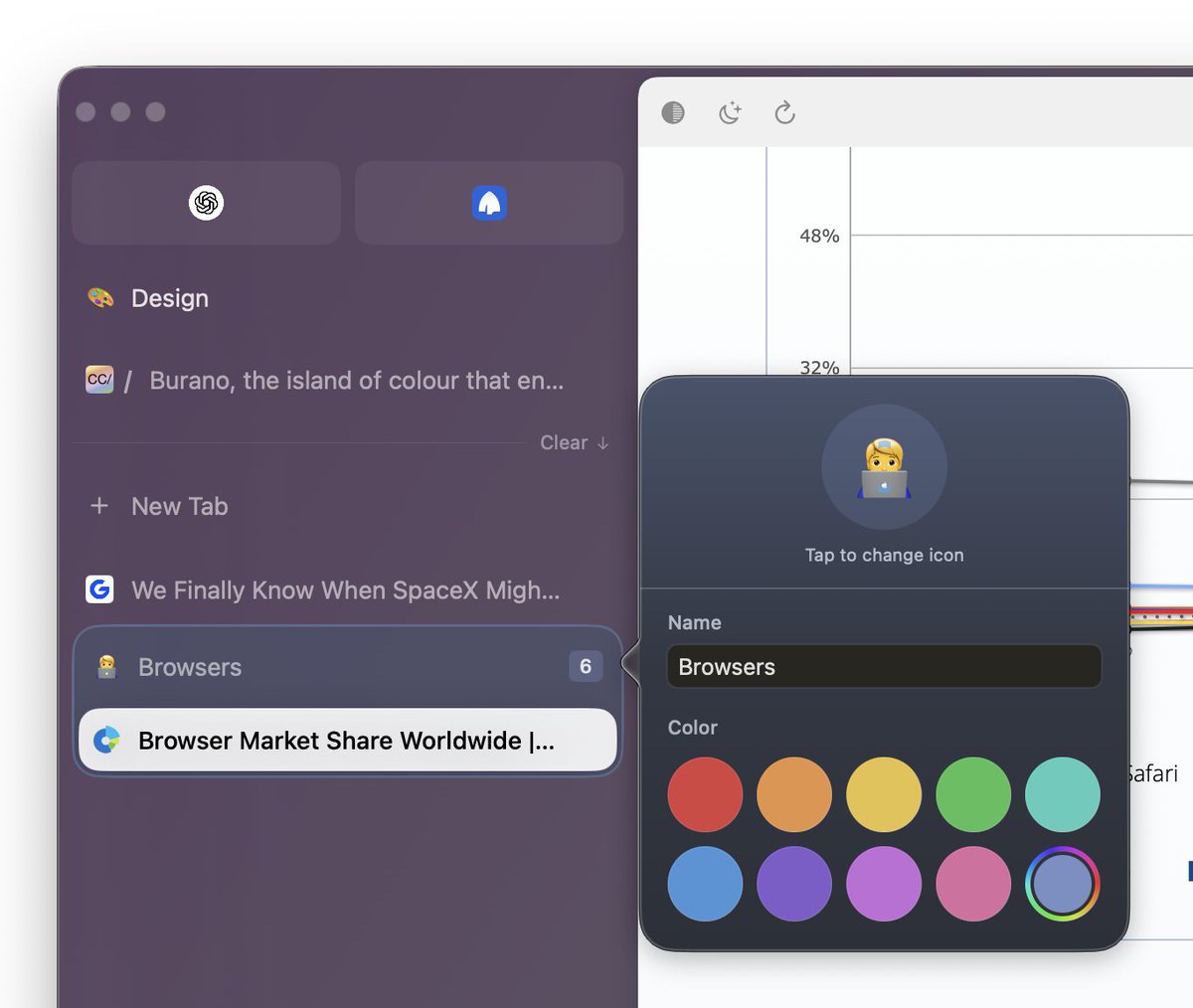
🏷️ Tab Groups
🎨 Custom Group Colors
😀 Custom Group Emoji
☑️ Tab Multi-Select on macOS
⚙️ Cross Platform Unified Settings
🛡️ Enhanced Content Blocking
📋 Custom Filter Lists
↩️ Undo Clear All Tabs
🖥️ Request Desktop Site on iOS
The first 100 people to use this link get instant access on macOS, iOS, iPad and Apple Watch:
https://t.co/4reOoMW5YY
To everyone who has signed up on https://t.co/N2T6boCHOu, your invites are going out now!