I noticed a difference in Claude Pro subscription pricing:
Mobile app: ₹1,999/month
Desktop website: ₹2,399/month
That's a ₹400 difference for the same plan.
Is this intentional? Has anyone else noticed this?
Sticky notes that hide in your screen edge
Bump the right edge, your notes slide out. Pin one on top of any app, add todo, color & tabs. Done? It slides back
20% off: $3.99 (One-time pay) until 5 Dec 15-day free trial · Windows 10 & 11
https://t.co/EhmjeojW5w
#BuildInPublic
👋 I'm looking to use Claude to find potential customers for my products by researching social media, YouTube videos, comments and online discussions.
🔍 What's the best way to achieve this? Any recommended skills, MCPs, agents or open-source tools?
Would love your suggestions!
Roast my portfolio 🔥
Solo dev. 2 Windows apps. 1 page.
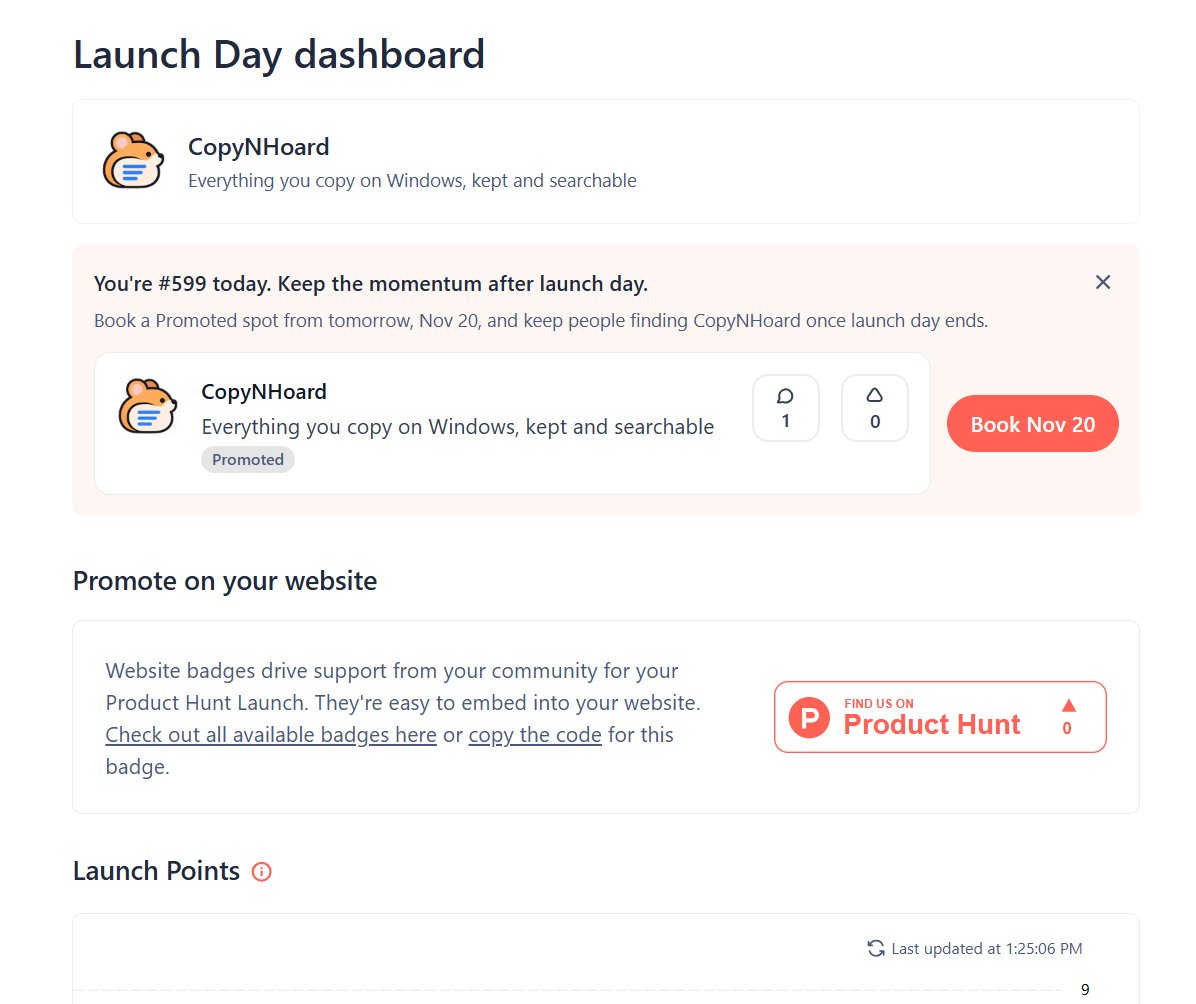
🐹 CopyNHoard launched today
📝 HideNStick Notes
One question: is it clear what I build in 5 seconds?
Brutal is fine. I'll reply to every comment.
https://t.co/Nfm0jbv2B4
Roast my portfolio 🔥
Solo dev. 2 Windows apps. 1 page.
🐹 CopyNHoard launched today
📝 HideNStick Notes
One question: is it clear what I build in 5 seconds?
Brutal is fine. I'll reply to every comment.
https://t.co/Nfm0jbvAqC
🙏🙏It's a quiet launch so far: no team, no audience, just me and the app. A comment or a bit of support on Product Hunt would mean a lot:
https://t.co/nHnDTA50Yk #BuildInPublic
Your clipboard deserves an upgrade. 👀
Meet CopyNHoard for Windows:
→ Store up to 2,000 clips
→ Auto-sort text, code, links, files & colors
→ Search screenshots by their text
→ Pin, preview & paste in seconds
100% local. No cloud. No account.
Link in the comments! 🚀
Your clipboard deserves an upgrade. 👀
Meet CopyNHoard for Windows:
→ Store up to 2,000 clips
→ Auto-sort text, code, links, files & colors
→ Search screenshots by their text
→ Pin, preview & paste in seconds
100% local. No cloud. No account.
Link in the comments! 🚀
Sticky notes that hide in your screen edge.
Double-bump the edge or press Ctrl+Alt+N, and your notes are right there. Tabs, pin on top, quick capture, search. No account, works offline.
HideNStick Notes for Windows: https://t.co/bZPH7kwGvi
Website: https://t.co/mBNVaCK9LG
Sticky notes that hide in your screen edge.
Double-bump the edge or press Ctrl+Alt+N, and your notes are right there. Tabs, pin on top, quick capture, search. No account, works offline.
HideNStick Notes for Windows: https://t.co/bZPH7kwGvi
Website: https://t.co/mBNVaCK9LG
Sticky notes that hide in your screen edge.
Double-bump the edge or press Ctrl+Alt+N, and your notes are right there. Tabs, pin on top, quick capture, search. No account, works offline.
HideNStick Notes for Windows: https://t.co/bZPH7kwGvi
Website: https://t.co/mBNVaCK9LG
Meet my new Windows app: CopyNHoard 🐹
Every copy goes in the cheeks. Text, code, links, files, pictures and colors, all kept and sorted.
Everything stays on your PC. No account, no cloud.
Join the waitlist: https://t.co/q5V2r6MvGG
Introducing Gemini 4 Carbon, our latest frontier model.
Carbon delivers improved performance across domains — ranking #1 on v5.0 of the @ArtificialAnlys Intelligence Index and sets a new state-of-the-art in cybersecurity and long-horizon capabilities.
It’s rolling out starting this week to cyber defenders through our Fairwind Program, with expanded access coming soon 🧵