Day 1 of Learning the Basics of Blockchain.
Today, I learned how to:
- Open @phantom Solana wallet
- Safely save my recovery phrase.
Follow me as I show you how I did it. 👇
I don't know anything about Crypto or Web3. My brother introduced me to it about a month ago, but I didn't pay much attention because I thought it was useless.
Now, I guess there are a lot of opportunities in this space.
It's time for me to start exploring and learn about it.
We're all African Bulls. 🐂
We're not just holders.
We're believers.
We're shillers.
We're builders.
We're family.
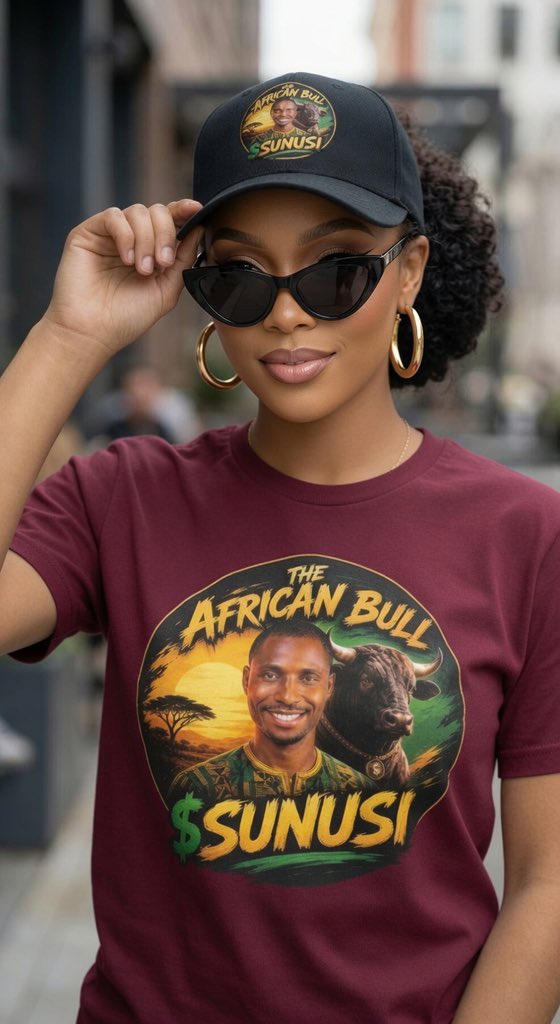
Together, we're writing the story of $SUNUSI.
The African Bull is unstoppable. 🔥
We're all African Bulls. 🐂
We're not just holders.
We're believers.
We're shillers.
We're builders.
We're family.
Together, we're writing the story of $SUNUSI.
The African Bull is unstoppable. 🔥
I don't really know how to make memes, but I told myself, "Ruky, just give it a try. You might end up winning." 😂
Guys there's no strict rule. you can use paper & pencil, Canva, CapCut, AI, or even edited photos/screenshots
As long as it's funny and creative, you're good to go
A small milestone for me today I successfully opened my first Solana wallet.
Tomorrow, In Sha Allah, I'll fund it with my first $SOL, hopefully through my sister, @safiyyaaliyu86.
The first token I'll ever buy will be $SUNUSI.
I'll support the $SUNUSI token little way I can..
@phantom Finally, This is the last screen you'll see.
Go to Settings.
Back up your Recovery Phrase.
Keep it in a safe place that only you can access.
Your Recovery Phrase is the key to your wallet. Don't share it with anyone.
Tomorrow, we'll make our first swap from $USDT to $SOL .
Day 1 of Learning the Basics of Blockchain.
Today, I learned how to:
- Open @phantom Solana wallet
- Safely save my recovery phrase.
Follow me as I show you how I did it. 👇
I don't know anything about Crypto or Web3. My brother introduced me to it about a month ago, but I didn't pay much attention because I thought it was useless.
Now, I guess there are a lot of opportunities in this space.
It's time for me to start exploring and learn about it.
@phantom Step 3: Now it's time to create your PIN.
- Create a PIN to keep your wallet secure.
- Confirm your PIN by entering it again.
Tap Continue.
- On the next screen, create your username.
Tap Continue once again, skip the remaining steps
Your Phantom wallet is now ready to use.