https://t.co/0YbwvQbVbp
045 style the body and make the chevron work
Let’s have some fun with CSS and style the body. At the same time, I think it’ll be a great idea to use a CSS trick with input checkbox and label to make our...
https://t.co/qUG4bK7t2x
044 style the job title, image logo, company name and chevron
Let’s apply some style to the job title, company name, and image logo. Update the dummy chevron to the correct one and rotate it into position.
https://t.co/oCz69YgdvG
043 implement CSS grid and position the elements inside the accordion
CSS grid is quite fun, so let’s figure out a way to split the layout of our accordion items, implement the css grid rules and place each element inside it as...
https://t.co/ExjYGU0aFH
042 generate the HTML structure using PUG for the experience accordion
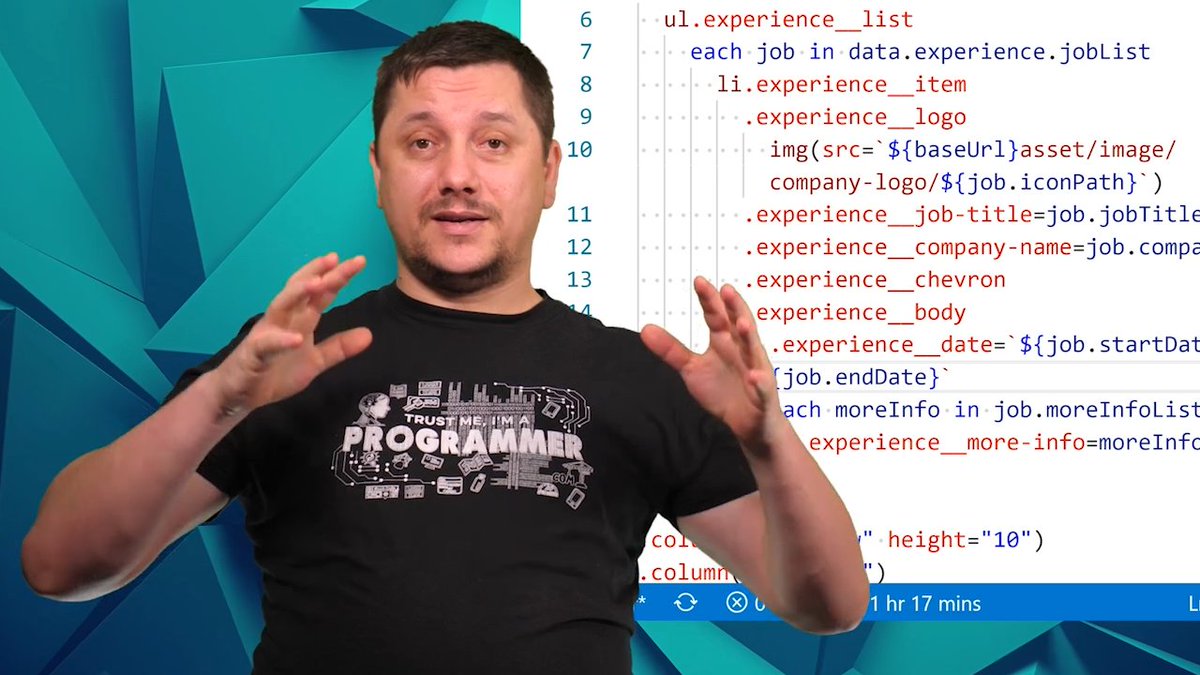
Let’s create the pug structure to generate HTML out of the wireframe provided for us. We’ll loop through a two-level deep multidimensional array that we wrot..
https://t.co/p11eGvT8K4
041 how to write reusable CSS using Sass
Let’s discover how to refactor some CSS and create a reusable block of rules using Sass in a smart way.
https://t.co/yRQQB8aCws
040 Define the data structure of the experience section
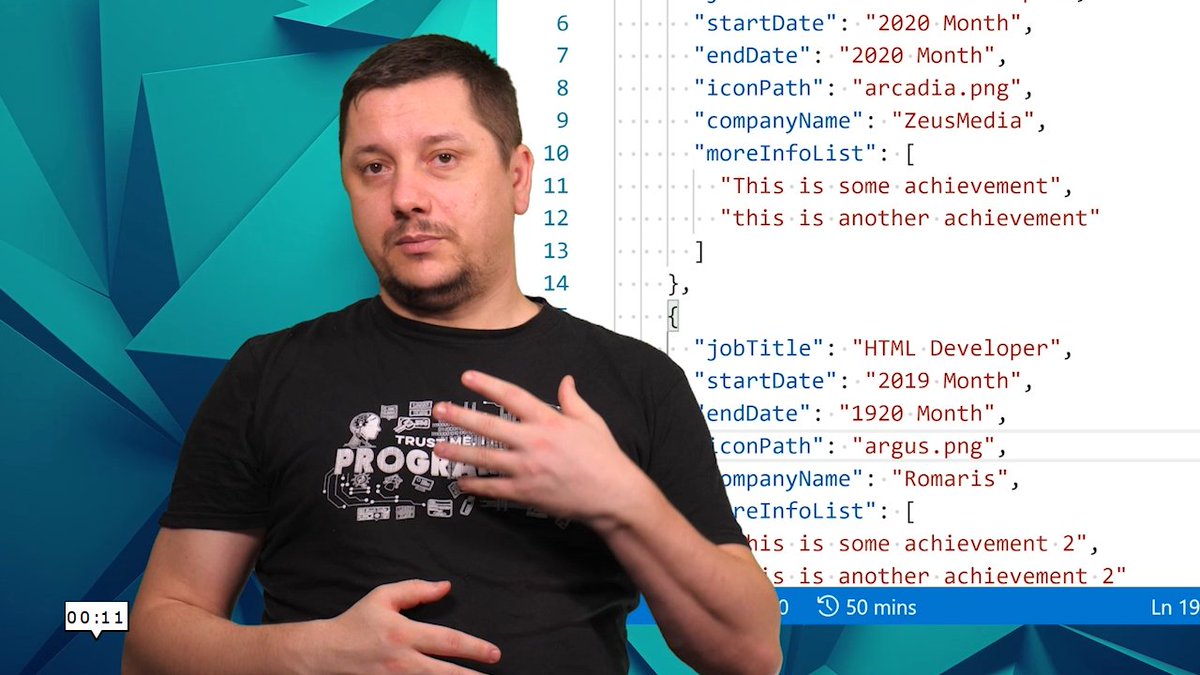
We want to identify from our wireframe what data entities we want to have and write a basic JSON file with some dummy data to have a starting point.
https://t.co/c34htTzA3S
039 finish the skills section
In this lesson we want to apply the proper spacing, colors for our tags, increase the font size a bit and generate all the CSS needed using SCSS. As a bonus,...
https://t.co/YA8ay6AABZ
038 define the data structure for our skills using JSON
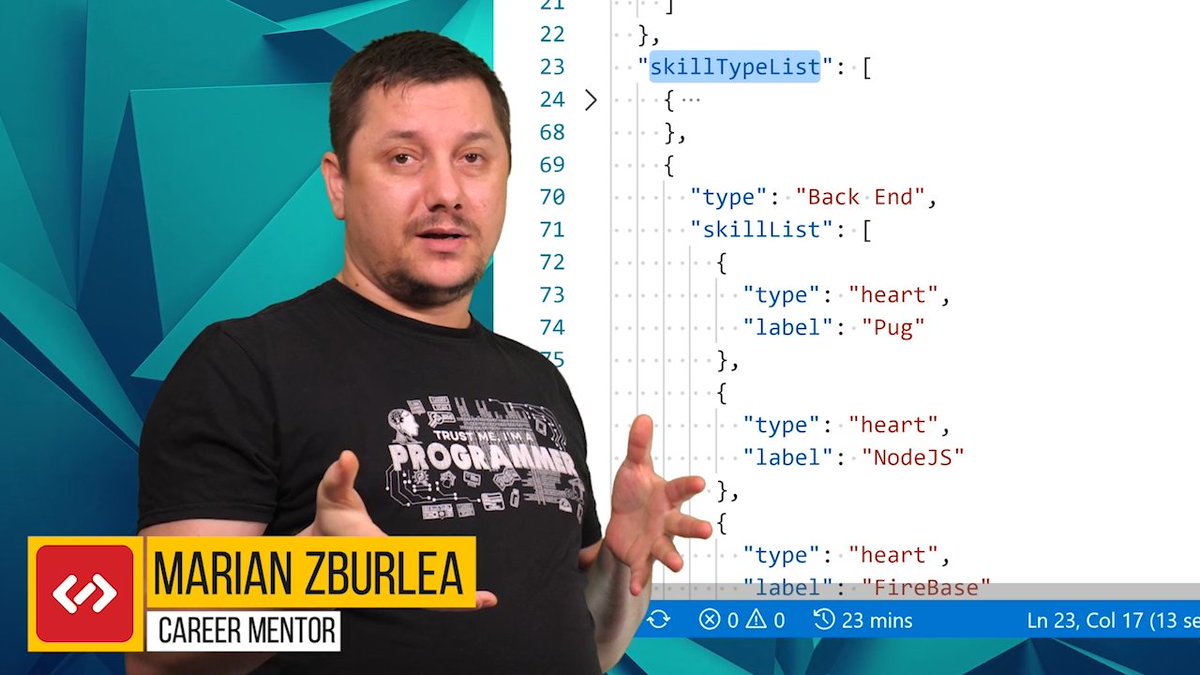
We want to create a data structure that we can iterate later on to generate our content inside our skills section.
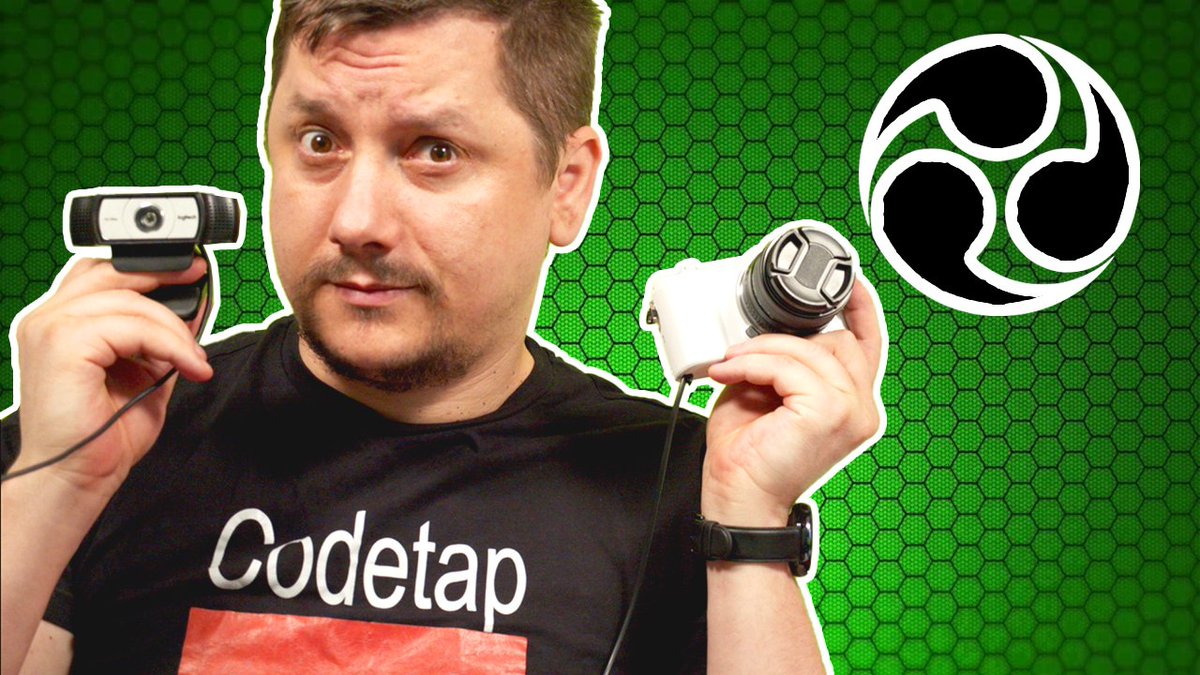
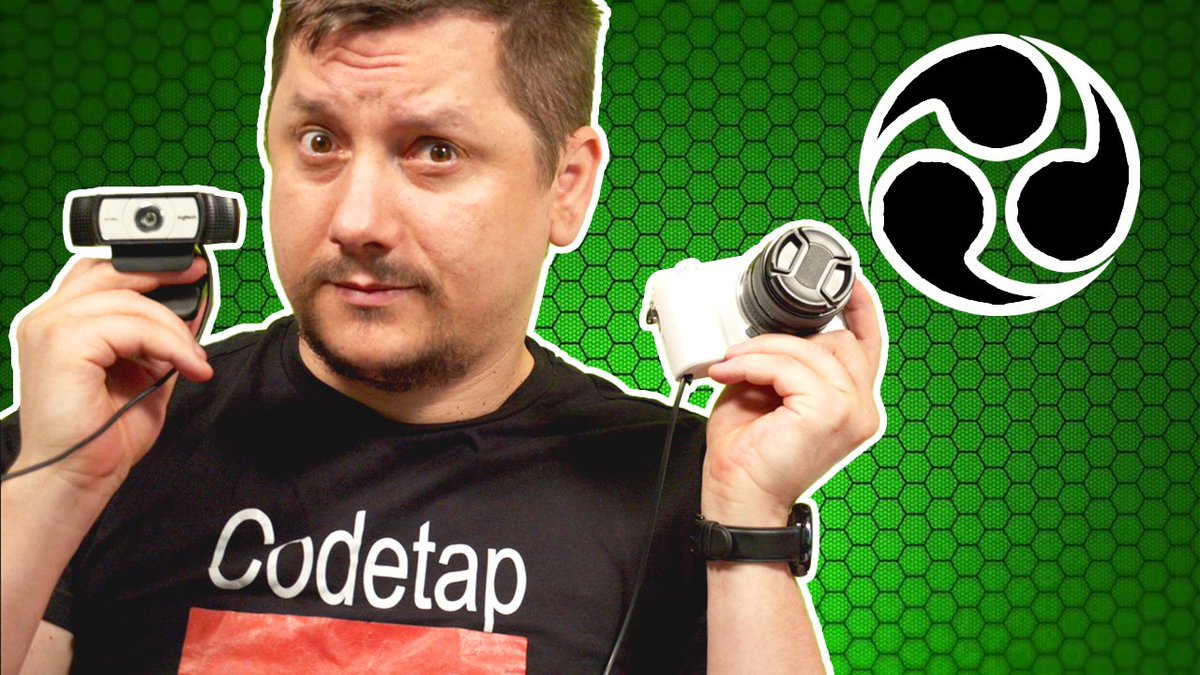
Join me to discover How To Setup Obs For Streaming And Recording. This is a tutorial for beginners that aren't familiar with how to set up obs for streaming on youtube, Facebook, twitch or others.
PS: There is also part 2, are you interested? https://t.co/A9aELG0ww3
https://t.co/WUXHhL7CsA
037 finish styling the legend
Let’s play with CSS and SCSS to style our legend area. We want to add the proper colours, apply the correct font size and positions.
Join me to discover How To Setup Obs For Streaming And Recording. This is a tutorial for beginners that aren't familiar with how to set up obs for streaming on youtube, Facebook, twitch or others.
PS: There is also part 2, are you interested? https://t.co/p20kU3mmTK
https://t.co/56ToSSdaZb
036 add icons to the legend
In this lesson, we’ll encounter a misplaced icon, a bell instead of a book. We’ll update the wireframe and place the icons in our web page.
Join me to discover How To Setup Obs For Streaming And Recording. This is a tutorial for beginners that aren't familiar with how to set up obs for streaming on youtube, Facebook, twitch or others.
PS: There is also part 2, are you interested? https://t.co/FnJ1WqRq2c
https://t.co/SvsXFFKyyZ
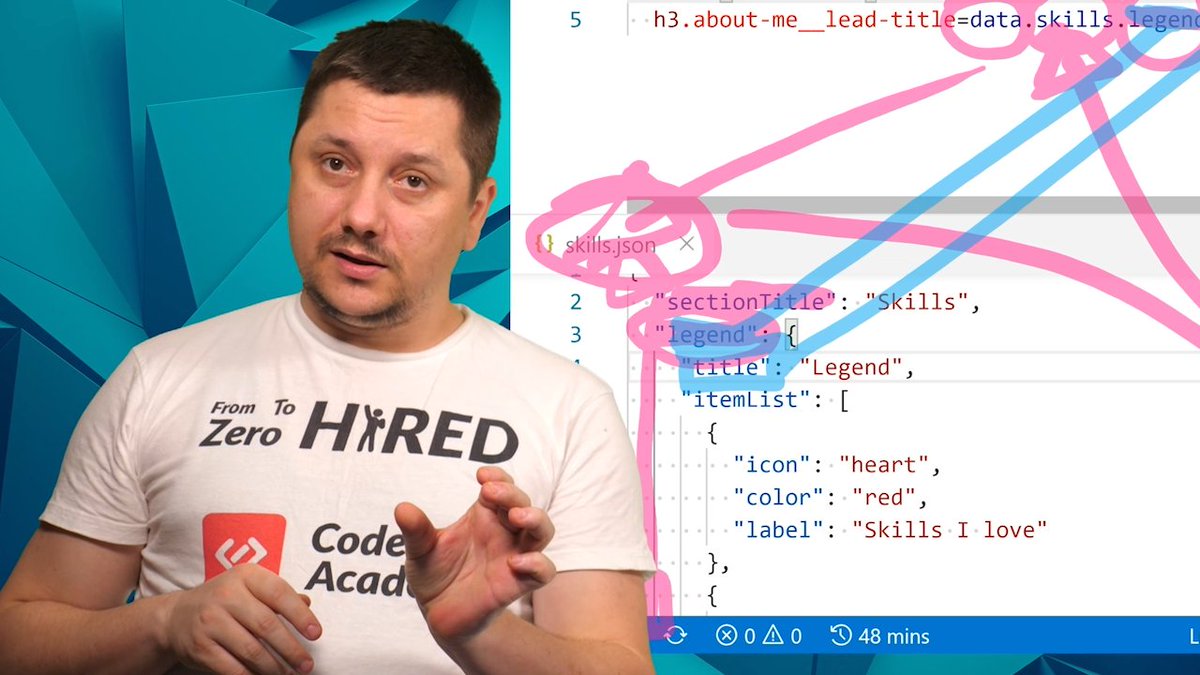
035 add data for our legend in the skills section
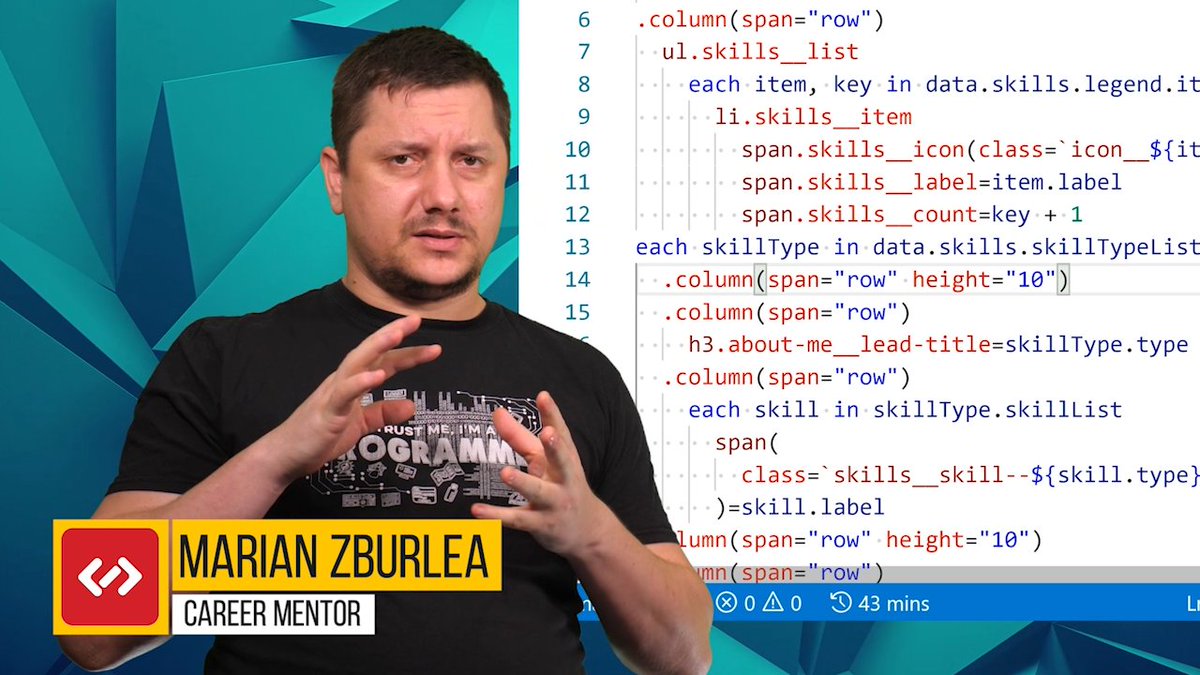
Let’s start to create the structure for our legend area in the skills section. We’ll make use of pug and loops similar to JavaScript to generate the HTML for...
Join me to discover How To Setup Obs For Streaming And Recording. This is a tutorial for beginners that aren't familiar with how to set up obs for streaming on youtube, Facebook, twitch or others.
PS: There is also part 2, are you interested? https://t.co/8H62ru0tua
https://t.co/DdJ0P5c8IY
034 start the skills section
In this lesson, we want to start a new component that will be responsible to generate the HTML and CSS for our Skills section. To do that we’ll use pug and s...
Join me to discover How To Setup Obs For Streaming And Recording. This is a tutorial for beginners that aren't familiar with how to set up obs for streaming on youtube, Facebook, twitch or others.
PS: There is also part 2, are you interested? https://t.co/ekmmIfeeVI