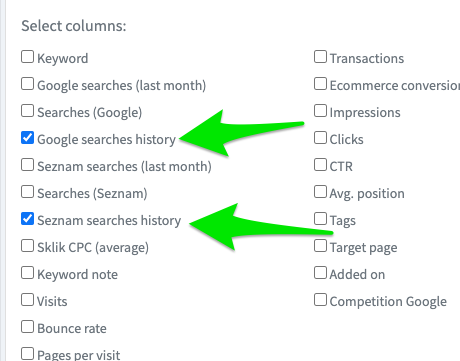
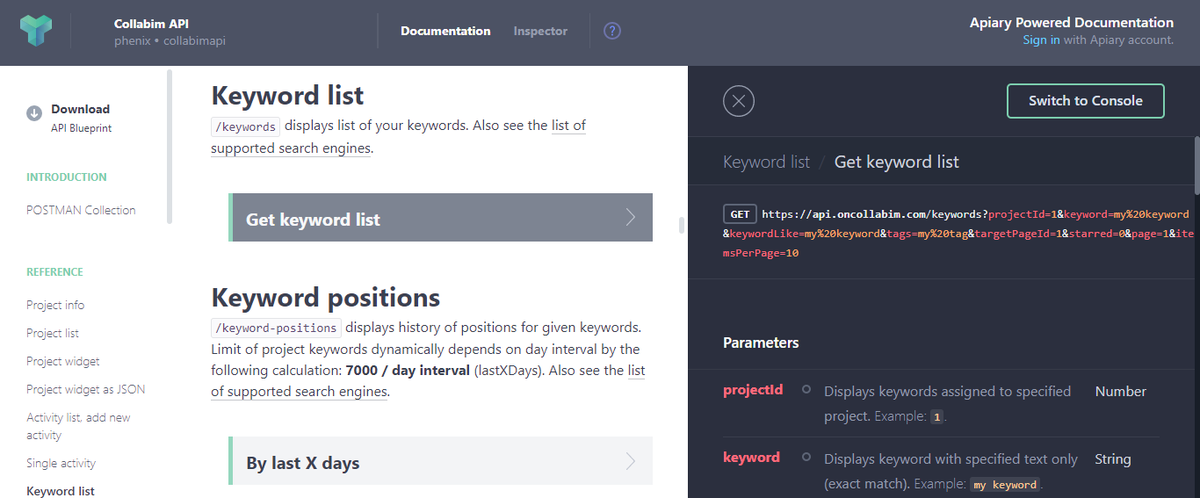
Nově jsme vylepšili funkci Automatického návrhu klíčových slov. Nyní obsahuje nové přehledy, podrobné filtrování, hromadné akce na klíčových slovech a možnost exportu.
Do Průzkumníka klíčových slov jsme přidali tlačítko pro nahlášení špatné relevance navržených slov. V budoucnu nám tato hlášení pomohou eliminovat špatně navržená klíčová slova.
Děkujeme, že tlačítko využíváte!
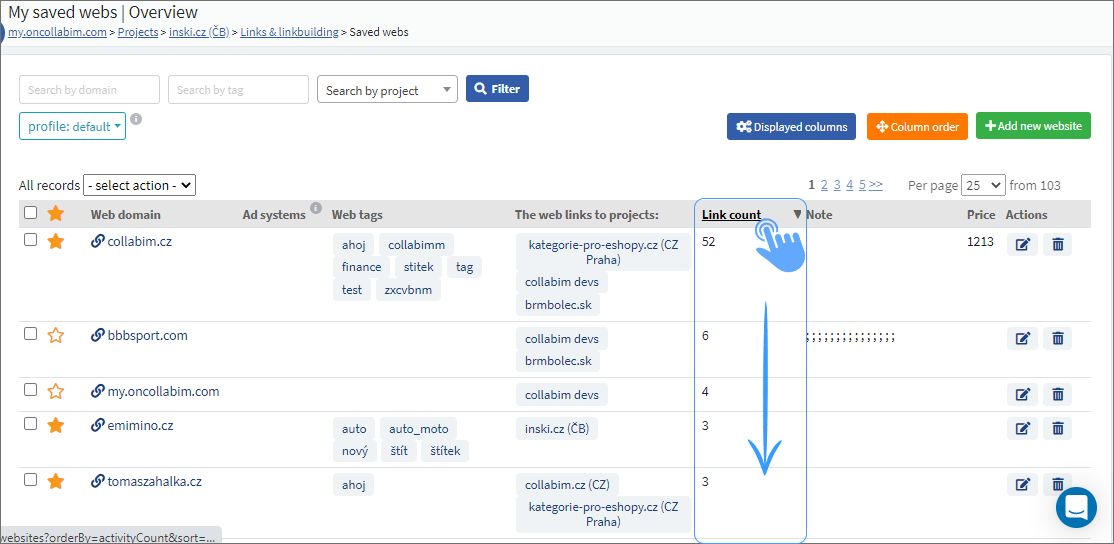
You can now sort by columns in the “My saved webs” section. Just click on one of the column headlines, e.g. Link count, and all the links will arrange in descending order.
We are a bit faster again! This time we have speeded up the Backlink opportunities, where the loading is reduced to just 2 seconds. Moreover, we have speeded up the individual domains. Earlier, the page has not loaded at all sometimes, but now the loading takes only few seconds!
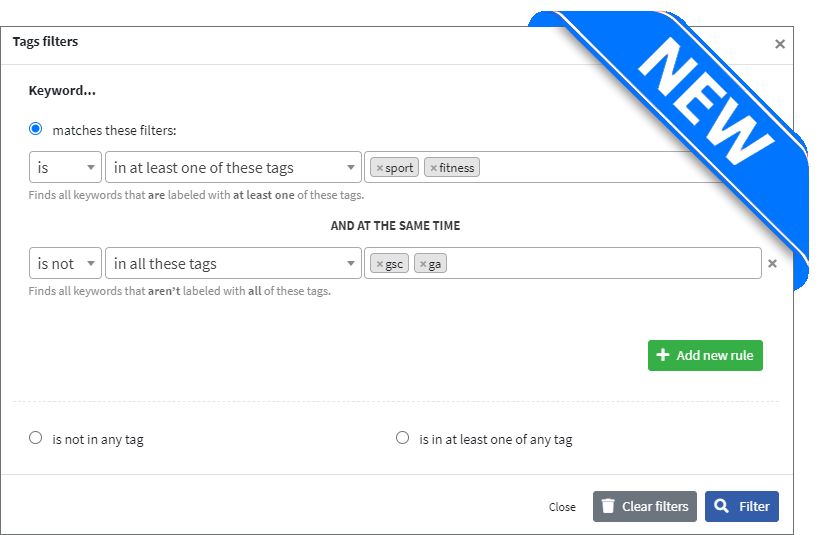
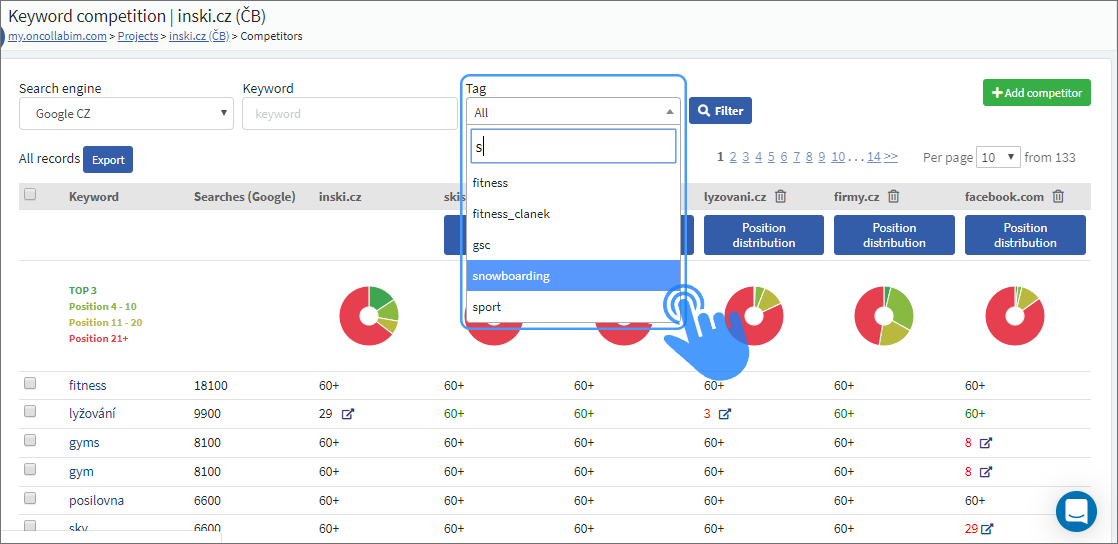
We are introducing advanced keyword filtering by tags. Now you can easily combine multiple conditions to achieve the desired result! Look into our application or at the example below to see, what the new options you have are.
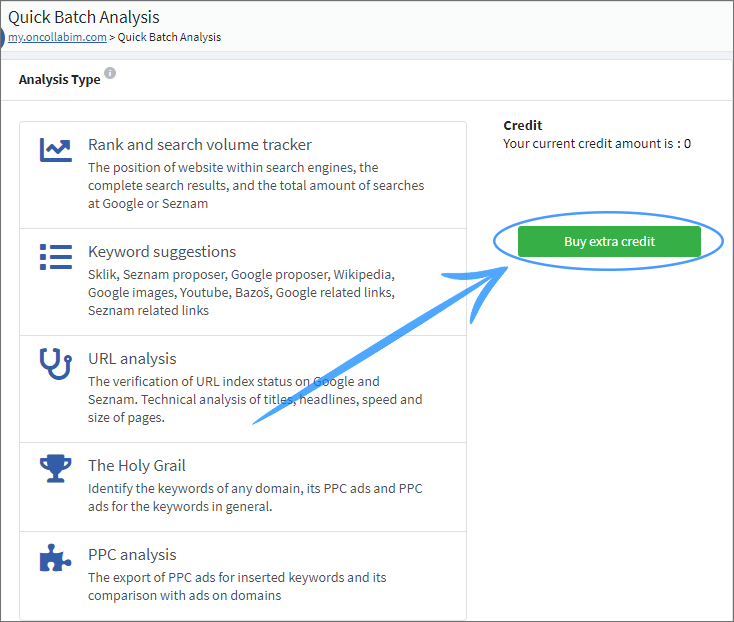
Are you one our FREE users? If you are, you will be definitely pleased with our new improvement! FREE users can now purchase credits for Quick Batch Analyses as well. Just click on “Buy credits“ and a one-time payment by card will follow.
We have made the connection with Google Data Studio easier for you. Just click on the link “Connect with Google Data Studio“ right in Collabim and confirm the selected parameters.
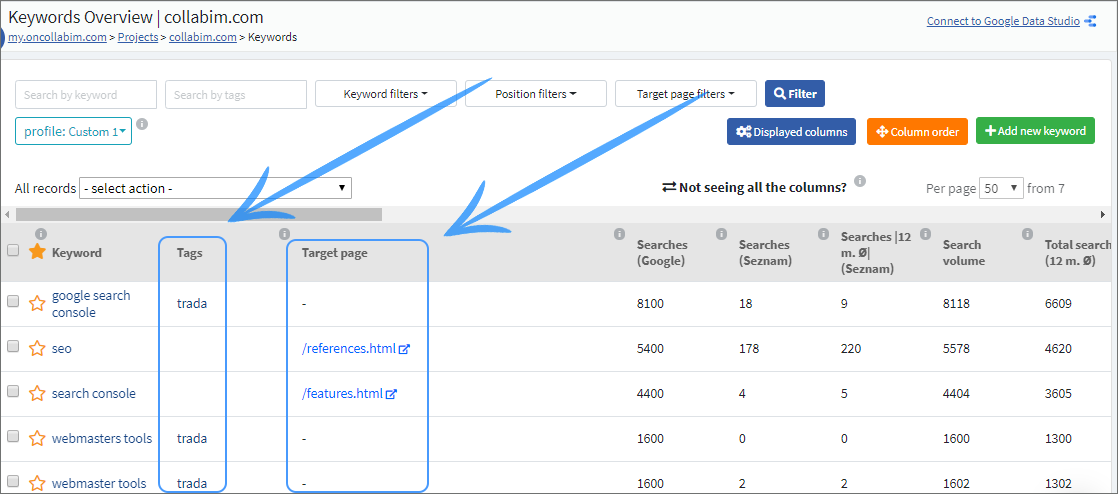
We are trying to make everything as clear as possible for you. Newly we have rearranged the default columns in the keyword overview in a way that tags and target pages are displayed right next to the corresponding keywords.
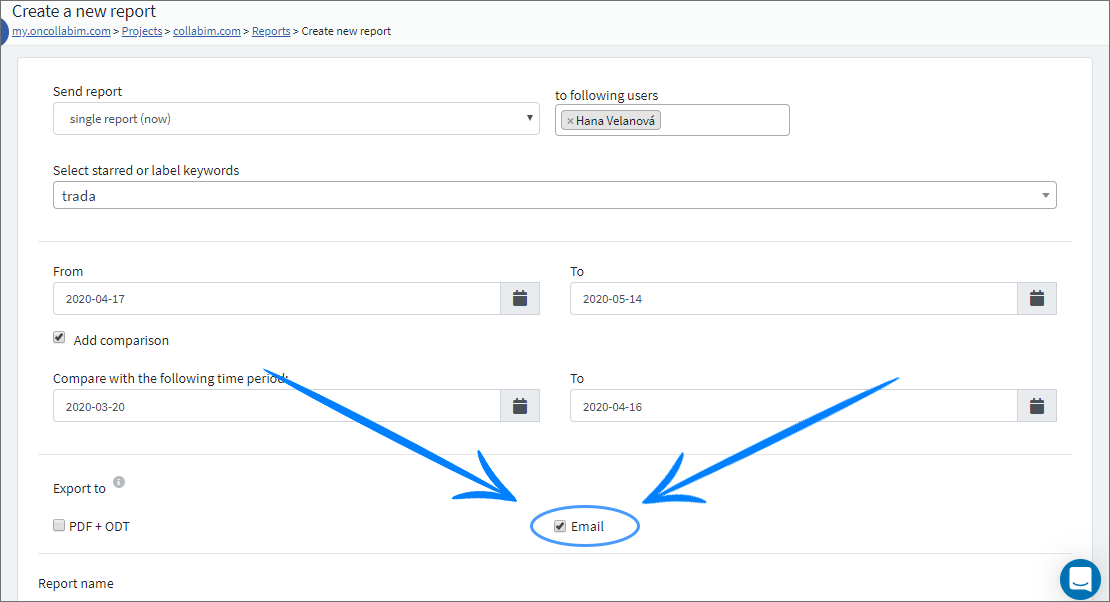
Would you like to have all your reports in your email without having to download any documents? Now it is possible! Just click on the button Export to e-mail while creating a new report.
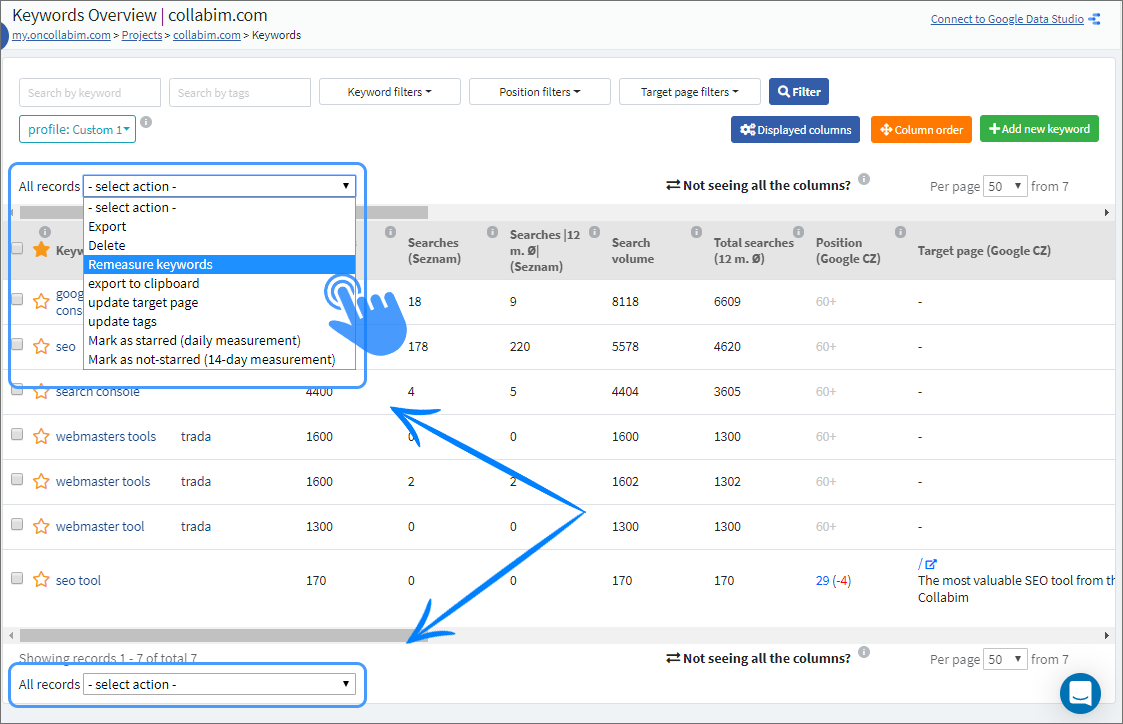
We have unified the design of bulk actions in all tables and we have added these actions above the table as well for you to have everything clearly arranged and to speed up your work.
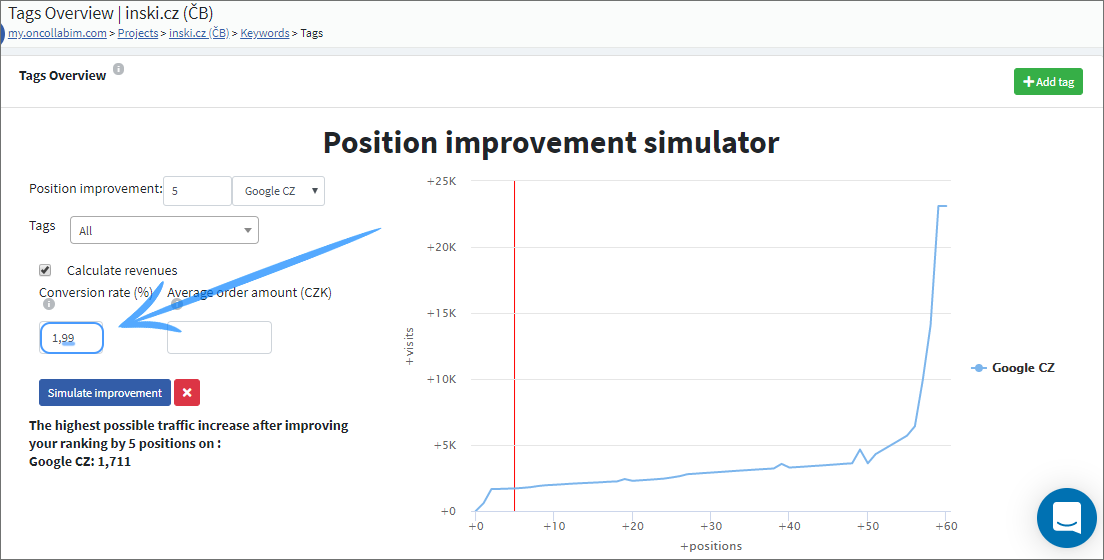
Do you use our position improvement simulator to calculate what the theoretical number of visits could be, based on improvement of your positions? We newly expanded the Conversion Ratio field by one decimal place so now you can add values with greater accuracy.
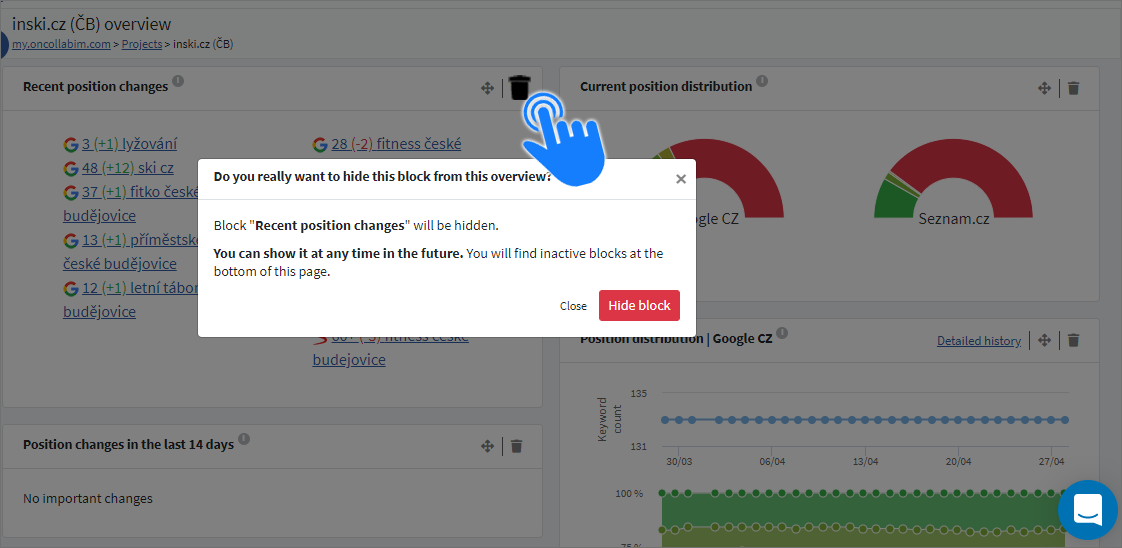
On all overview pages where you could arrange blocks as you needed to, e.g. on Project Overview, you can newly hide unnecessary blocks. You can have everything clearly arranged and the loading time can be shorter too.
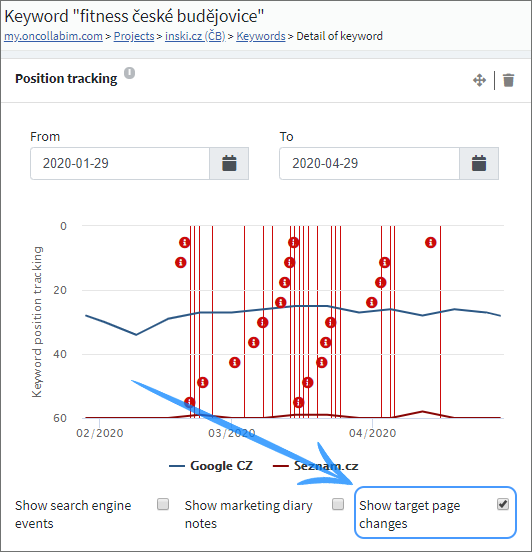
We added an option to display target page changes in the Detail of Keyword graph, for you to know when the search engines change the target pages of your keywords.
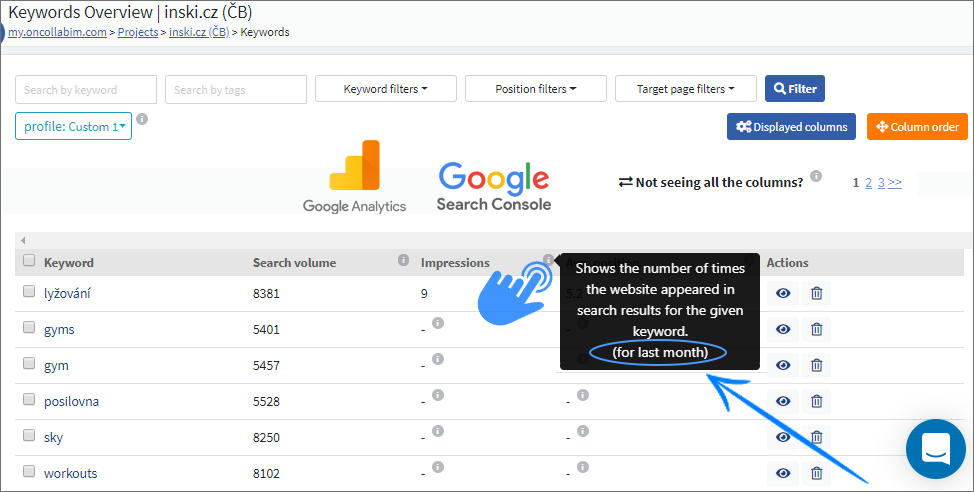
Did you miss the information about the time period measured to obtain the displayed data? In the Keyword Overview we newly added the stretch of time to every Google Analytics and Google Search Console column.
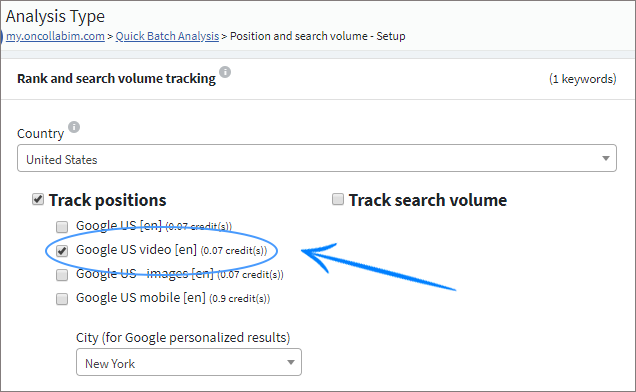
We have a new update for those, who are interested in video search. In Quick Batch Analysis for position and for keyword suggestions you can now select Google video as the search engine.
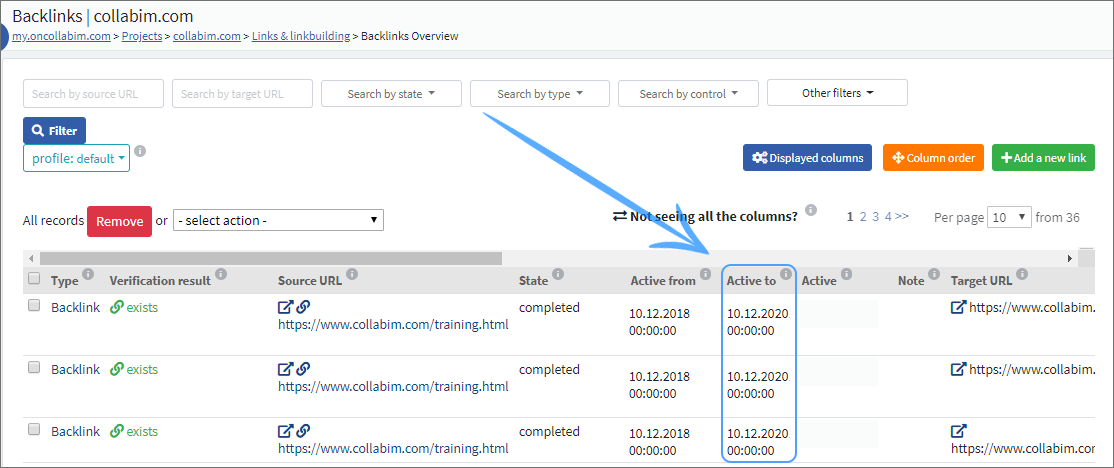
For you to have better overview about all your backlinks, we have added a new “Active by“ column in the Backlinks Overview. This way you can spot when your links end at the first sight.