Experimenting with colors, geometry, patterns, and a mix of generative + manual digital art, with my drawing app or standalone experiments @zubie7a 🇨🇴🇩🇪
@LightwingGeomet 😍 thanks for using the app! If you have Instagram check out https://t.co/ZZRTY4sx7c if you have any feedback it's greatly appreciated!
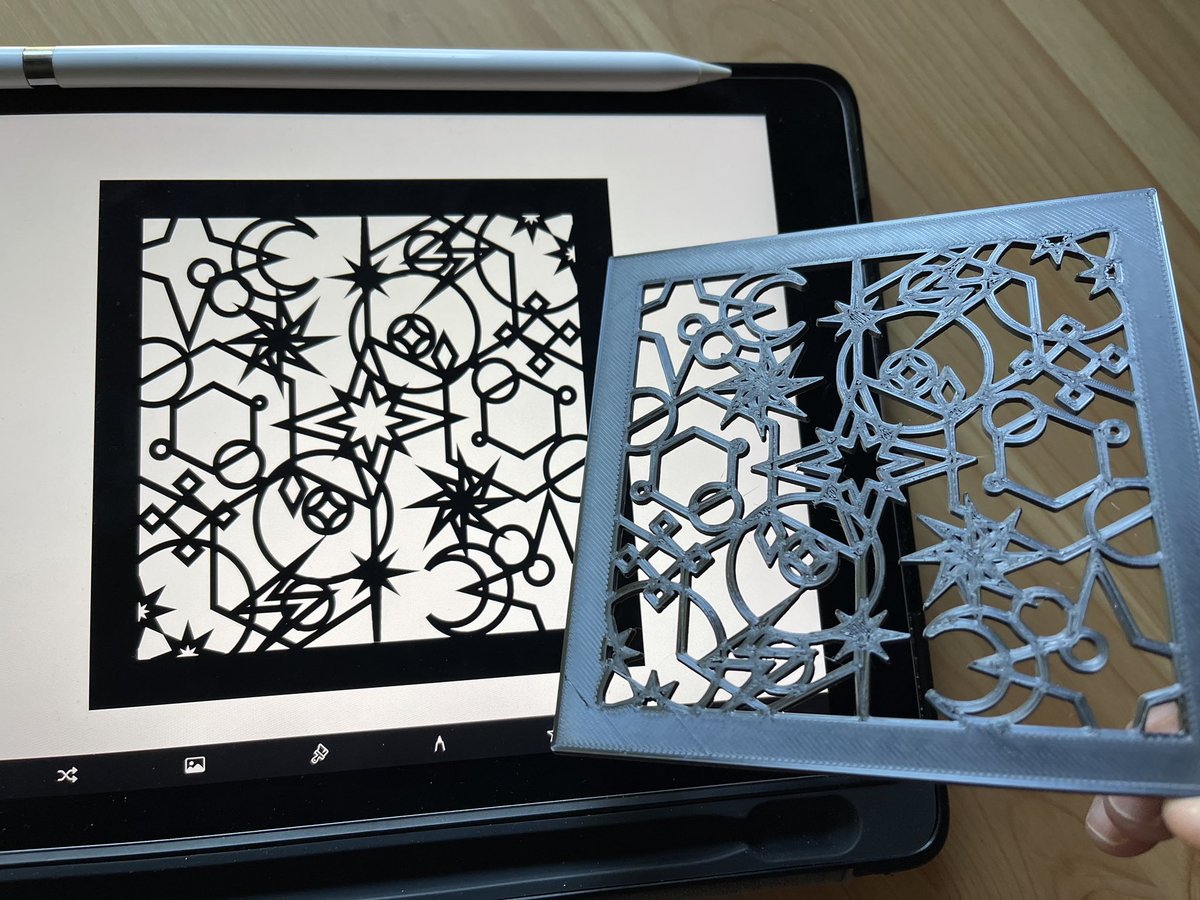
Another idea: creating tiles! I'll use a standard square shape but inside different designs. The tiles can then be used for anything individually or together (side by side, as a cube faces, filling in epoxy, etc)! #CraZeApp#3DPrinting 🔥🚀💡◾️
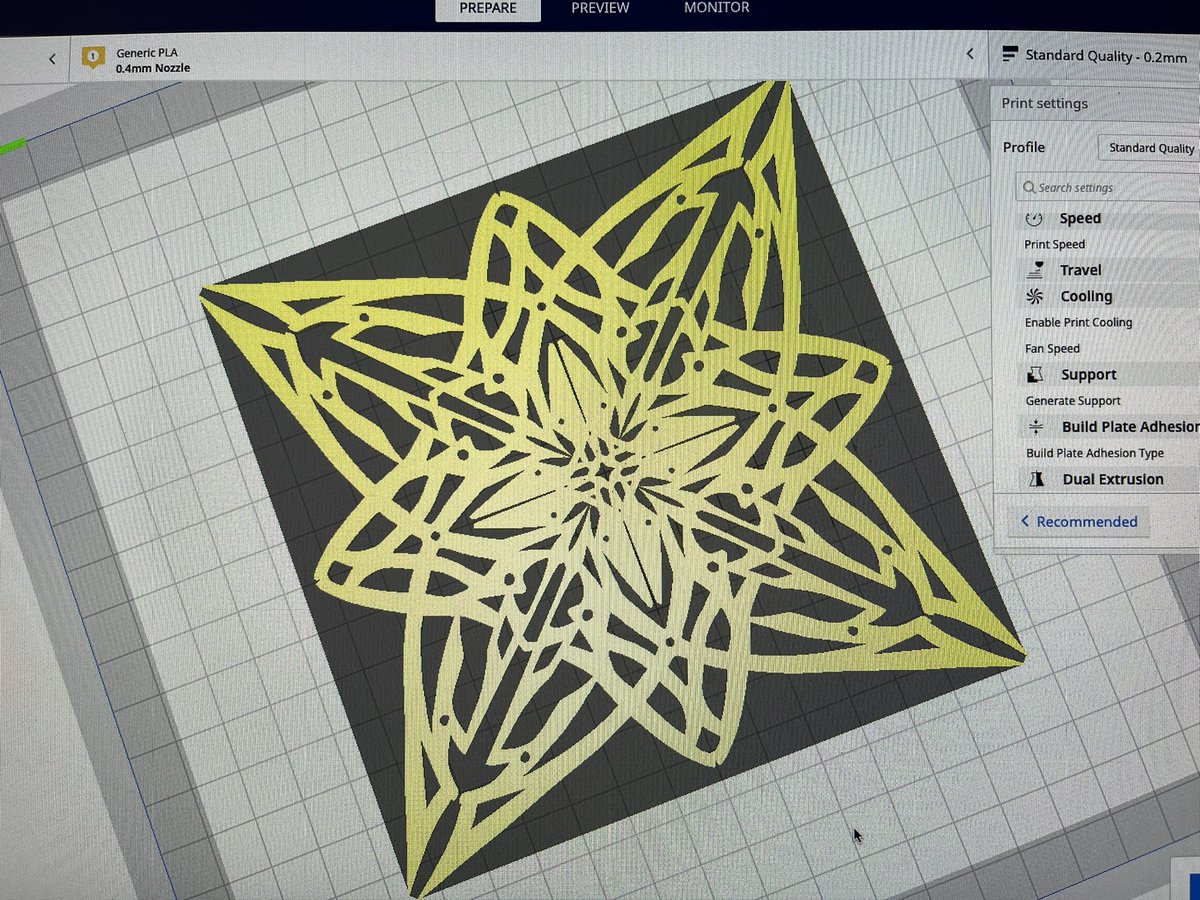
Original file was PNG 2048x2048, then converted to SVG manually, then converted to STL in Tinkercad resizing to 960x960, then in Ultimaker Cura it was too large so scaled it arbitrarily to 20% before slicing, and physical result is almost exactly the size it has on iPad screen 😂
@datadreamer For plotting on AxiDraw try putting different shapes or groups of paths on different layers so you can plot layer by layer by switching pens 😄 Sakura Gelly Rolo color pens are very good when plotting on dark paper too
@Coachwoody83 Sadly not yet :-( You can save as PNG, what I did was run my image through one of those "PNG to SVG" websites, then tweak the SVG a bit, then put the SVG through Tinkercad to create a model file, and then 3D print it :-)
Some #CraZeApp 3D printing, making a drawing with the app, creating a SVG out of it, then using Tinkercad to create STL out of vector, then Ender 3 Pro to print it 😁🚀👩🎨🎨
Lots of manual steps to get from an image drawing to an actual 3D print, but I never thought I'd be holding in my hands a physical shape of a drawing made with my app 🤩
@Staylinnk @SwannyMediaMan@Coloring_app I reply to tweets of people complaining about other drawing apps (like the one from the ad) to promote my own drawing app 🙂
@Staylinnk @SwannyMediaMan@Coloring_app I'm not talking about the app from the ad (which has shady subscription stuff), I have my own drawing app called CraZeApp, you can check it out in my profile, thanks! 😊
@LilyBloomVee My drawing app's name is CraZeApp and it doesn't have any shady recurrent subscriptions or pay to save or ads 😁 It's not super feature-rich but I'm just one developer making it, if you want to see drawings made with it you can check out https://t.co/ZZRTY4rZhE thanks!