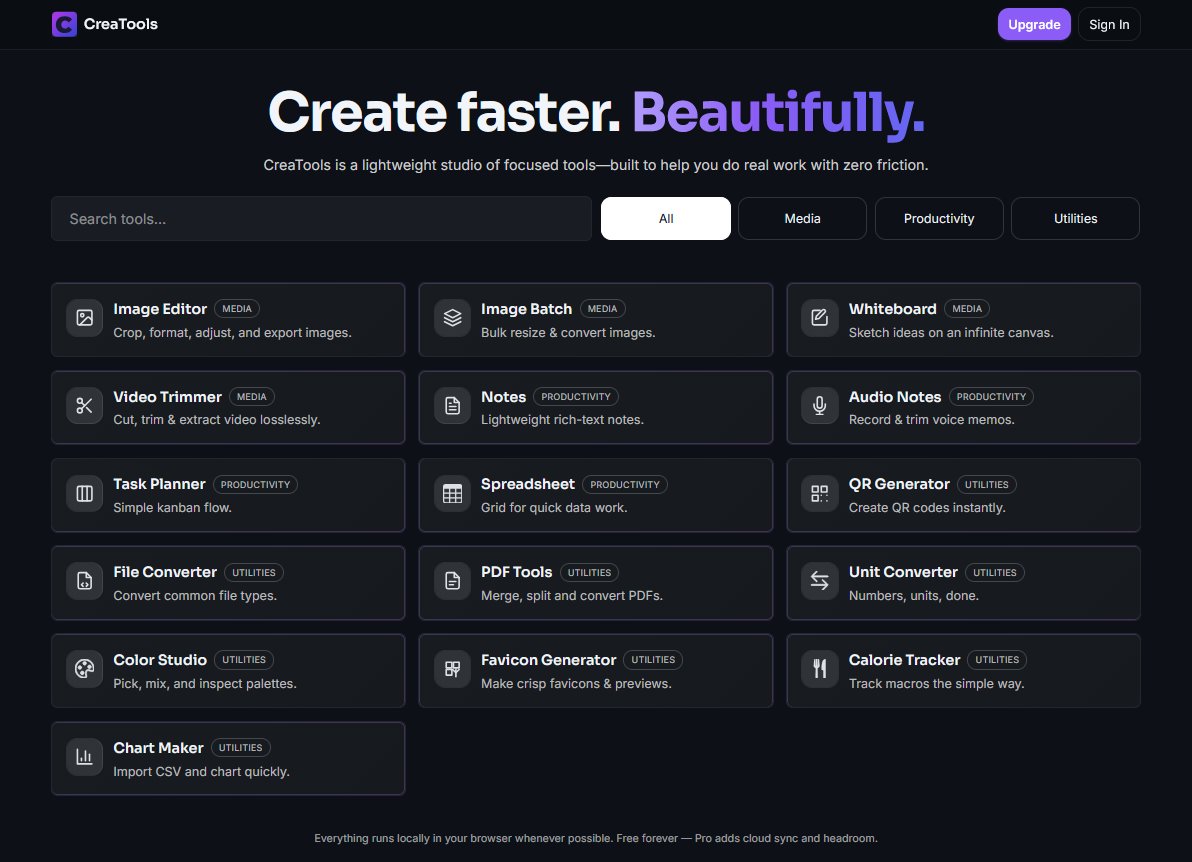
A local-first toolbox for everyday work: merge PDFs, batch-resize images, make charts and QR codes, edit images and videos, take notes, plan tasks, and more.
Today is the day! CreaTools is launching!
This is a local-first toolbox for everyday work. Most tools work instantly in your browser without an account. Your files stay on your device whenever possible. Optional Pro adds cloud sync and extra headroom.
https://t.co/2fjCu9FTFQ
We made a simple but powerful audio notes app for CreaTools. Record, edit, organize and even share the audio note with others.
go try it out at: https://t.co/VNcVXBiHXO
We made a super easy but powerful image batch app so you don't need Photoshop anymore. resize, export in different formats, add canvas and paddings, add watermarks and export everything as a zip file. couldn't be easier. #WebDev#BuildInPublic
👉 https://t.co/Ld0wXLaJwi
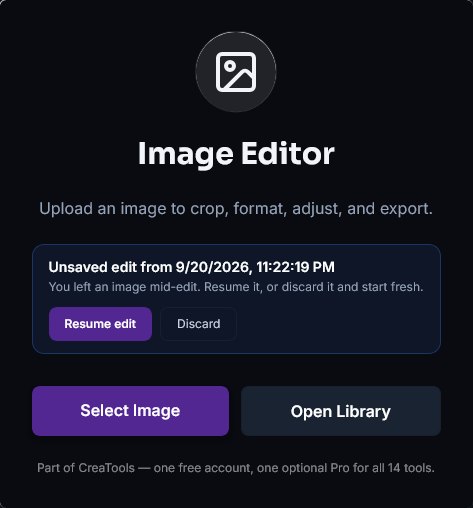
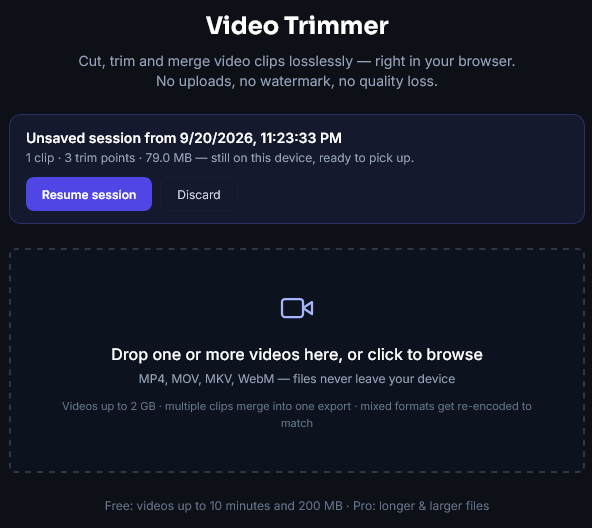
good news, with today's update you can now continue editing images and videos even if you didn't save them or export them before leaving the app.
image editor: https://t.co/bURwbpJFsT
video trimmer: https://t.co/cWhRPVT5DZ
#WebDev#BuildInPublic
I got tired of opening Photoshop for tiny image edits, so I built this into CreaTools instead.
Crop, resize, blur/fill backgrounds, adjust brightness/contrast/saturation, rotate, flip and export and share, right in the browser.
https://t.co/bURwbpJFsT
#WebDev#BuildInPublic
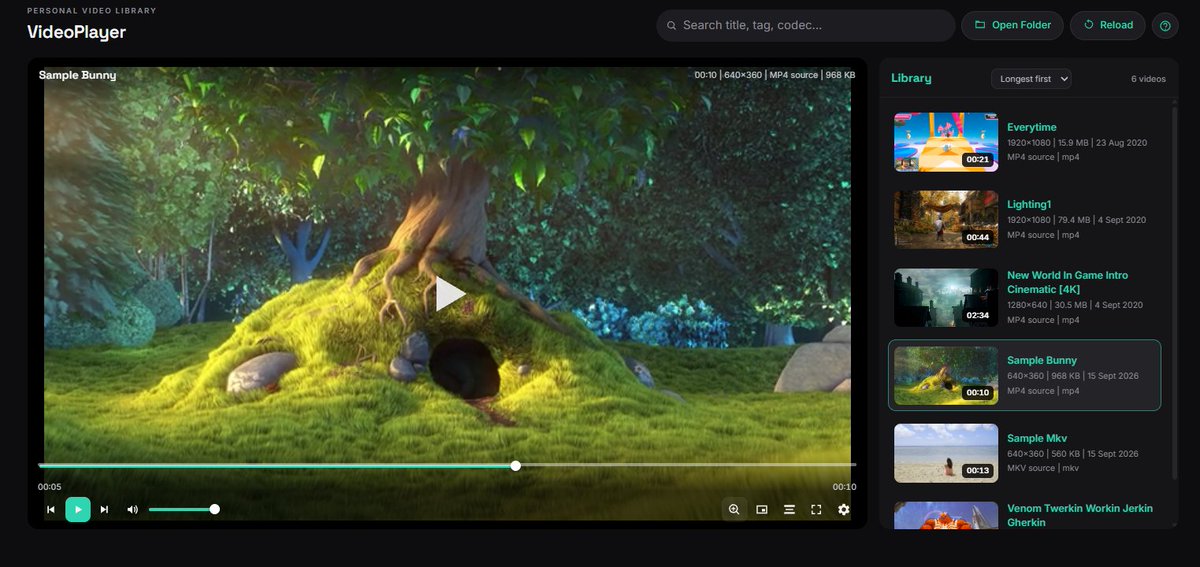
video player got updated. new feautes: frame stepping, volume boost, buffer bar + hover preview, sort, drag & drop, remaining time, toasts, volume keys, MediaSession, light theme + accents
check it out at: https://t.co/WEZ5SlHI1L
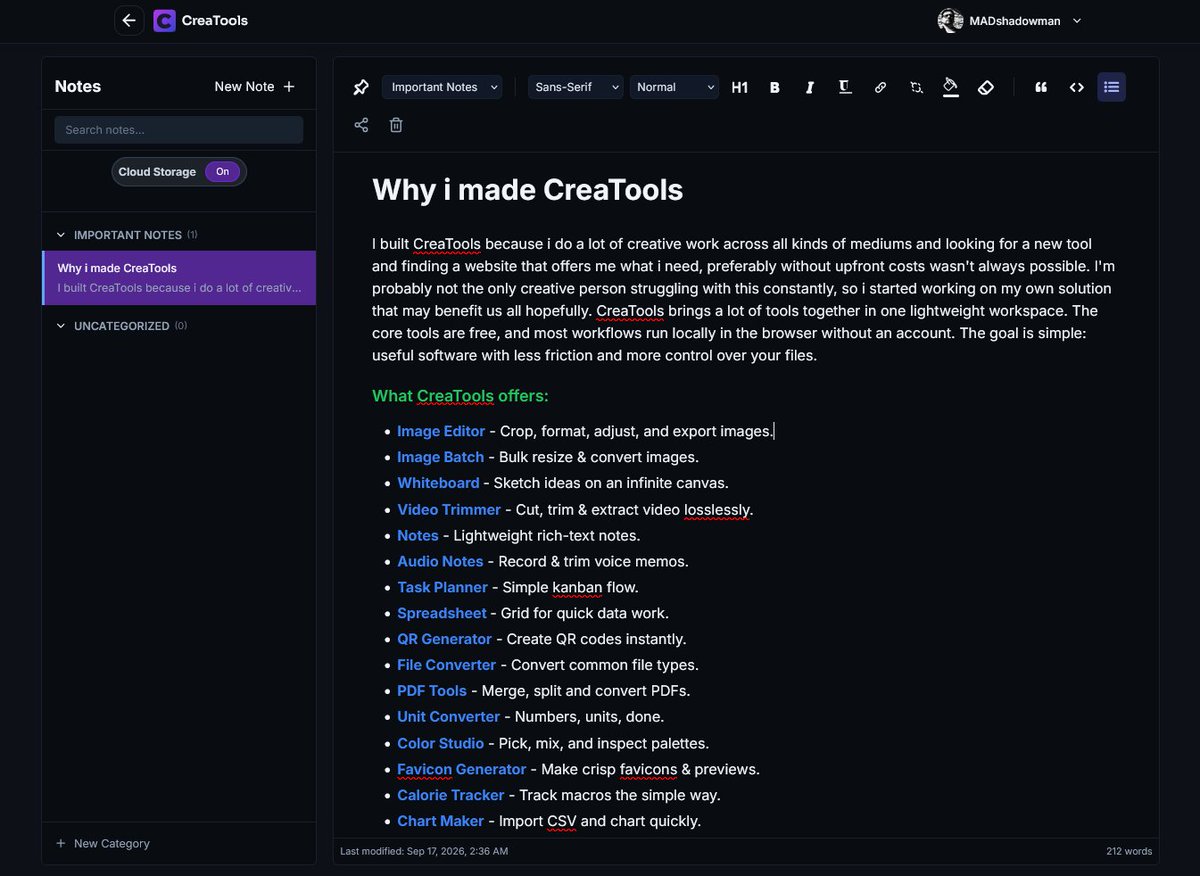
Did you know that CreaTools has a notes app that let's you type out your notes, style them, categorize them and even sync them across devices and share them with others? easily create share links like this one: https://t.co/TuhoYLiQNh
check it out at https://t.co/PRjCsnRnJV
btw. i released my first open source project today. a self hosted video player you can run in your browser. fast and easy to use. also uses #mediabunny by @vanilagy for fallback mov and mkv playback. go check it out and have fun with it.
https://t.co/WEZ5SlHI1L
one of the recent additions to creatools is the video trimmer. powered by @vanilagy's #mediabunny, the export is lightning fast and even let's you export your own custom gifs in no time. give it a shot at: https://t.co/l10FuLIkYT
#creatools
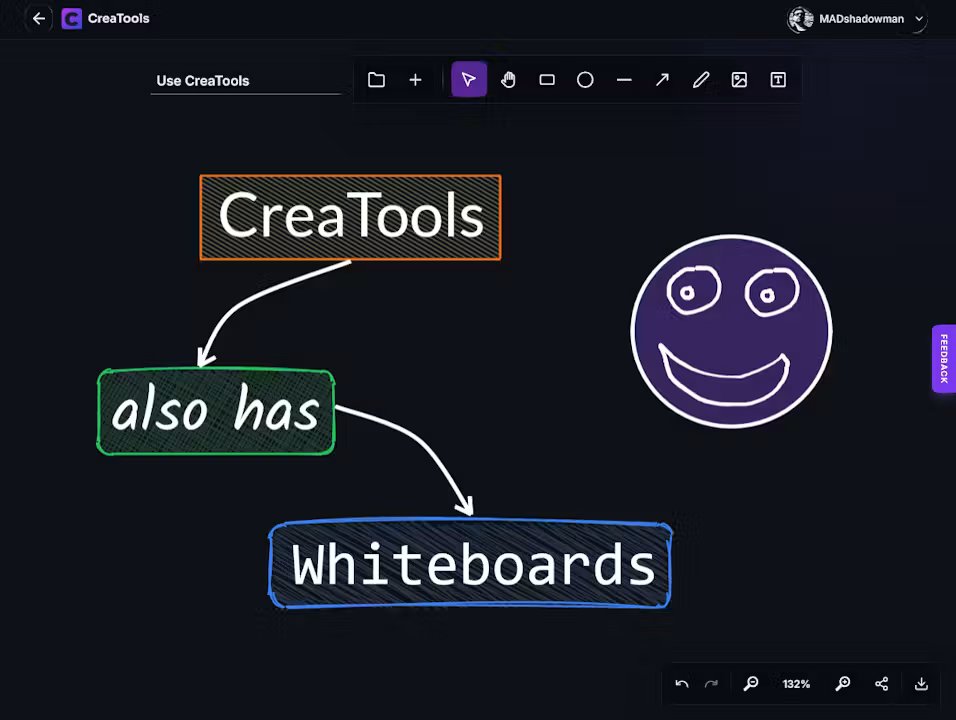
one of the best features of creatools is the whiteboard. lots of fun just playing around with it, but also great for actually sketching out ideas and visualizing your thoughts and talking points. give it a try: https://t.co/R3BZhDzDJ2 #creatools