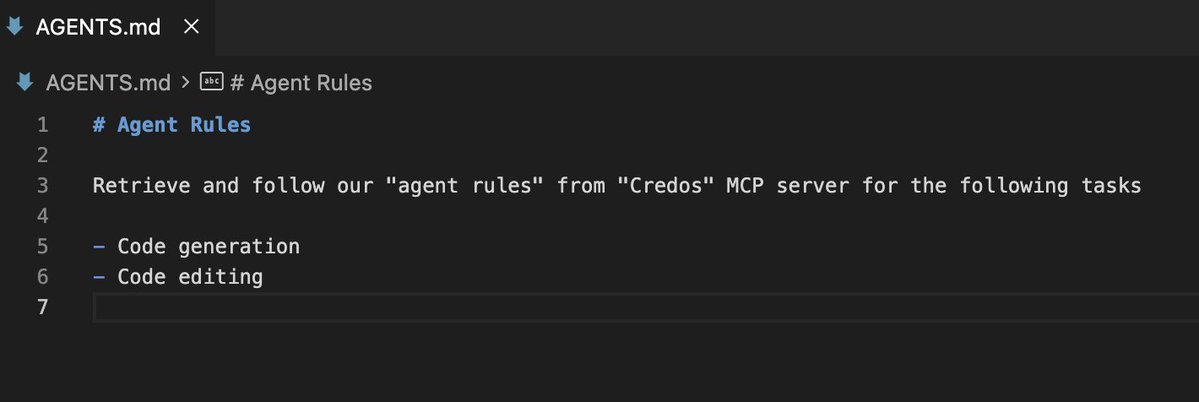
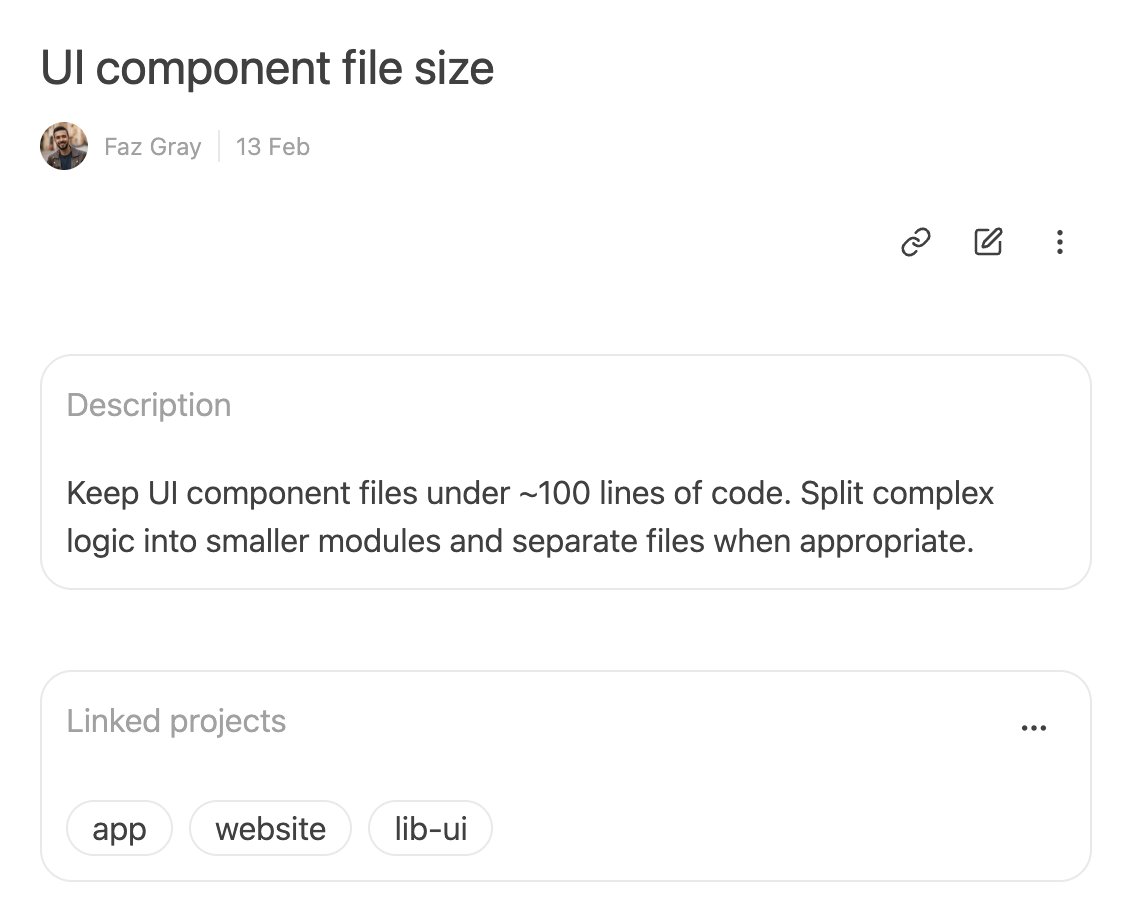
@philippacsany@philippacsany nested AGENTS.md can get messy real quick. we've built a simple solution which allows creating project-specific rules without the need to nest files. try https://t.co/jFGUDtGvtD
@ultrathinktrash@laban_mogire i suppose given the use case, one could simply trust agent's judgment to load the rules when relevant. we prefer to make it explicit as most tools load AGENTS.md instructions at the beginning of each session. one could also prompt the agent to load these mid session via chat.
@ultrathinktrash@laban_mogire it could be. but as MCP server tool definitions are managed on the server-side, client won't have a say when and how to load the agent rules. whereas now, client has full control over that
@muzil7734 in terms of the context size, the trade off is loading valuable context vs. keeping the context window small. at every turn, you can allow/skip loading extra context. context size is usually not an issue as agent only loads precise and relevant rules-when needed.
@muzil7734 on-demand loading latency is very negligible (~ 5-10 ms) and it comes with greater visibility and control; MCP asks your permission whether or not it should load the rules.
@muzil7734 3 steps
1. Agent grabs the project list
2. Then loads the relevant core project rules & truncated version of other rules you'd only want for specific tasks
3. Loads the details of the truncated rules (if relevant)
The results are paginated too.