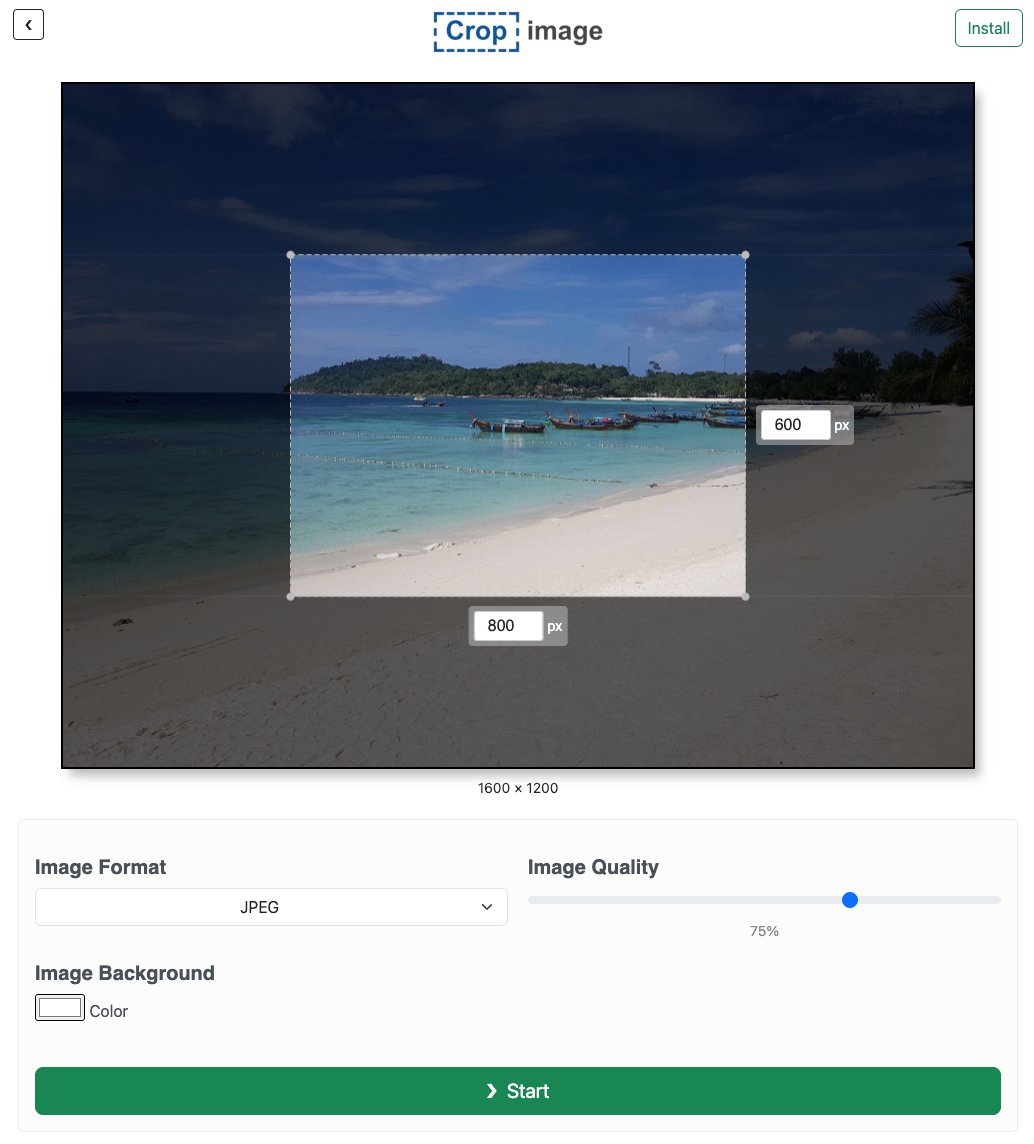
We've spruced up Crop Image's interface! ✨
On big screens, crop area width and height now display right inside the image for a smoother feel.
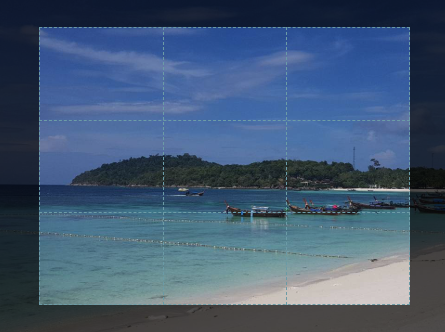
Rule-of-thirds lines show up while you're tweaking the crop, then fade out for a cleaner preview. 📏
New in Crop Image: Now the crop area is split into thirds horizontally and vertically!
This helps with applying the Rule of Thirds, a guideline stating that images will be more visually interesting if points of interest are positioned along these lines.
As always, please don't hesitate to get in touch with us if you have any feedback on how we can make Crop Image the best image cropper for you.
You can also read more about the rule of thirds here:
https://t.co/DhSkGdwZSI
We will soon be renaming AnyCrop.
The new name is Crop Image
Everything continues to work the same way. You will be able to access it from the current or new URL.
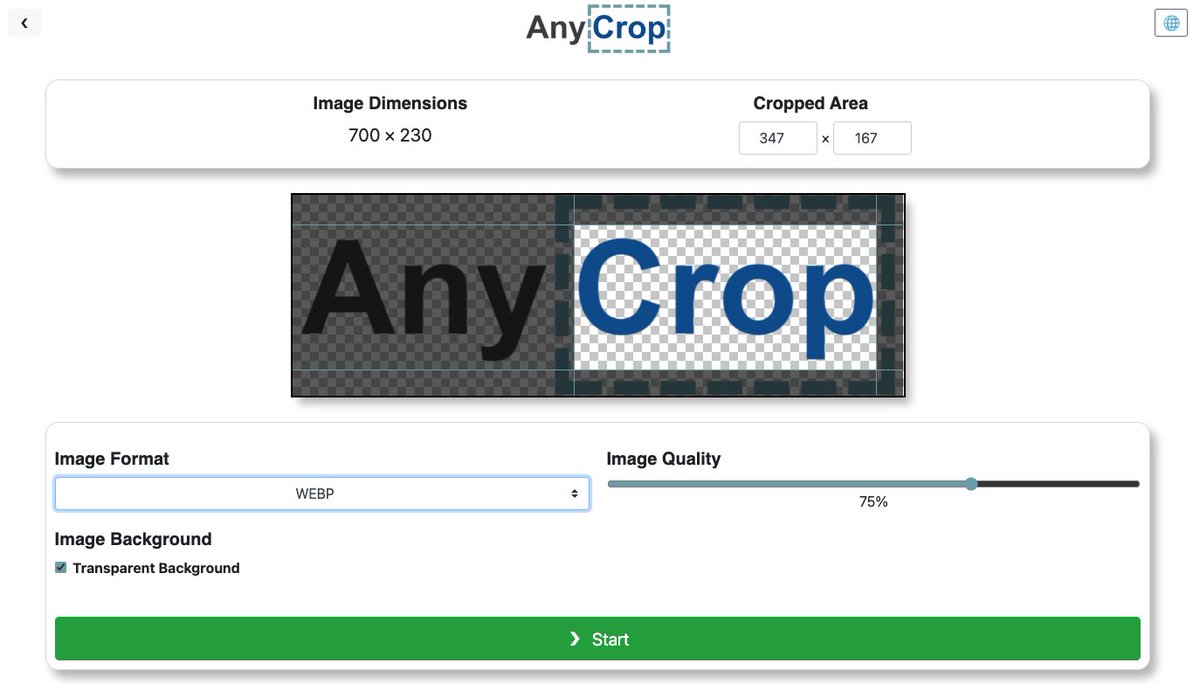
New in AnyCrop: if the image format supports transparency and you have ticked "Transparent Background", a checkered pattern indicates which parts of the image are transparent.
Try it now: https://t.co/aEQ2DwH0pc
#cropimage#imagecropper#imagecropping#anycrop
Tip for using AnyCrop: You can paste (Ctrl-V / ⌘-V) images in order to load them, rather than dragging & dropping or selecting files.
Try it out! https://t.co/a3ZfzGxibF
#imagecropping#imagecropper#cropimages
If you need to watermark a bunch of pictures, Batch Watermark is THE BEST THING EVER.
You can do as many pictures as you want and they’ll send you a zip folder and it goes really fast.
https://t.co/oLJ8WjILYy
@DrIvoRobotnik5 @pancakes0405 Not so sure about that theory! Did an experiment with animals. Doesn't seem to just be about the most light.
https://t.co/VKbiIyOoMq