Bitcoin vẫn đang xoay quanh cùng một phạm vi và khi thàng 10 kết thúc, mình tin rằng BTC có thể sẽ phản ứng nhất định đối với giá của nó
Vì vậy, hôm nay ae nên đề phòng vì bất kỳ điều gì khác có thể xảy ra: có thể là 1 cú xả mạnh hoặc bơm mạnh trong vài giờ tới 🔥
👉 Mình bật kiếm tiền trên X mà không cần buff view (chay 100%)❤️
Hello ae, hôm nay mình sẽ chia sẻ với ae cách để bật kiếm tiền trên X mà không cần buff bất cứ thứ gì. Mình đã làm được điều này chỉ sau hơn 1 tháng cày chay toàn bộ. Các bạn có tin không?
✅Cách đạt 500 follow
Để đạt 500 follow thì khá dễ, các bạn chỉ cần đi follow chéo với những người khác thôi. Cơ mà các bạn cứ từ từ thôi, đừng nóng vội mà đi follow nhiều quá cùng 1 lúc để tránh bị ban. Các bạn có thể follow những người có nội dung liên quan đến nich của mình, hoặc những người có nhiều tương tác và follow tự nhiên.
✅Cách đạt 5M impresion
Đây là phần khó nhất và cũng quan trọng nhất để bật kiếm tiền trên X. Các bạn cần phải chăm chỉ đi cmt dạo trên các bài viết của người khác. Đừng spam để bị ban nhé, các bạn phải cmt thông minh và đúng nội dung bài viết.
Các bạn có thể để ý một vài nich KOL và trang thông tin lớn, follow họ xong bật thông báo lên, bao giờ có thông báo cái nhảy vào bình luận luôn. Ban đầu mình bình luận bên Mỹ thì hơi lâu cơ mà nhiều tương tác hơn. Sau đó có người chỉ mình bình luận qua bên Nhật thì nhanh lên lắm luôn. Mình bình luận bên Nhật 1 tháng đủ 5M luôn.
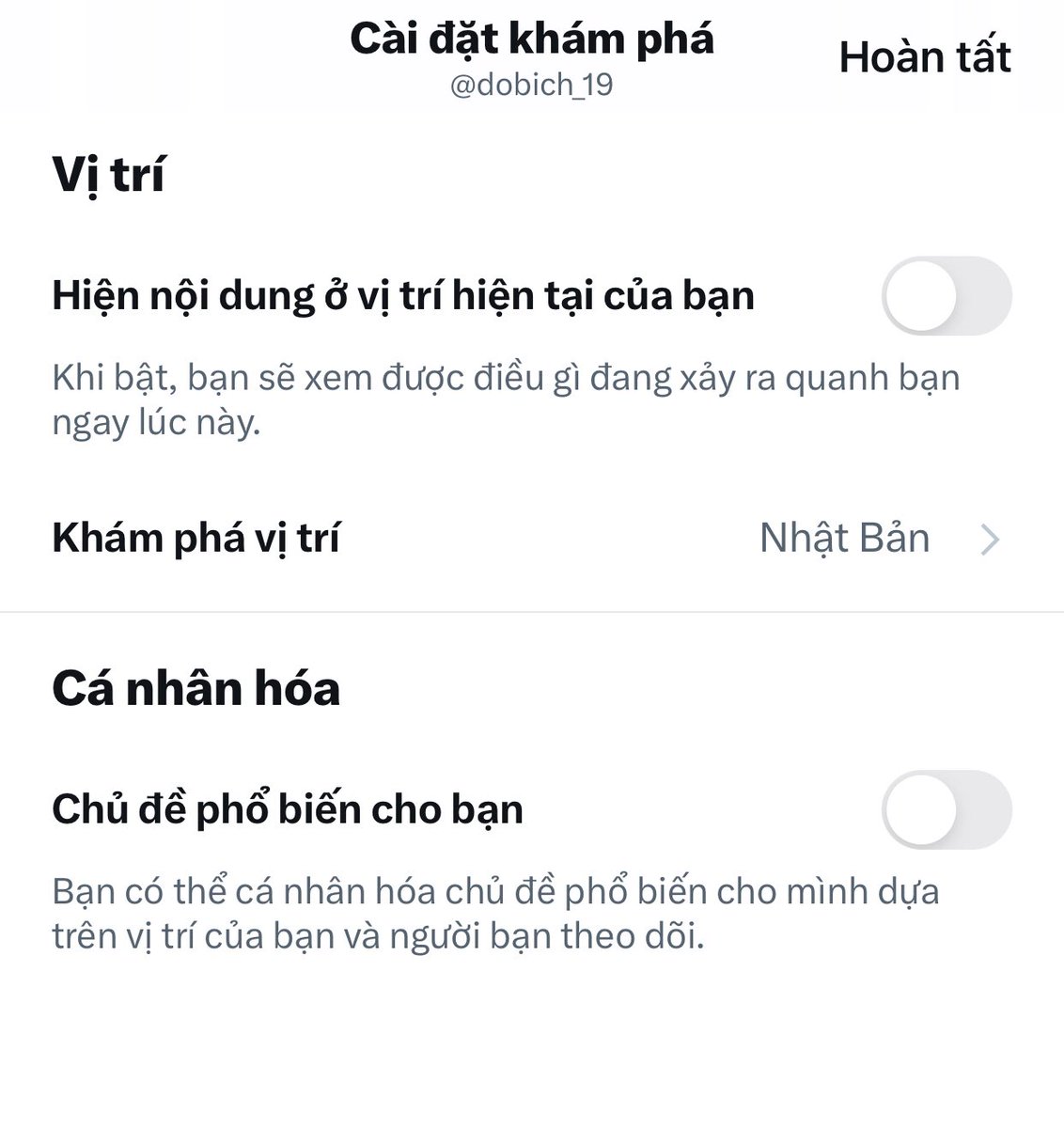
Ở trên phần tìm kiếm nó set tự động nội dung hiện đang xu hướng tại khu vực (các bạn set theo quốc gia mà các bạn muốn bình luận nhé, phổ biến nhất là Hoa Kỳ được nhiều tương tác và follow tự nhiên, còn Nhật Bản thì nhanh lên view), các bạn vào đó thấy bài nào mới đăng khoảng 1-2 tiếng mà nhiều view, để ý phần bình luận thấy nhiều người được view cao thì các bạn bình luận theo. Các bạn có thể rep lại những bình luận view cao cũng được ké view theo đó.
✅Lưu ý khi cmt dạo
•Bình luận đúng nội dung bài viết, không bình luận spam liên tục, cách 3-4p bình luận 1 lần.
•Không phải cứ bình luận nhiều là được mà phải bình luận thông minh. Hãy để ý bạn bình luận bài của nick nào hay được lên view, thì bật thông báo sau và bình luận nick đ�� nhiều hơn.
•Sau một thời gian các bạn tập trung bình luận 1 vài nick mà đã bật thông báo sẽ nhàn hơn, đỡ phải đi kiếm trên phần tìm kiếm.
Vậy là mình đã chia sẻ xong cách để bật kiếm tiền trên X mà không cần buff view. Mình hy vọng các bạn sẽ áp dụng được những kinh nghiệm của mình và sớm đạt được điều kiện kiếm tiền. Chúc các bạn thành công và kiếm được nhiều tiền nha. Cảm ơn các bạn đã đọc bài viết của mình. 😊
Foldable electric scooter Honda Motocompacto: price 995 USD
#honda#scooter#52hzbox
Introducing the Honda Motocompacto, the funky new foldable electric scooter that's making waves in the world of urban mobility! Priced at just $995, it's a blast from the past, drawing inspiration from Honda's pint-sized wonder, the Motocompo, which captured hearts back in the 1980s.
This zippy scooter sports a sleek and modern design, boasting a lightweight aluminum frame. Measuring in at roughly 1 meter (about 3 feet) in length and tipping the scales at a mere 19 kilograms (approximately 41 pounds), it's a breeze to handle. The Motocompacto offers a nifty 20-kilometer range on a single charge and recharges fully in just 3.5 hours, plugging into your standard 110V outlet.
But here's where it gets really cool: when you fold up the Motocompacto, it magically transforms into something that resembles a Costco-style folding table. The handlebars, the seat, and even the rear wheel can be neatly tucked away within its compact frame. It's like having your own pocket-sized superhero of urban commuting, ready to hop on public transportation or tag along wherever you go!
Mark your calendars, folks, because the Honda Motocompacto will be hitting the streets officially in November, and it's bringing its $995 price tag with it. You can snag this snazzy ride exclusively on Honda's website or at your nearest Honda and Acura dealerships.
This is just one of the exciting steps Honda is taking on its journey to electrify its entire vehicle lineup by the year 2040. So, get ready to zip around town in style with the Motocompacto – it's compact, it's electric, and it's downright fun!
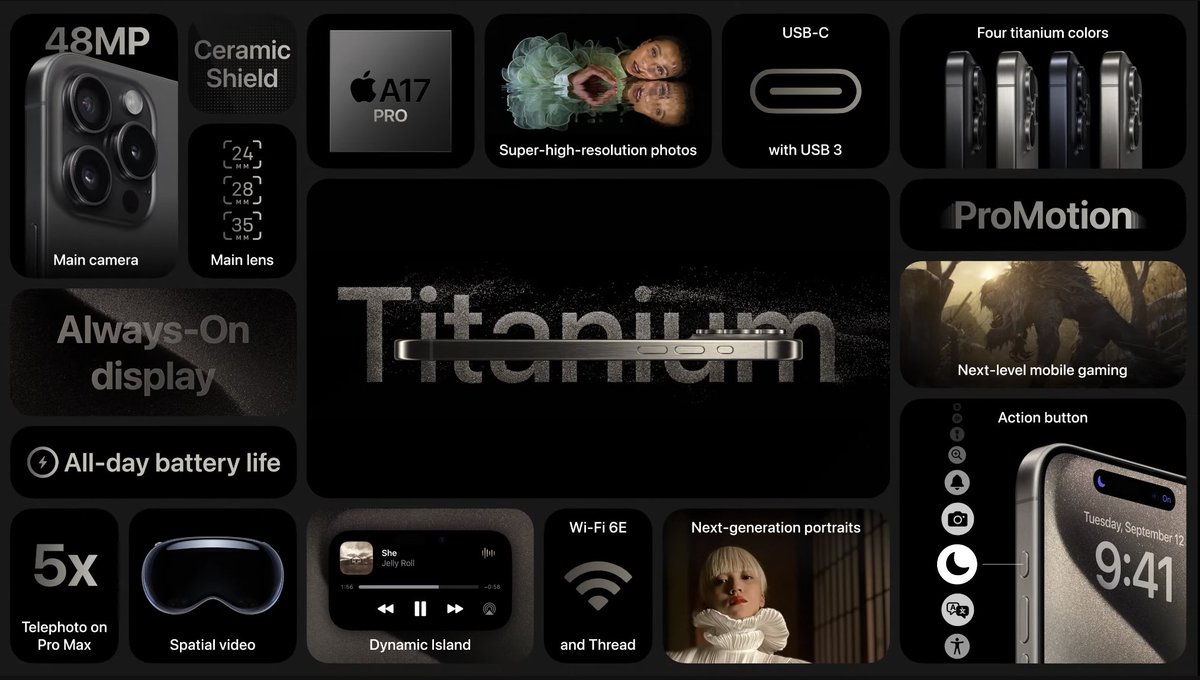
Apple's decision to replace the physical Ring/Silent switch with the Task Button is a fantastic move.
I won't talk about the Task Button until the iPhone 15 Pro/Pro Max is released, but I've been expecting it in my prediction articles about the iPhone Titan. The main reason is that, for me, the Ring/Silent switch on the iPhone has long been redundant as I always keep my phone on silent mode.
1. Most users nowadays keep their phones on silent mode.
If you look around, you'll see that the majority of people around us keep their phones on silent mode, especially in the workplace, public spaces, and even at home. The reasons for keeping it on silent are:
- Using the ringer can disturb colleagues at work.
- Using the ringer can disturb others in public places.
- Phones tend to be within arm's reach or in plain sight of the user.
- Users often use smart wearables to receive notifications, such as smartwatches and fitness trackers.
2. The primary function of the Ring/Silent switch has many alternative solutions.
The main purpose of Apple creating the Ring/Silent switch was to allow users to quickly switch between Ring and Silent modes. Later, Apple introduced various other ways for users to quickly silence a call, such as flipping the phone face down or pressing either of the volume buttons.
3. Apple is adding features rather than removing the Ring/Silent switch.
We still have a physical button there, always ready to perform assigned tasks. It's just that now, the physical switch has been replaced by a button, which is a slightly different action.
Some argue that the button press is not as quick as flipping the switch. I find this to be a matter of preference and have no basis for this claim. I think the button press is simpler. There is also an argument that the button may be difficult to press when it's recessed, especially with a case on. I find this argument to be unfounded; a case would similarly cover the physical volume buttons, and light or firm button presses depend on case design, not the button itself.
4. The Task Button can have many useful features.
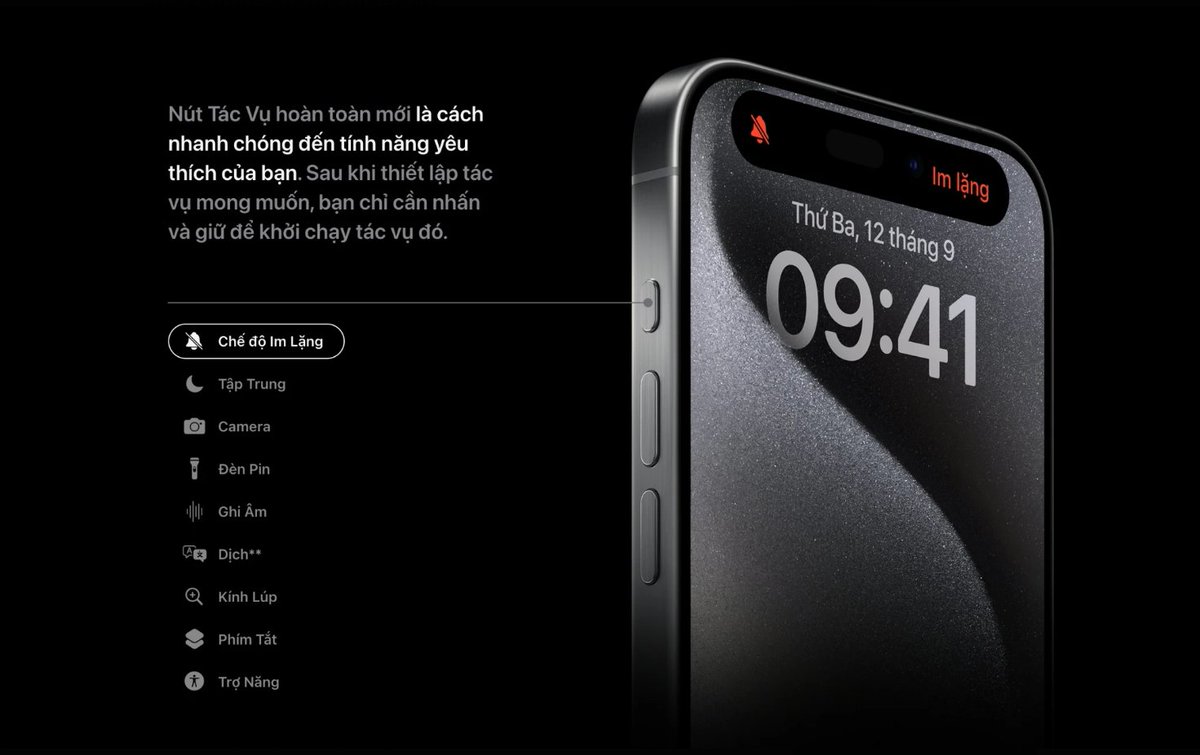
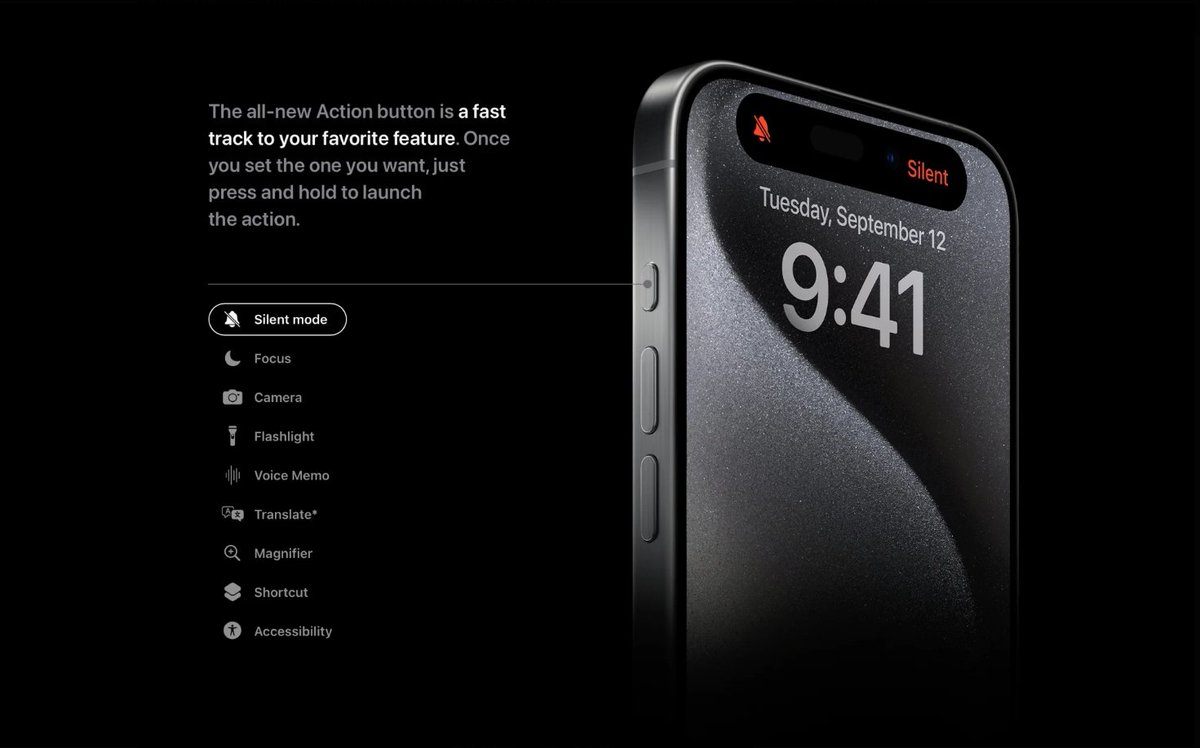
As I expected, the iPhone 15 will have a Task Button that can be assigned various functions, similar to the Apple Watch Ultra. For me, the Task Button on the iPhone will be much more useful than on the Apple Watch Ultra. As of now, the Task Button on the iPhone can perform the following tasks:
- Quickly switch between Ring and Silent modes.
- Activate the Focus mode, which I don't use because I set up focus modes based on time and location (home is personal mode, office is focus mode, noon is break mode, evening is sleep mode, etc.).
- Activate the Camera. This is excellent for those who love taking photos with their phones. Instead of having to wake the screen, swipe to the camera icon, you can now simply press the button, and the camera is ready. I'll find this feature very useful, especially when I'm out and about.
- Activate the flashlight. I occasionally use this feature and it's definitely more frequently used than the silent switch.
Personally, I love the upgrade from the Ring/Silent switch to the Task Button with the ability to assign different tasks. I'll often assign the camera activation function to the Task Button. What about you? Do you like the new Task Button, or do you still have a fondness for the legendary Ring/Silent switch?
Review of iPadOS 17: upgraded experience but still behind iOS
After three months of using iPadOS 17, what stands out to me is that iPadOS 17 is like an extension of iOS 17+. In other words, what Apple did with iOS 16 and iOS 17 has been brought over to iPadOS 17. What I'm trying to say is that the current features of iPadOS were already present in iOS 16 and iOS 17.
I'm currently writing this review of iPadOS 17 with my iPad Pro M2, and I feel that the iPadOS + iPad Pro combo still doesn't make it feel like a real computer, which is quite evident. For those who use the Apple Pencil extensively for drawing and direct note-taking on PDFs, the iPad Pro M2's Hover feature and the ability to write directly on PDFs in Apple Notes might be practical. However, I don't use these features extensively.
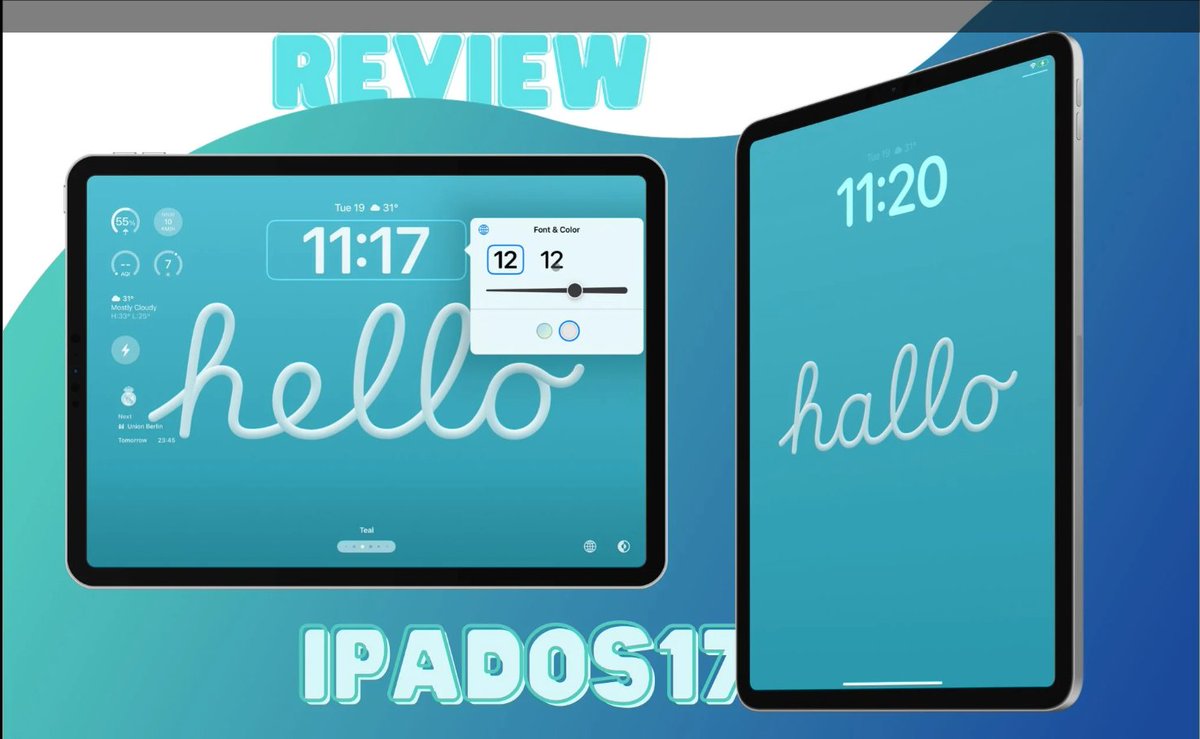
The widgets, including those on the lock screen and the ability to interact with widgets, are the same as in iOS.
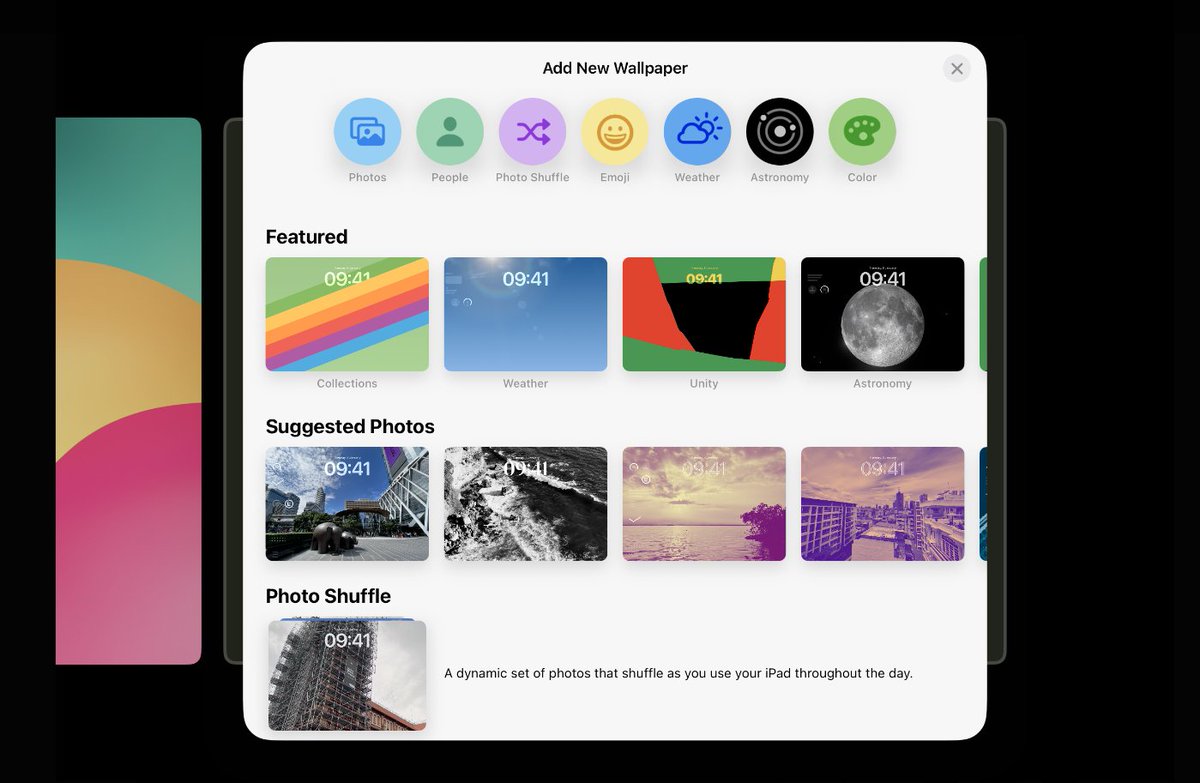
But I find the lock screen with widgets on the iPad to be more beautiful than on the iPhone, perhaps because the iPad's screen is larger?
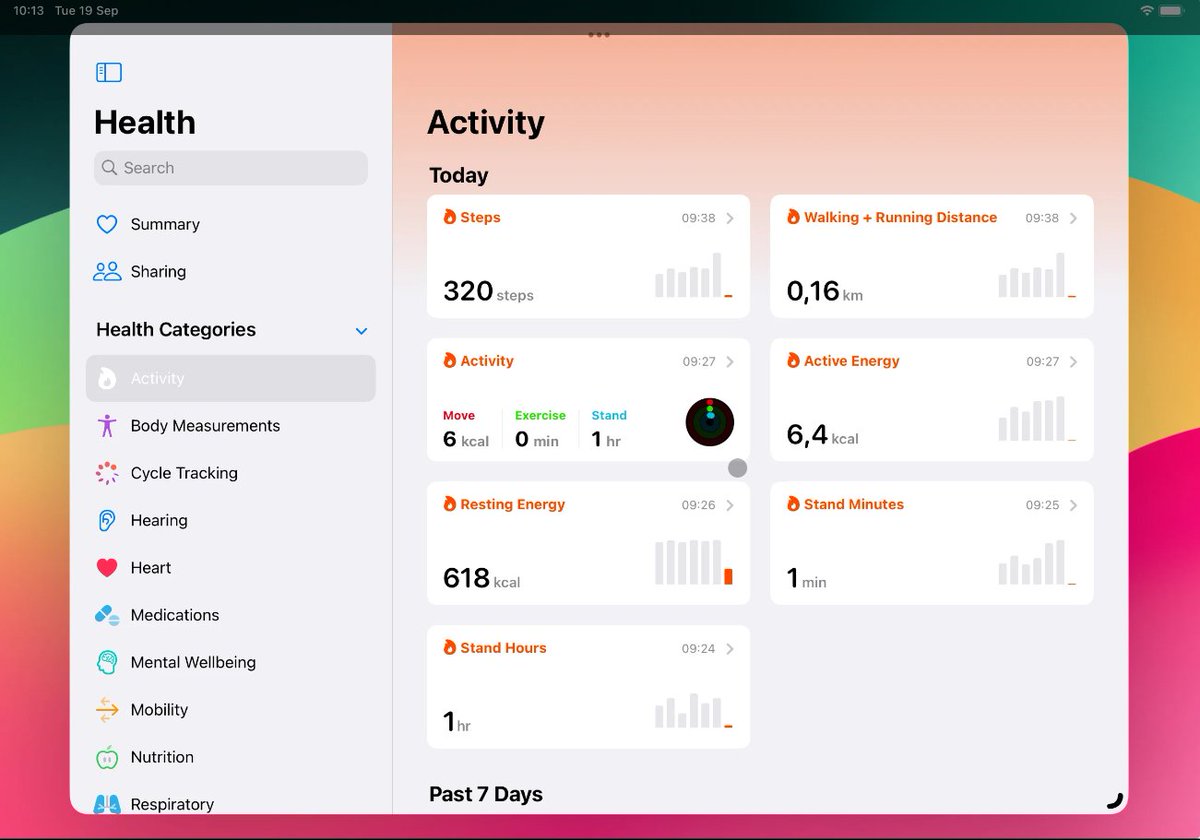
The Health app is available on iPadOS, but Apple Watch still can't connect to the iPad.
The Health app on iPadOS can be useful for those who use an Apple Watch and also have an iPad, provided they engage in regular physical activity and health tracking. However, what I've been hoping for is the ability to connect an Apple Watch to an iPad or MacBook without needing an iPhone nearby, but that hasn't become a reality yet.
The Stage Manager continues to improve the user experience.
One notable improvement in iPadOS 17 compared to the previous generation is Stage Manager. Stage Manager is something I use a lot on my iPad and really love. While I don't use Stage Manager on macOS, it's different on iPadOS.
The iPad's screen is smaller, and the multitasking capabilities of iPadOS are not quite like macOS, so Stage Manager is genuinely helpful to me. The ability to adjust window sizes more freely compared to iPadOS 16 is a feature I appreciate, although I would like to see even more supported apps and resizable windows of all sizes with the ability to drag and drop between them.
The iPad's battery still needs to be charged twice a day with heavy usage.
I didn't expect a significant increase in my iPad's battery life with the new iPadOS, and that's exactly what happened.
My iPad Pro, when used with the Magic Keyboard, still needs to be charged twice a day with heavy usage. To be clear, when I say "twice a day," it's more like once during the day and again in the evening. On days when I use it less, I can go a day and a half on a single charge, and the standby battery life of the iPad is excellent.
With each new iPadOS update, more features are added, and the battery life remains about the same. I've contemplated the possibility of the iPad's battery deteriorating rapidly after a year, so I decided to purchase Apple Care+ for it. It's because I've determined that I'll be using it extensively.
iPadOS is still in the shadow of iOS.
Despite having used my iPad Pro M2 for over half a year and iPadOS 17 since the first beta release, I still feel that, fundamentally, iPadOS is a secondary priority compared to iOS and iPhone.
Fairly speaking, iPadOS is essentially an optimized version of iOS for larger screens. Apple just gave it a different name and added a few features to distinguish it from iOS as much as possible. However, I still don't think iPadOS is a different operating system from iOS. They are similar in terms of both user interface and features. Until iPadOS incorporates more macOS-like features, it will still be considered an extension of iOS rather than a distinct operating system.
The satellite rescue calling feature on iPhone 14/15 is available in 16 countries
Initially this feature was only available in the US and Canada, but now Apple is gradually expanding this feature to more countries, below are the new countries Apple has added to the list that can use the feature. Call for rescue via satellite:
Australia
Austria
Belgium
France
Germany
Ireland
Italy
Luxembourg
Netherlands
New Zealand
Portugal
Spain
Switzerland
United Kingdom