Want to use open-source projects in your SAP system? 🚀
Here's how to install any GitHub repo using abapGit:
1️⃣ SE38 ➔ ZABAPGIT_STANDALONE
2️⃣ New Online & link repository
3️⃣ Pull & activate in SE80
Watch the quick tutorial:
https://t.co/JsUOzu7oiQ
#SAP#ABAP#abapGit#GitHub
Before switching to Eclipse or VS Code, here are 3 essential SAP GUI shortcuts you should know:
🔍 F4: Open search help
📅 F2: Set today's date in a date picker
🔙 F3: Go back step by step
Check out the quick video: https://t.co/IwyKFvxntI
#SAP#ABAP#SAPGUI#TechTips
Did you know you can run OS commands directly from SAP without direct OS access? 🛠️
Transaction SM49 lets you execute external commands like ping right from the SAP GUI.
Check out this quick tip: https://t.co/XrRO0ZXsx8
#SAP#ABAP#SAPBasis#TechTips
💡 Quick Eclipse / ABAP tip:
Did you know you can use wildcards (*) with code completion (Ctrl + Space)?
When dealing with classes that have dozens of methods, wildcards make filtering the suggestion list so much faster!
Watch here: https://t.co/A9XQvJDWuo
#ABAP#SAP#Eclipse
Annoyed by the placeholder characters in the SAP GUI password field? You can easily turn them off! 🚫✨
Go to Options ➔ Interaction Design ➔ Visualization 2 and uncheck "Show placeholder characters".
Quick walkthrough 👇
https://t.co/R9LGYdXWhY
#SAP#SAPGUI#SAPTips
Can’t remember that specific SAP transaction code? 💡
Don’t guess—just run KTRAN! Search by partial keywords or descriptions, filter by package, and add it straight to your favorites.
Check out the quick walkthrough 👇
https://t.co/tt2LQ3riu8
#SAP#SAPCommunity#TechTips
Need to lock users out during system updates? Here’s how to enable Maintenance Mode in SAP S/4HANA! 🛠️
Learn how to unlock transaction S_MAINTENANCE via Security Policies (SECPOL) and restrict user logons:
🔗 https://t.co/oOTlLMFThz
#SAP#S4HANA#SAPBasis#SysAdmin#ERP
Want to join tables directly in SAP without custom coding? Transaction SE16H makes it super easy! 🚀
Here’s a quick guide on creating table joins (like SFLIGHT & SCARR) and viewing the generated report:
🔗 https://t.co/tYVcuG1jrZ
#SAP#SE16H#ABAP#SAPTips#ERP
Quick SAP GUI tip: Pressing the spacebar in input fields shows your most recent entries! 💡
Need more suggestions? You can easily increase the limit (e.g., from 5 to 10) in SAP GUI Options under "Local Data > History".
🔗 https://t.co/v7YX6NTPAl
#SAP#SAPGUI#SAPTips#TechTips
Handy tool for SAP developers: The "User Exit Finder" on https://t.co/UJzOLPjlC0 🔍
Just enter any SAP TCode (e.g., SU01 or ME21N) to instantly find matching user exits, BAdIs, object names, and enhancement details.
A real time-saver! ⏱️
🎬https://t.co/o6q1HJYxJ3
#SAP#ABAP
Check out package SABAPDEMOS! 📦
It’s SAP’s official code library filled with ready-to-run examples, from basic syntax up to advanced concepts like CDS views and RAP.
Open it in ADT / Eclipse and explore! 💡
🎬 https://t.co/Gc37AHEXPU
#SAP#S4HANA#CleanABAP
Want to quickly reach a logged-in SAP user? 💬
Send an instant screen pop-up:
1️⃣ Open transaction SE37
2️⃣ Test function module TH_POPUP
3️⃣ Enter Client, User & Message
4️⃣ Execute (F8)
Boom—a pop-up immediately appears on their screen! 🚀
➡ https://t.co/2w0m5hsZEi
#SAPTip
Still use F2 in Eclipse (ADT) to check method params? 🛑
Try this: Click the small "@" icon in the bottom bar to open the "ABAP Element Info" view.
Now, just click on any method and the interface info updates automatically! ⚡
Video: https://t.co/3wZZmoshFp
#SAP#ABAP#SAPDev
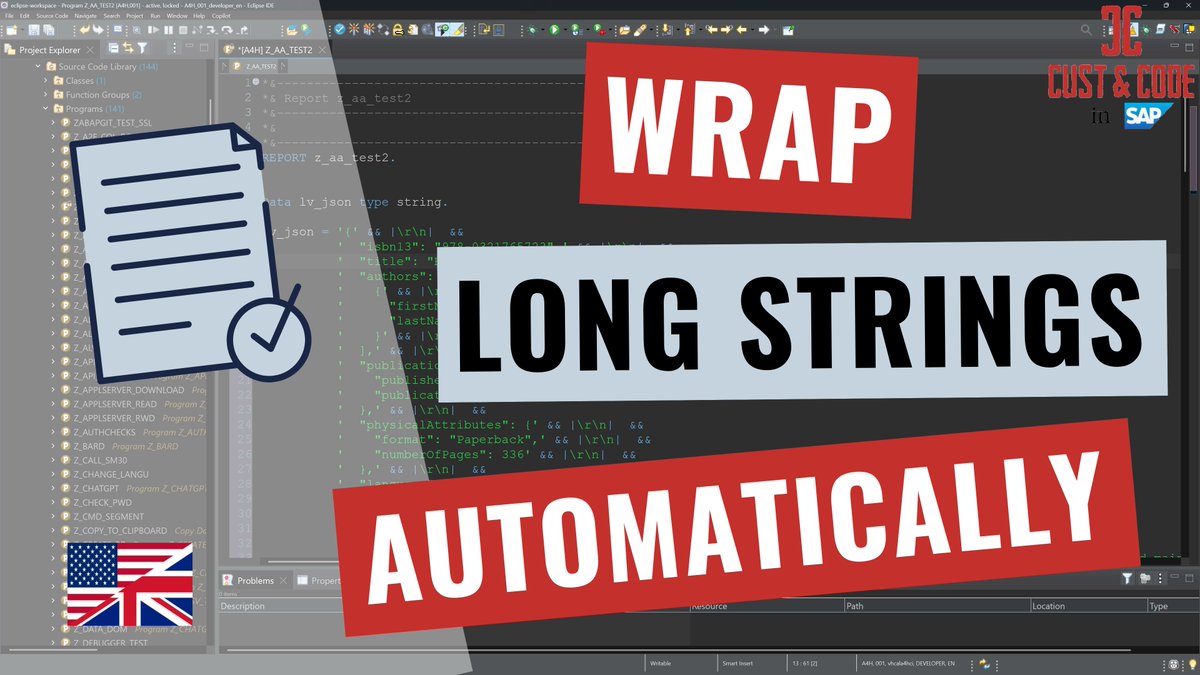
Tired of syntax errors when pasting multi-line JSON or long strings into ABAP? 🤯
In Eclipse (ADT) go to:
Preferences ➡️ ABAP Development ➡️ Editors ➡️ Source Code Editors ➡️ check “Wrap and escape text when pasting into string literal”!
➡️ https://t.co/XFv5p4UnGc
DSAG Technology Days in Hamburg: While SAP CTO Philipp Herzig provided exciting insights into the technology roadmap, Constanze Kurz from the CCC offered important perspectives on ethics and security. On a technical level, I found Marian Zeis presentations particularly valuable🤗
Sometimes you have to process long strings in ABAP for test purposes. https://t.co/XFv5p4UnGc The result is a text with line breaks and indentations that is not recognized as a complete string. Fortunately, there is a setting in Eclipse. #sap#eclipse#tip#coding
Every now and then it is necessary to quickly block transactions system-wide. https://t.co/WhurBe4YUi
Whether for security reasons, for maintenance work or for troubleshooting, blocking transactions is an important action!
#sap#lock#security