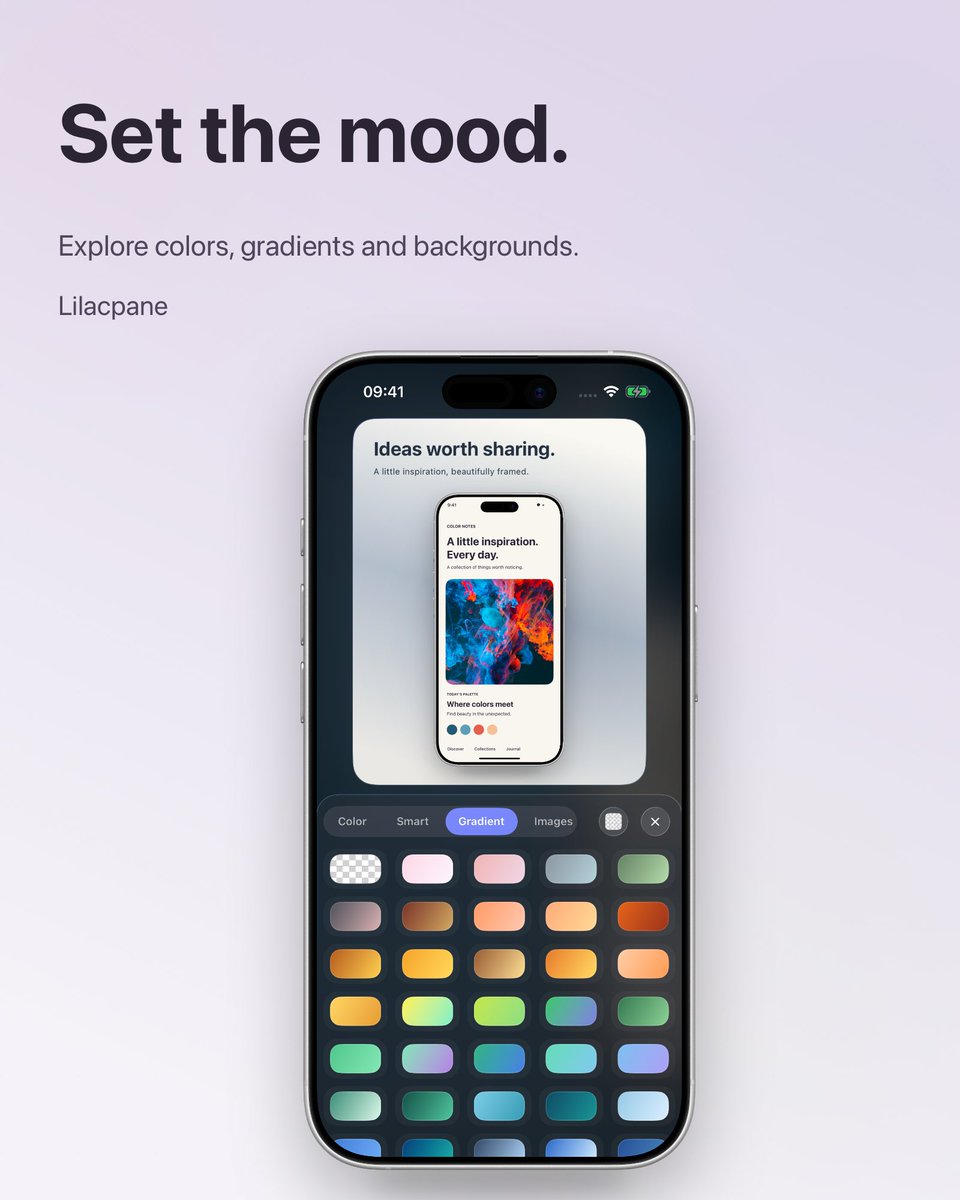
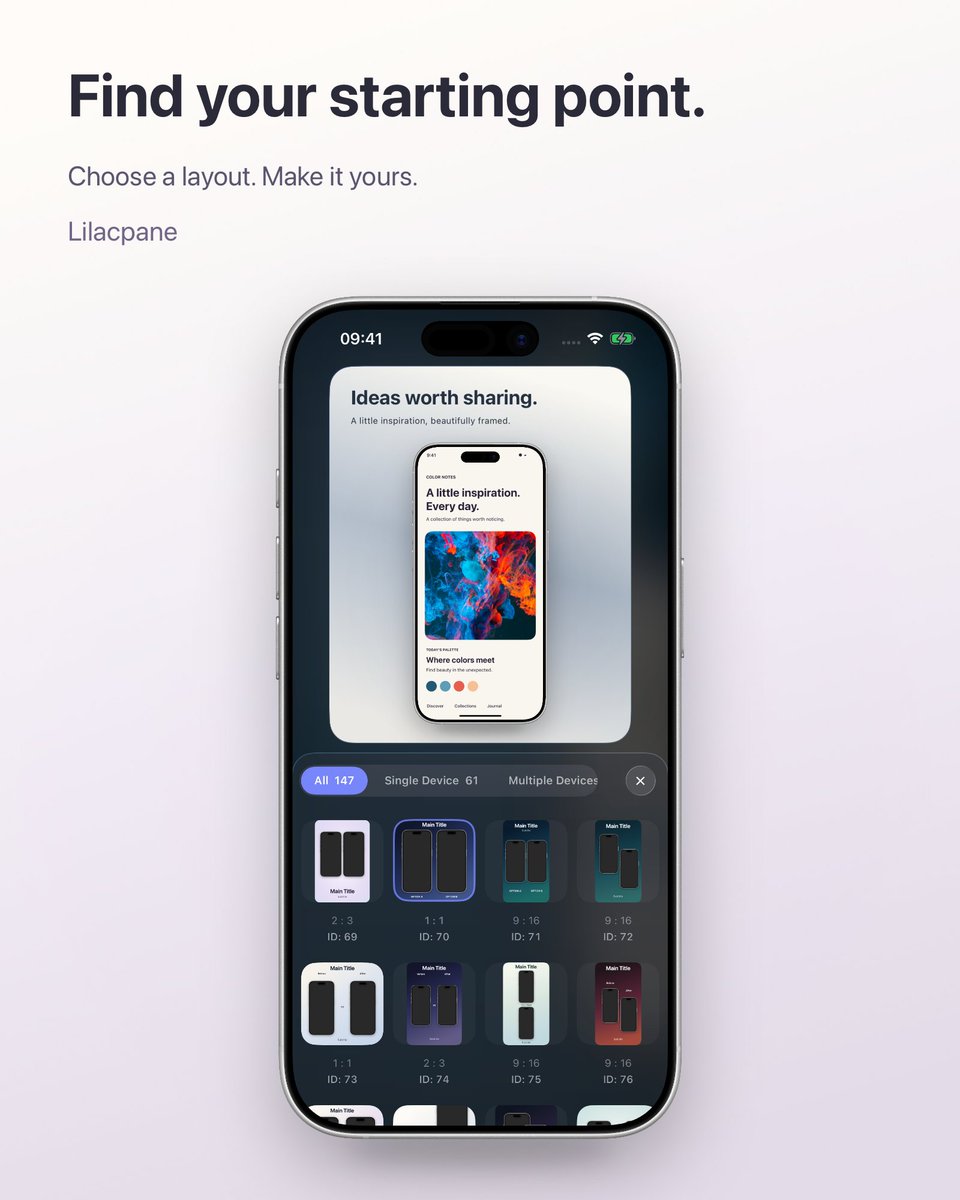
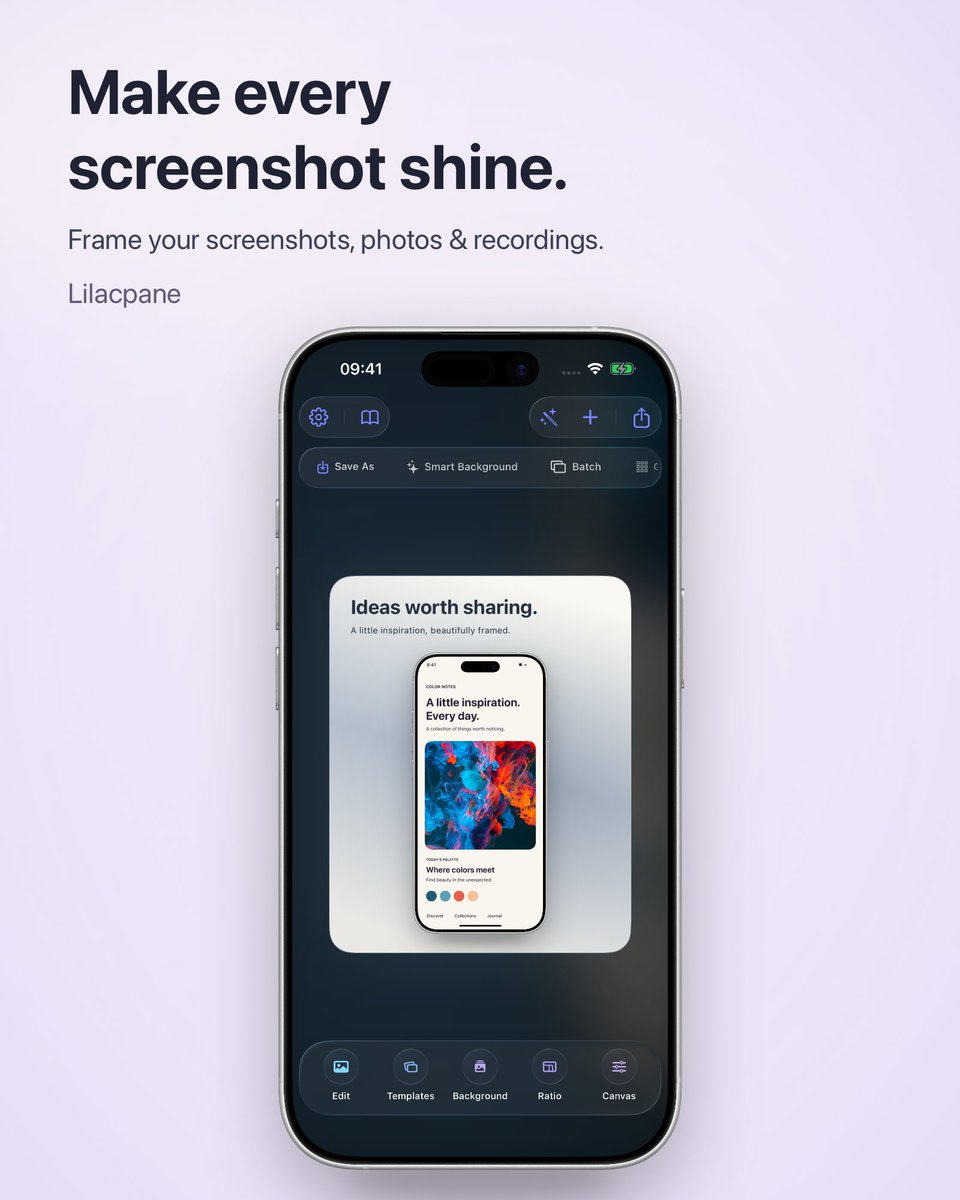
Just adapted our screenshot & mockup app to Liquid Glass… then iOS 27 changed it again.
Stronger edge highlights on buttons and the toolbar. iOS 26 or 27—which do you prefer? 👀
Add frames and backgrounds to photos. We made this comparison with our app.
Lilacpane 4.4.1 ✨
Lilacpane is a screenshot styling and device mockup app for iPhone and iPad. Add device frames, backgrounds, and text to your screenshots and photos to create visuals for product announcements, portfolios, and social posts.
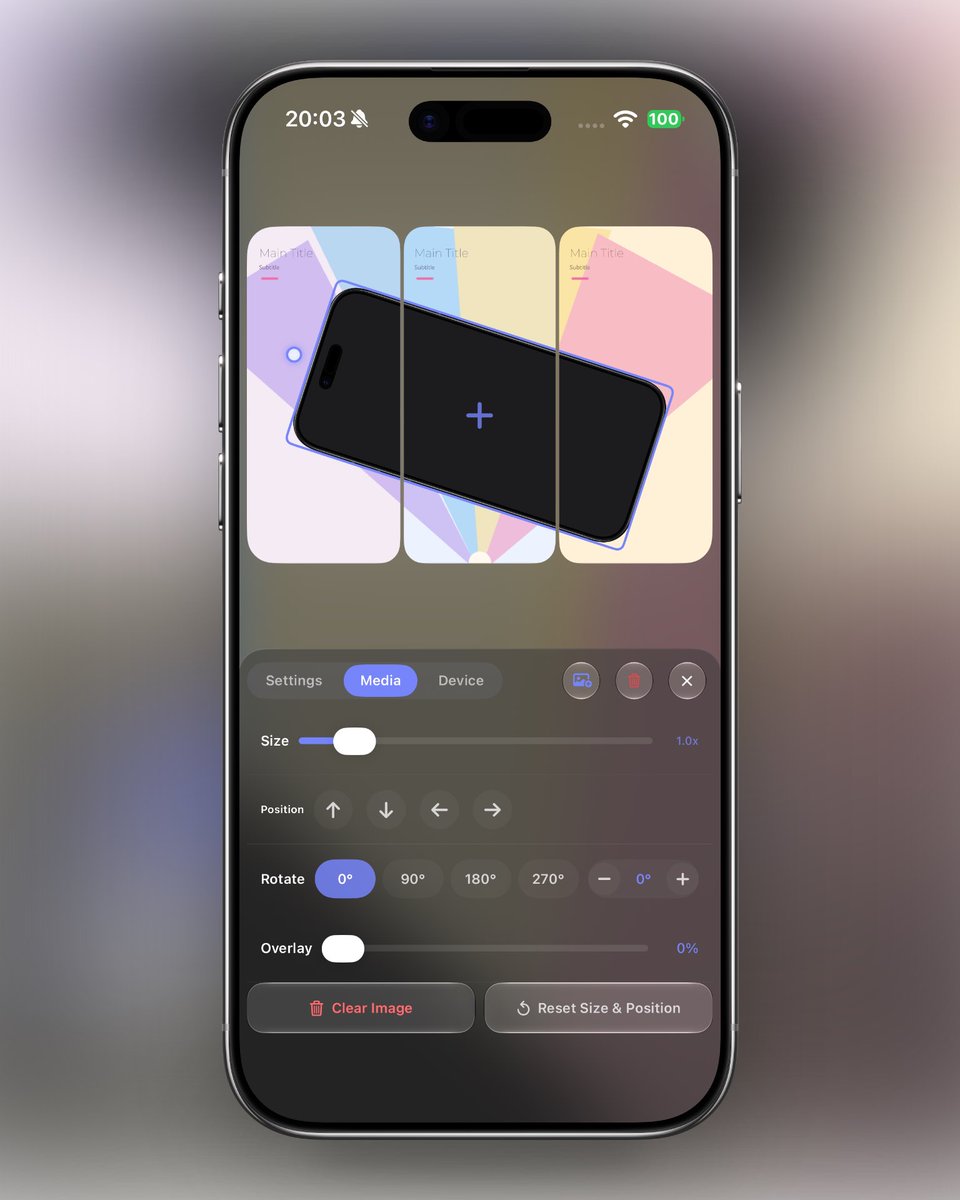
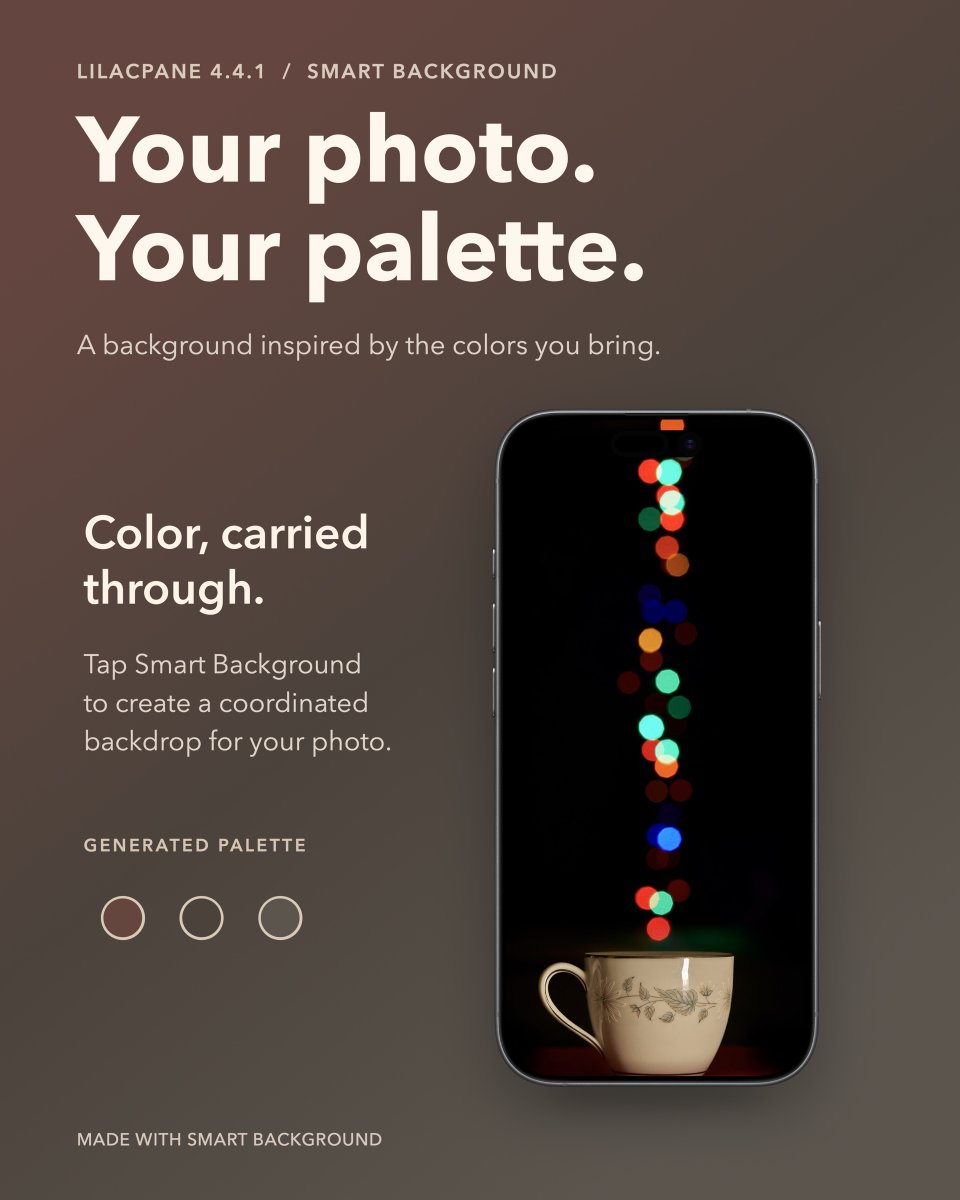
You can also let your home background follow the canvas, carrying your colors through the editing interface.
Golden blooms. A warm cup of tea. Your photos set the palette.
What do you use screenshots or screen recordings for? I’d love to hear what you’d like to create with Lilacpane.
View Lilacpane on the App Store:
https://t.co/d5dP6uKpwg
A new way to share screenshots, photos and screen recordings
Hi everyone, I’m the developer of Lilacpane.
Sharing an app you love, making a tutorial, showing your work or posting on social media? You may already have the content and just need a way to present it.
Making a set of images? Batch tools help keep the style consistent.
From one simple framed screenshot to a collection of portfolio visuals, you can adapt it to your needs.
Lilacpane is free to download, with in-app purchases.