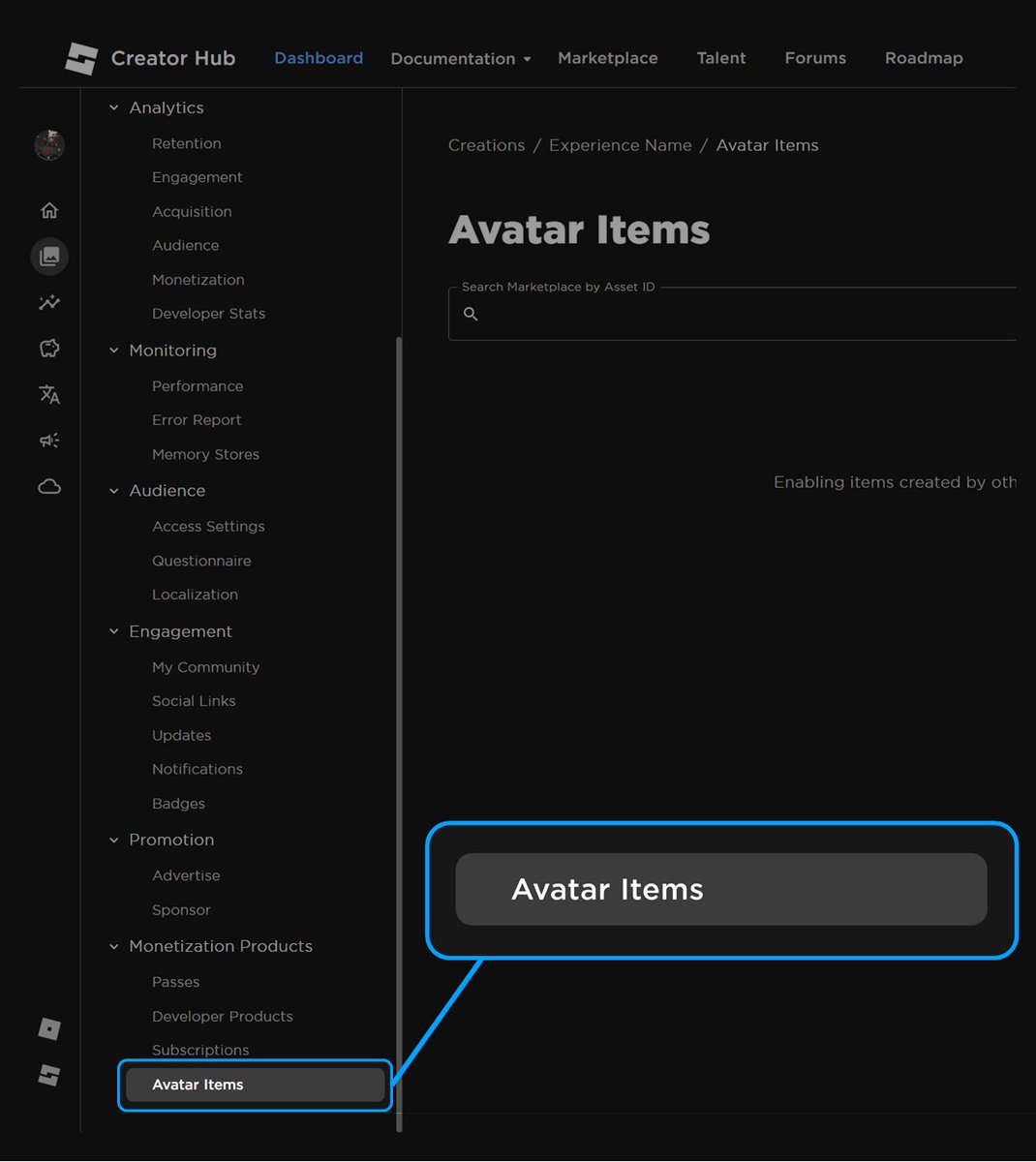
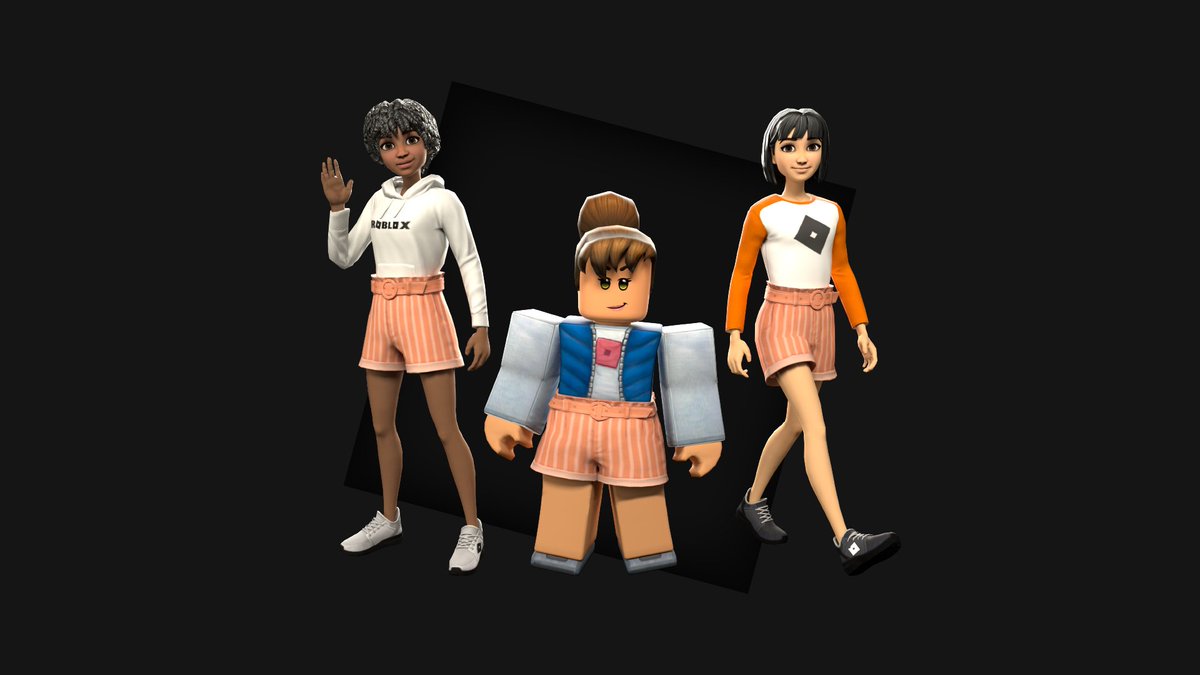
If a #Roblox avatar item is only obtainable within an experience, it will now be displayed on the item details page.
There is now also a section in the Creator Dashboard for Creators to view avatar items that are associated with a specific experience they own.
3 new accessibility options have been added to the #Roblox in-experience Settings menu.
Reduce Motion - Stops or reduces motion effects
Background Transparency - Improves contrast by adjusting transparency on some backgrounds
UI Navigation - Use the \ key to enter and exit UI navigation mode
Today, #Roblox announced some changes to the process of creating and uploading custom Bodies and Heads to the Avatar Marketplace.
New Price Floor
🔘 Starting today, no new bodies or heads can be sold for free. The new minimum price is now 75 Robux. Existing bodies and heads that are priced less than the price floor of 75 Robux will be migrated to the price floor of 75 Robux on November 2nd.
🔘 Later this year, each Body/Head will have a standard fee of 750 Robux to upload.
Body Part and Proportion Updates
🔘 The body part size requirements have been updated to allow for more variety and diverse proportions.
🔘 Avatar body parts must be fully opaque, and body parts such as a Torso, Left Arm, and Right Leg, must take up at least 50% of the body part’s bounding box. This is to combat problems with almost fully invisible avatars.
Opening Up Creation for All Users
🔘 Roblox plans to open up creation of the Avatar Marketplace in early 2024 instead of later this year as originally planned.
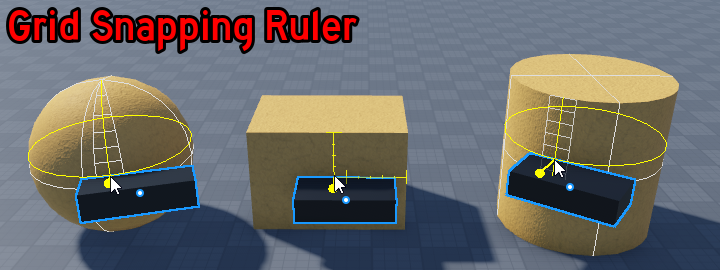
Some long awaited quality of life improvements for the Draggers in #Roblox Studio are now available in beta. Here's an overview of what's new and changed:
• Improved hotkeys with 1/2/3/4 selecting the draggers (no Ctrl needed).
• Soft snapping to edges when Grid Snap is disabled.
• Grid snapping guides to show you how objects are being snapped.
• Distance measurements of how far you’ve moved, scaled, or rotated something.
• Temporary snapping/orientation toggles via key hold.
• Improved mesh compatibility including snapping to MeshPart/Union vertices.
• Drag by pivot for precise object placement, such as sinking tree roots into the ground.
• Refreshed appearance for draggers with a more minimal UX.
• Animated tilt/rotate for clarity on what’s happening.
• Hotkey help to educate new users about dragger functionality.
Get more details about each of these improvements on the Forum: https://t.co/ph5aQ45gPF
By community request, we've launched new audio discovery features in the Studio Toolbox and Creator Marketplace. Sort music and sound effects by category, mood, type, and trending: https://t.co/Q6pVyCjLh3
#RobloxDev Update:
We’re equipping developers with a new tool for boosting scripting efficiency: Multi-Cursor Script Editing. More info below. https://t.co/CyU9Wml5rw
Today, @Roblox finalized the 2023 Creator Roadmap, a list of all the new features and capabilities planned to release over the next year.
📖 Catch up on everything coming soon: https://t.co/huKGdpZSNY
📺 Watch my latest video summarizing everything: https://t.co/PVZYhntrKb
#RobloxDev Update:
You can now add a realistic touch to grass, clouds, and particle effects by setting the wind speed and direction in your experience. Learn more from our Dev Forum post: https://t.co/pOcJ0lFaHM
I'm excited to announce the release of GPT4All, a 7B param language model finetuned from a curated set of 400k GPT-Turbo-3.5 assistant-style generation.
We release💰800k data samples💰 for anyone to build upon and a model you can run on your laptop!
Real-time Sampling on M1 Mac