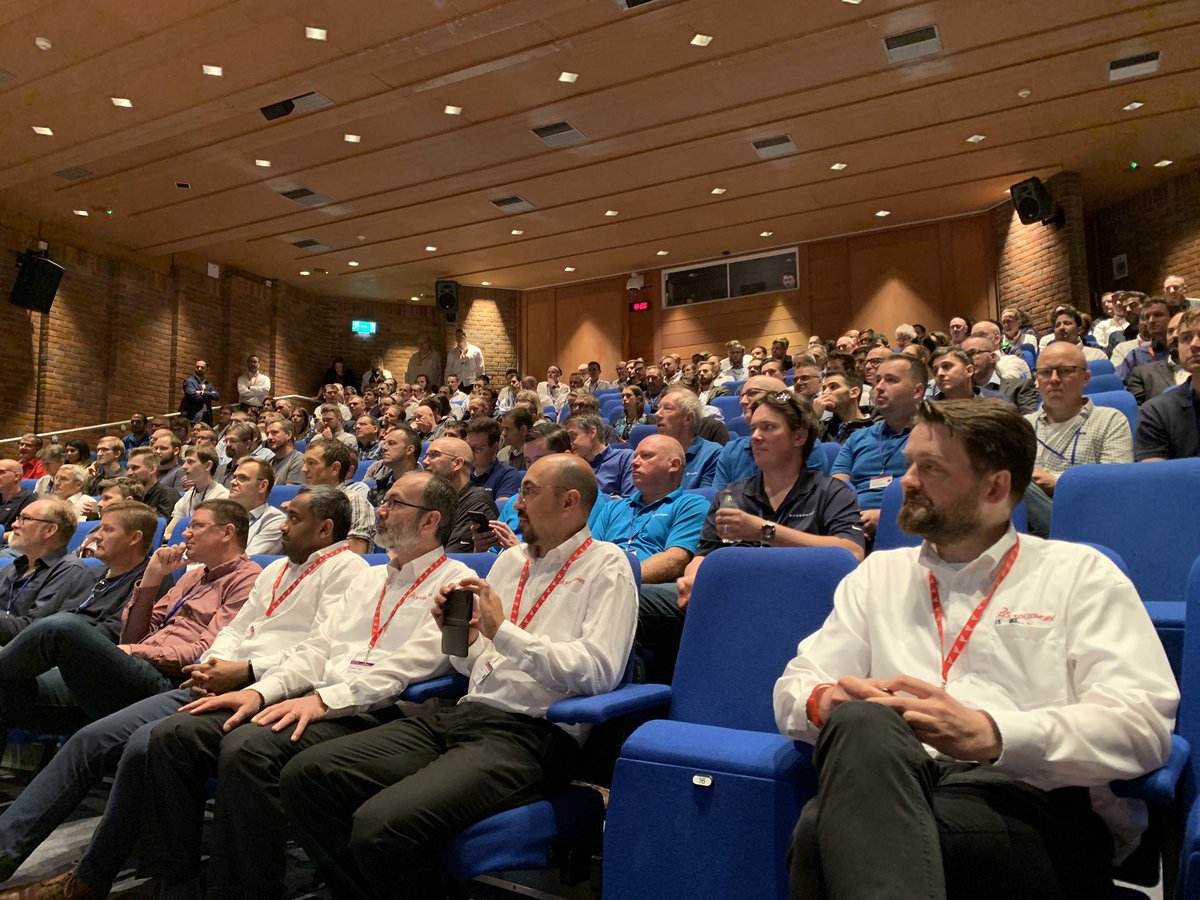
Want to discover all the key functionality of SOLIDWORKS 2022 Beta? To sign up for demonstrations on different product categories then a question and answer session with the R&D team, click the link for details on our new, online Beta Watch Parties https://t.co/hmPDw1B3EI
SOLIDWORKS 2022 Beta is almost here! Sign up at the link below to find out all about the upcoming new release of SOLIDWORKS, get involved with testing, competitions and discover this year's new 2022 Beta Swym Community on the 3DExperience Platform! https://t.co/4anJJd3Byu
Are you using SOLIDWORKS 2020 SP3 yet? Find the new display options for 'Quick Access Tools' by opening/creating a SOLIDWORKS file, click the "Tools" menu & choose 'Customize...'. The new Quick Access Tools section has buttons to show the tools in the Menu bar or Command Manager!