@joshboles There shouldn’t be any maximum on the amount of data that can be displayed. If it’s bringing your iPhone to its knees it sounds like there’s a bug somewhere that I’ll need to look into.
@thyskotze I don’t know of any easy way. You may be able to compare them by recursively traversing all keys but that’s quite a hassle, especially if you want to do it in Shortcuts.
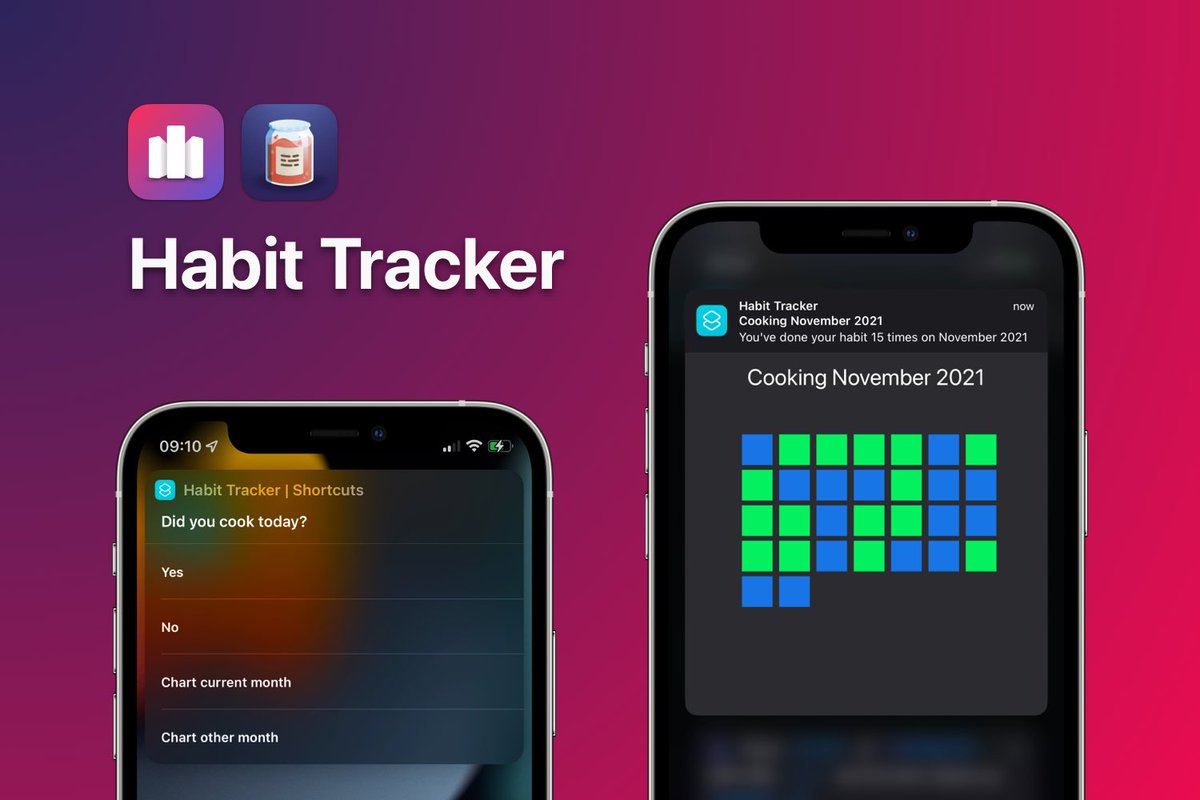
As promised yesterday, here’s Habit Tracker Shortcut 1.0!
With this, you’ll be able to track yes/no daily habits using only Shortcuts, @ChartyiOS and @DataJarApp!
🔗 Download the shortcut: https://t.co/ztMLH6QUbC
💬 Join the discussion: https://t.co/u3LNJcT4dG
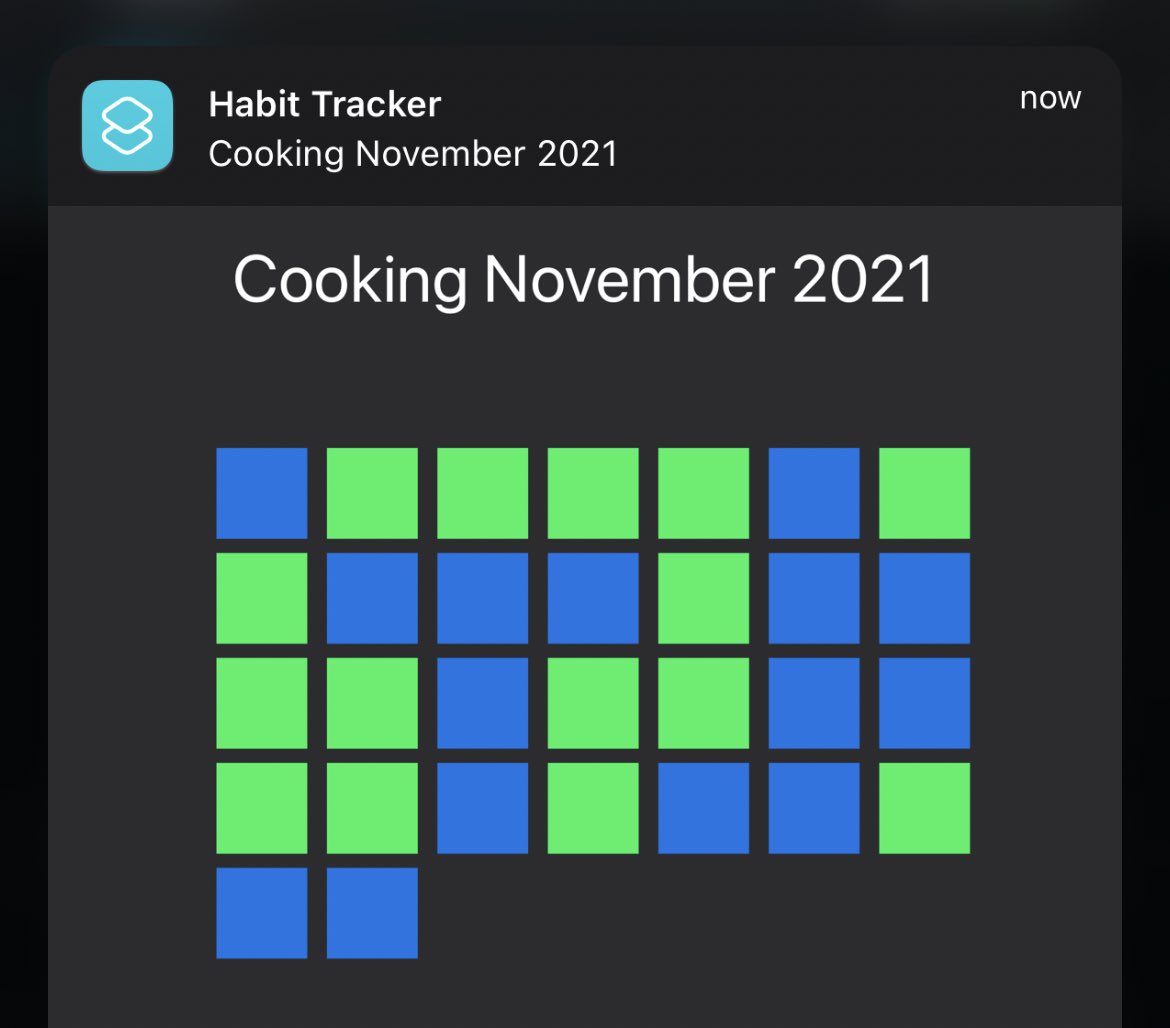
Based on a question on r/chartyapp, I’ve decided to build a habit tracker using only Shortcuts, Charty’s scatter plots and @datajarapp.
Here’s its output! I’ll prepare a post about it and share it here and on Reddit tomorrow 😊
The next update attempts to improve the stability of the Shortcuts actions. Timeouts issues be less likely to happen.
I would greatly appreciate getting some help testing this update.
iOS:
https://t.co/fTfANyyX1f
macOS:
https://t.co/ceo0HJQv1w
@jimmyhartington I hope to improve this in an update. Honestly, I didn’t look into it yet because I assumed it was a bug in Shortcuts because this has changed from iOS 14 to iOS 15 🙊
@jimmyhartington Both yes and no. This is a change in how parameters in Shortcuts actions are interpreted on iOS 15. If you long press the “Value”, you’ll be able to select a magic variable. This can be a text action that you’ve dragged in earlier.
@bileth I just tested this and it is stored in dictionaries for me. 2021 references a dictionary, 11 references a dictionary and 3 references a dictionary. Can you elaborate on your setup so I can reproduce it?