#excel | #customnumberformats
I was today years old when I learned you could use an index number inside a custom number format string in Excel. See Color48 below to return a gray zero.
_(* #,##0_);_(* (#,##0);[Color48]_(* "-"_);_(@_)
#microsoft#micros…https://t.co/E8Imr2mywW
@_SoheilBakhshi@PacktPublishing Thanks @_SoheilBakhshi.
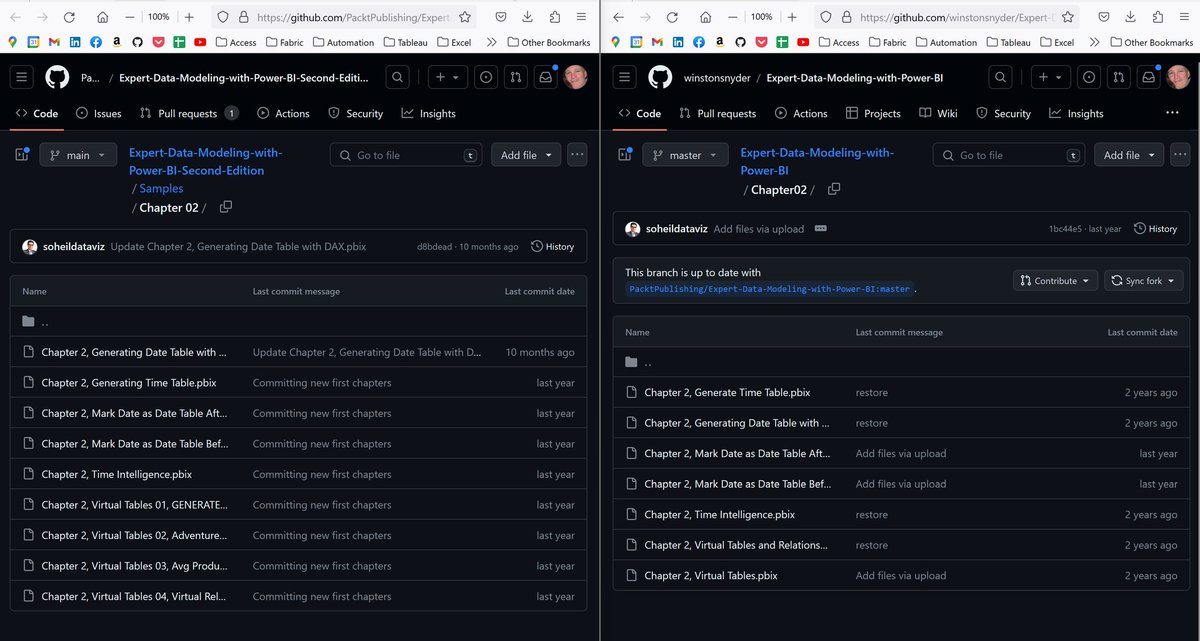
BTW, the image quality in book is excessively poor. Having the color image available in the pdf helps. Still, consumer deserves better.
Please compare first denormalization image to color images.
Excel Error Austria Vote
Interesting. When you pound a nail with a hammer and you accidentally miss and hit your thumb, who is to blame - the hammer or the user? Exact same thing in the case of this vote in Austria. Double-check y…https://t.co/EuHzxbmvQm https://t.co/JjgElZ7oOf
Love this one today from ChartR/Storytelling
Note the broken y-axis between 0 and 1:45. This helps visualize the change in the average length of a baseball game.
What can MLB do to make it even faster? 1:54 minutes sounds good to me.
We dropped 2 of 3…https://t.co/OgemYO1bev
Excel | Toolbar
Two kinds of Excel people in this world. New Toolbar View or Classic View. Which are you?
I'm using Beta Channel version of Excel so you may not have features if you are on another channel.
#microsoft#office365#excel https://t.co/3GRITOh9Ns
Power BI | Subtitles
Power BI Desktop now supports Subtitles with March 2023 release.
Lot's more goodness to unpack. Great job Power BI Team!
#microsoft#powerbi https://t.co/KPAoR2b9D6
Excel | Slicers | Search
Nice trick here from Jon Acampora at Excel Campus how to "add" search to your Slicers in Excel.
Link in the comments.
#microsoft#excel#slicer https://t.co/9Ku1MYw1B6
Test – please ignore.
But if you don’t want to, I created the bold text by creating in Word, applying formatting, copy/paste to LinkedIn.
#linkedin#lackofformattingoptions
Power BI | DAX | Time Intelligence
I know how he feels. I was was working with STARTOFQUARTER() yesterday
#microsoft#powerbi#dax#timeintelligence https://t.co/9PXlC8RjbH
Power Query | Power BI | Excel
When you add a random number to a Custom Column in Power Query using Number.Rand() or Number.Randbetween, you have to add an Index Column before and after the Rand Column. Why is that?
#microsoft#powerquery#excel#powerb https://t.co/LJiCXcm6ac