TIL how to find a commit where a deletion happened https://t.co/XbqqWOnU0v
TL;DR: `git log -S <string> path/to/file` or `git log -G <regexp> path/to/file`
Check out Dash, the offline first documentation browser for 200+ APIs https://t.co/rlifmze6ym by
@kapeli
Love also the plugin for JetBrains IDEs
https://t.co/zNMu8TU2qv
Today just tried https://t.co/XVGDQDZzWh to detect unused files, exports and dependencies (and binaries) in your JS/TS projects. Works really great, totally recommended 👏⭐️🚀 Thanks @webprolific
@webprolific Mainly had to add:
- Karma conf & spec files
- Cypress component testing support file
- SSR files: `main.server.ts`, `server.ts` (seems because of using `application` builder)
- Environment files https://t.co/fBOWr3p4L6
- `polyfills` files
- `scripts` files
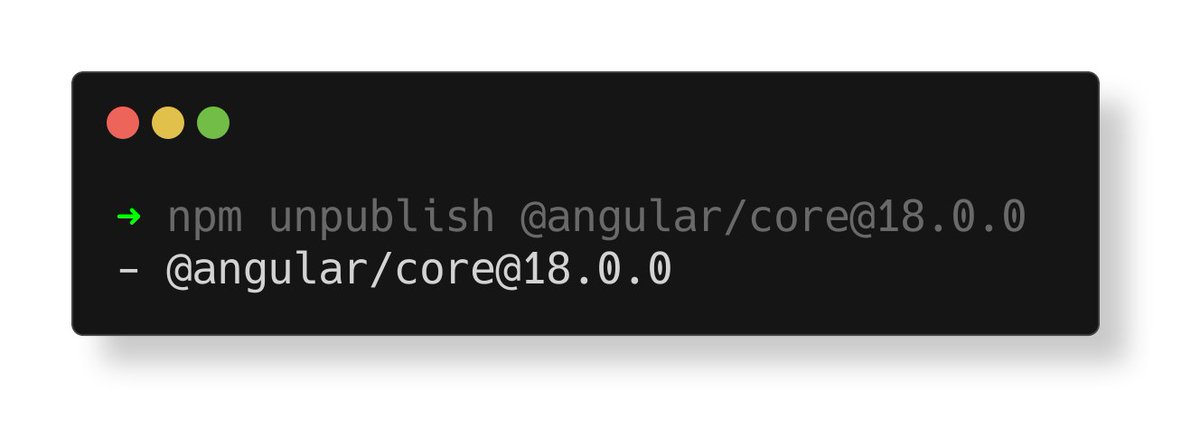
Try running `npm unpublish @angular/[email protected]` or whatever package & version. It returns successful output. Even if you're not logged in 🫣 Fortunately no package is unpublished 😜
https://t.co/37GfcolyS6
TIL about Git's `mailmap` to map author/committer emails and names. So that when displaying `git` info, you see the proper one.
https://t.co/OlYqdXhokt
Found it in Angular's CLI repo https://t.co/hqIGpD0fsF
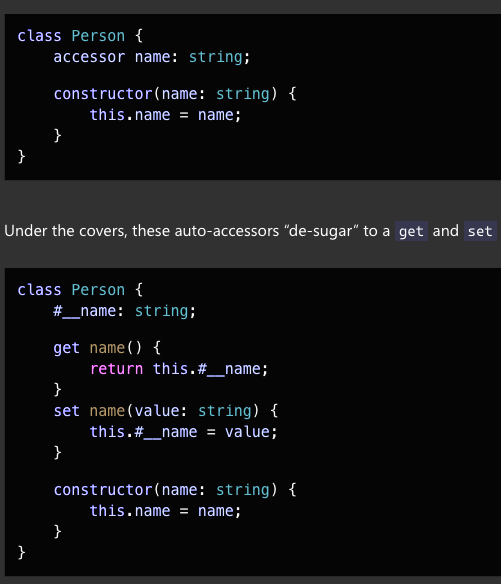
@SimonBitwise@DanielGlejzner@NetanelBasal FWIW beware of private properties downleveling in Angular if wanting to support Safari 16 browsers. Which isn't anymore the default since the release of Safari 18 (as last 2 versions of Safari are supported by default when building with Angular CLI). https://t.co/B9ddzGspwF