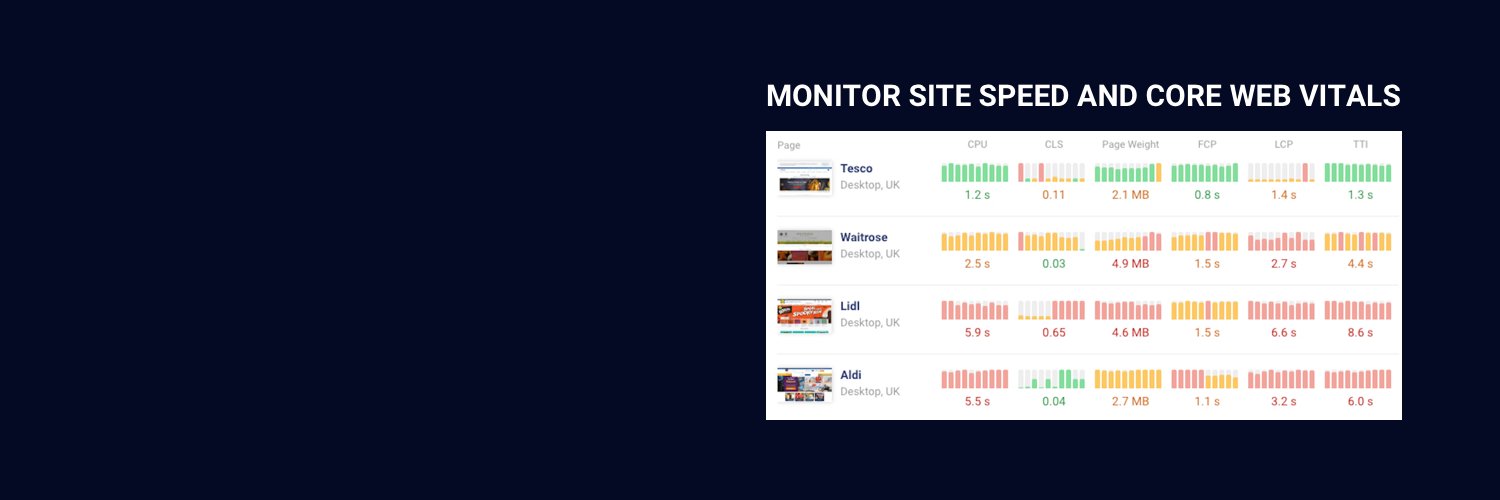
We've built a FREE site speed testing tool. Check if your website meets Google's Core Web Vitals and see what you can do to make it load faster.
Test your website here 🚀
https://t.co/B1gGSRXhQy
We've made it easier to set up conversion tracking! Instead of changing code on your website you can now set up URL-based conversion triggers.
https://t.co/PAqhSdWOMC
Edge is experimenting with a new performance API: network efficiency guardrails let browsers report performance issues back to the server.
https://t.co/I9K6stKzPm
Want to access your page speed data with Claude Code? We've just published a guide on how to connect Claude Code to our MCP server. https://t.co/XW12j5ccpU
Our bottleneck finder can detect render-blocking requests that Chrome doesn't report. We explain how it works in our latest blog post.
https://t.co/fljbWOhbyq
Not sure why your website is rendering slowly? Our new website bottleneck finder identifies what resources key page content depends on.
Test your website for free!
https://t.co/sBefrVuFZy
How can you use Lighthouse to check if your website follows best practices?
Our new article explains how to test your website and goes through the checks that Lighthouse performs.
https://t.co/MnlQm8dZM0