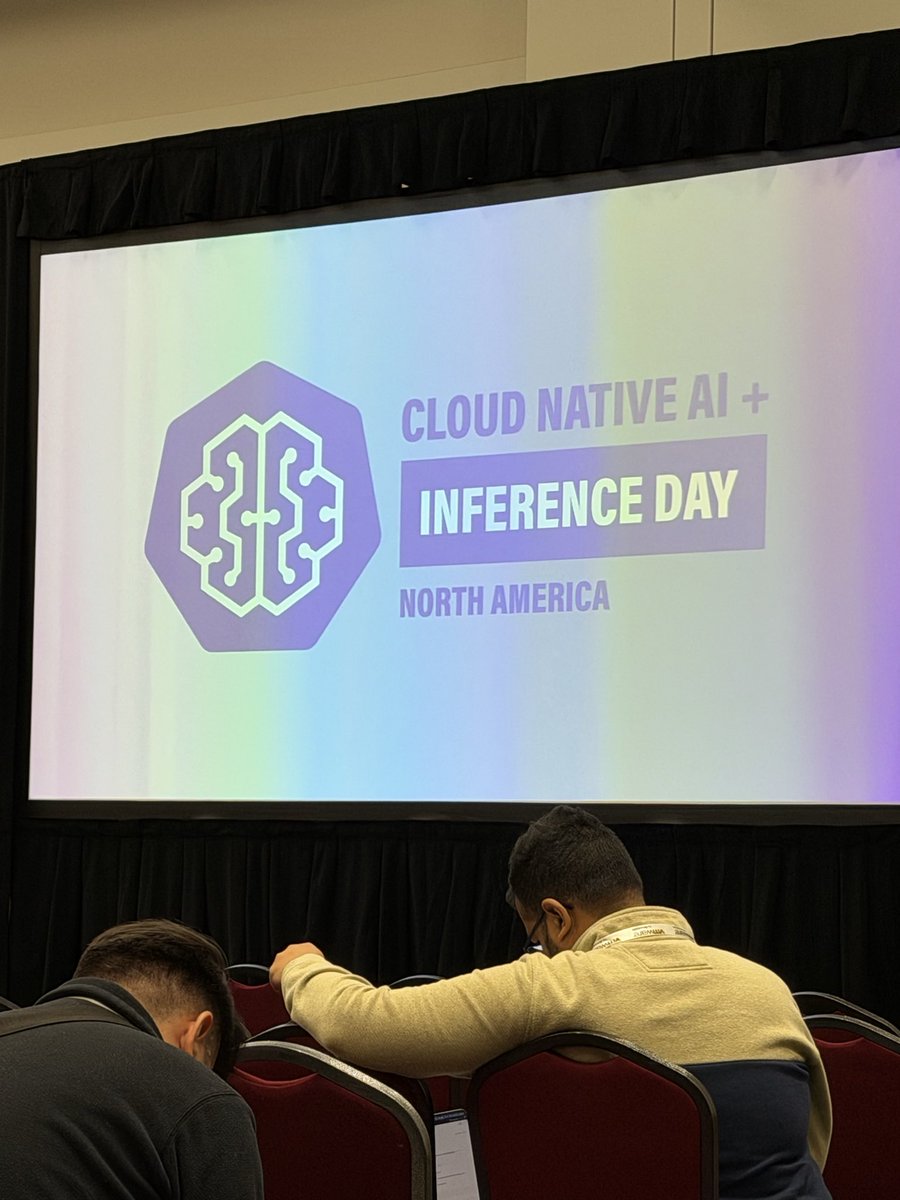
Badge in hand. Speaking at #KubeCon NA on Tuesday.
Turning Apple Silicon into Production GPU Nodes for LLM Inference on Kubernetes
Tue 11/10, 2:50 PM MT, Grand Ballroom H
CUDA vs Metal benchmarks, one operator across heterogeneous GPUs, and the real tradeoffs. Come say hi!
Doing some hacking with my portable inference setup at the hotel before heading out to hang with the Zarf crew for a bit. This kubecon has been amazing!
@k_gamanji Amazing work with Apple Containers! Already using that in our “getting started” guide for llmkube! Love seeing the development in this space!
Docs are up if you want to try this on your own Mac. The one-Mac quickstart now covers Apple’s container cluster too, including the one flag it needs (no default StorageClass, so --set modelCache.mode=perService): https://t.co/BJwrgAXpvf
Apple shared the next chapter of its open source container framework at KubeCon, including an experimental plugin that spins up Kubernetes clusters right on your Mac.
So I tried it with LLMKube on my M6 MacBook Pro. The operator installed in 26 seconds, the Mac joined its own cluster in 15, and phi-4-mini answered on the GPU.
How the pieces fit:
→ container cluster create gives you a local Kubernetes cluster, no Docker Desktop needed
→ LLMKube's operator runs inside it
→ the Metal agent runs natively on the same Mac and serves the model with Metal
→ pods reach it through a normal Kubernetes Service
The agent ran as is. The only change was one Helm flag: Apple's cluster has no default StorageClass, so the model cache goes per service.
Big thanks to the Apple container team for building this in the open. Excited to see where it goes, and to keep LLMKube working well alongside it.
https://t.co/XNpwbQLKCo
@chielo_chiamaka Neither on the Mac. llama-server runs natively there (Apple’s containers don’t get the GPU), so the model just sits on the Mac’s disk. perService only gets past the chart’s StorageClass check. In-cluster GPU pods still get a real PVC each.
My KubeCon demo yesterday ran from my homelab, 700 miles away.
On stage in Salt Lake City, one Mac joined my Kubernetes cluster in Gig Harbor, WA with a single command. Another served inference with Metal through the cluster, and when I pulled the plug on it mid-traffic, LLMKube's router failed over to a GB10 back in my lab.
That's the whole idea behind LLMKube for me: start with the hardware you already have, and it holds up on a KubeCon stage.
The link home was a pocket-sized @Ubiquiti UniFi Travel Router Long Range running Teleport. It put the stage on my home network and stayed up the whole talk. Thanks to the UniFi crew for making a 700-mile demo feel like it ran in the next room.
#KubeCon
@artistxeature Give it a go! That's actually similar to what I have in my lab. I have three GB10s networked together and my Macs. All in one cluster with LLMKube. Check out the site and if you ahve any questions or issues, please reach out. Would love to hear what you think about it!
@chielo_chiamaka Absolutely! It helps give me a little more peace of mind having a different model doing a review before I even see the change. I’m surprised by just how much it actually catches.
Every PR one of my models writes for me gets a second pair of eyes before I see it: a read-only Qwen3.8-Flash-Next reviewer, served by LLMKube on an AMD Strix Halo.
Today, 9 minutes on a Go security bump: the code was clean, but it caught a wrong claim in the PR description.
I'd actually be super interested in how Tensorfold would improve 3.8 flash next. That is actually something I've been wanting to try on my Strix Halo, as that is my "reviewer" system with 3.8 flash next. When I'm done presenting today, I might dig into that. 3.8 flash next is a stronger model
Last-minute benchmarks on my M5 Max before my talk tomorrow: @ashxhart's TensorFold ran Qwen3.8-27B at 129 tok/s across 162K tokens of long output, 5x the same model with drafting off (24 tok/s). Not a 256-token demo: 30 runs, 2.7K to 8.2K tokens each, three sampling settings.
Decode tok/s by workload, from TensorFold's own per-request stats:
Agent rewriting a Go file: 231 (up to 359)
K8s YAML: 160
Go package with tests: 144
Code review: 104
Prose essay: 69
That's 3x on prose, 6-7x on code and YAML, and 14x when the output copies its input. Sampling barely moved it: 129 / 134 / 125 overall at temp 0, 0.7 and 1.0. Greedy drafted output was byte-identical to undrafted, so the speedup costs no quality.
I also checked the outputs. 36/36 K8s objects pass strict schema validation, and the Go file edit builds and passes LLMKube's tests. Weak spots: unit tests written in one shot, and invented numbers in the essay. Check those with any model. In opencode it fixed its own jq errors and shipped a working kubectl plugin in under 2 minutes.
Setup: Qwen3.8-27B MLX 4-bit, thinking off, with z-lab's DFlash2 drafter, single stream, 128 GB M5 Max, served by LLMKube's Metal agent. TensorFold 0.3.4.1, because my demo has been pinned since September; 1.2.5 is current. Short templated YAML still hits 227 tok/s; long answers settle lower. Happy to share the script.
z-lab/Qwen3.8-27B-DFlash2, plus TensorFold's copy drafts, which carry the file-rewrite numbers. Target is Qwen3.8-27B MLX 4-bit, --no-thinking. On 1.2.5 pass --drafter z-lab/Qwen3.8-27B-DFlash2 (0.3.4.1 used it by default). Full setup: https://t.co/vQIpQbrjMh
I wouldn't use this as a "daily driver" but for solid benchmark testing it did a decent job
Here are the scripts and raw results for both versions: https://t.co/vQIpQbrjMh
On the whole-file rewrite, 0.3.4.1 and 1.2.5 produce the same 3,923 tokens, but 0.3.4.1 accepted 25 tokens per round (3,643 from copies) and 1.2.5 accepts 6.1. Lane copies on didn't help.
Will let you know how it goes today! Thanks for your support :)