For many years I've wanted to have a website that shows a constrant stream of cool motion design inspiration to run on a spare screen in a design studio. So I made the FrameRate ScreenSaver which displays a grid of videos from FrameRate and plays random ones all day long.
https://t.co/IxGKBKXLDx
Thanks to @__T_Williams__ and @justincone for making FrameRate what Vimeo used to be, but better!
Looking forward to receiving another artists files with 10 vibe coded plugins in it that break as soon as the client wants you to change something away from their defaults. The benefit of having someone making a "real" software product is that it goes through a rigorous testing process to find and eliminate all the bugs. Having said that I'll be releasing a specific workflow plugin for a very specific problem on aescript myself soon (vibe-coded), but I do hope I managed to find all the bugs.
The solution might be that people will have to send their source code to their plugins with their scene files so people can fix their own bugs if they need to.
Not really the future that most designers have signed up for =)
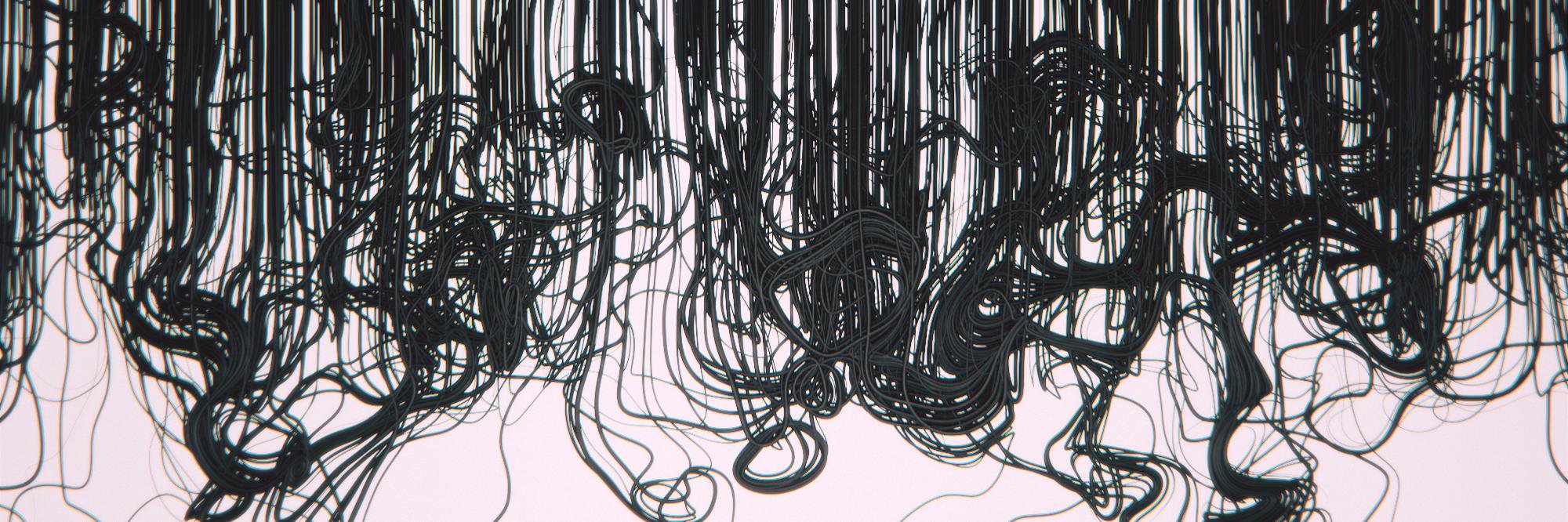
@Ta28312849@sidefx fileamentsample is a VEX function which essentially calculates a cross product from a given particle position and a curve geometry. It essentially rotates points around a line. It's a really lightweight calculation (this runs almost at 30fps with 8 million particles IIRC)
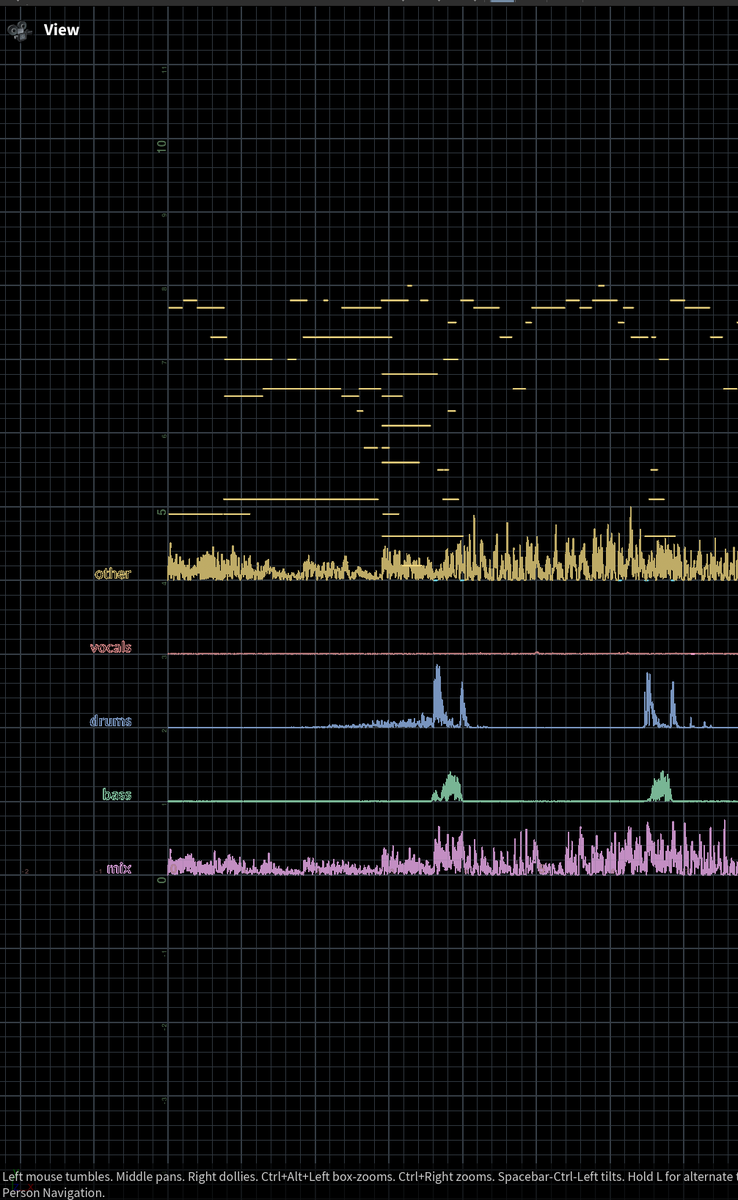
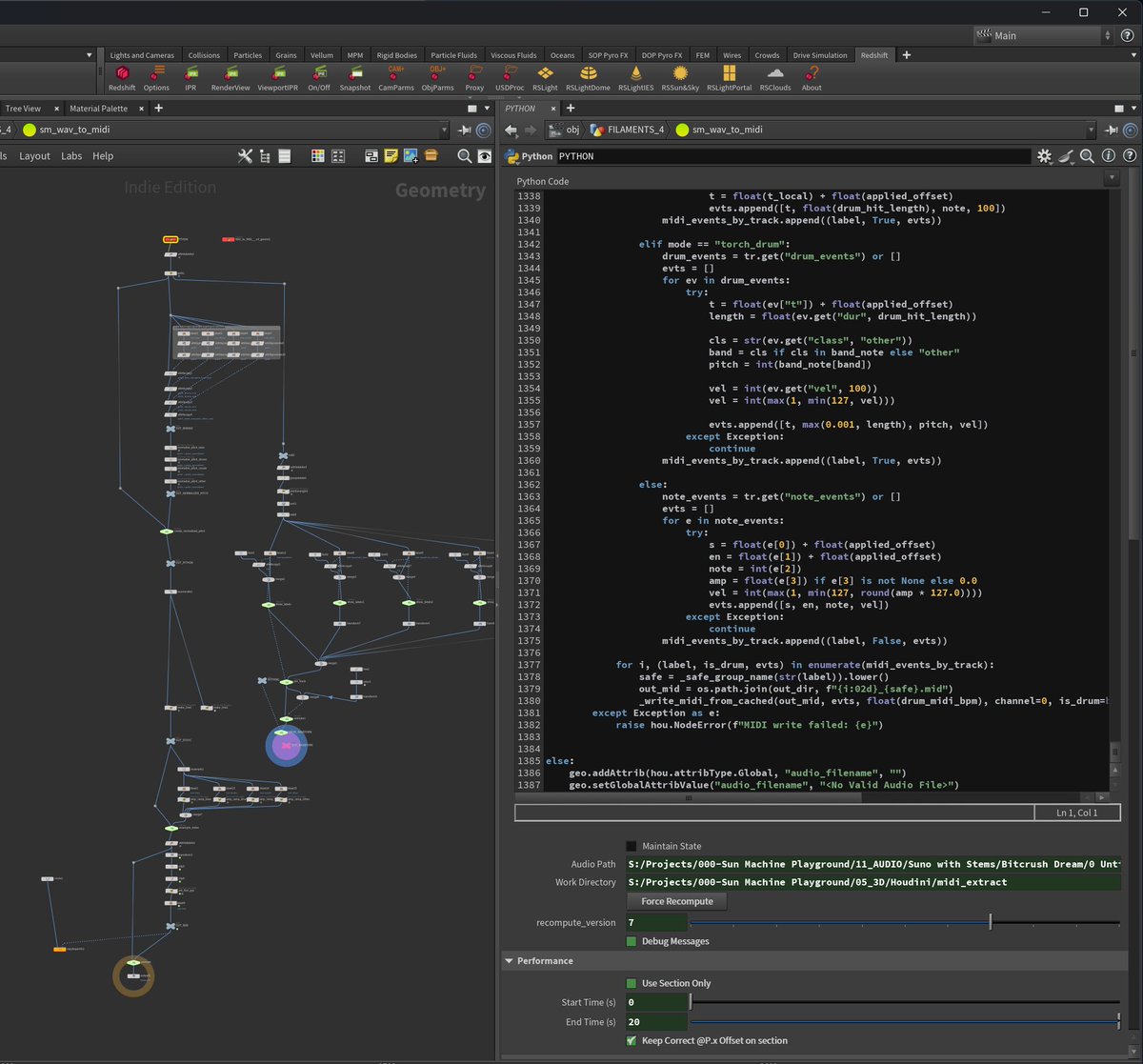
We've recently gotten into doing lots of audio-visualization RnD at https://t.co/9zgpslma8n . So I've built a @sidefx Houdini HDA that extracts stems from music and outputs clean midi for the instruments. I've then piped it into a little POP solver advecting particles with the filamentsample() function only, because it looks cool!
This is the third iteration of the setup. I'm using Meta's free and open source DEMUCS for stem extraction, and librosa for analyzing the audio data. Do I know what any of that means? Hell no. But Gemini/ChatGPT/Claude knows and that's good enough for my little Python SOP!
@bzor@simonfarussell@sidefx yeah it's pretty smooth this way. Load in your audio track, wait a minute for the stems to be separated, your Midi computes within seconds.
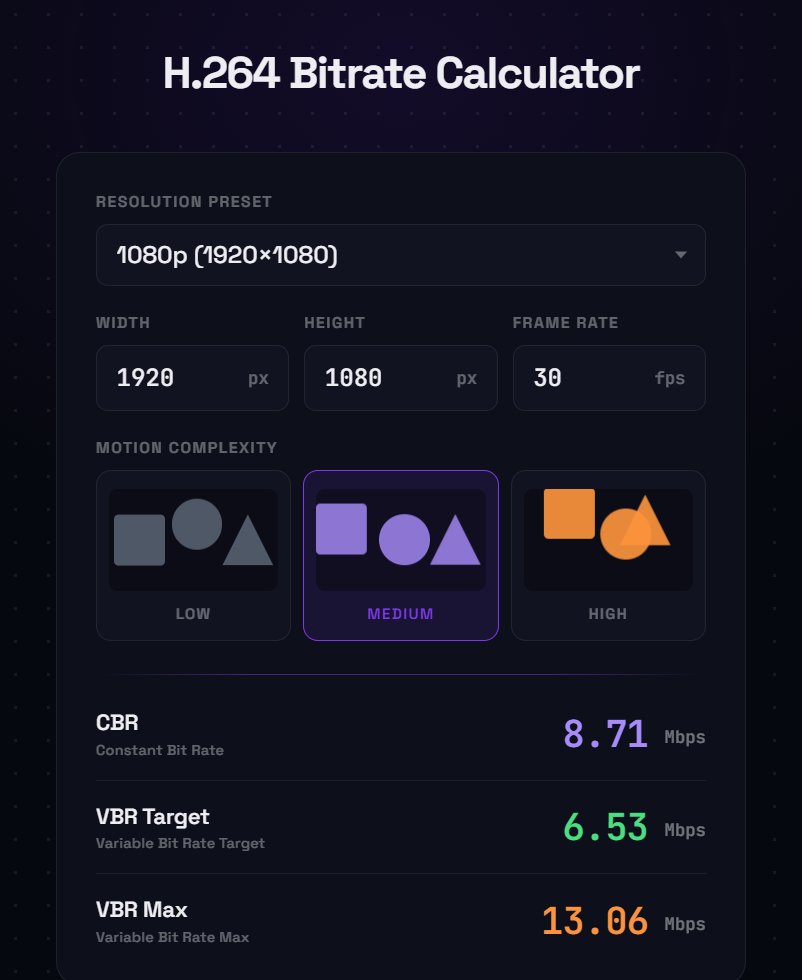
"What bitrate should I export my mp4s in?" I used to wonder this until I found a formula in an old PDF that an Adobe employee created over 15 years ago. I turned it into a little calculator for everyone to use: https://t.co/EeM8PE83yB