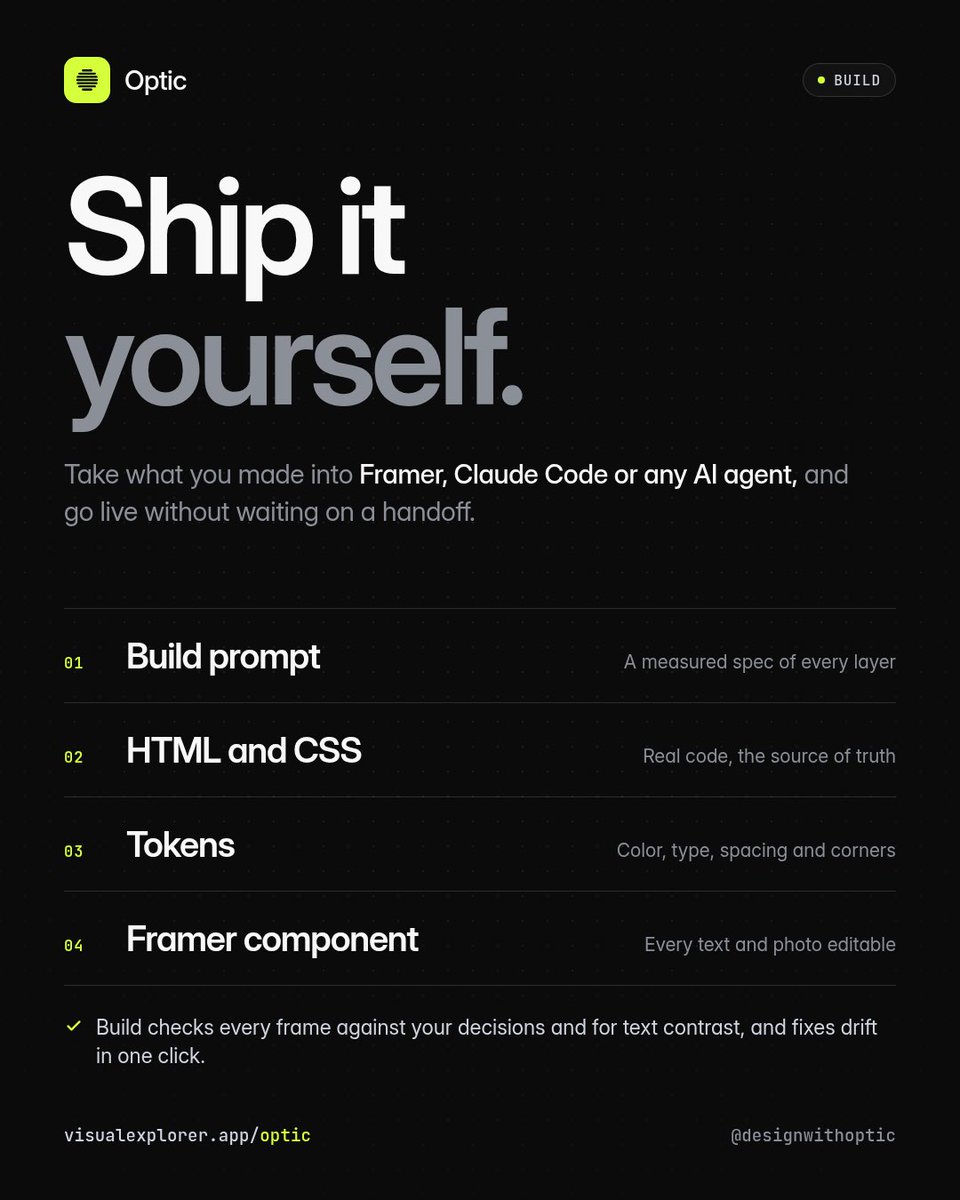
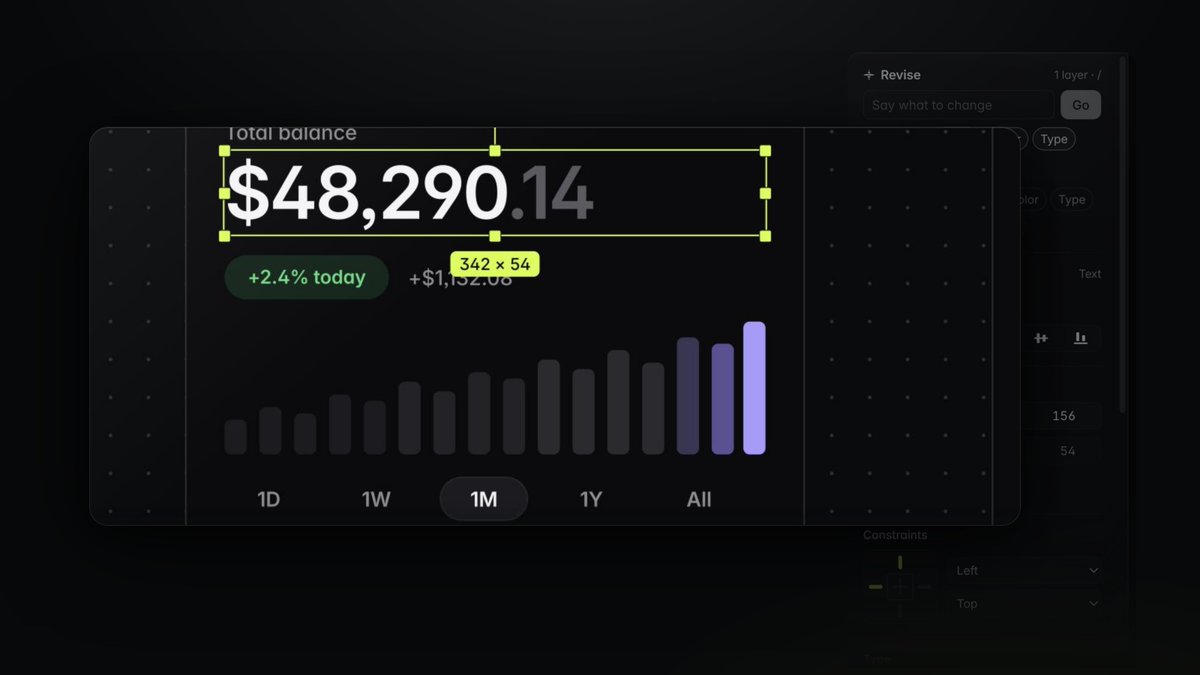
Build checks every frame against your decisions and for text contrast. Then take a build prompt with a measured spec of every layer, real HTML and CSS, your tokens, or one Framer component.
Spent the week designing a luxury real estate template inside Optic.
The hero lets you drag the sun across the house from dawn to golden hour to dusk before you ever book a viewing.
Still tightening a few details before Saturday, so here's the frame I can't stop staring at.
Big design files shouldn't slow your canvas down.
Optic draws idle frames on the GPU: 0.5 ms to redraw a full file, 4 draw calls for 1,588 frames, and 4x less picture memory. Pan through thousands of frames and find look-alikes fast.
Most AI design tools ask for a prompt and guess the rest.
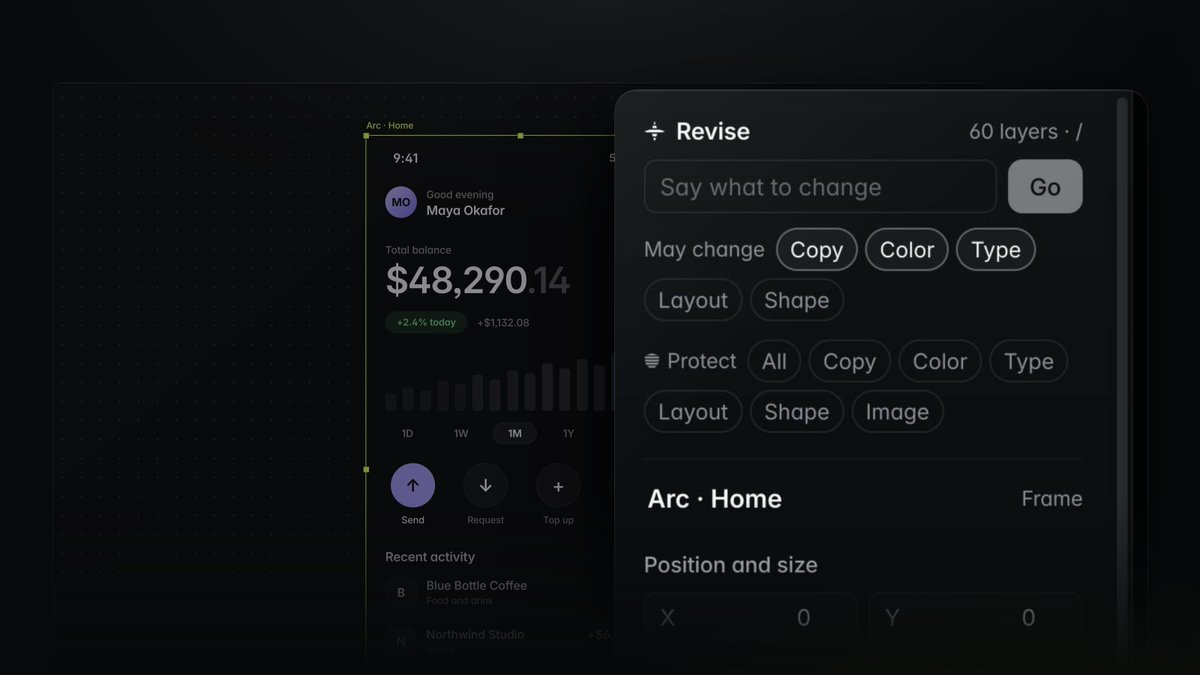
Optic flips it. Lock in your palette, type, layout, and a Never list first. Then design on a real canvas with your own Claude and ship what you made without waiting on handoff.
Frames you aren't working in are now kept as sharp pictures and drawn on the GPU, so a file with thousands of frames stays quick to move around.
The same pictures power a new set of tools for finding, comparing and presenting your work.
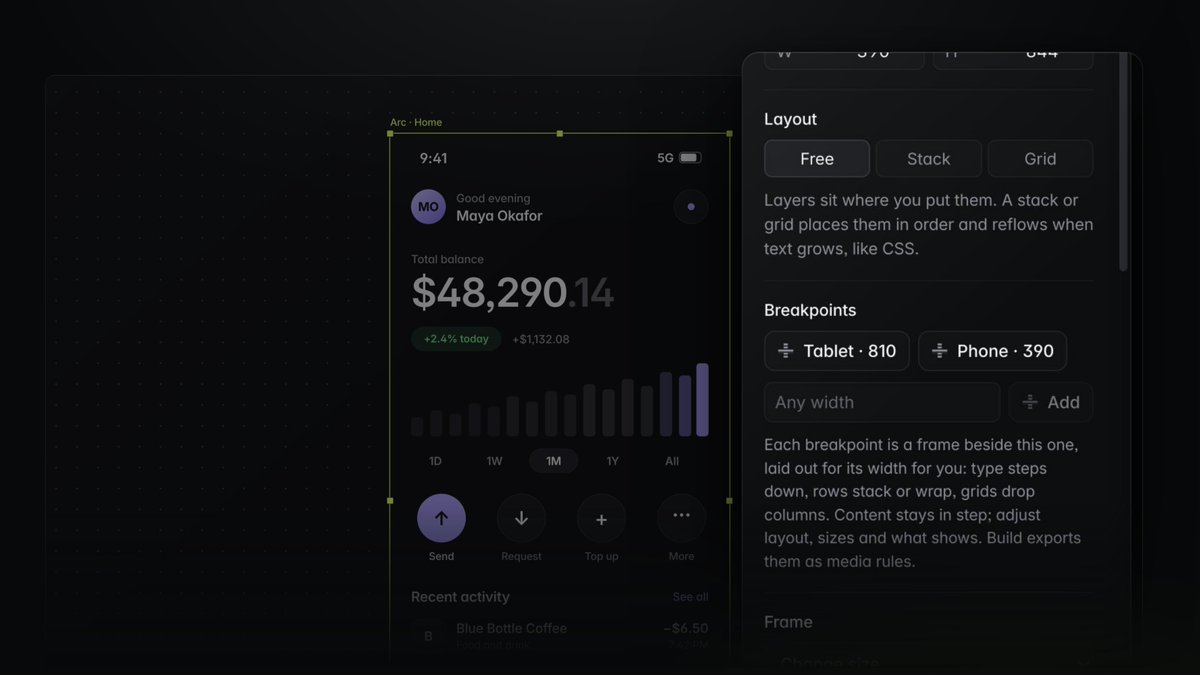
Breakpoints in Optic take one click.
Design at desktop width, add Tablet or Phone, and the layout is made for you.
Type steps down, rows wrap, margins tighten, and images drop under the copy where they should.
Frames, text, pen, components, variables, libraries, templates, branching paths, Snapshot, and your own taste profile. All of it a click away, none of it in your way.
Optic Pro → https://t.co/g0FKtXK2Ox
Time Lens: point at any part of your design and scroll back through its history. Click once to bring back just that layer. Everything else stays as it is.
Periscope: keep a live window on your phone layout while you design desktop. Every change shows up as you make it.
Connect the Claude app or add your key. Claude reads the decisions behind the file and designs right in it. A version is saved before every change, so anything it does undoes in one click.
Change a button once. Watch every file catch up.
Turn any layers into a component and publish it as a library. Drop it into any file, and each copy can still say its own thing.
Update the main one, and every file using it is offered the change. Your custom labels stay put.
Every design starts with a "what if."
In Optic, branch off at any point and try it: new type, new color, new layout. The original stays exactly as it was.
Line your branches up side by side, pick what you like from each, and bring the winner back to the canvas.
Design it yourself. In minutes.
Optic Simple mode:
→ pick a template
→ double-click any text and type
→ recolor the page in one click
→ one design becomes every post size
→ save as PNG, JPG, PDF or video
Free to use. Recorded in the real app.
https://t.co/g0FKtXKAE5
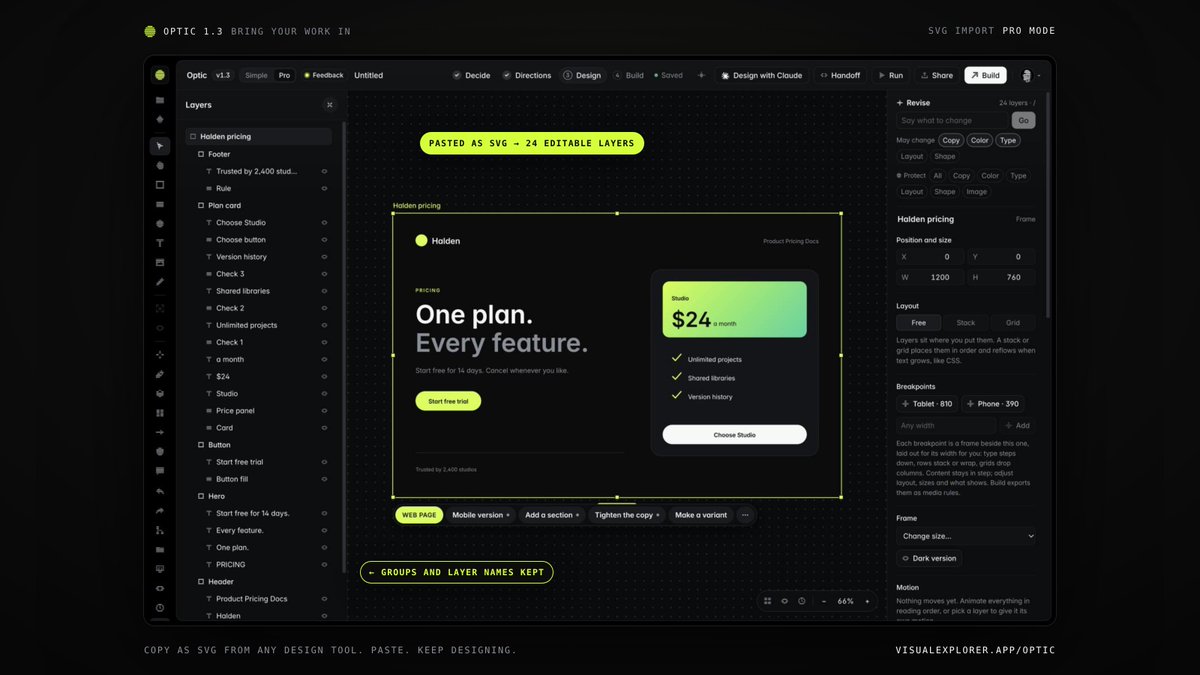
Optic 1.3 is live. Copy as SVG from any design tool, paste into Optic, and it lands as editable layers with groups and names intact. Tokens come in too, from JSON or CSS variables, light and dark included.
https://t.co/g0FKtXKAE5
Design it once at desktop width. Add Tablet. Add Phone. Optic lays each one out for you: type steps down, rows stack, the image drops under the copy.
Then adjust what you want. Hide a layer on one breakpoint and the design keeps it.
Recorded in the real app.
Design it once at desktop width. Add Tablet. Add Phone. Optic lays each one out for you: type steps down, rows stack, the image drops under the copy.
Then adjust what you want. Hide a layer on one breakpoint and the design keeps it.
Recorded in the real app.
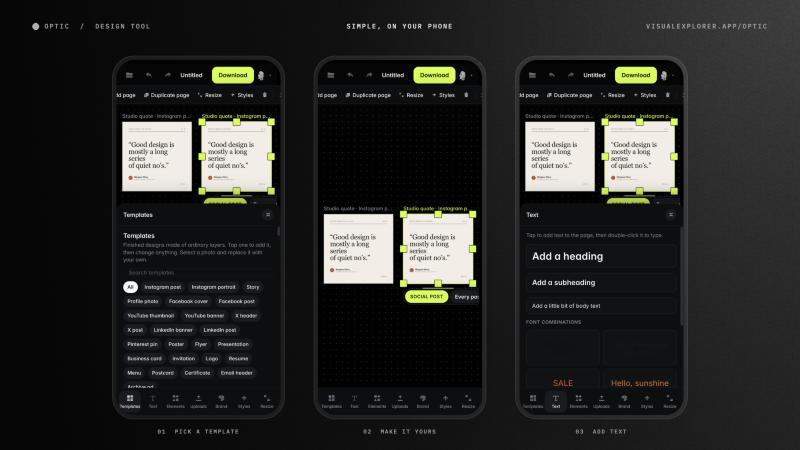
New in Optic 1.2: Simple mode works on your phone.
Pick a template, change the text, swap the photo, download. One finger to move around, two to zoom.
Simple is free with a Visual Explorer account.
https://t.co/g0FKtXKAE5
Optic 1.2 is out of beta, on Mac and web. A design tool where AI works inside a real file, on real layers, under your rules. Every screenshot in this thread is the shipping app.
https://t.co/g0FKtXK2Ox
Any live website, as editable layers.
Run Optic's Snapshot on a page and paste it into your file. Boxes, colors, images, icons and real text come in as layers you can change.
It goes from the page to your clipboard to Optic. Nothing is sent anywhere else.