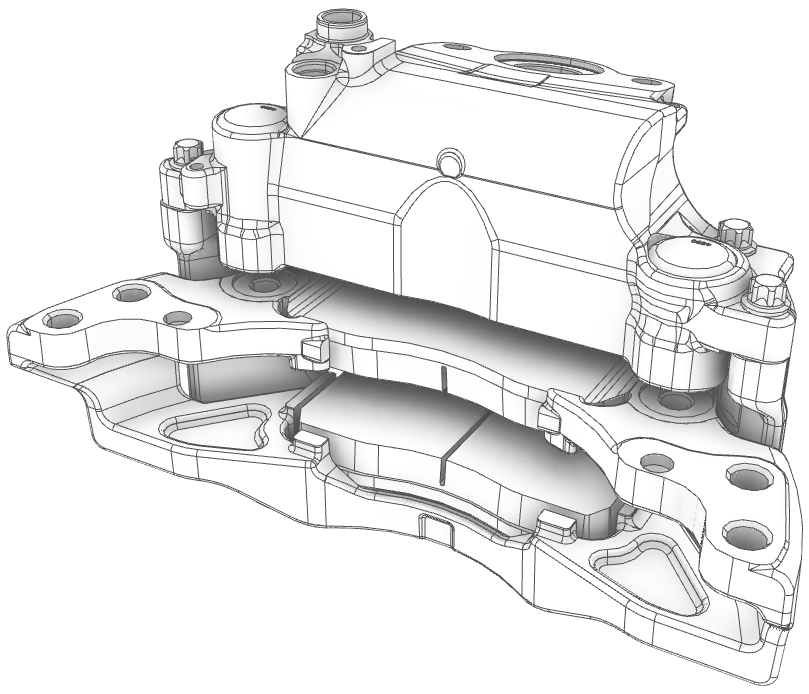
A new Eyeshot 2026 stable build is available for download. To learn more about this update, read the full announcement here: https://t.co/cLj1JKBCSX
#CAD#Engineering#DotNet#WindowsDev
We asked AI to build an Eyeshot-based C# WPF app from scratch 🚂
The result:
• Visual Studio project generation
• 3D railway scene
• Animated toy locomotive
Watch the demo:
https://t.co/jhPZnStSxj
#AI#CSharp#WPF#dotnet
We just published a new Help Center article on Solid Modeling. It explains how to programmatically draw a 3D object and includes practical tips to make it easier.
Read it here 👉 https://t.co/ODynQz1gyu
#CAD#engineering#dotnet
We just published a new Help Center article on Solid Modeling. It explains how to programmatically draw a 3D object and includes practical tips to make it easier.
Read it here 👉 https://t.co/B3qFKSMFJ6
#CAD#engineering#dotnet
Eyeshot 2026 is here! 🎉 New features include Shell FEM elements, Volume Rendering, OpenGL 3.3, Selective Clipping, ReadE57 class, Visual Studio 2026 support, and more. Learn more here: https://t.co/rCN6gibyY9
#WindowsDev#CAD#Engineering
Need help with CAM setup? Our latest Help Center guide walks you through configuring Manufacture workspace step by step.
🔗 https://t.co/t2AcQhA0vE
#CAD#engineering#dotnet
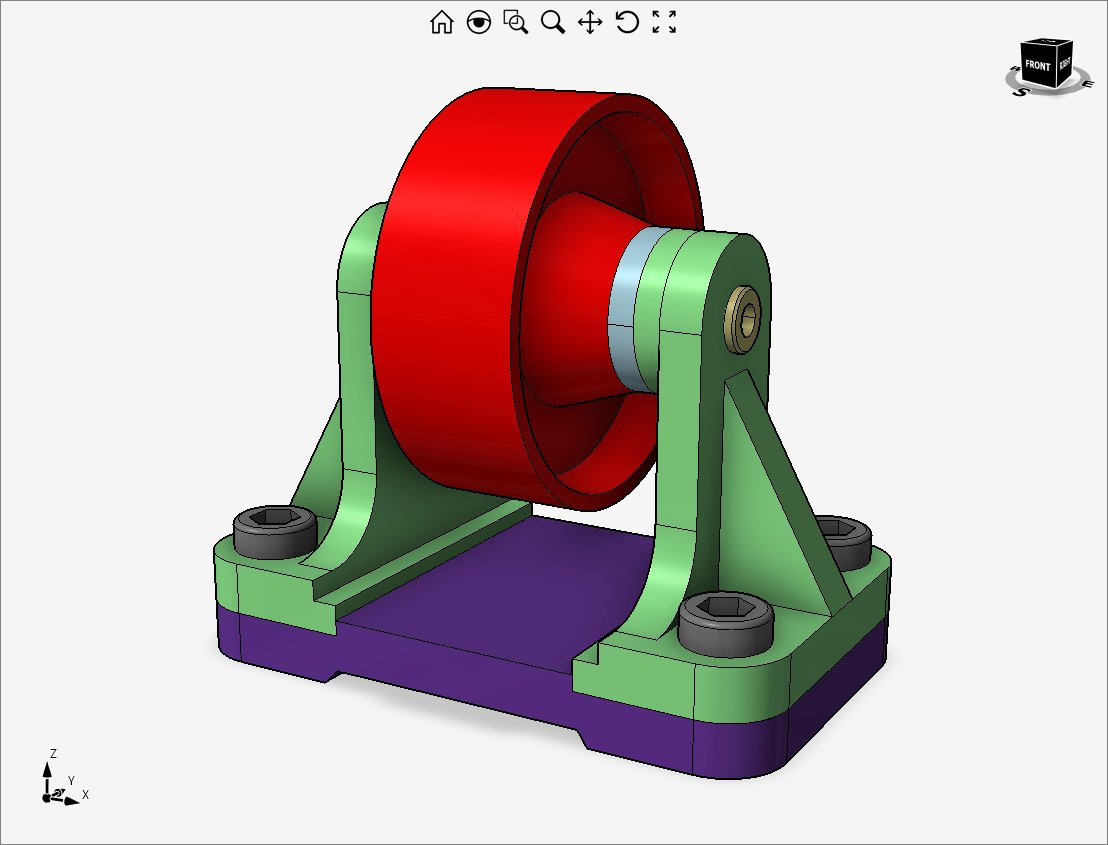
We have published a new Help Center article covering 3D modeling and assembly.
It provides detailed instructions on modeling the Belt Roller Support components and assembling them correctly.
Read it here: 👉 https://t.co/WNfsmmTXEf
#CAD#engineering#dotnet
We just published a new Help Center article on curve and surface curvatures.
It explains how to display curvature amount and includes practical tips to make it easier.
Read it here 👉 https://t.co/TrJ9oxIJzT
#CAD#engineering#dotnet
Need help with DWG/DXF 2D profiles extrusion? Our latest Help Center guide walks you through loading/filtering/fixing DWG/DXF file contents step by step.
🔗 https://t.co/01JJ497KCI
#CAD#engineering#dotnet
The Beta version of Eyeshot 2026 is here! Packed with powerful new features: OpenGL 3.3, Selective Clipping, ReadE57 class, Visual Studio 2026 support, and much more!
Get early access & shape the future with us! https://t.co/LqbufQp4X4
#WindowsDev#CAD#Engineering#3Dgraphics
We just published a new Help Center article on Surface Modeling. It explains how to programmatically draw a 3D object and includes Surface Meshing.
👉 https://t.co/BiYRtBC0Zq
#CAD#engineering#dotnet
We just published a new Help Center article on Solid Modeling. It explains how to programmatically draw a 3D object and includes practical tips to make it easier.
Read it here 👉 https://t.co/kIaMirgPRl
#CAD#engineering#dotnet
We just published a new Help Center article on Solid Modeling. It explains how to programmatically draw a 3D object and includes practical tips to make it easier.
Read it here 👉 https://t.co/kSwAyxz36k
#CAD#engineering#dotnet
We’ve just updated our Help Center with a fresh guide on Minimum Frame Rate feature!
Whether you’re new or experienced, you’ll find easy steps to make your dynamic movements (ZPR) as smooth as possible.
Check it out 👇
https://t.co/y2NhEsl44S
#CAD#engineering#dotnet
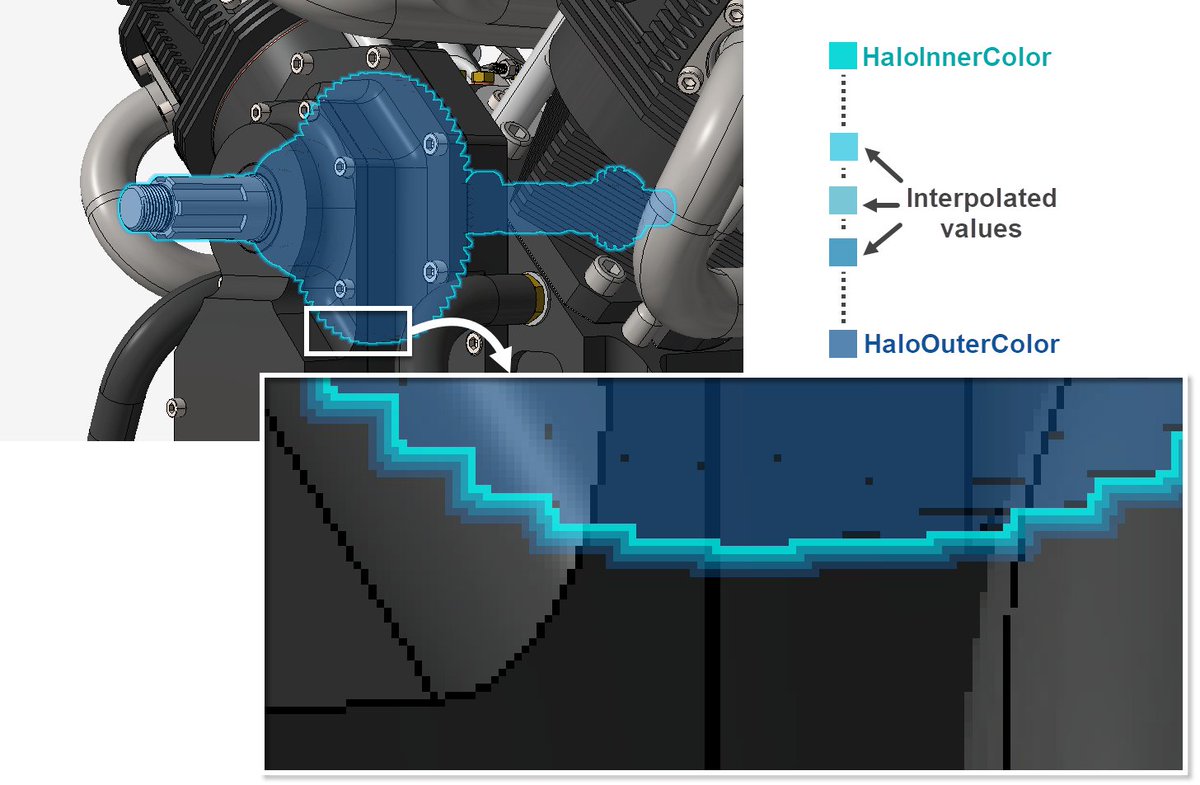
Need assistance with Halo Selection? Our updated Help Center guide explains halo selection settings in detail.
🔗 https://t.co/QVjrLAdlnC
#CAD#engineering#dotnet
Need help with Lazy Loading? Our latest Help Center guide walks you through loading only the necessary components step by step.
🔗https://t.co/OqMHboUYkZ
#CAD#engineering#dotnet
Need help with Assembly Mates? Our latest Help Center guide walks you through assembling components step by step.
🔗 https://t.co/UmoOlQxJCj
#CAD#engineering#dotnet
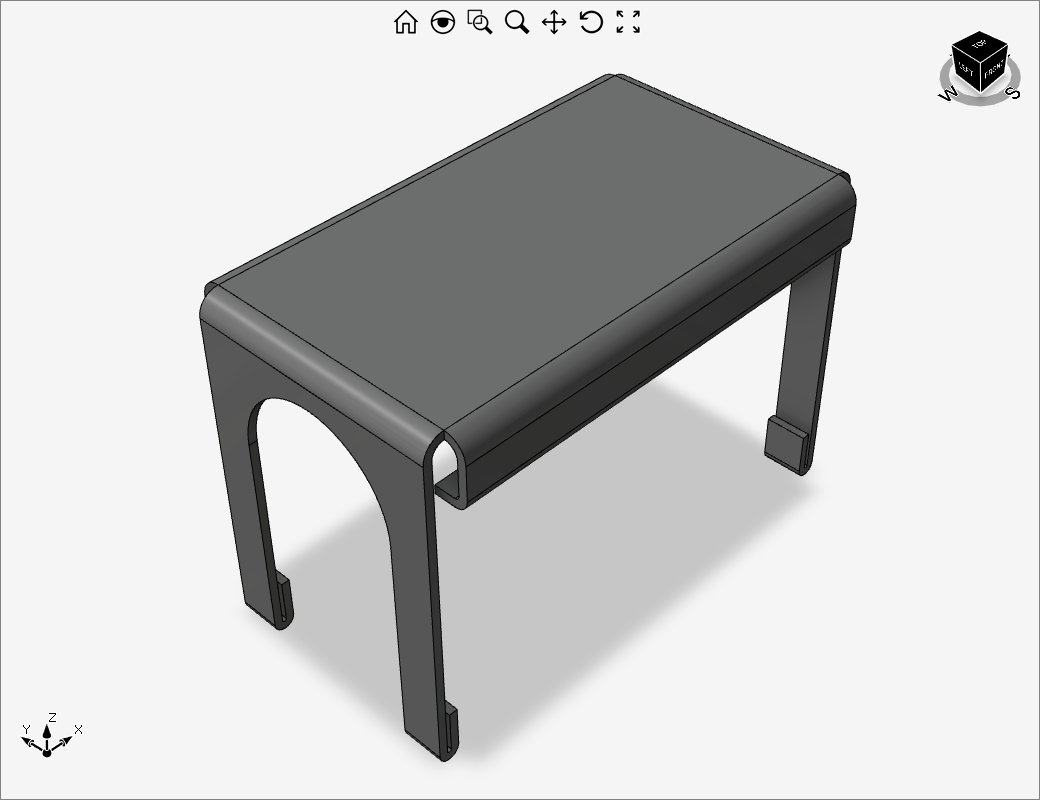
We just published a new Help Center article on Sheet Metal.
It explains how to model a sheet metal part and includes practical tips to make it easier.
Read it here 👉 https://t.co/iyhQwG7KCD
#CAD#engineering#dotnet