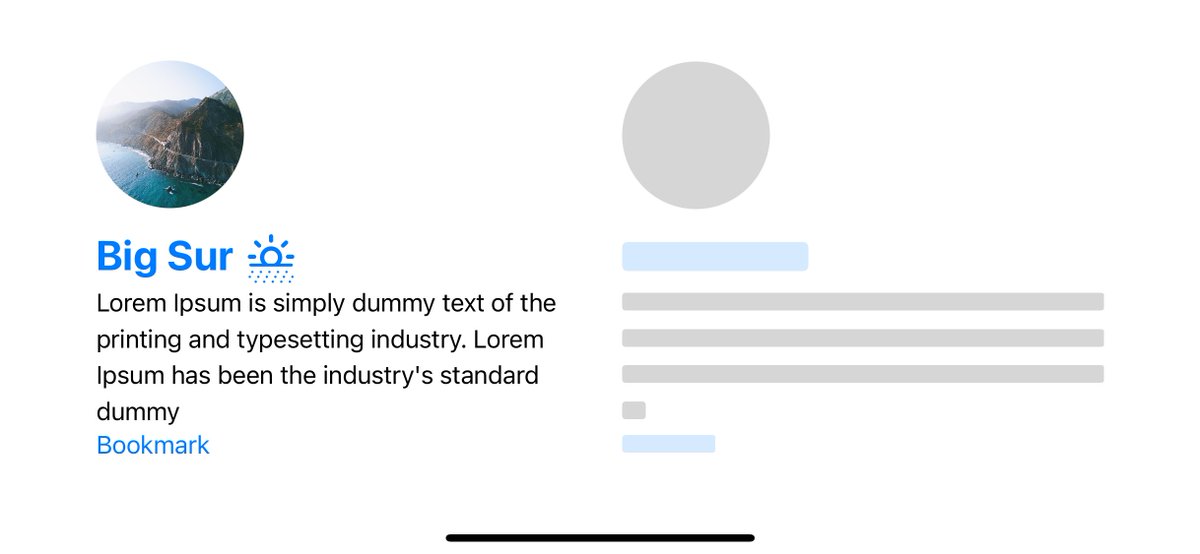
UIKit will be important for years, but be under no delusions: SwiftUI is the future. Not the distant future, the imminent future – I use it for all my new apps and others are too, and when iOS 14 ships we're likely to see a huge expansion making it great for many more projects.
1. Learn how to solve problems check out 100 days of Swift by @twostraws
2. On each challenge add something new be creative, either do a challenge with a new twist or add on top of it
3. Learn SwiftUI to build your confidence & build your experience with apps. I have a free SwiftUI beginner playlist you can check out which had a solid roadmap of things i’d expect a junior ios dev to know
https://t.co/IdrI4z9gk6
If my teaching style doesn’t work for you find someone who’s style does and stick with them for every vid you watch repeat step 2
4. Once you feel comfortable with step 3 BUILD SOMETHING YOU CAN SHIP
I have a few vids that cover legit app structure you’d see in a iOS workplace of architecture that would impress me if a junior applied for a role and i saw this
https://t.co/OFDPVWqVan
https://t.co/SsidVimbBO
If you’re stuck for project ideas here’s a vid with some ideas
https://t.co/LFulSh3AKd
5. Learn the fundamentals of UIKit, you should have a grasp on problem solving by now and researching. So you can look into other tech but defo learn UIKit since a lot of apps in the industry use it, SwiftUI builds your confidence & UIKit preps you for the real world (Until SwiftUI takes over 🤪)
6. Fuck around and find out, fail and fail hard. The more mistakes you make the quicker you learn and pick things up 👌🏾
Multiple of the apps I developed got featured in the App Store.
Developing apps since 2009, I learned quite a bit about what works.
Here's what you need to know 👇
A new version of Foundation launched today as an open source project, written in Swift. This project provides a single, cross-platform implementation and shows significant performance improvements. https://t.co/ItMd423gvz
Let's create cool #SwiftUI#Animations in this video and article. YouTube: https://t.co/bsUjE1AKsN
Article: https://t.co/Ypn96kQeGz
Download the SwiftUI project on GitHub: https://t.co/7dQVzkwm0H
Day 4 of my✍️🏼'1 article per day for 7 days challenge'
It's a really basic example of the MVVM pattern implement to #SwiftUI
Feel free to leave a feedback 🙂
https://t.co/Hj1sEsQ0hl
My GOD! I was never a math person and now I am regretted! this is so so so cool! #SwiftUI is amazing! Thank you for teaching this for free @twostraws, UI is such a crazy but fun place!
@Apple@SwiftLang#SwiftUI#UI#graphic
I'm excited to have @seanallen_dev on today's episode!
Today we chat about what it takes to become a pro developer and upgrade your skills and your career.
https://t.co/6BHHAhQnCz
Using the latest iOS 16.4 in Xcode 14.3, I've been able to run Xcode on the iPad Pro (12.9 Inch) 🤯 I wonder what #wwdc will bring for this!
Explained here how I've done this:
https://t.co/wp71LDSV5f
I've counted the nominations for this year's Swift Community Awards, and published the shortlists! Final voting is now open: make sure you check out the fantastic people and projects that made a big impact last year, and cast your vote before April 17th! https://t.co/H2hIRLl5j8
New in #iOS 16.4:
• Support for Emoji 15.0, with 21 new emojis, including a pink heart
• Notifications for web apps (PWAs) added to the Home Screen
• Voice Isolation for cellular calls
• Duplicate detection for the iCloud Shared Photo Library
• VoiceOver support for maps in the Weather app
• Bug fixes and improvements
#iOS164