@mdieckell DiskWarrior 5.3 with Apple Silicon support official release is very soon! We will then focus on the next major version of DiskWarrior with the ability to repair APFS.
@harlanerskine@thehouseofmoth @westerndigital If the drive does not appear in Disk Utility or the drive has physical clicking / scratching / beeping; the drive is likely beyond software recovery.
@Thomas_Norden DiskWarrior 5.3 will be released soon for Apple Silicon support to rebuild macOS Extended (HFS+) formatted volumes. DiskWarrior 5.3 WILL NOT be able to rebuild Apple File System (APFS) Volumes.
DiskWarrior 6.0, the next major version of DiskWarrior, will have this capability.
@vksvicky We are working to release DiskWarrior 5.3 with Apple Silicon compatibility to rebuild macOS Extended (HFS+) Volumes. We will then focus on DiskWarrior 6.0 with the ability to rebuild APFS Volumes. There is no release date yet for the next major version of DiskWarrior.
@harlanerskine@thehouseofmoth @westerndigital If the drive died, likely it is beyond software repair and instead will require data recovery from a Clean Room service like Drive Savers: https://t.co/S6bXGvE47Q
@brrayne @thehouseofmoth We have been working with the Apple APFS documentation last updated 2020-06-22. This documentation is not complete and requires extensive backend engineering for the full rebuild of APFS Volumes. Much work has been completed but there is more to go.
@jmckennaphoto @battery_licker @DavidCFein DiskWarrior 5.3 will be released to support the newest versions of macOS & Apple Silicon Processors for the rebuilding of HFS+ (MacOS Extended and variations) formatted Volumes.
DiskWarrior 5.2 is NOT compatible with macOS 11 Big Sur.
DiskWarrior 5.3 will be released for compatibility; however, it will not have the ability to rebuild APFS formatted Volumes.
We will update our website to reflect this information soon.
@GregoryIves There is no need to reinstall. Please ensure DiskWarrior still has "Full Disk Access" in System Preferences.
An updated version of DiskWarrior Recovery Maker will be released for macOS 12 (Monterey) in order to create an updated DiskWarrior USB Flash Drive.
@unklerupert The Security framework in macOS could be damaged, but a first step would be to Trash the DiskWarrior app / Empty Trash / Restart Mac and install new copy of DiskWarrior and try to allow the Extension again.
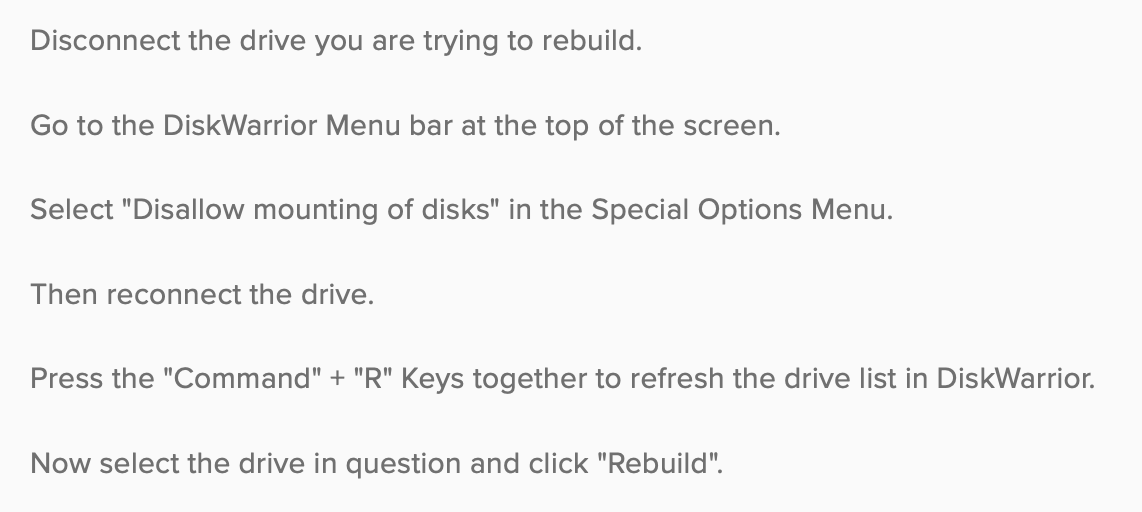
@DjSon This error indicates the Disk stopped responding during the rebuild. Try once more with our "Disallow Mounting of Disks" function. However, given the condition of the drive it may be beyond software recovery. If the drive doesn't respond to commands, no software can recover.