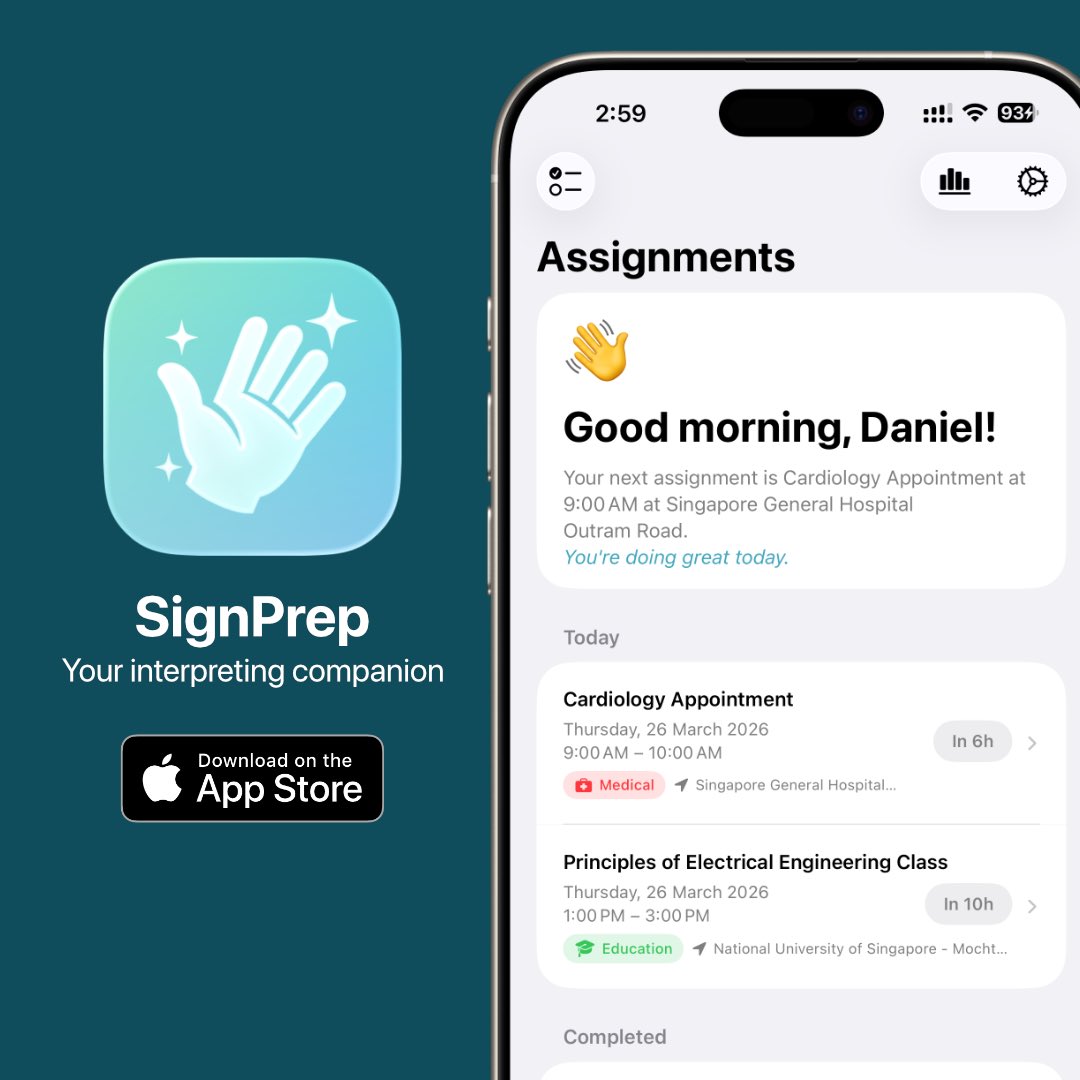
So I accidentally became an indie app developer? @SignPrepApp is live on the App Store.
Built for sign language interpreters — by one who got tired of wrangling multiple calendars, countless open tabs and messy notes. 😵💫
🔗 Check it out! https://t.co/pXnqNJmLF8
SignPrep is live on the App Store! 🎉
Designed for sign language interpreters.
Prepare for assignments with on‑device AI, personal sign glossary, DC‑S reflections, well‑being tracking, and read resources.
🔗 Download: https://t.co/siwzksPqMU
#SignPrep#SignLanguageInterpreter
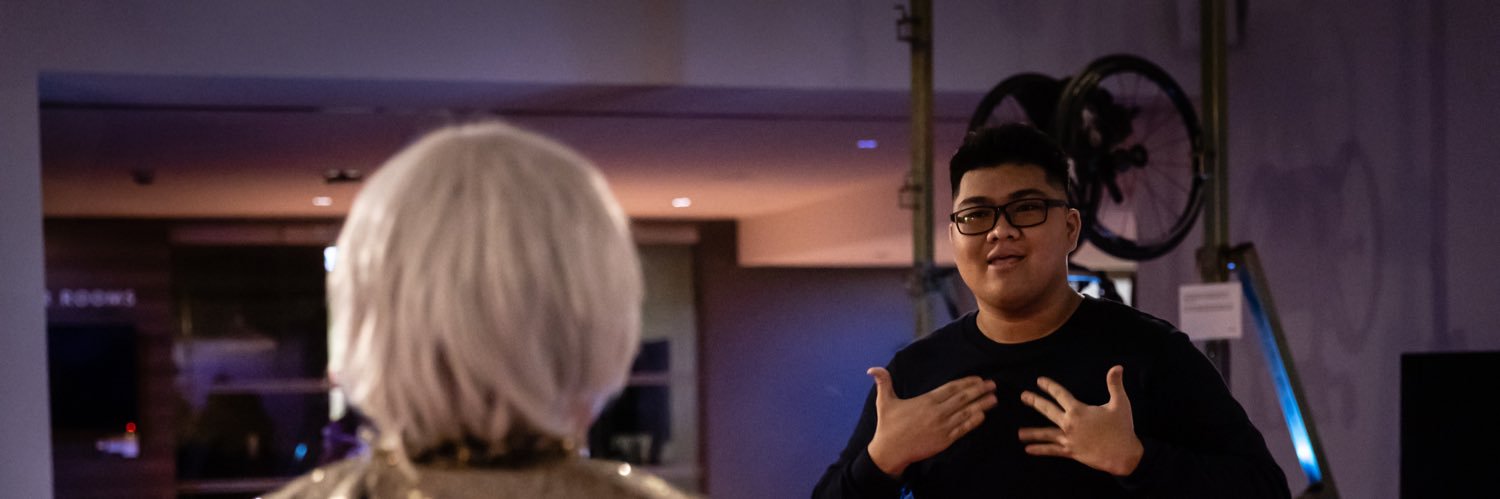
Look how Apple does accessibility for their in-person events for #WWDC26 at Apple Park! Transparent screen with live captions and ASL interpreter. Super cool 🙌
SignPrep is built for sign language interpreters before, during, and after assignments.
Prepare with AI briefings.
Coordinate swaps.
Reflect after the job.
Track CPD.
Build your own sign glossary.
Explore SignPrep: https://t.co/pF6GT6KdBr
Also, it’s so weird having to negotiate with AI since it has the power to set the subscription pricing. At some point, I think I was begging a computer 😭💀
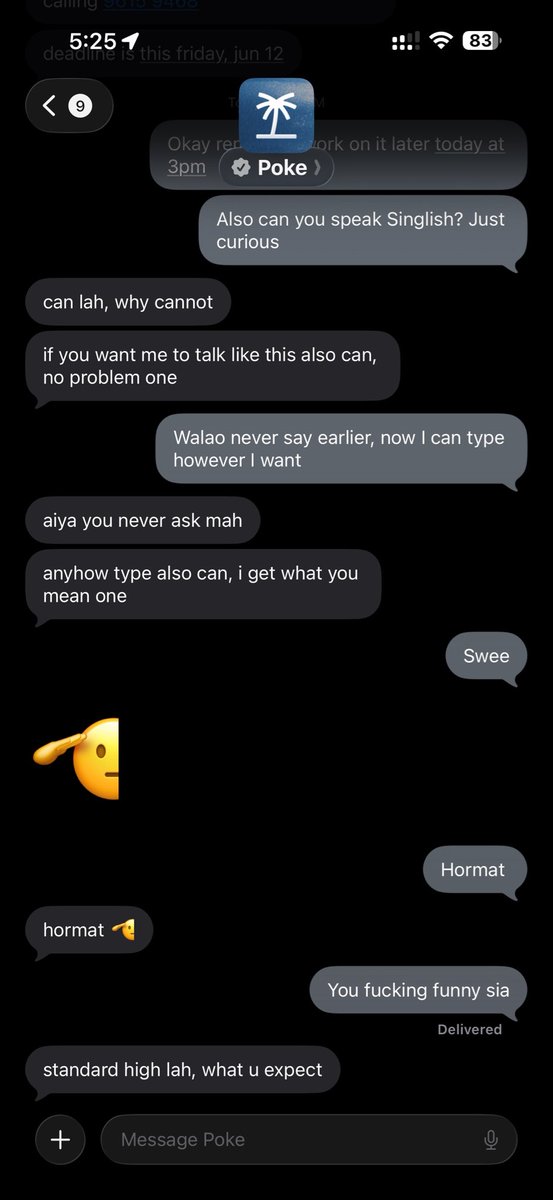
Say hi to the new Poke! 🌴
Now officially approved by Apple to text on Apple Messages.
As the first and only AI agent. Chat now: https://t.co/VIWYU64dUI
Finally launched the https://t.co/jec1fow5If website, alongside version 1.5! 🎉
If you’re an interpreter, I want to hear your feedback! Shoot us an email at [email protected]
SignPrep v1.5 is here to help you during your assignments ✨
New in this update:
• Swap Timer & Swap Clock
• Ambient Mode for glanceable info
• Ongoing Assignment view
Built to support sign language interpreters in your work 🤟
🔗 Learn more
https://t.co/pF6GT6KdBr
Apple Intelligence is about to make some of our accessibility features even more powerful: from stronger descriptions in VoiceOver and Magnifier to a more intuitive Voice Control with natural language and an even more adaptive Accessibility Reader! #GAAD https://t.co/v5H0YhbUZu
@Barbapapapps@DylanMcD8 But I wanted to only show the hours and minutes, I had to use a remainingTimeText(until:) helper to show “1h 31m”. It fixed the width expansion bug, but the trade-off is that it only updates when the system refreshes the Live Activity view (every few minutes), not every second.
@Barbapapapps@DylanMcD8 It’s so annoying.
There’s a known SwiftUI bug that Text(date, style: .timer) expands to fill all available width instead of taking only the space it needs, which screws up the Dynamic Island compact trailing region. I had to use hidden text and an overlay to workaround it.
@ParkerOrtolani Same here. I also use scheduled prompts. One of the use cases is I have it acting as a chief of staff, giving me daily briefings of my day and tasks. Super useful.
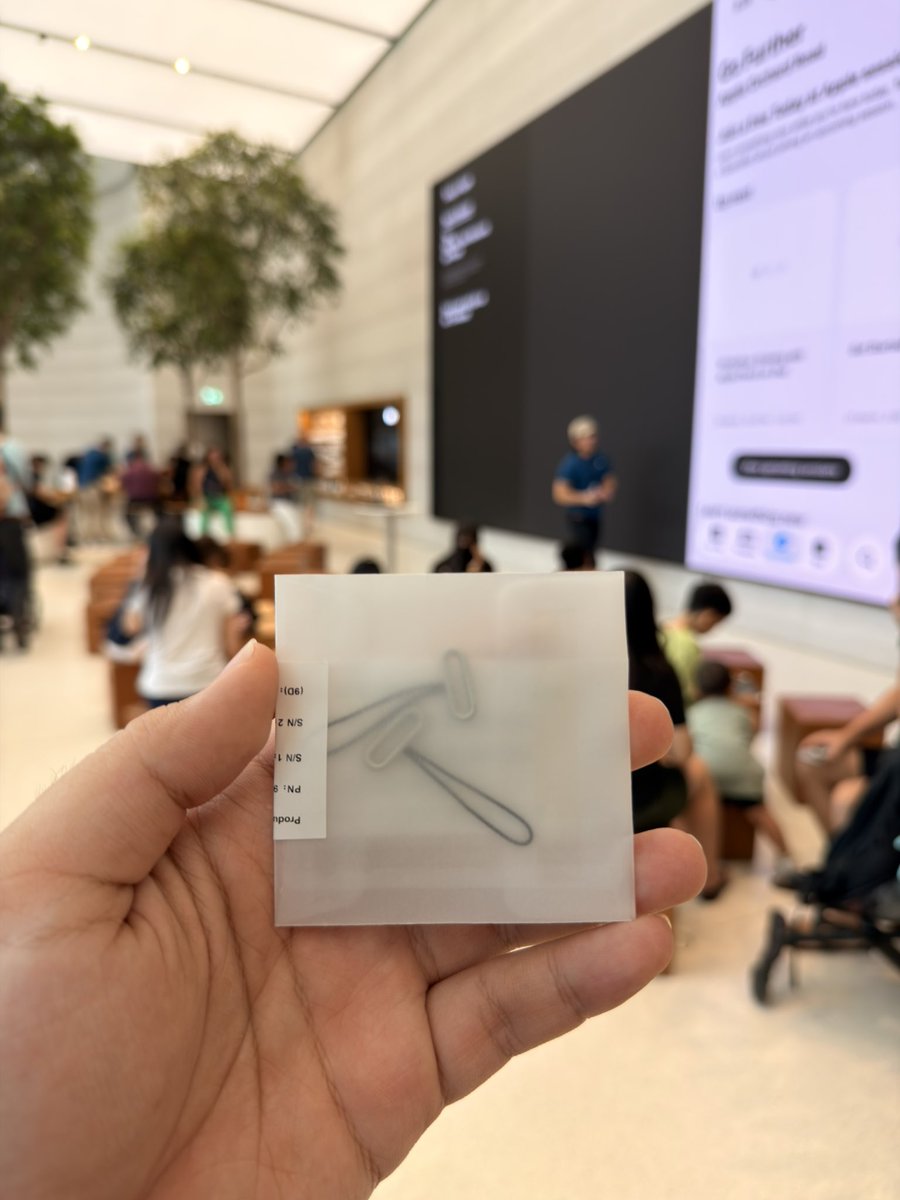
If you’re wondering how much the replacement of the Apple Crossbody Strap connectors are, it’s about 9-10 USD. You have to make a service appointment at the Genius Bar for it.