Day 29 of #30DaysOfCompose
Today, I learned about the Activity lifecycle!
Key learnings:
How to print logging information to the Logcat
The basics of the Activity lifecycle
How to override lifecycle callback methods to perform operations at different times.
#LearnInPublic
Day 28 of #30DaysOfCompose
Today, I finished my 30-day project app!
Key features include:
Cards for each day with tips, displayed in a scrollable Column
Favorite and share chips
Fade-in and fade-out animations for expanding and collapsing images
#AndroidBasics#LearnInPublic
Day 26 of #30DaysOfCompose:
Today, I built a simple superheroes app! 🦸♂️🦸♀️ This app displays a list of superheroes with their names and images. Loving the progress and can't wait to add more features!
#AndroidBasics#LearnInPublic#kotlin
Day 25 of #30DaysOfCompose
Today, I updated my dog list app to add animations and hobby information for each dog! 🐕 Now, users can expand list items to reveal hobbies with a smooth spring animation. Loving the added interactivity!
#AndroidBasics#jetpackcompose#LearnInPublic
Day 24 of #30DaysOfCompose:
Today, I created a simple dog app that displays a list of dogs, all styled with material design.
What I learned:
Applying material themes to Compose apps
Adding custom colors and fonts
Adding custom shapes to elements
Adding a top app bar
#Androiddev
Day 22 of #30DaysOfCompose:
Today's learning journey took me deeper into Kotlin fundamentals, where I explored:
Generics
Enum and data classes
Singleton objects and companion objects
Arrays, lists, maps, and sets
Higher-order functions.
#AndroidDev#Kotlin#LearnInPublic
Day 19 of #30DaysOfCompose
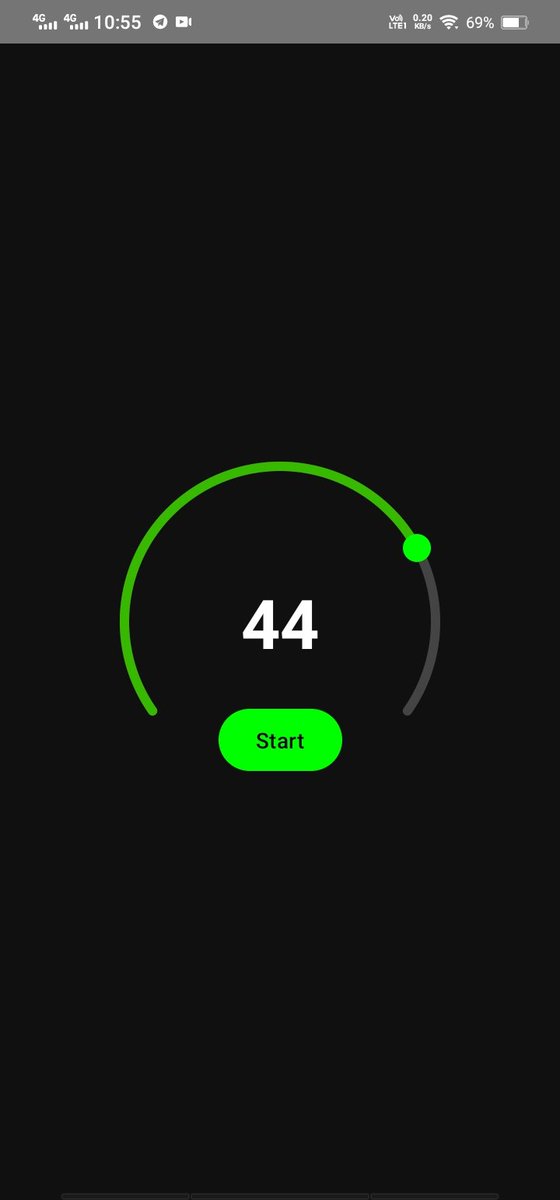
Today, I created a timer app where the timer counts down, and buttons change dynamically based on the timer state.
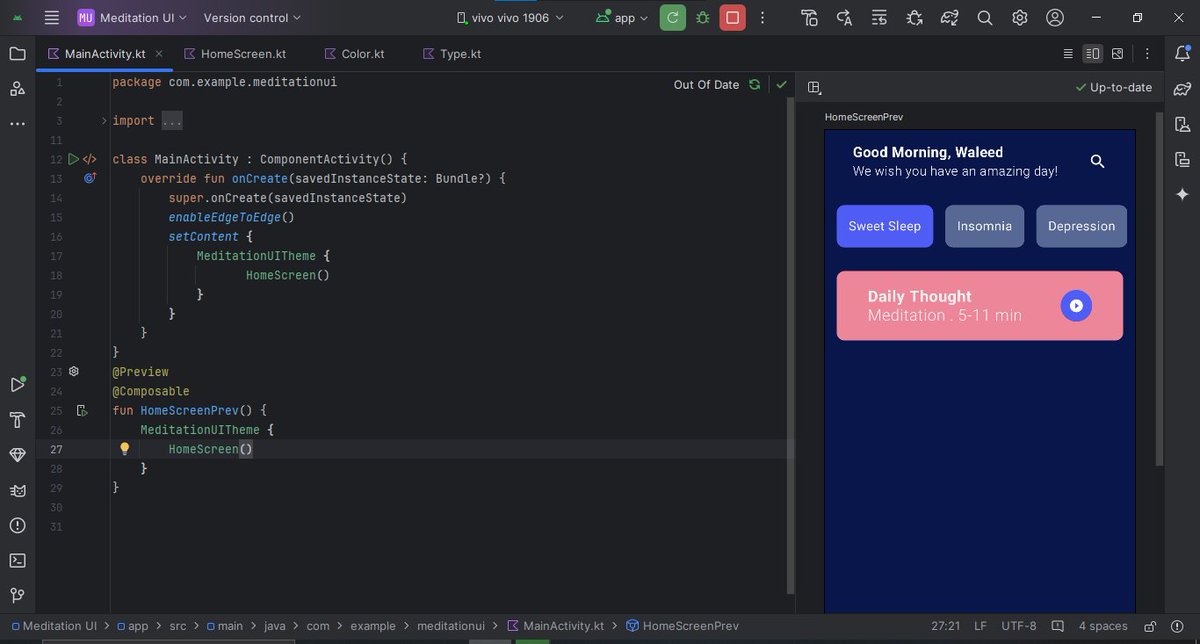
Also, I updated my meditation UI app to greet users based on the time of day. 🌞🌜
#AndroidDev#Kotlin#JetpackCompose#LearnInPublic
📚 Back at it after a break for final exams!
Day 14 of #30DaysOfCompose:
Today, I jumped back into learning with Jetpack Compose. I learned how to create an animated circular progress bar and explored the canvas for custom drawing.
Thank you all for your support!
#AndroidDev