2008: featured in the first App Store
2026: millions use Documents to edit PDFs, manage files, save links, and get the job done 🤝
From ReaddleDocs to Documents, we’ve evolved into a powerful multitool across iPhone, iPad, and the web.
Documents. Infinite capabilities.
Great read on giving old phones a second life 🔄
Thanks to @SirJAAguilar for naming Documents the iPhone pick for running a WebDAV server in @howtogeek’s guide 🗞️
https://t.co/iuNdJKKk5j
What’s inside every file you don’t have time to read? 👀
Smart Insights helps you find out. Explore the story behind the feature, supported formats, and ways to use it in our latest blog post ↓
https://t.co/7VKchKJ4F9
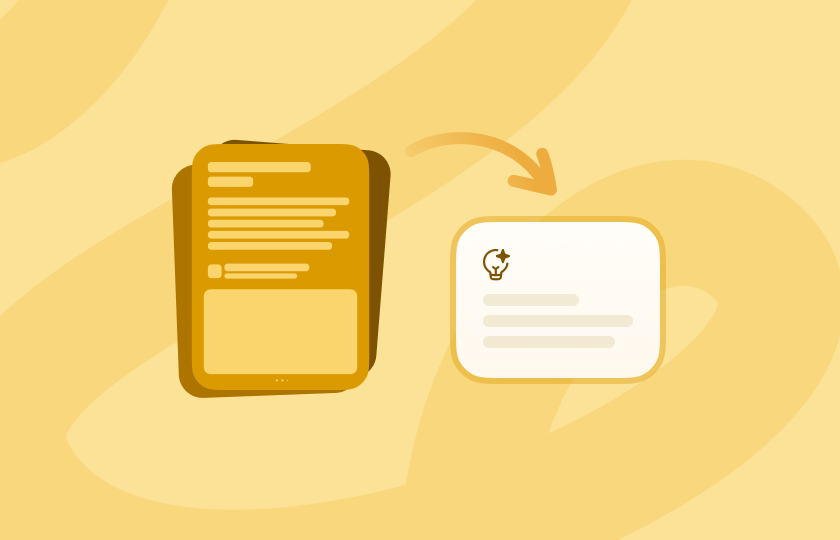
Product feature alert: we shipped Smart Insights ✨
One tap pulls an Executive Summary, Key Takeaways + Bias Detection from a PDF, text file, image, or link. No prompt or app switch needed.
Available with Documents Plus on iPhone, iPad, and the web.
Thank you, @iCulture and @BenjaminRK, for the mention and for recognizing the work that goes into building apps that last 📱
“With apps from professional developers like 1Password, Readdle, and Things, you can count on enjoying them for a long time.”
https://t.co/E39GzTdB2G
HEIC needs to be JPEG. WEBM needs to be MP4. That video needs to lose a few MB.
Open it in Documents and take it from there 🔄
Now you can convert and compress audio, video, and images without switching apps. The result stays in the same folder, ready for whatever comes next.
Documents is where you keep files that matter 🗄️
Explore these settings to add an extra layer of protectionDocuments is where you keep files that matter 🗄️
Explore these settings to add an extra layer of protectionDocuments is where you keep files that matter 🗄️
Explore these settings to add an extra layer of protectionDocuments is where you keep files that matter 🗄️
Explore these settings to add an extra layer of protectionDocuments is where you keep files that matter 🗄️
Explore these settings to add an extra layer of protectionDocuments is where you keep files that matter 🗄️
Explore these settings to add an extra layer of protection.
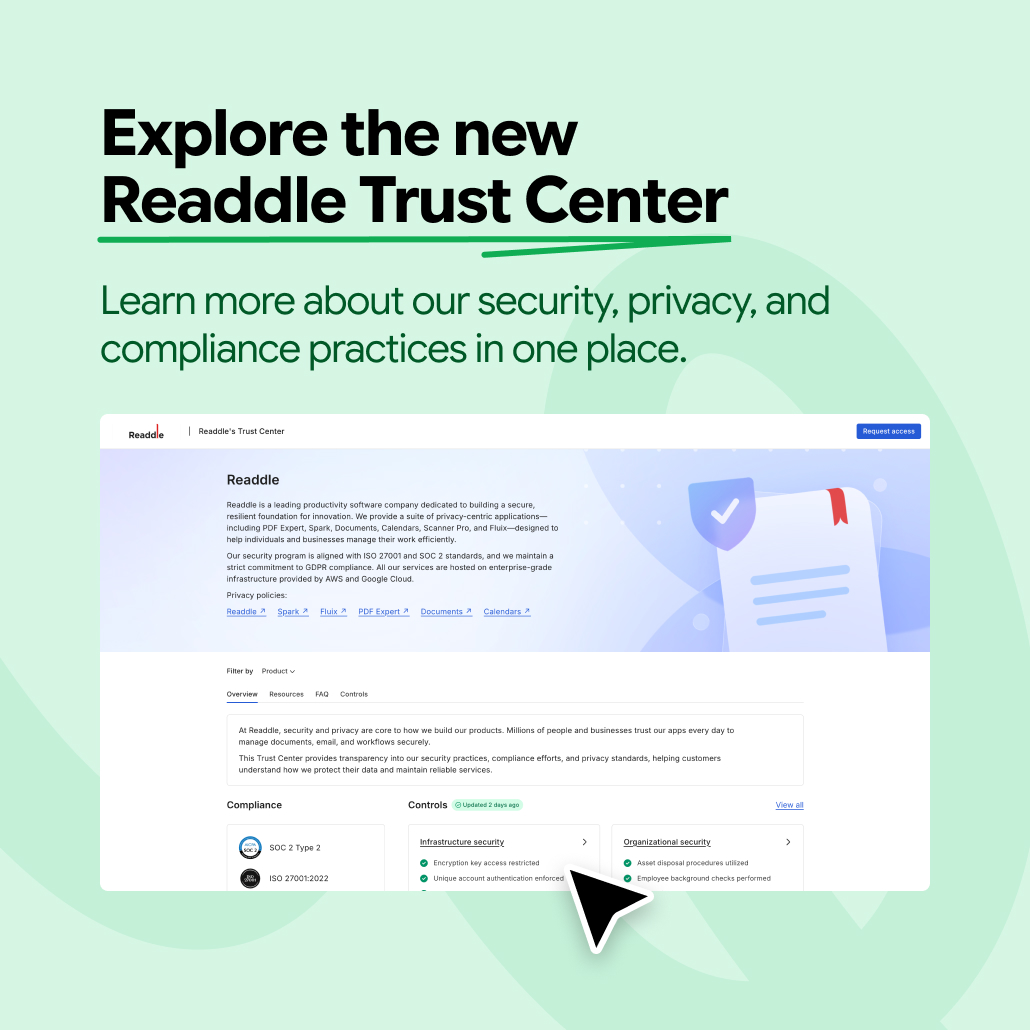
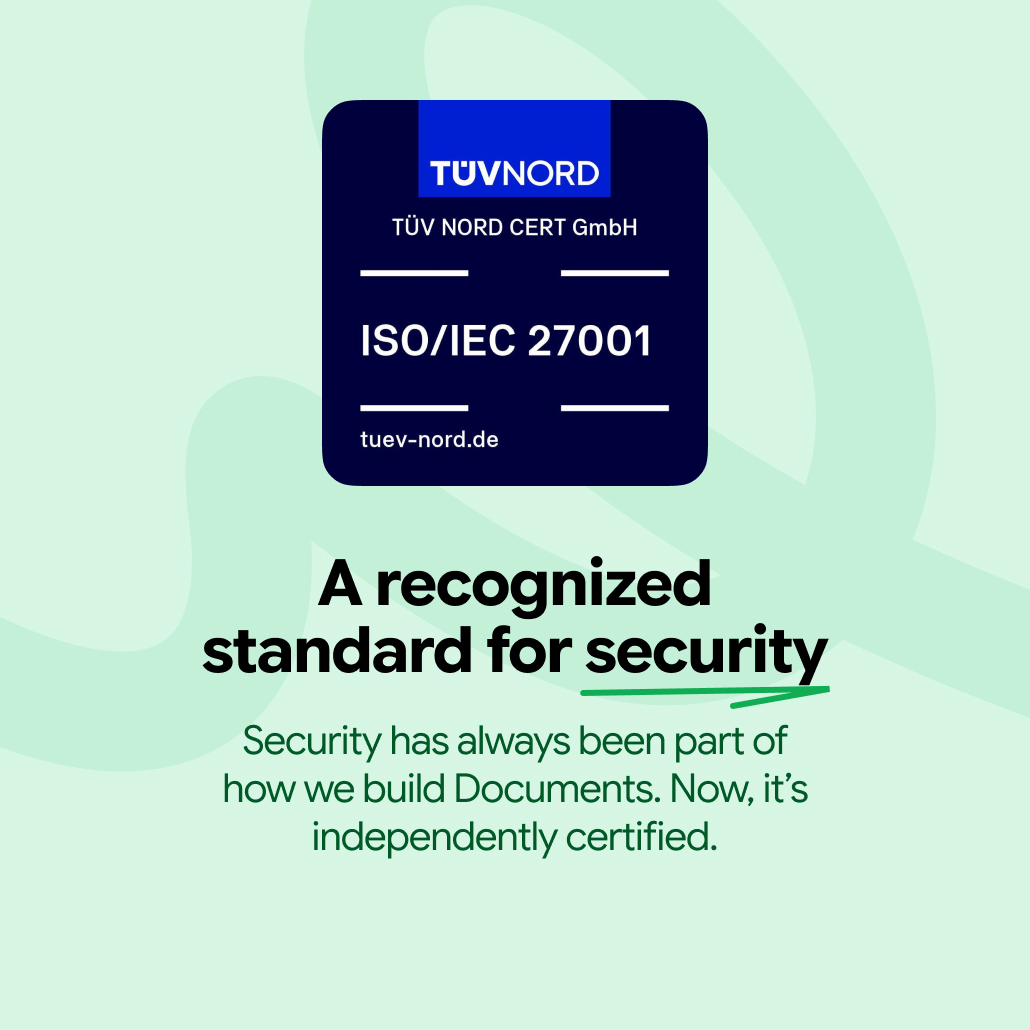
Documents has always been secure. Now, it’s ISO/IEC 27001 certified.
Readdle, the company behind Documents, received the certification from an accredited international body.
A global standard. An extra layer of confidence for your files 🛡Documents has always been secure. Now, it’s ISO/IEC 27001 certified.
Readdle, the company behind Documents, received the certification from an accredited international body.
A global standard. An extra layer of confidence for your files 🛡Documents has always been secure. Now, it’s ISO/IEC 27001 certified.
Readdle, the company behind Documents, received the certification from an accredited international body.
A global standard. An extra layer of confidence for your files 🛡Documents has always been secure. Now, it’s ISO/IEC 27001 certified.
Readdle, the company behind Documents, received the certification from an accredited international body.
A global standard. An extra layer of confidence for your files 🛡Documents has always been secure. Now, it’s ISO/IEC 27001 certified.
Readdle, the company behind Documents, received the certification from an accredited international body.
A global standard. An extra layer of confidence for your files 🛡Documents has always been secure. Now, it’s ISO/IEC 27001 certified.
Readdle, the company behind Documents, received the certification from an accredited international body.
A global standard. An extra layer of confidence for your files 🛡️
Hi 👋 There isn’t a separate option to delete the cache in Documents.
As a first step, please try force-restarting your device and waiting a little while, as iOS may clear the cached data automatically.
If that doesn’t help, you can try offloading the app by going to iOS Settings → General → iPhone Storage → Documents → Offload App.
Please make sure to select Offload App, not Delete App, to avoid losing your files. Offloading frees up storage used by the app while keeping its documents and data. Once you reinstall Documents, your data should be restored.
Documents, freshly picked 🍉
The summer harvest is live: fresh icons, seasonal backgrounds, and playful + buttons are now in the app. Update and choose your flavor.
Architecture students 🤝 too many PDFs
Documents keeps your plans, scans, and cloud files organized in one place. Annotate PDFs with Apple Pencil, scan sketches, save project links as files, and actually find what you need later.
That iPad app just makes senseArchitecture students 🤝 too many PDFs
Documents keeps your plans, scans, and cloud files organized in one place. Annotate PDFs with Apple Pencil, scan sketches, save project links as files, and actually find what you need later.
That iPad app just makes senseArchitecture students 🤝 too many PDFs
Documents keeps your plans, scans, and cloud files organized in one place. Annotate PDFs with Apple Pencil, scan sketches, save project links as files, and actually find what you need later.
That iPad app just makes senseArchitecture students 🤝 too many PDFs
Documents keeps your plans, scans, and cloud files organized in one place. Annotate PDFs with Apple Pencil, scan sketches, save project links as files, and actually find what you need later.
That iPad app just makes senseArchitecture students 🤝 too many PDFs
Documents keeps your plans, scans, and cloud files organized in one place. Annotate PDFs with Apple Pencil, scan sketches, save project links as files, and actually find what you need later.
That iPad app just makes senseArchitecture students 🤝 too many PDFs
Documents keeps your plans, scans, and cloud files organized in one place. Annotate PDFs with Apple Pencil, scan sketches, save project links as files, and actually find what you need later.
That iPad app just makes sense.