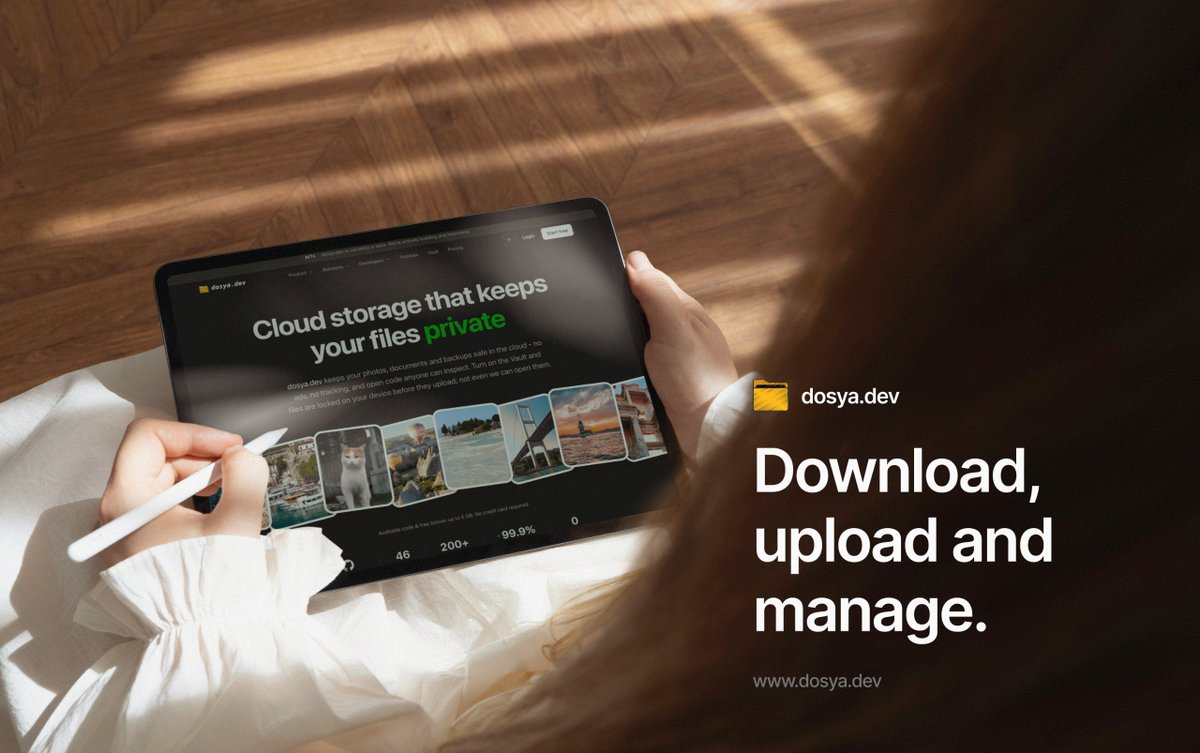
The https://t.co/h8y2nsWgif desktop app is now available for Windows, macOS, and Linux! 🎉
Manage your files with true peace of mind — end-to-end encryption, secure storage you control, and privacy by default. Drag, drop, share, and sync across all your devices, with your workspace always just a click away.
✅ End-to-end encryption
✅ Secure storage you control
✅ Private by default
Download now from the Mac App Store or Microsoft
Store 👉 https://t.co/zch5Kl7Pd4
#dosya #FileSharing #CloudStorage #EndToEndEncryption #Privacy #DataPrivacy #SecureStorage #DesktopApp #macOS #Windows #Linux #PrivacyFirst #OpenSource #Encrypted #ProductLaunch Daha azını gör
Your phone backup settings decide what happens the day the phone goes in the river.
Five that matter: what counts as backed up, originals or compressed, whether video is included, cellular use, and whether deleting locally deletes the copy.
https://t.co/sMzS86R8Ag
The https://t.co/xT0GmisqDH desktop app keeps a folder on your machine in step with your storage, then stays out of the way.
Files go up in chunks and resume if the connection drops.
Prefer a drive letter or a Finder mount instead? WebDAV and S3 are both there.
A 4 GB upload that dies at 96 percent is not bad luck. One dropped connection and a single stream starts over from zero.
What actually breaks, and why chunked transfers make long uploads survivable:
https://t.co/OEiUx1gnKx
Most people either pay for space they never touch or run out halfway through a project.
For scale: 10,000 phone photos is roughly 40 GB. One hour of 4K can be that on its own.
Estimating honestly:
https://t.co/AdQiPOxRS3
A contract, a scan of a passport, a medical record. Sending those as a plain link treats them like a holiday photo.
A ladder of controls, from expiry to password to download limits, and when each is worth the friction:
https://t.co/M3pMkPUBdA
@AndroidAuth Immich looks impressive, but putting your photo library on a VPS means taking responsibility for updates, security, storage, and backups. That’s a lot of ongoing work for someone who just wants their photos accessible across devices.
Windows maps cloud storage to a drive letter with nothing installed. Two defaults get in the way, including a 50 MB file size limit that reports itself as a network error.
The setup that works:
https://t.co/jM1EJ3LcgL
@YashHustle_22 Put the app in maintenance mode. Check the most recent backup and whether point-in-time recovery is available. Restore to a separate instance, verify the data, then reconnect the app. Investigate the deletion once service is back.
@EbiThinks Clever workaround for moving a few files between devices, but a Telegram group shouldn’t be treated as cloud storage. Organizing, syncing, and restoring a large collection of files would be difficult. Useful in a pinch, but risky as the only copy.
@himselfprod rclone is great: it’s open source, available on almost every platform, and supports S3, WebDAV, SFTP, and more. Thanks to @njcw for creating it!
Quick transfer services delete your upload on purpose. That is the product, not a bug.
Sometimes expiry is exactly what you want. Sometimes you needed that file in March.
What to look for in an alternative:
https://t.co/KeL0S4A0fT
Sync mirrors your mistakes as faithfully as your files. Delete a folder on the laptop and it is gone everywhere else within seconds.
Where backup and sync differ, and why most people need both:
https://t.co/8w0Db5gup6
https://t.co/xT0GmisqDH speaks the protocols your tools already speak.
WebDAV to mount it as a drive. SFTP for servers and CI. S3 API for anything rclone or aws-cli touches. REST for your own code.
Same files, whichever door you come in through.
Storage is priced per GB stored. The bill that surprises people is per GB read.
Egress fees mean the more your files get used, the more you pay to keep them.
How it works, and who it hits hardest:
https://t.co/wi2RBjbgJn
S3 and WebDAV both mount storage as a drive. They break in different places.
WebDAV is happier with a file manager. S3 is happier with a script.
How to pick before you build a workflow on the wrong one:
https://t.co/0WYweYyXVD
Three copies, two kinds of storage, one offsite.
Each number defends against something different: file loss, device loss, and losing the building.
Setups that satisfy all three without turning into a weekend job:
https://t.co/RvDfHYHMr1
Gmail says 25 MB. The real ceiling is closer to 17, because encoding inflates the attachment before it ever leaves your outbox.
What happens when you cross it, and four ways around it:
https://t.co/iDco3O1yVJ