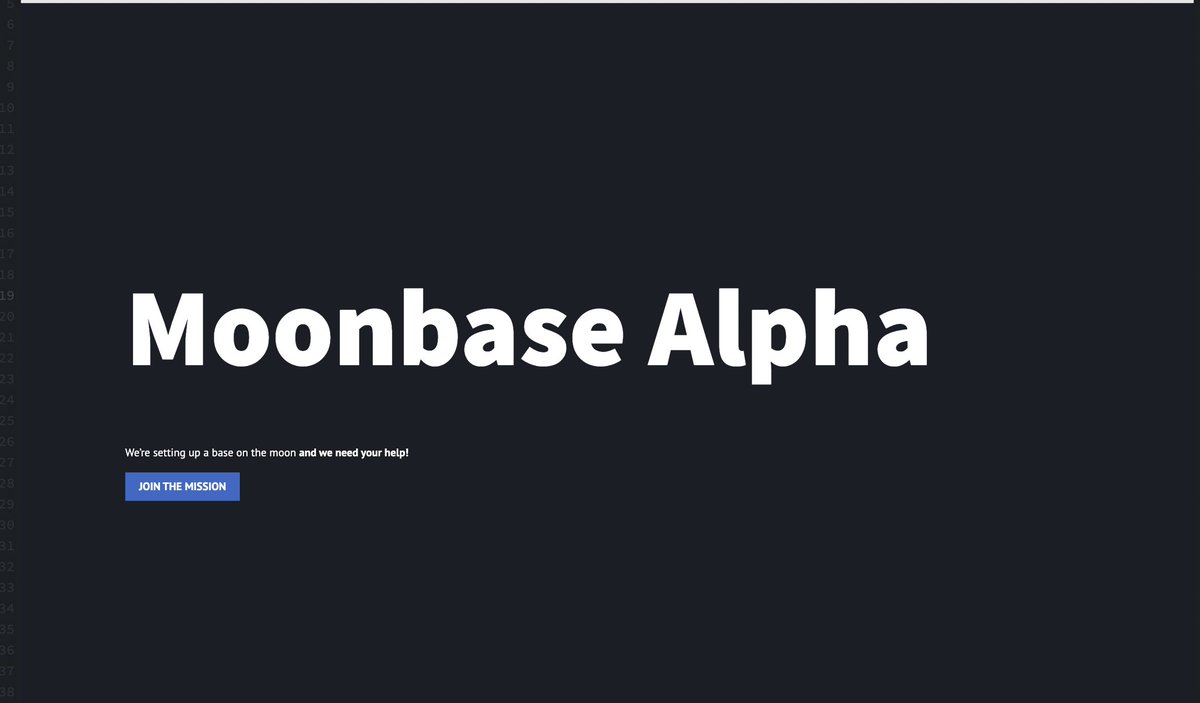
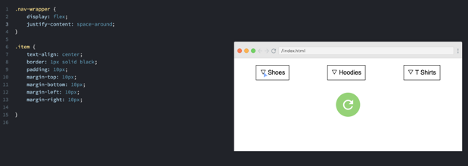
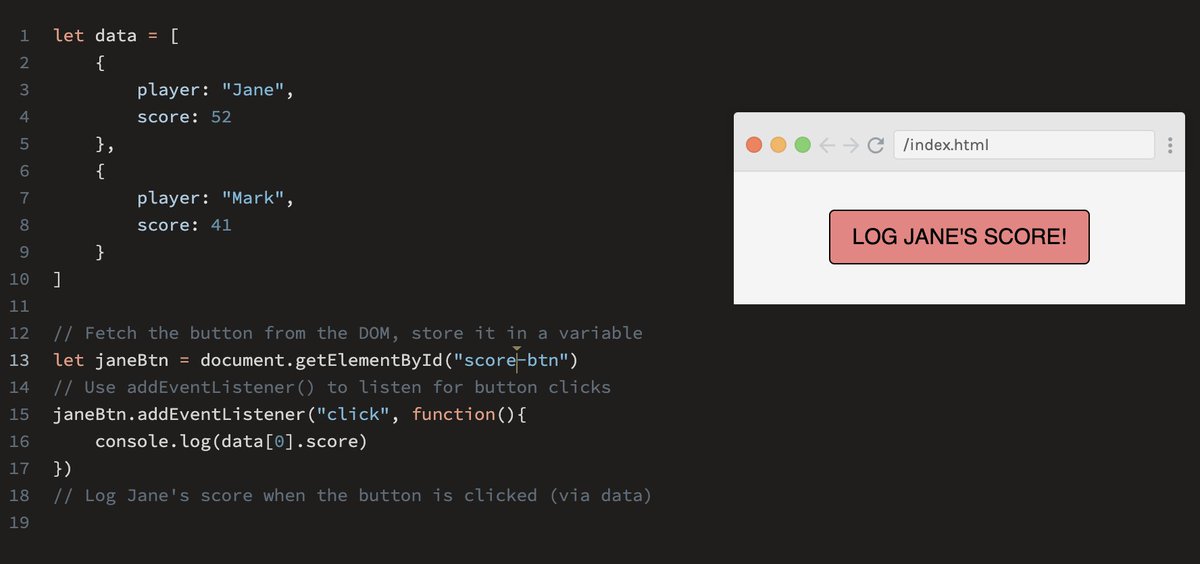
Day #56 created a simple nft site to practice button making 🖱️ Links vs. Buttons:
-We should use buttons for actions that affect the website’s front-end or back-end (JS!)
-Links are for navigation to somewhere on the same page, within the site, or elsewhere on the internet.
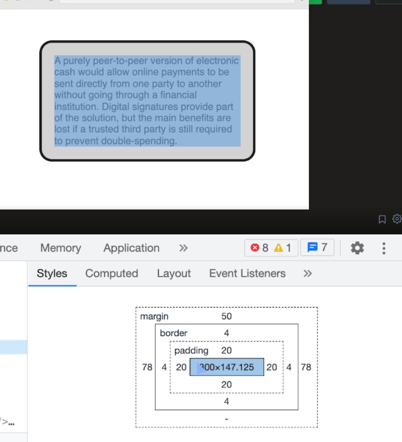
Day #55 learned some real funky stuff today 🕺💃 focused on creating a utility class in css for reuse within our webpage. This allows us to write DRYer code, fewer bugs, and to be more efficient!
Day #54 Created a google clone and learned about the powerful tool of #flexbox. I used it to override display: block and center buttons. Created a Google clone and used dev tools to inspect the page to get our CSS styling right 🌱
Day #53 Selectors - before we can change anything though, when using embedded or external stylesheets we need to tell the browser what elements we want to change. We can select elements by looking at their tags in HTML
Dat #52 got an idea for a web application and went down a rabbit hole trying to get this spotify web player to work and although I was able to sign into my account I was greeted with a nice error. Let the debugging commence 🪲🪲
Day #51 #css can live in three places inline, embedded, and external. Inline (1) can clutter html and will be focused on one element at a time. Embedded (2) is page specific. External (3) is the preferred solution to storing css as it separates concerns of content and styling.
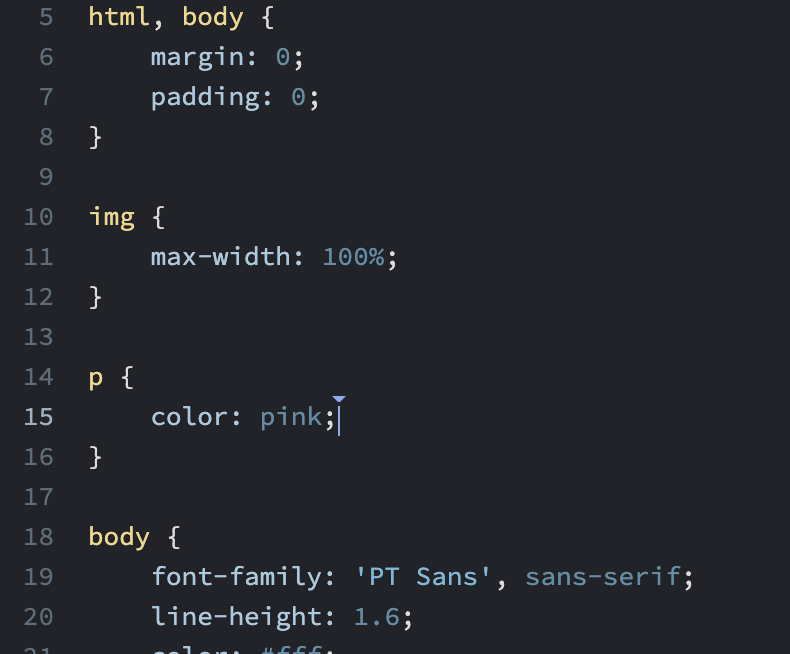
Day #50 putting html to work with some #css Cascading Style Sheets are all about style. It takes the form of property: value; pairs and some are color, font-size, font-weight, and width! 🕺🕺
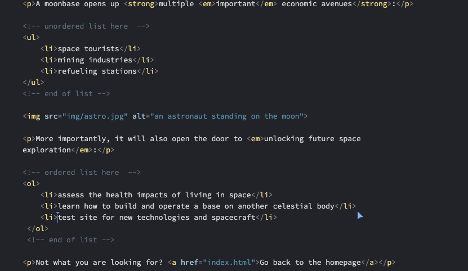
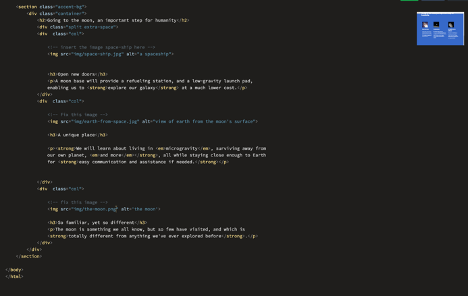
Day #49 finished up #html refresher with <img>, <ul>, and <ol> tags. Images require two attributes src and alt while both list types are populated using <li> list items. 🖼️📜
Day #48 <a> worked with links today, they can link to different parts within a single page. They can create connections between different HTML documents. Links are one of the few elements that require an attribute to work. Attribute href="" is set to where we want to navigate 🗺️
Day #47 Nesting elements - when we nest elements one inside the other, it’s a little like Russian dolls. We must close the element within our nested element or else we will introduce a bug. Code snippet includes what not to do where </p> is closed prior to inline elements 🪲🐞
Day #46 Today learned about common inline elements like <strong> by default, it is bold, but don’t use it for making text bold, use it to add importance to the text. Em by default, it will make the text italic, like strong, it is not to be used to for italic text but to emphasize
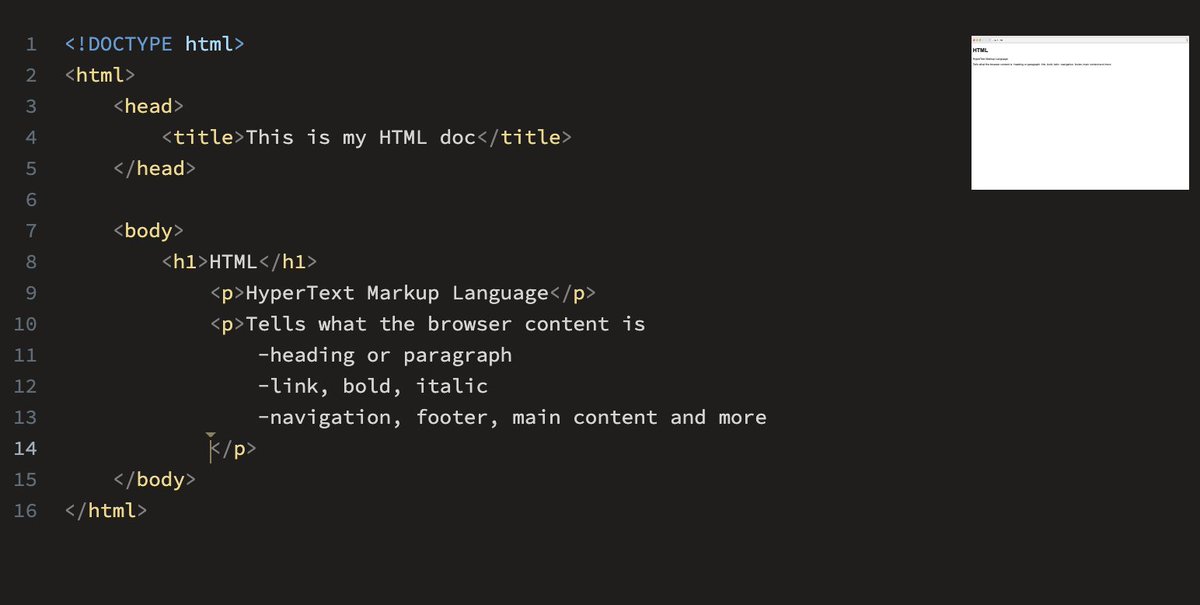
Day #45 worked with the structure of html document today, white space is not a factor in html. A basic document structure is
<!DOCTYPE html>
<html lang=”en”>
<head</head>
<body</body>
</html>
Day #44 Think of Headings like a table of contents <h1> through to <h6>. Paragraphs are the regular text in your document and are not numbered 🌱
Day #43 most HTML tags have an open a closing tag. If we do not include a closing tag when expected the style of the opening tag will be applied to the html that follows <🅿️>pushing P</🅿️>
Day #42 no coding! April Fools 😏 starting to brush up on html and css because I realized while going through JavaScript course that I am rusty in some of those concepts https://t.co/FmcGK5HtPu
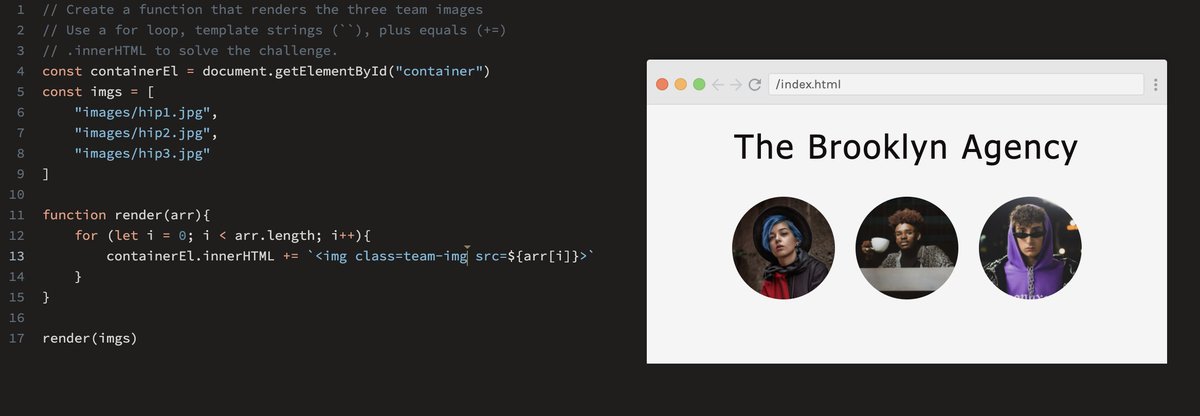
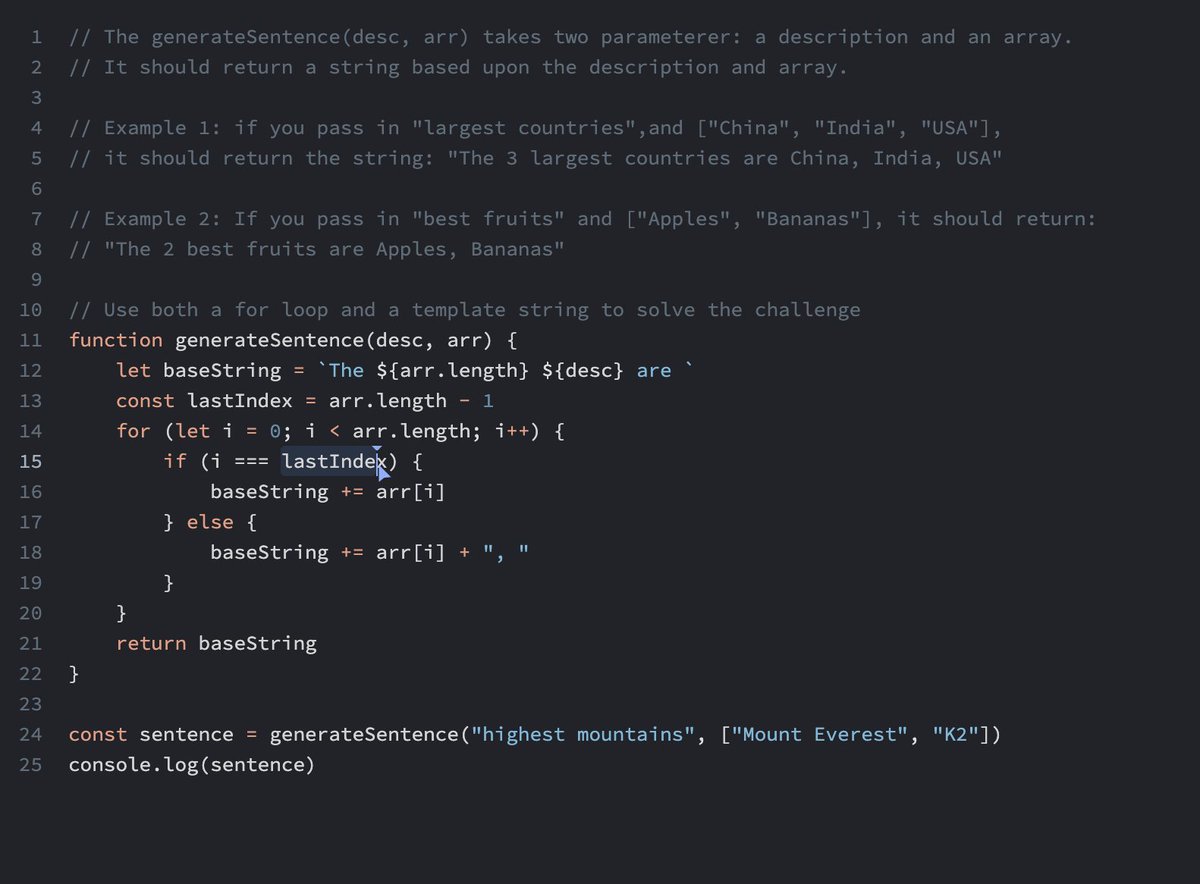
Day #41 finished up the last challenges that involved altering innerHtml and using template strings!! Course finished and I am feeling great about #javascript