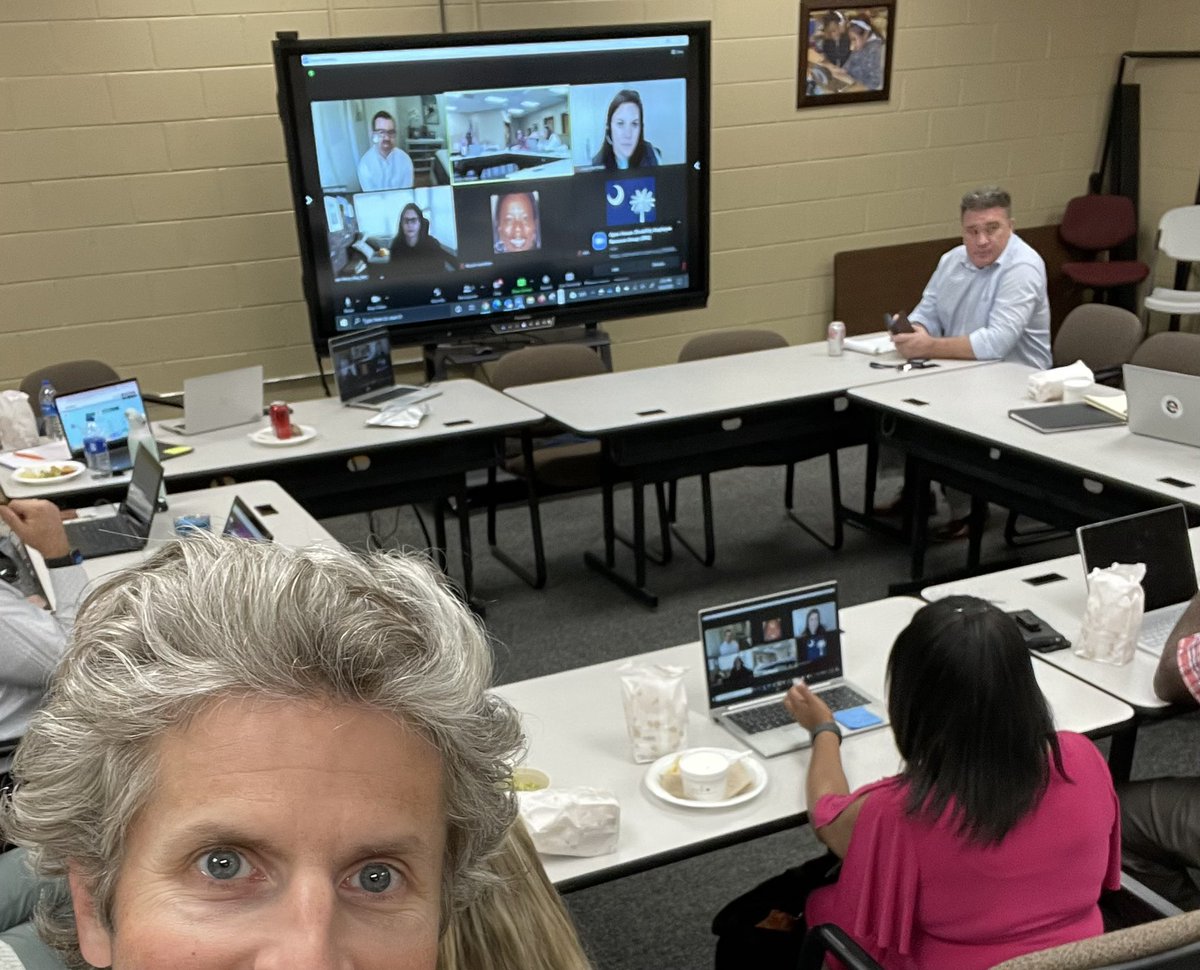
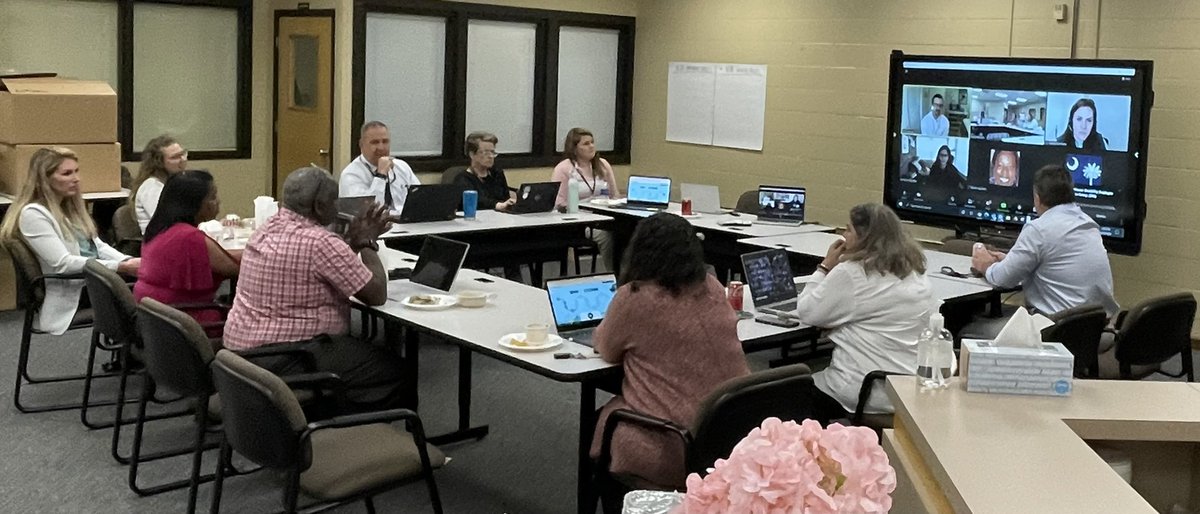
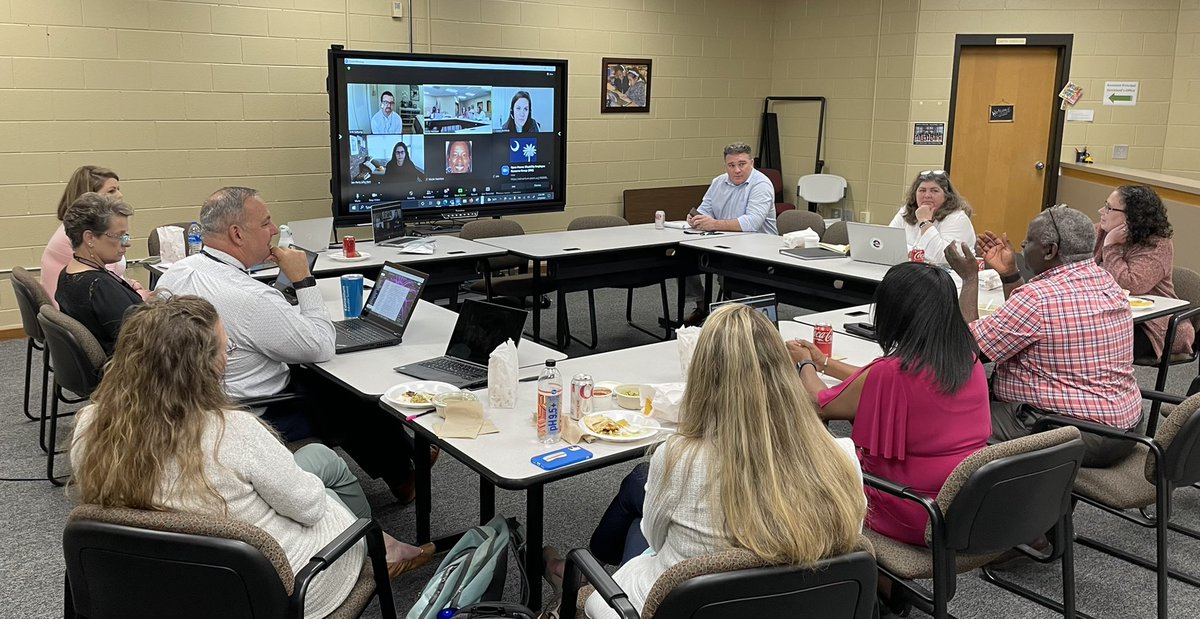
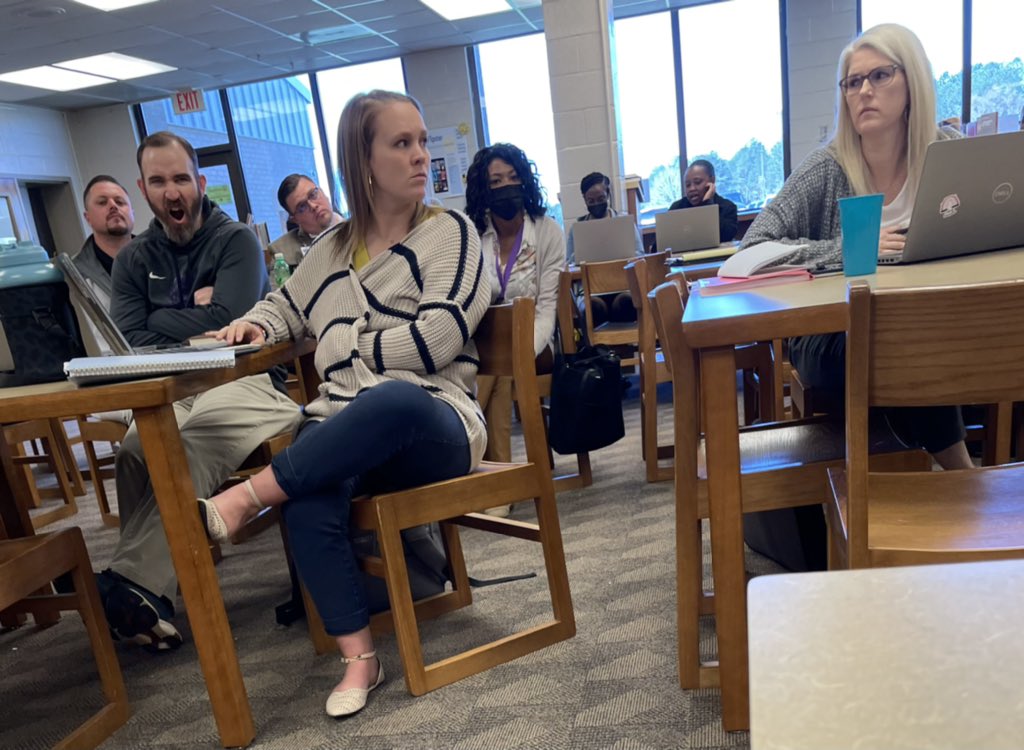
These 6th grade Stingrays were excited to get their tablets during rollout! Thanks to our amazing team for handling the job! The @BeaufortSchools tech team rocks! @DrFRod1
Just when you thought Seesaw on Chromebooks couldn't get better...
Introducing the Seesaw Chrome extension! In two clicks, capture work from any website. Drop it into Seesaw and add layers of creative thinking and reflection.
Get it here: https://t.co/0A7ao0GdQE
🏳️🌈 Enter the letters of "pride" into the first five cells of a Google Sheets document and the columns instantly become rainbow colored.
Tip: Hide the first row so that you can use the spreadsheet without the colors disappearing.
#ISTE19#GoogleEdu#GSuiteEdu
More creative tools means more shortcuts! Use these shortcuts in the "Student Instructions" portion of Activities. Type in the shortcut and it will transform into the icon after you click save.