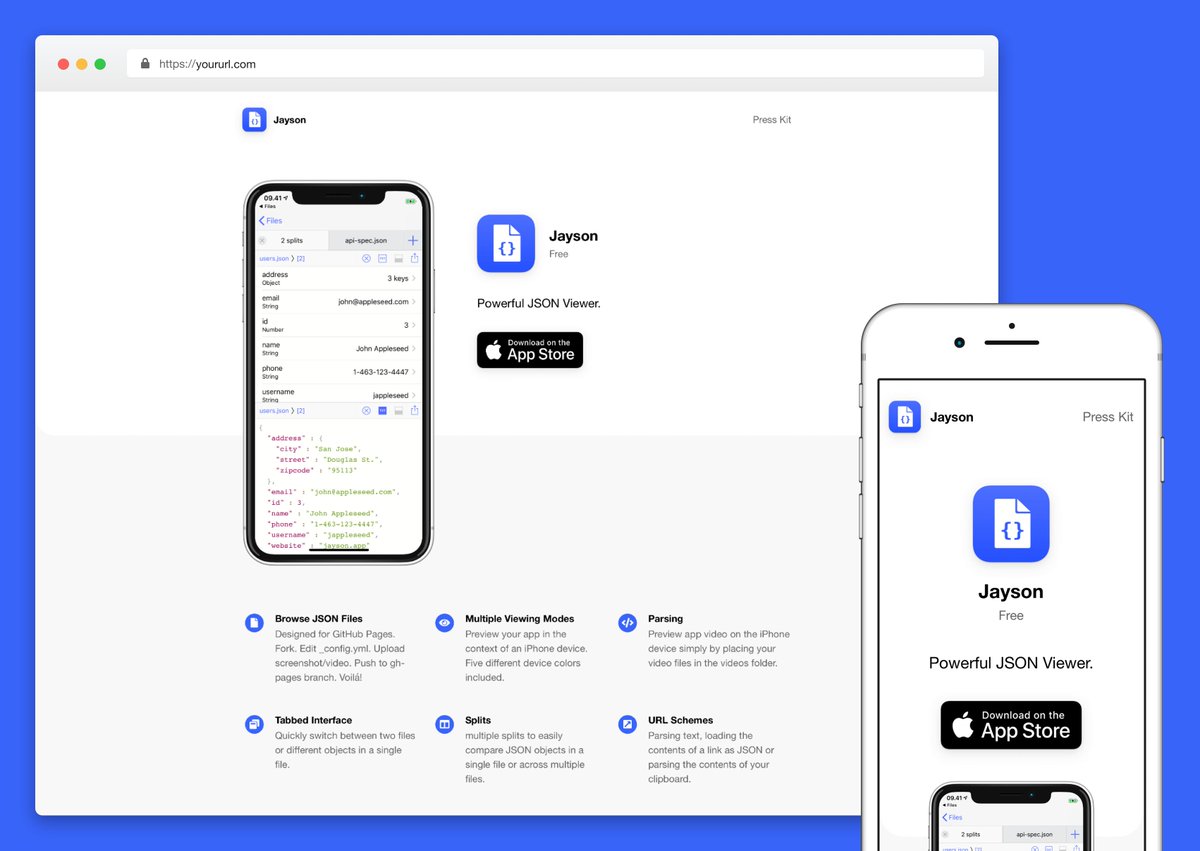
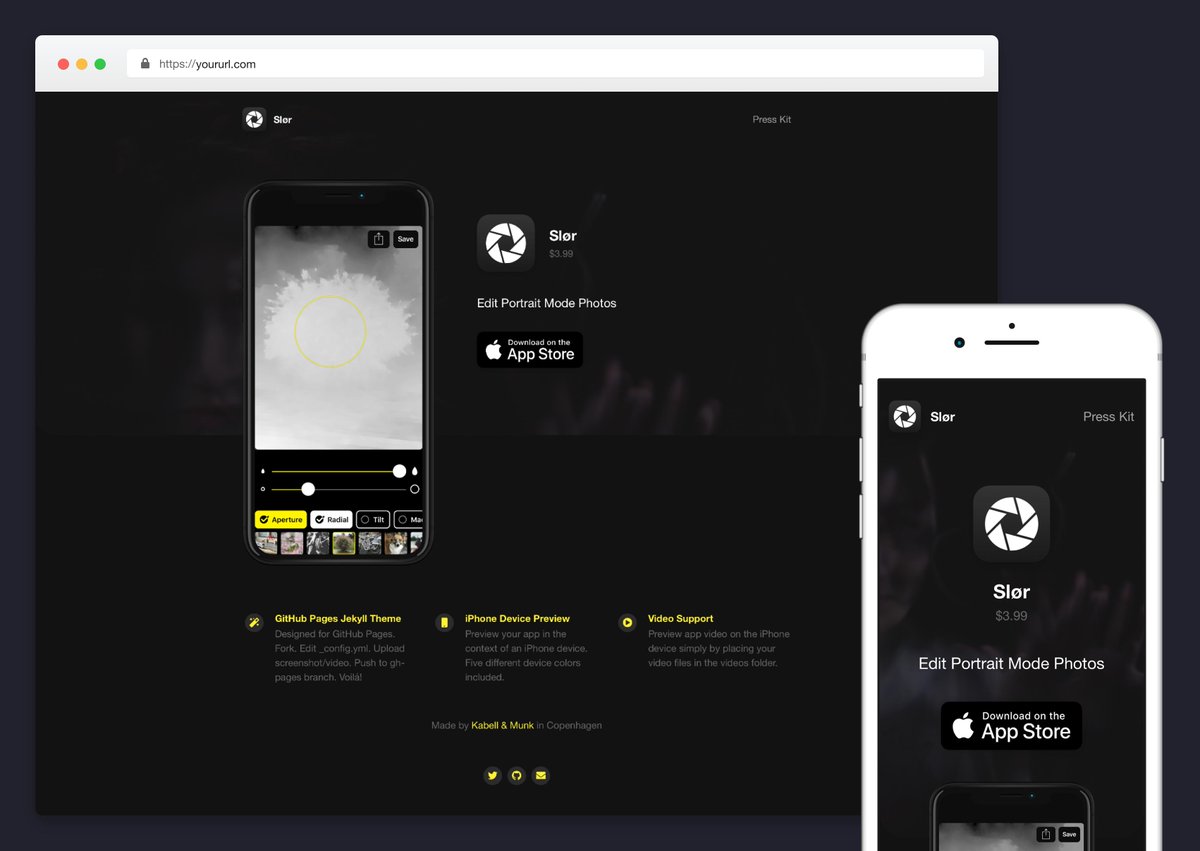
I built a tool for making simple iOS app sites.
🔧 Fork the repo
🗝 Enter iOS App ID in config.yml
📲 Upload video preview or screenshot
🎨 Customise site in config.yml (no HTML/CSS)
✅ Site becomes live at GitHub Pages repository URL
Try it out → https://t.co/Vuu9mI6vOp
Launching a new hobby project today.
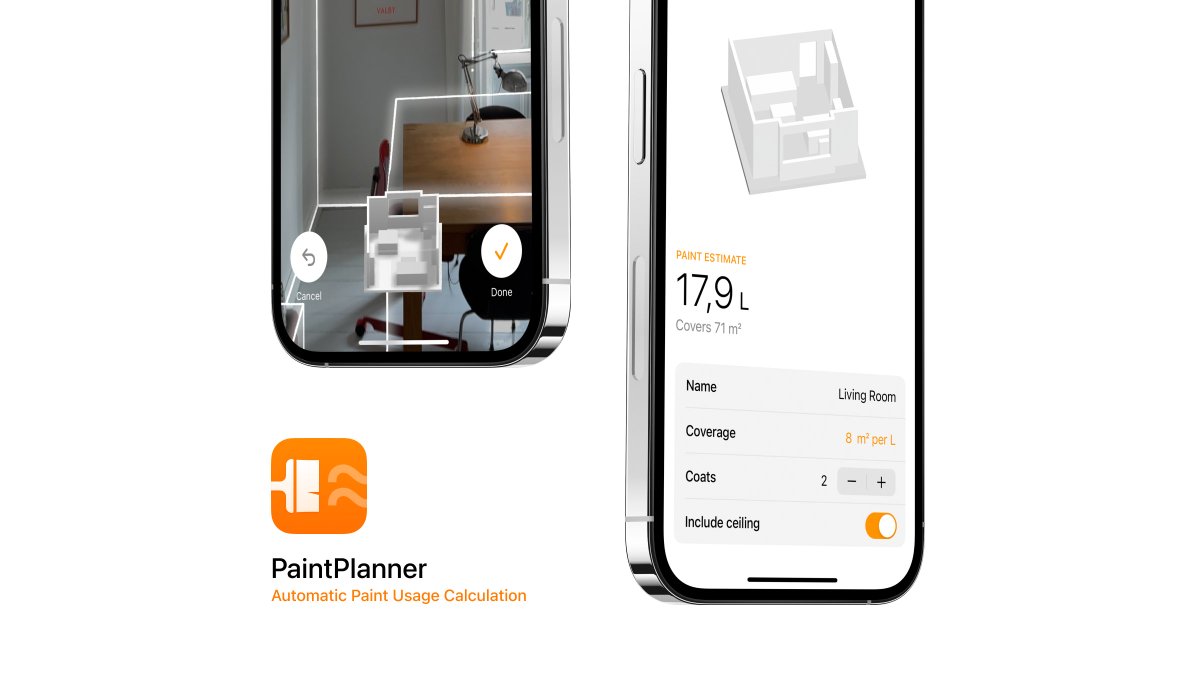
Calculate paint usage by scanning your room — no measuring or manual entry needed.
The app uses the LiDAR scanner and Apple’s RoomPlan API to easily and accurately provide an estimate.
→ https://t.co/hrsFHeETHJ
@tarang0510 Thanks for the kind words.
The model comes from the RoomPlan API, so there's not a lot of manual work to be done from my side to be honest.
Clean installed my Mac yesterday, and then went straight on to enable three-finger dragging with the trackpad.
What's the first thing you do when setting up a freshly installed Mac?
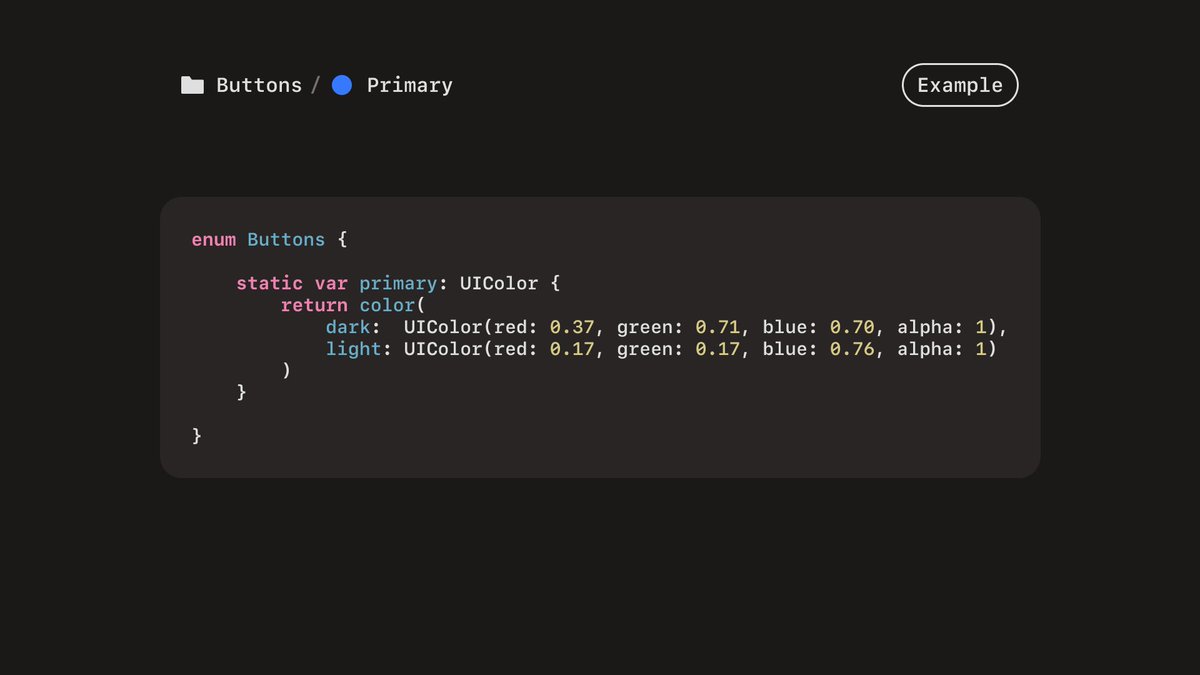
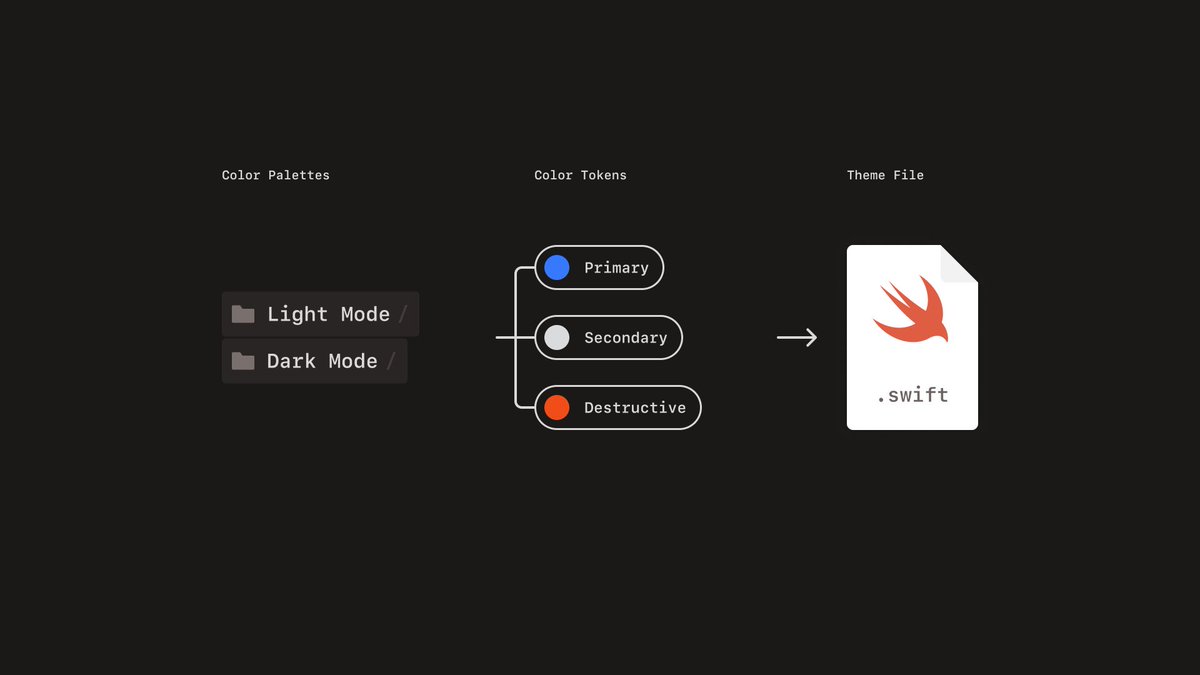
The exported theme file includes an extension on UIColor that automatically adapts to light and dark mode variants based on the current UITraitCollection.
If you have defined both a light and dark mode color palette, iOS will automatically change between the two variants based.
I find the process of going from Figma colors to Xcode very manual.
Made a Figma plugin to ease the process.
1. Organise colors into light and dark mode color palettes. (Dark mode optional.)
2. Export to .swift file.
3. Use the colors in your code.
➔ https://t.co/zwQVUVYain
It has been a great project for diving into Swift and iOS development.
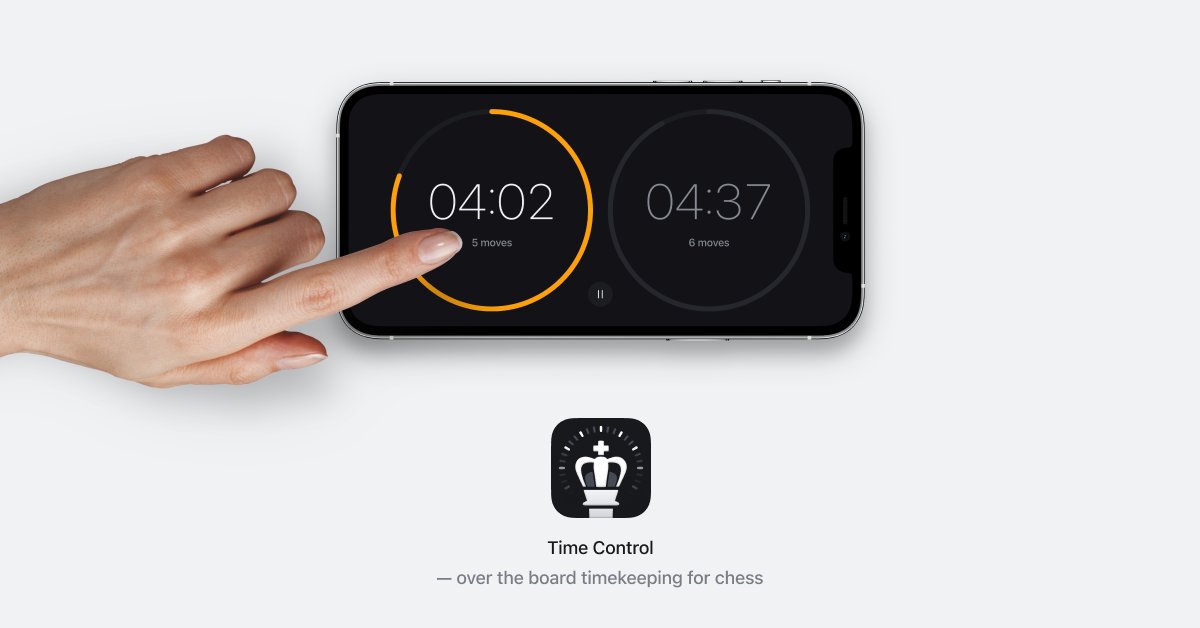
I deliberately designed the clock to give myself a chance to explore things like UIKit, Core Animation, Combine, haptics, audio and gestures. And even a bit of Swift Package Manager.