One of our top requests for assignments has been for teachers to have the ability take actions on behalf of students. We are now starting to roll this out.
✔️ Upload files for student and groups
✔️ Turn in for students and groups
@MicrosoftEDU, @mtholfsen, #MIEE, @DipakBoyed
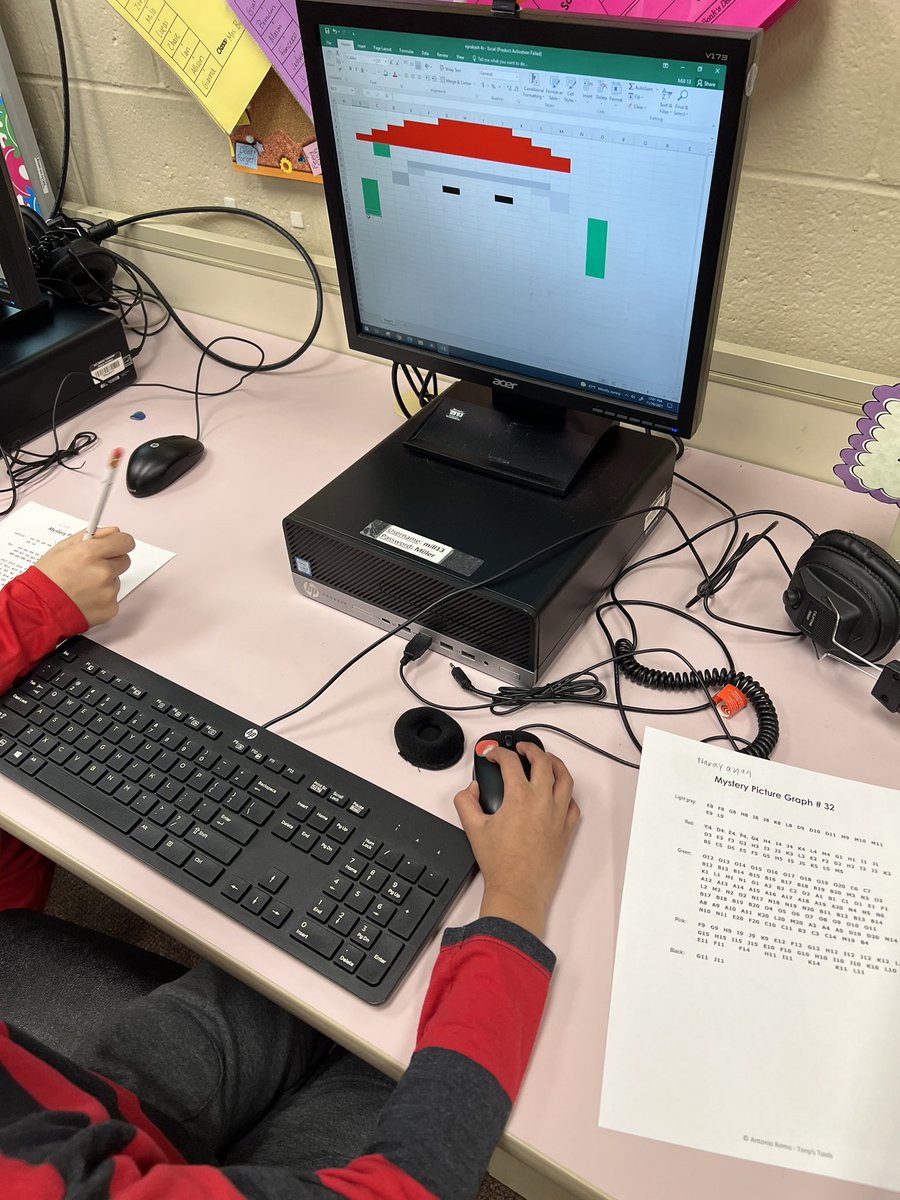
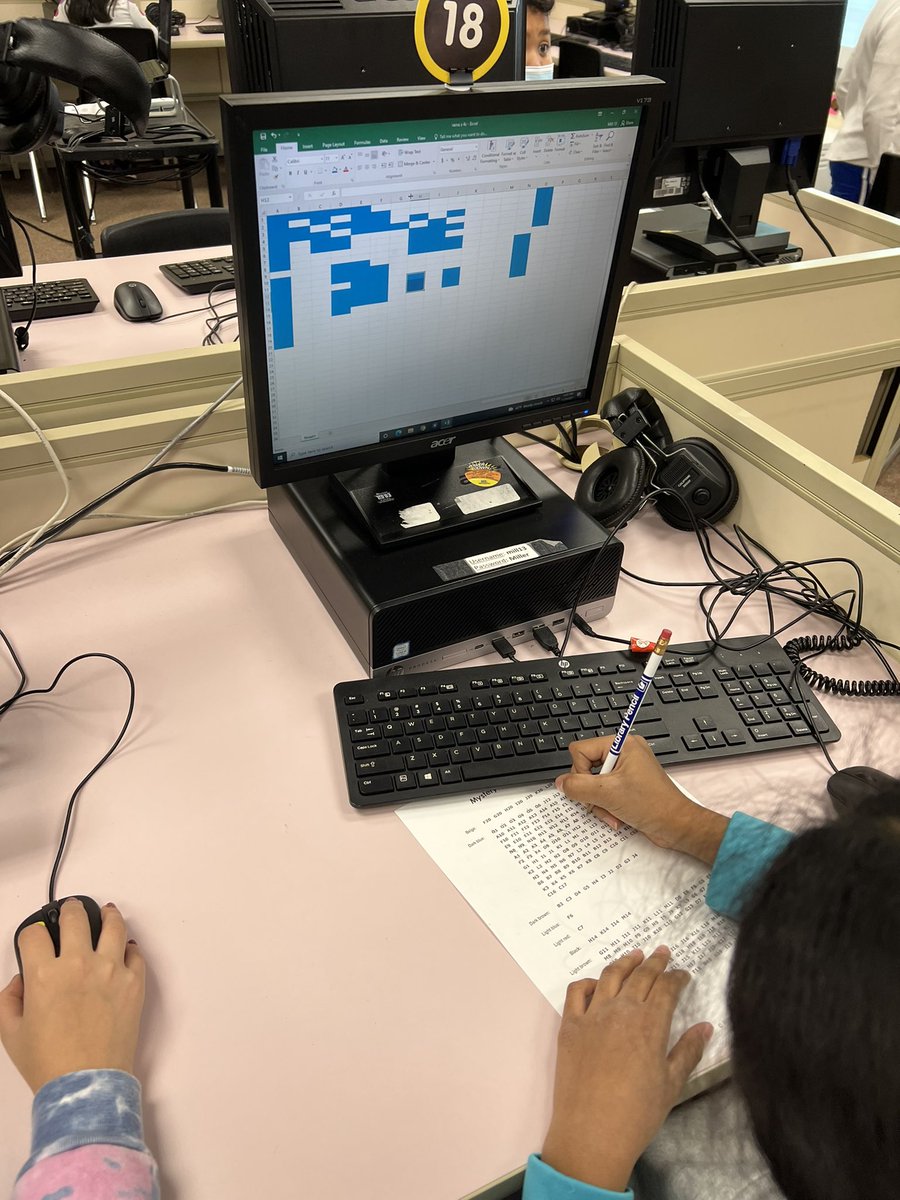
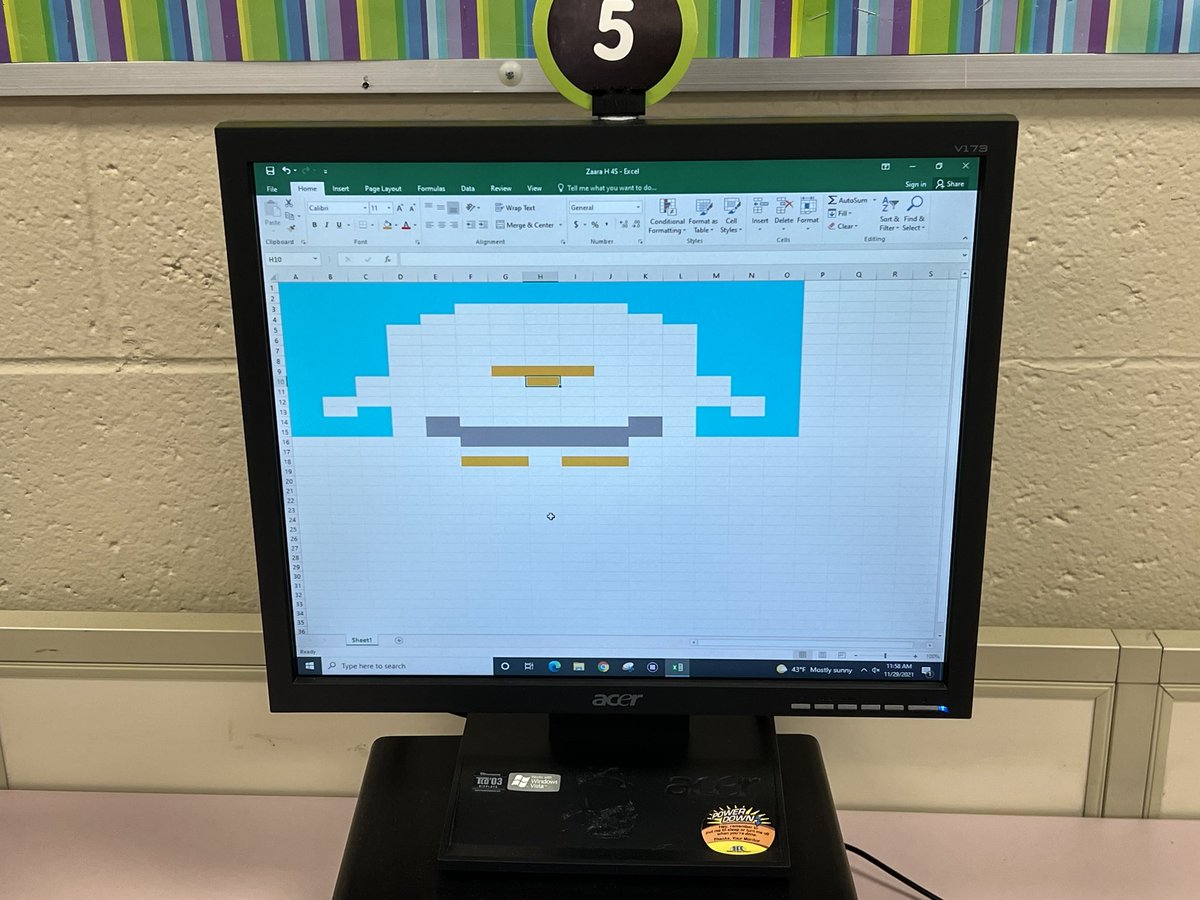
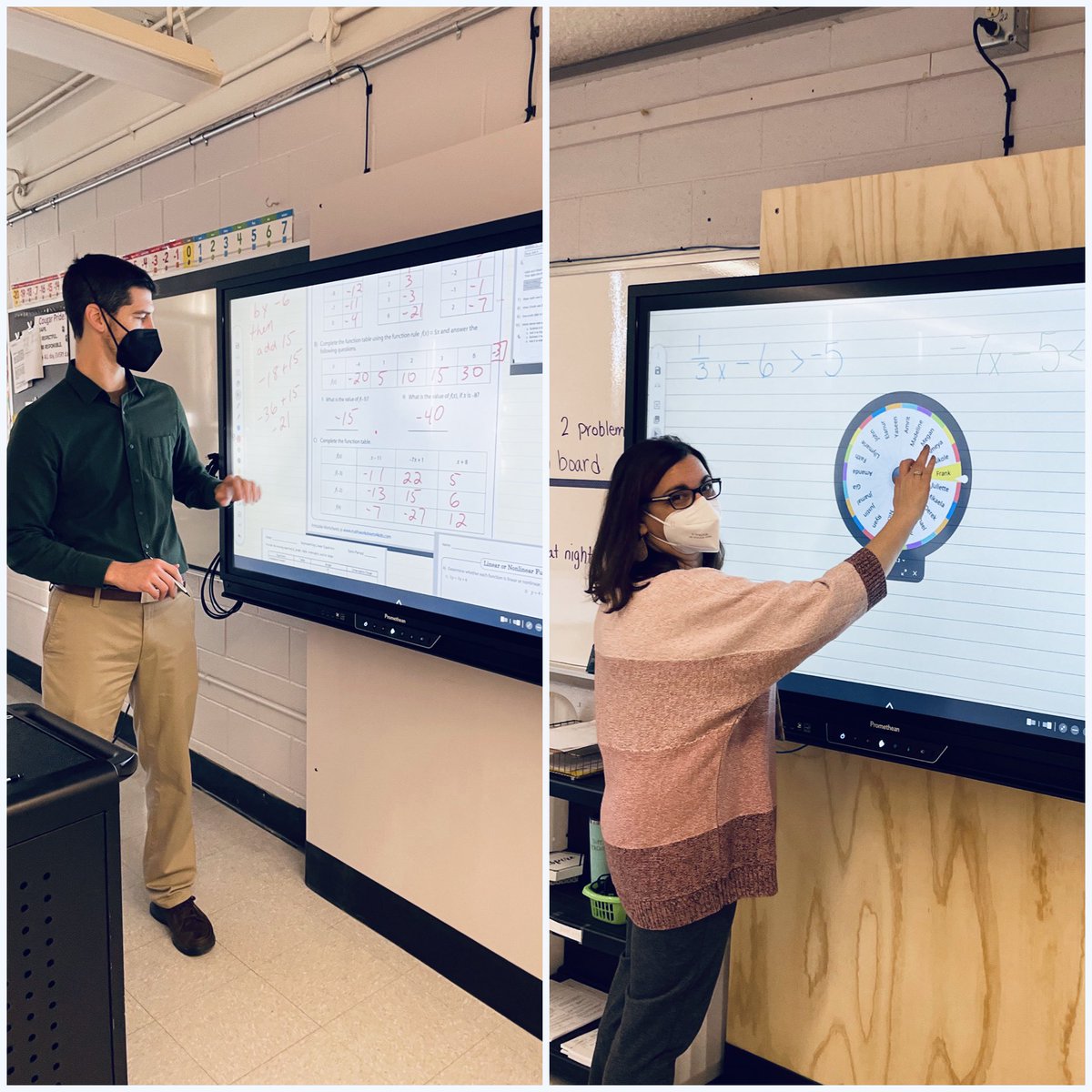
Sandburg teachers are enhancing instruction, one promethean board at a time. Thank you to our @EdTech_OB department for the ongoing PD and support as we transform teaching & learning. #sandburgstrong@tbarrettob@MrsDSays@MrYanuzzelli
📖 A Teacher Guide to Using @Minecraft Education Edition 👋
🎉Here it is 👉 🔗 https://t.co/flOgUiVPJI
Containing my must know tips and tricks to support you in using #MinecraftEdu in the classroom.
🔔 Subscribe https://t.co/9kFSYzlYMn
@PlayCraftLearn@MicrosoftEDU @MSAUedu
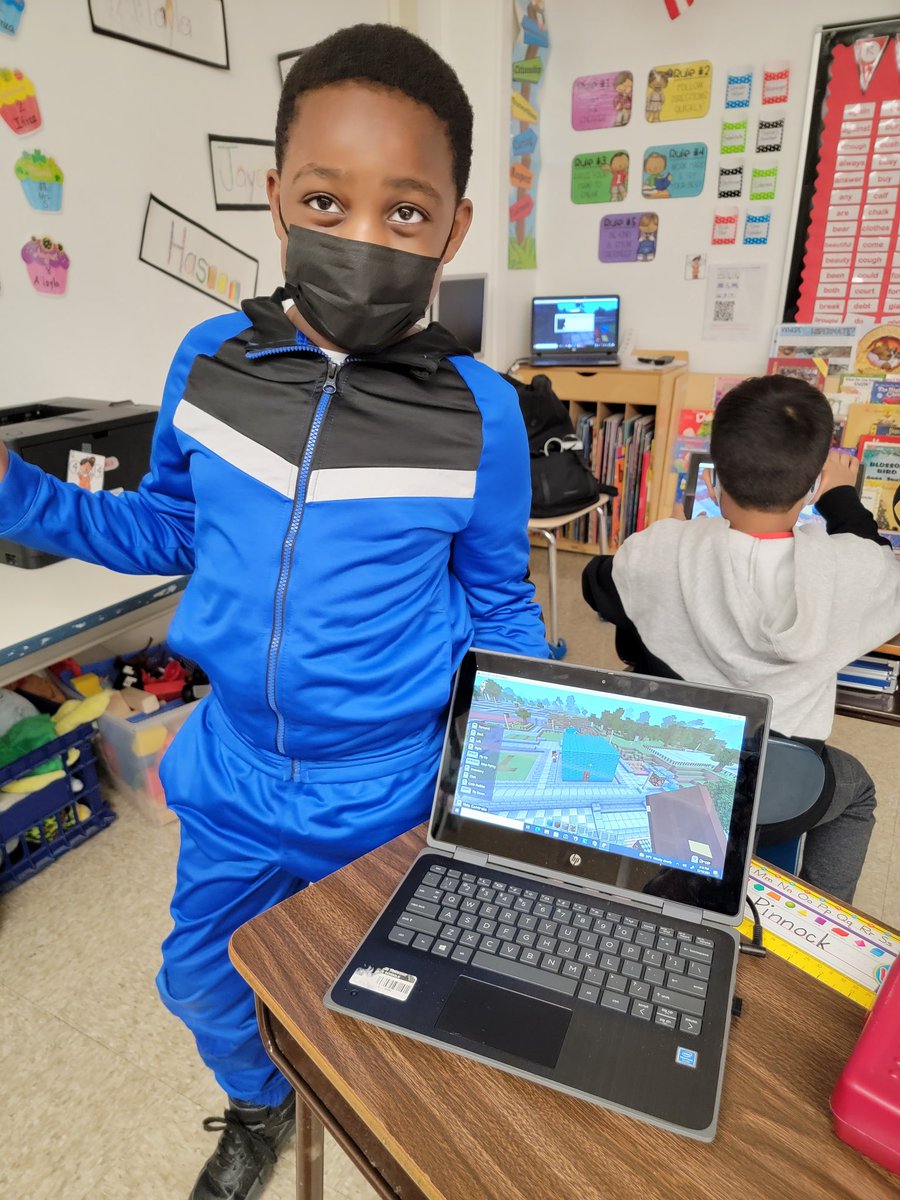
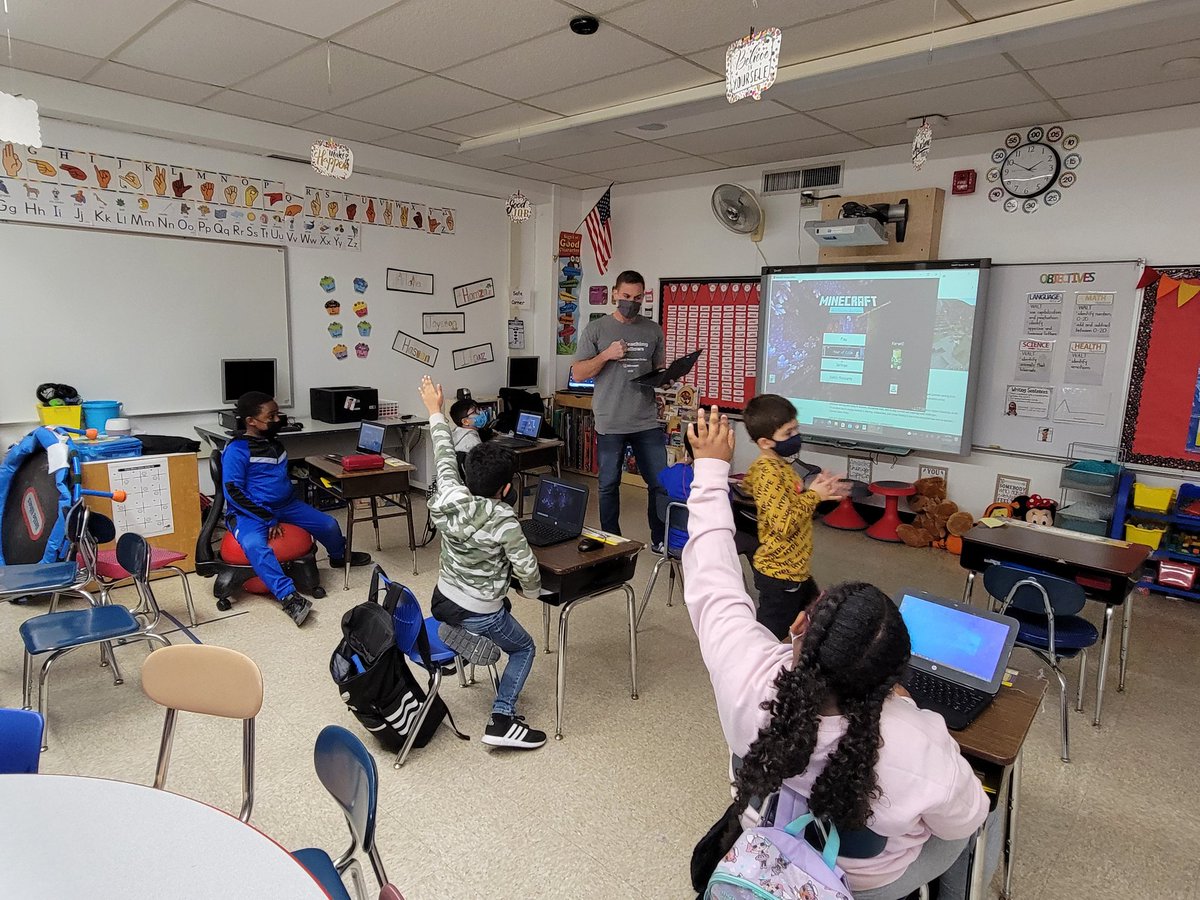
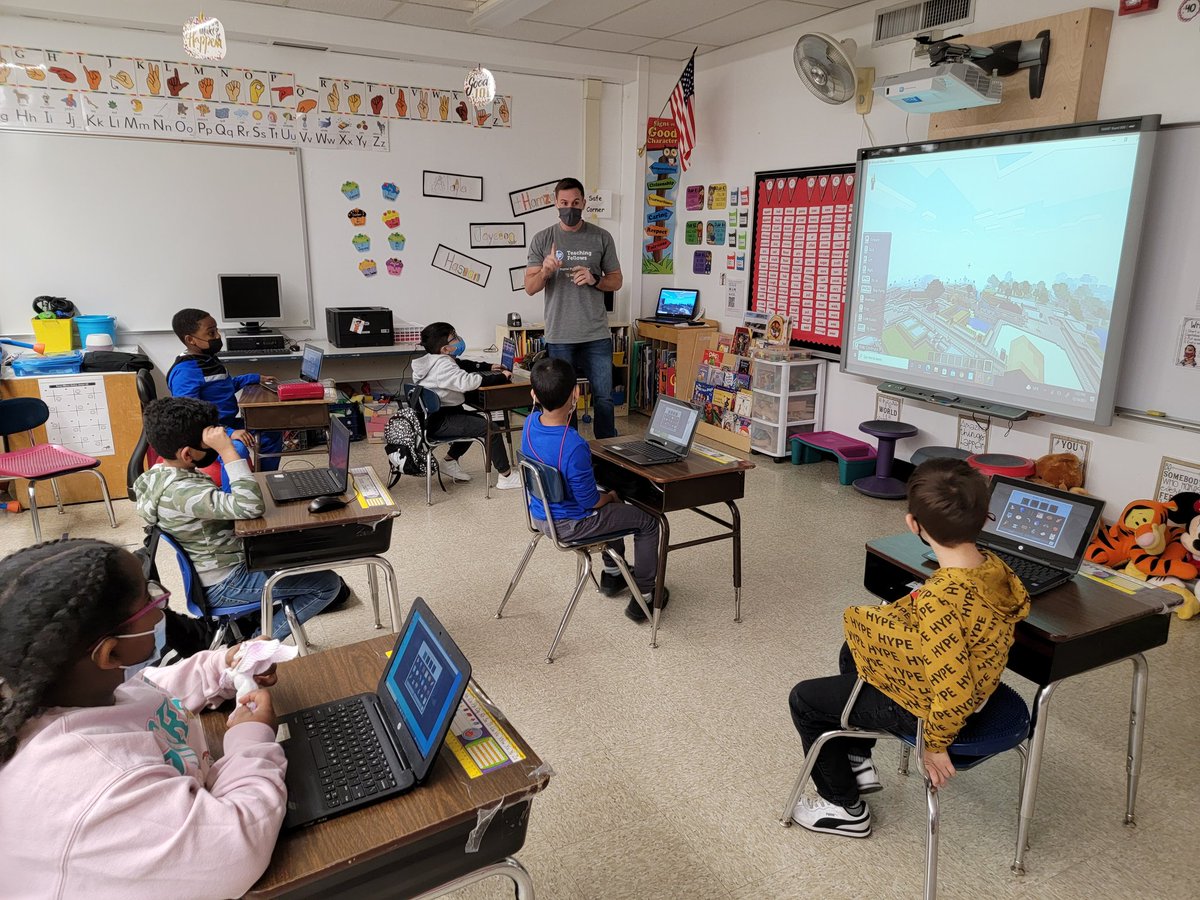
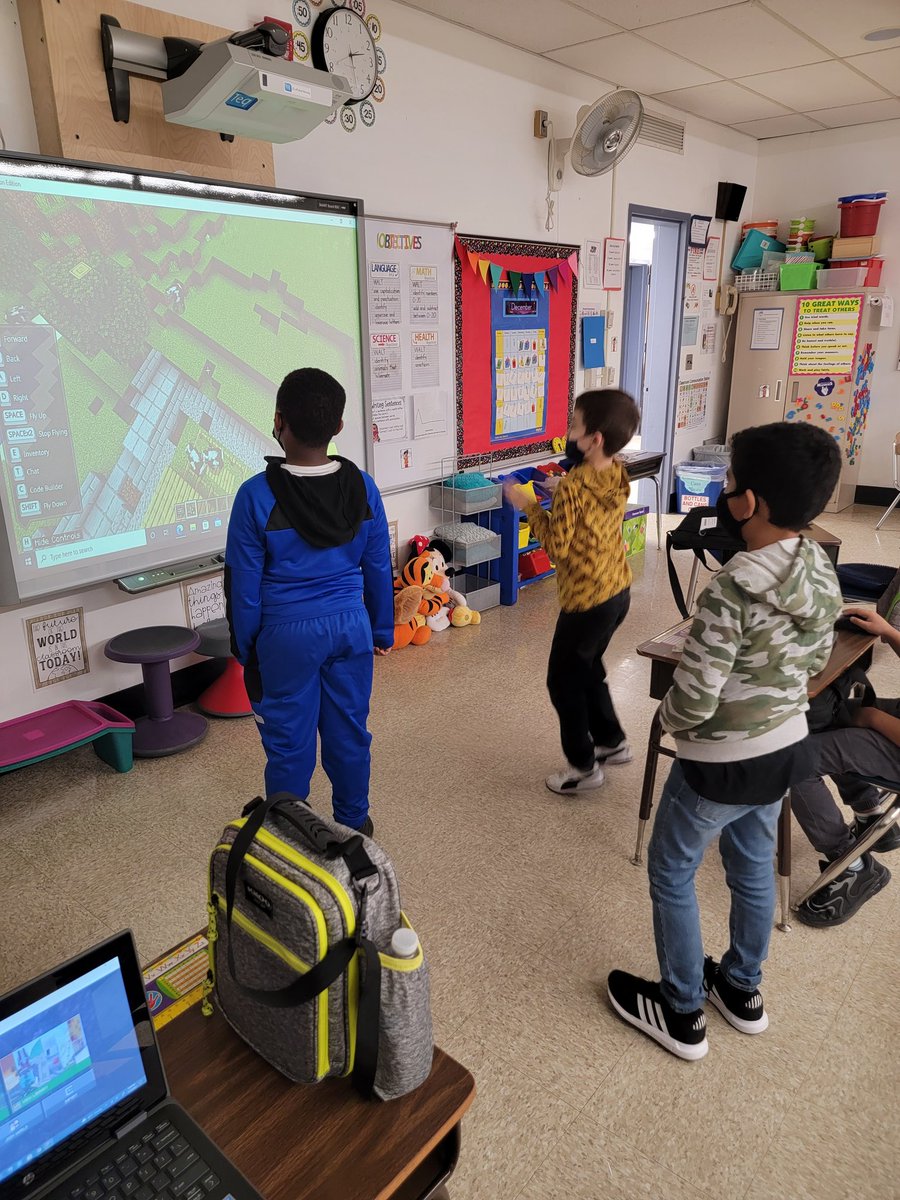
Fun Fridays are the best! My students absolutely love Minecraft Education @PlayCraftLearn ! Thank you so much to @MrYanuzzelli for coming in to provide instruction about building, writing stories, and sharing their creations! They had a blast! @EdTech_OB@OBLombardi
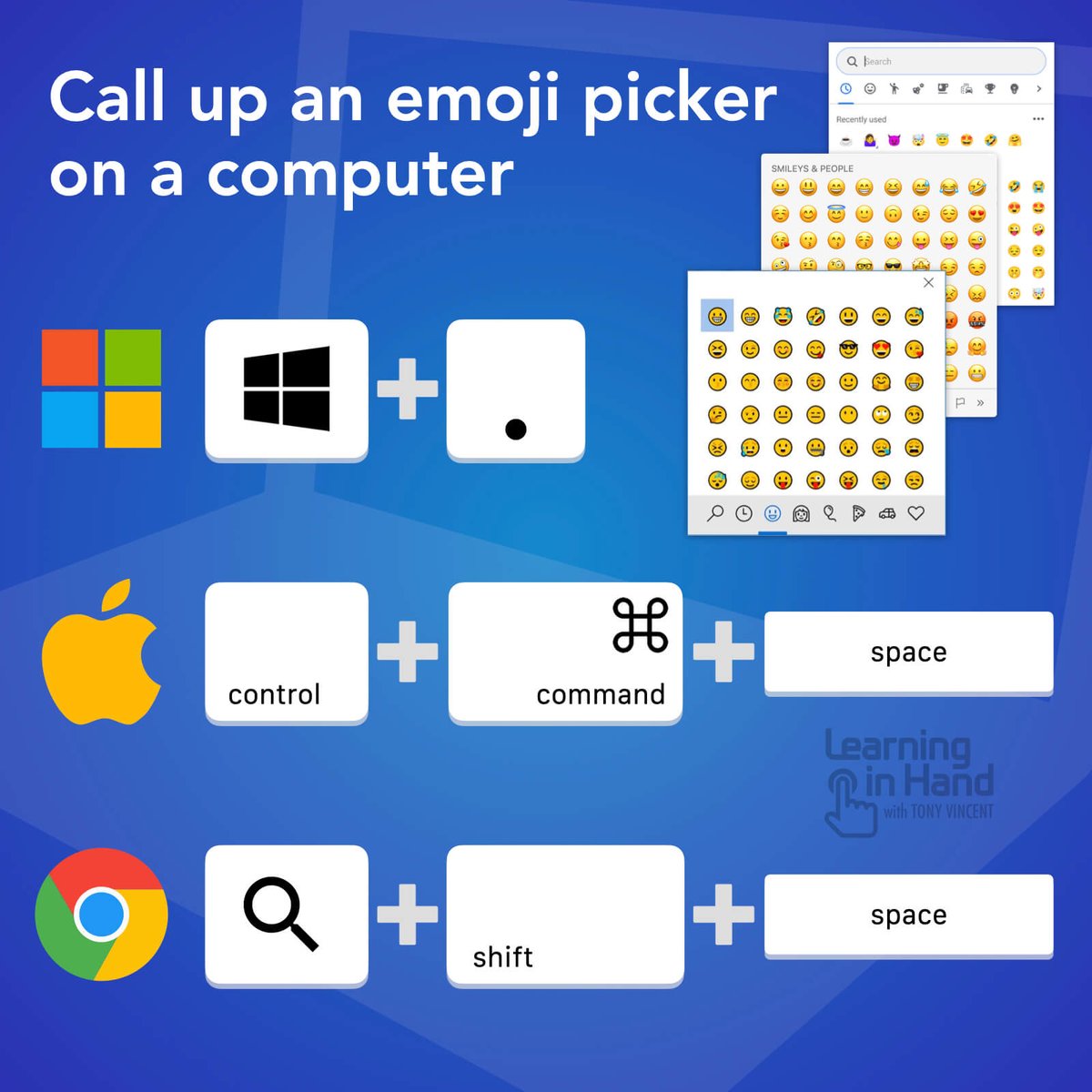
⌨️ You can get quick access to an emoji picker on a Windows, Mac, or Chromebook computer with a keyboard shortcut. Be sure your cursor is placed where you can input text. 💻😁👍
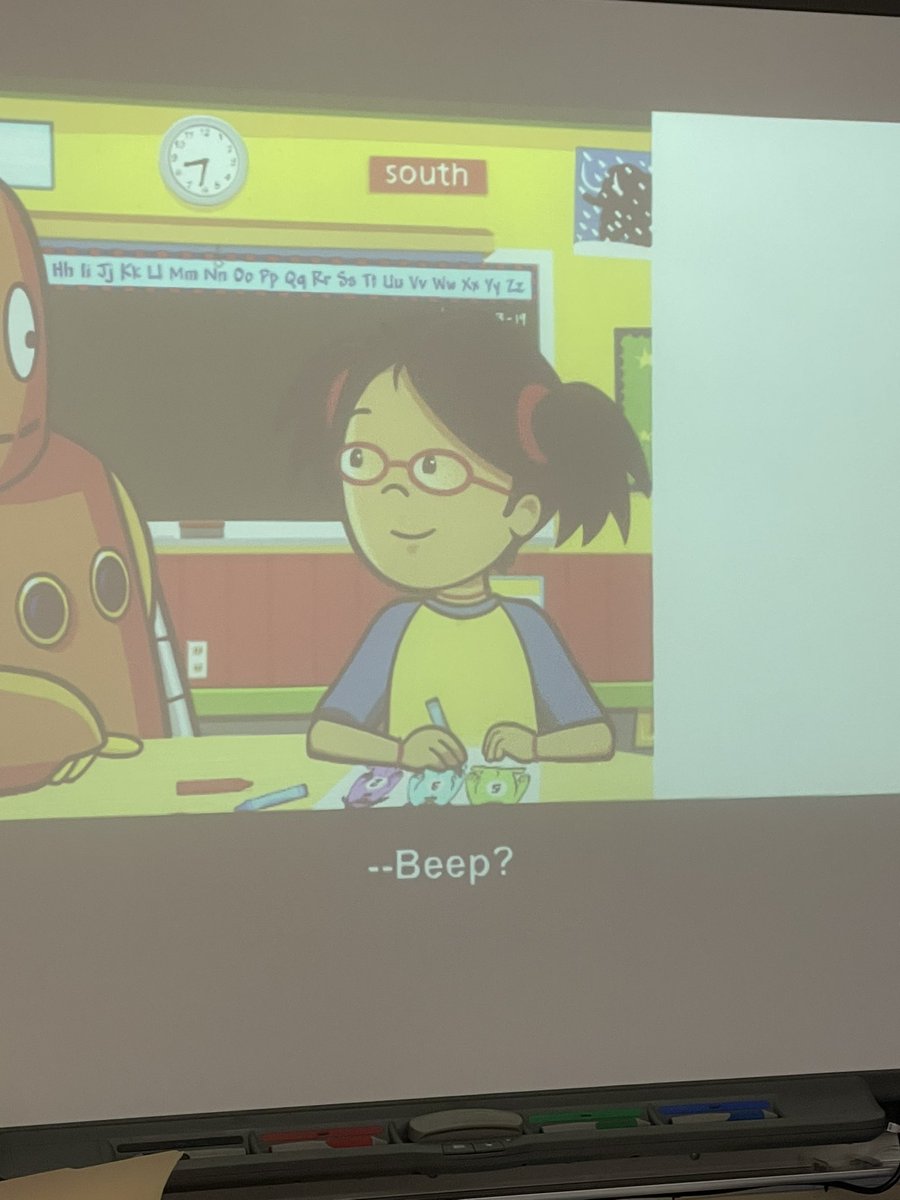
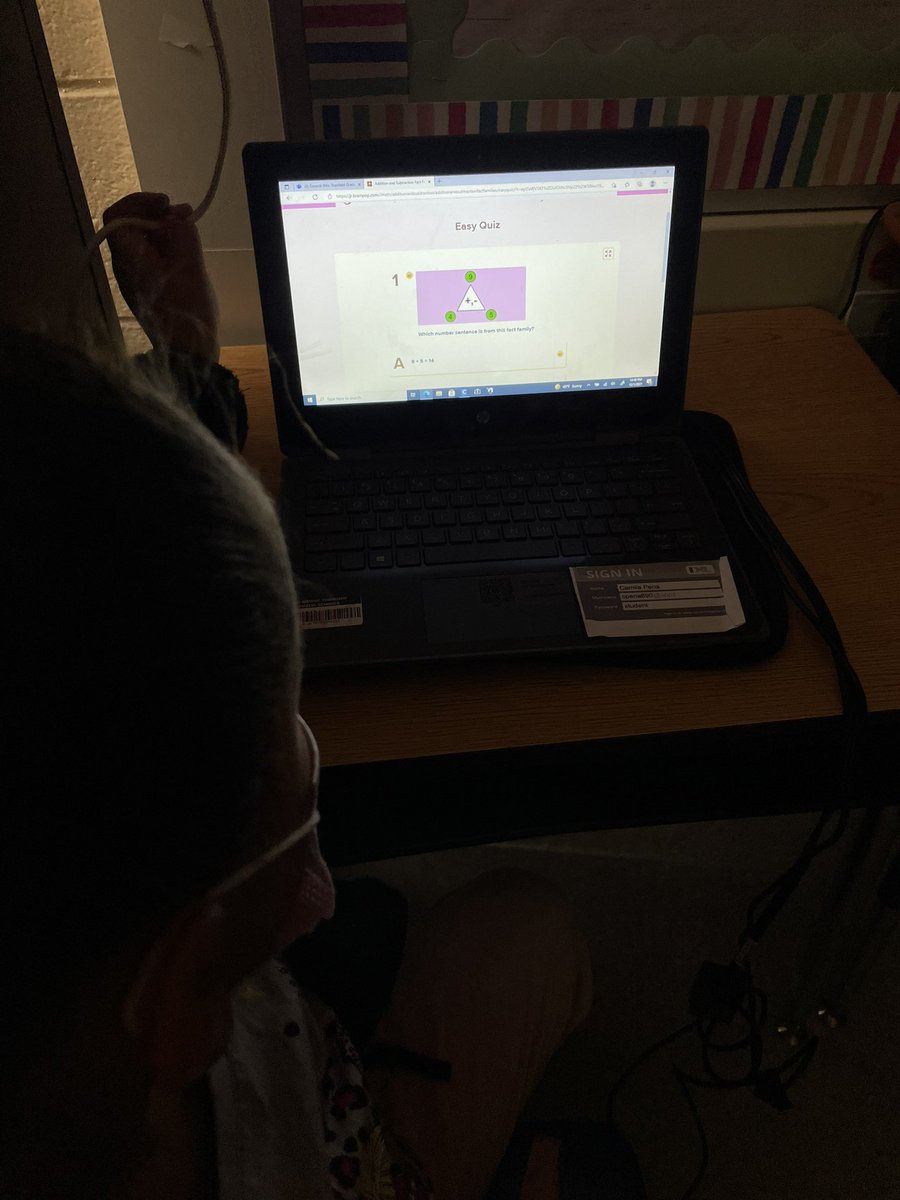
Beep! Showing T’s BrainPopJr @AnnieAndMoby learning today. Connected and launched through our new @clever integration. Whole class video then assigned draw about it! and quiz for assessment. #EdTechOB#BrainPopJr#Clever#beep
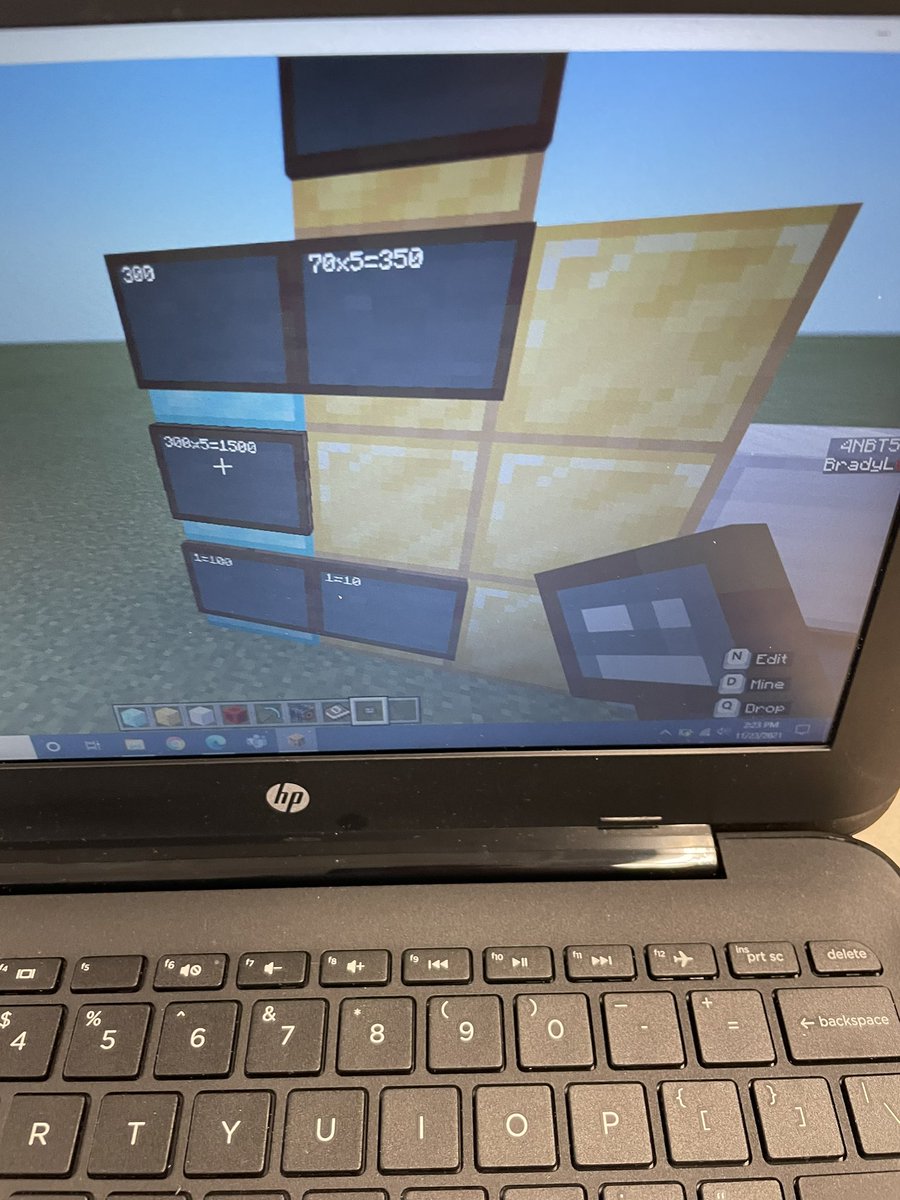
Love seeing these Ss learn through play w/ MinecraftEdu. Nothing better than having students want MORE math problems to solve. Thank you @MrsNunn209 for inviting me in to work with the class. #MIEExpert#MinecraftEdu#EdTechOB