here is the prompt:
* Assuming you got the a nextjs project
Install the @efferd/dashboard-7 block into this project.
Steps:
1. Install the shadcn skill if missing: npx skills add shadcn/ui
2. Ensure this is a shadcn project (has components.json). If not, run: npx shadcn@latest init
3. Add the @efferd registry to components.json (if missing):
{
"registries": {
"@efferd": {
"url": "https://t.co/ewMQowa2eT{style}/{name}.json",
"headers": {
"Authorization": "Bearer ${EFFERD_REGISTRY_TOKEN}"
}
}
}
}
4. Check if the env variable EFFERD_REGISTRY_TOKEN is set.
- If you can't find it, STOP. Do NOT proceed.
- Tell the user: "You need Efferd Pro to use this block. Buy Efferd Pro at https://t.co/w77YNLxFI3, then copy your REGISTRY_TOKEN from https://t.co/4MJicKVSBH and paste it into your .env like this: EFFERD_REGISTRY_TOKEN='registry...'"
5. Run: npx shadcn@latest add @efferd/dashboard-7
After install, summarize what was added and any next steps.
Pick your dashboard by what you run:
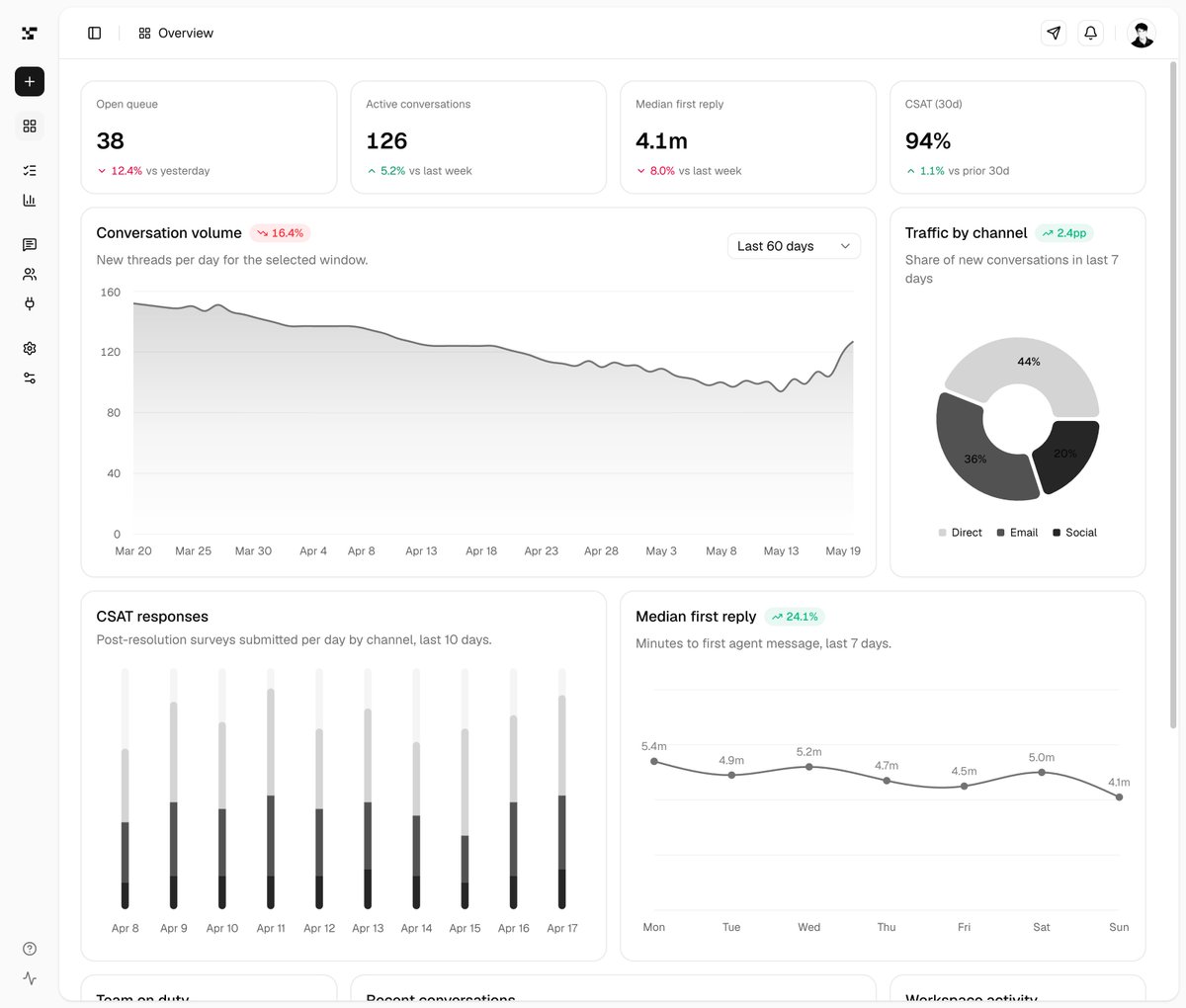
Support team → dashboard-3
Finance → dashboard-6
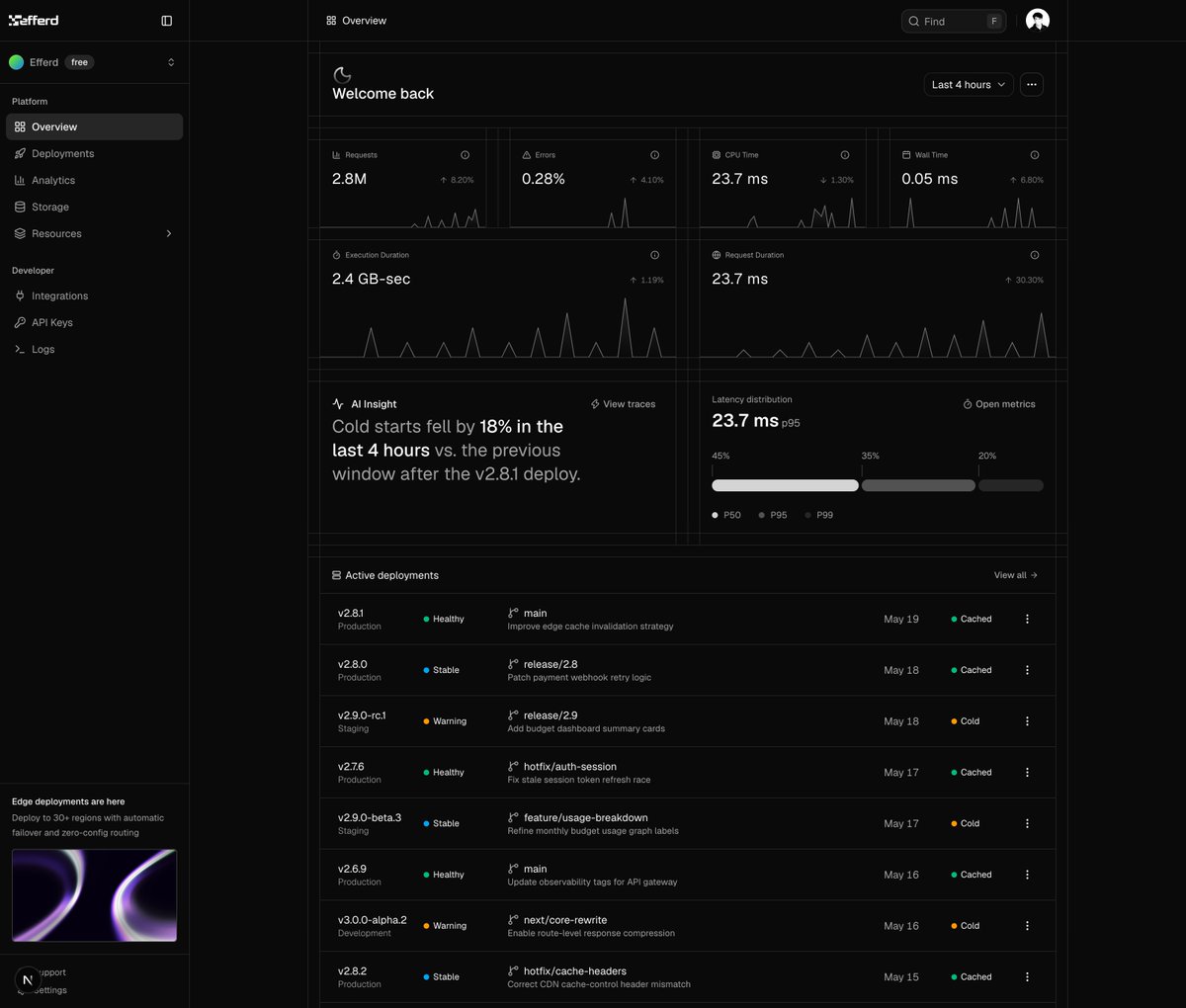
Infra / DevOps → dashboard-10
Gym or memberships → dashboard-13
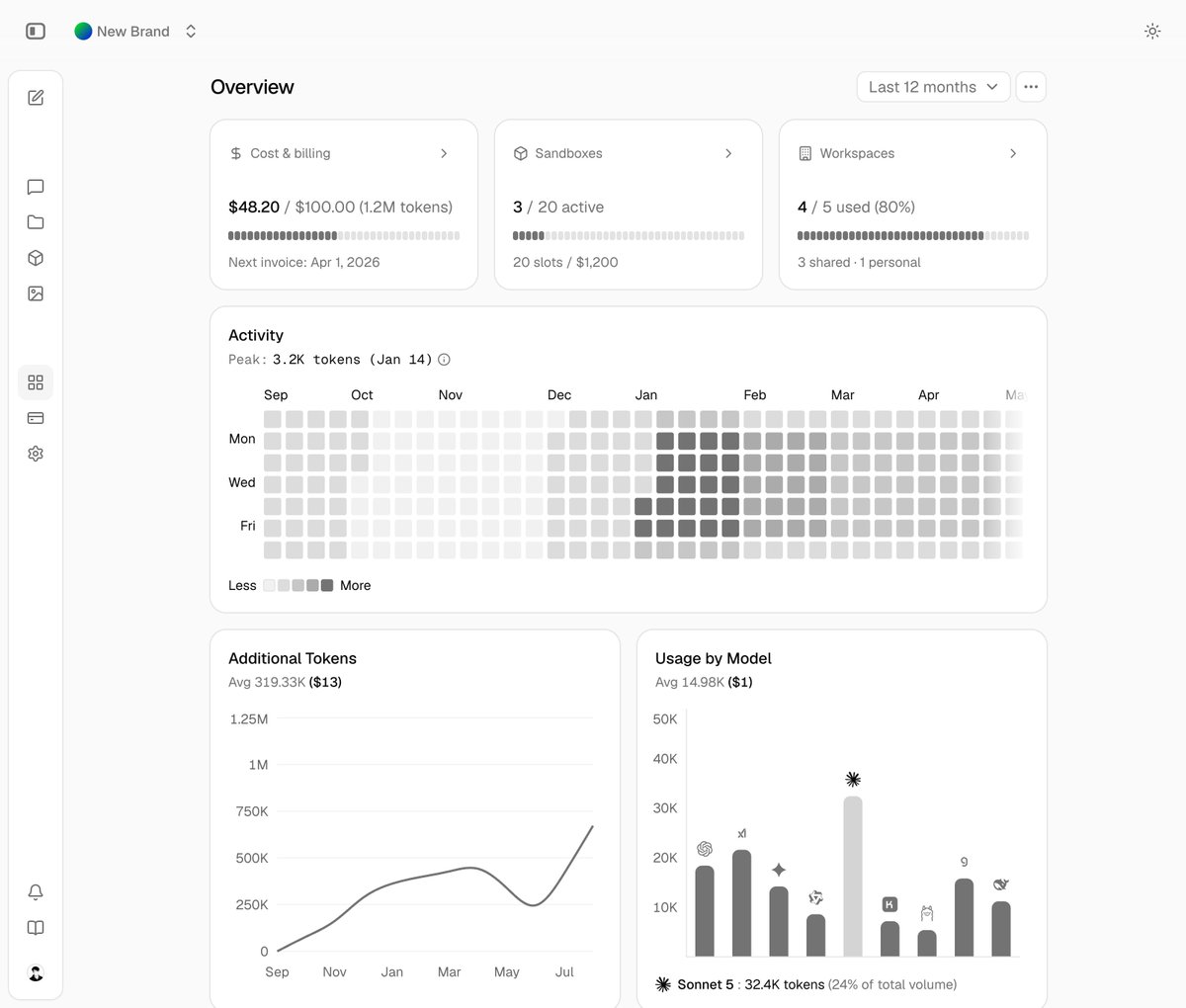
AI product → dashboard-14
All on shadcn/ui 👇
How to read an observability dashboard in 10 seconds:
Sparkline KPIs → is anything moving?
Latency cards → is it slow?
AI insight → why?
Active deployments → what changed?
Top to bottom, in that order 👇
Pick the chart by the question, not the vibe:
Trend over time → area chart
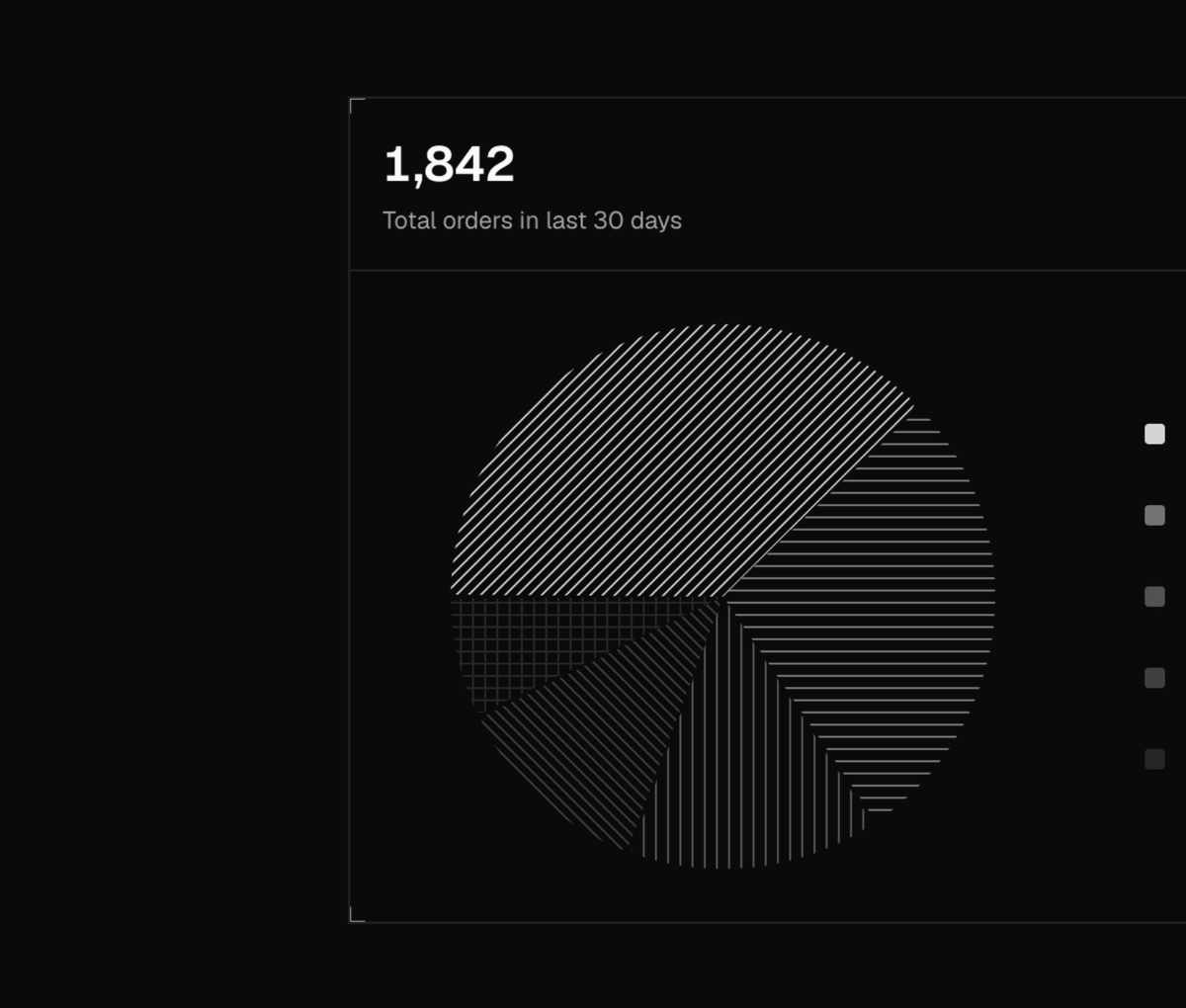
Part of a whole → pie, 5 slices max
Compare groups → bars
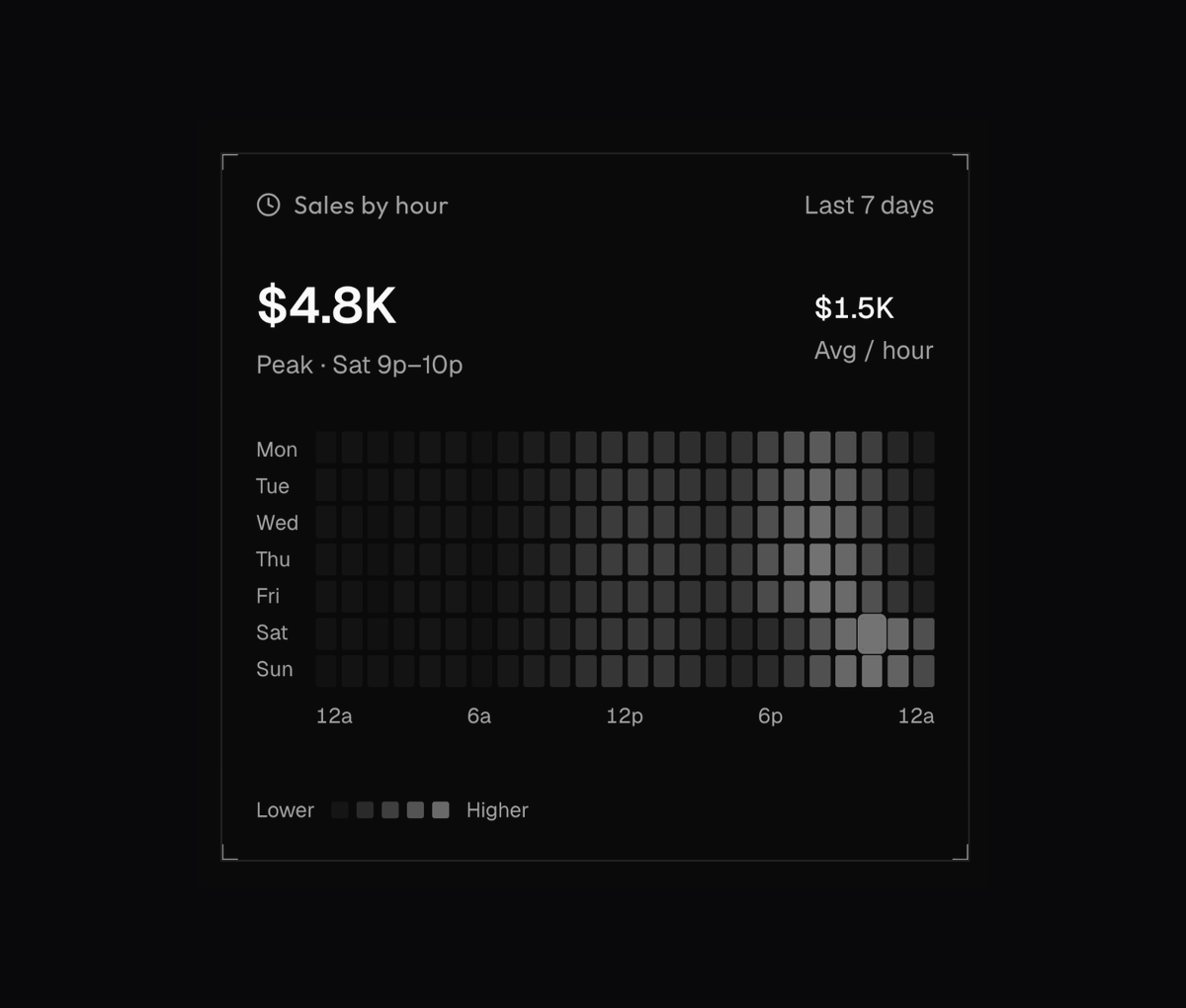
"When are we busiest?" → heatmap
All four live at https://t.co/YORxET9QeP