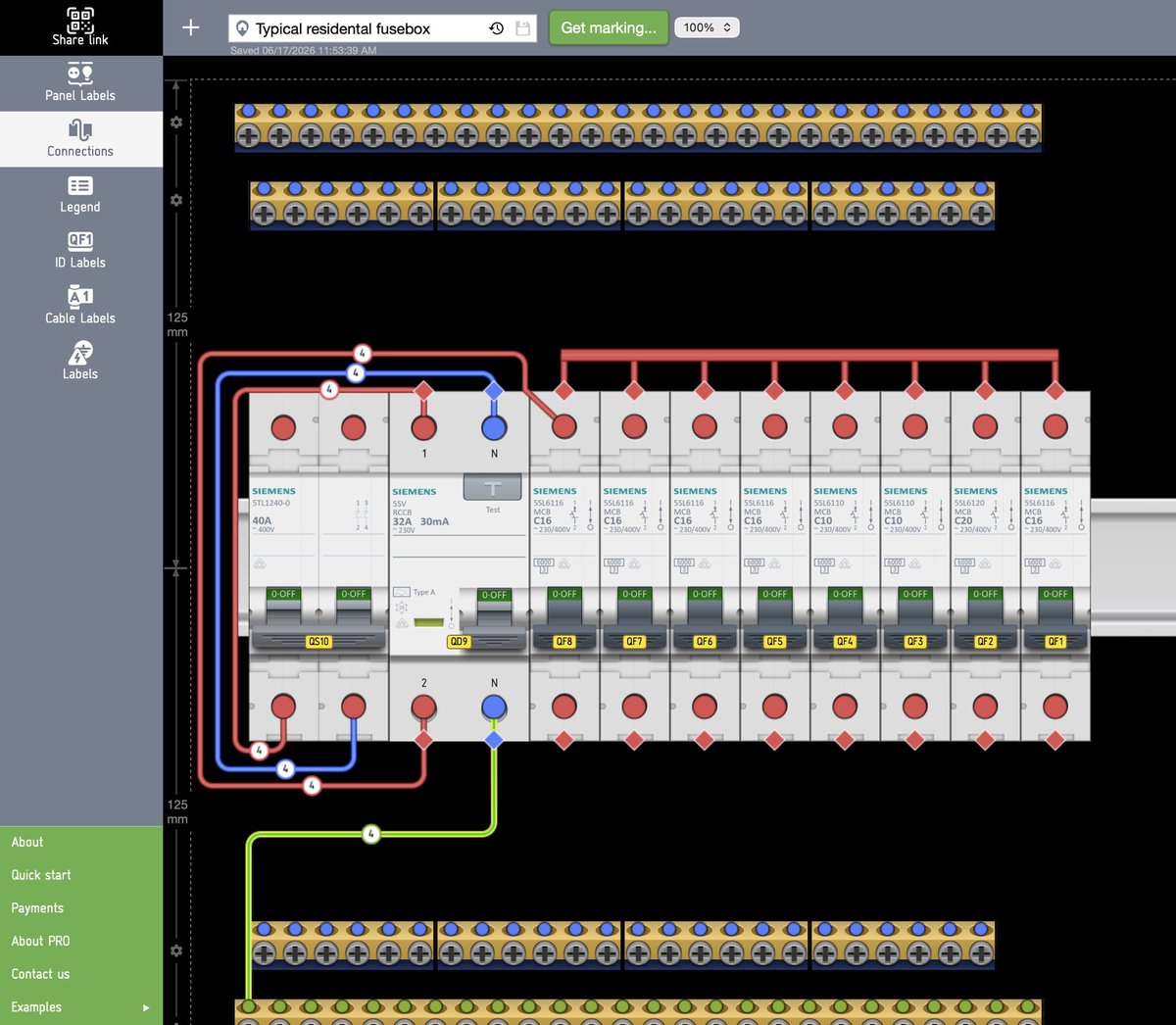
⚡️A new update is now available on our website
🥇 We’ve completely rewritten the connection editor; it no longer lags on large projects
🥈 New line design, including the ability to hide lines behind devices
🥉 A new entity has been added: the connection bus (comb)
📈 and other…
Update:
1) Devices with connections marked with an icon.
2) Rotate the device by 180 degrees.
3) Reverse numbering of devices.
For PRO:
4) New autonumbering types for device.
5) Reassignment of the letter code of the device type.
6) PRO user projects now have a change history.
New release is here
1 - more modules on DIN-rails
2 - setting cutting lines on the labels
3 - new style for connection lines
4 - marking connections by flags
5 - tails in connection
6 - optiomisation and bug fixes
#electrician#engineering#electromarker
We finally updated the app:
1. Realistic view of breakers
2. Choose favorite manufacturers
3. A full set parameters of breakers
4. Download a list of equipment in XLS
5. And more other
Come and try. Link in profile. #Engineering#rcb#mcb#hager#Schneider#abb#electrician
⚡️Updated the download window and significantly improved the interface in mobile phones. Use and try.
👉🏻 https://t.co/zcry0Ilx50
We continue to work on devices. Further more. Follow the news. #electrician#fusebox#switchboard#labels#Engineering
Labeling tool to make your electric enclosure user friendly to all of your customers.
👉🏻 https://t.co/EIULiZe0bN
1. Make layout? add icons and text
2. Download & Print PDF file
3. Stick labels
Upgrade your electrical panel now! 💪🏻
#fuseboard#switchboard#electrichian