Day 15/75 - Exploring UI Design.
Today's UI is Pomodoro timer.
Quick question for you: when you're in focus mode,
do you want your timer loud and visible or quietly
in the background?
#UIDesign#75DayChallenge#Figma
Day 14/75 – Exploring UI Design
Today's UI is a chat screen for a messaging app. I used shapes and frames to create reusable chat bubble components, and it was a great learning experience.
That's a wrap for another week.
#DailyUI#UIUXDesign
Day 13/75 – Exploring UI Design ✨
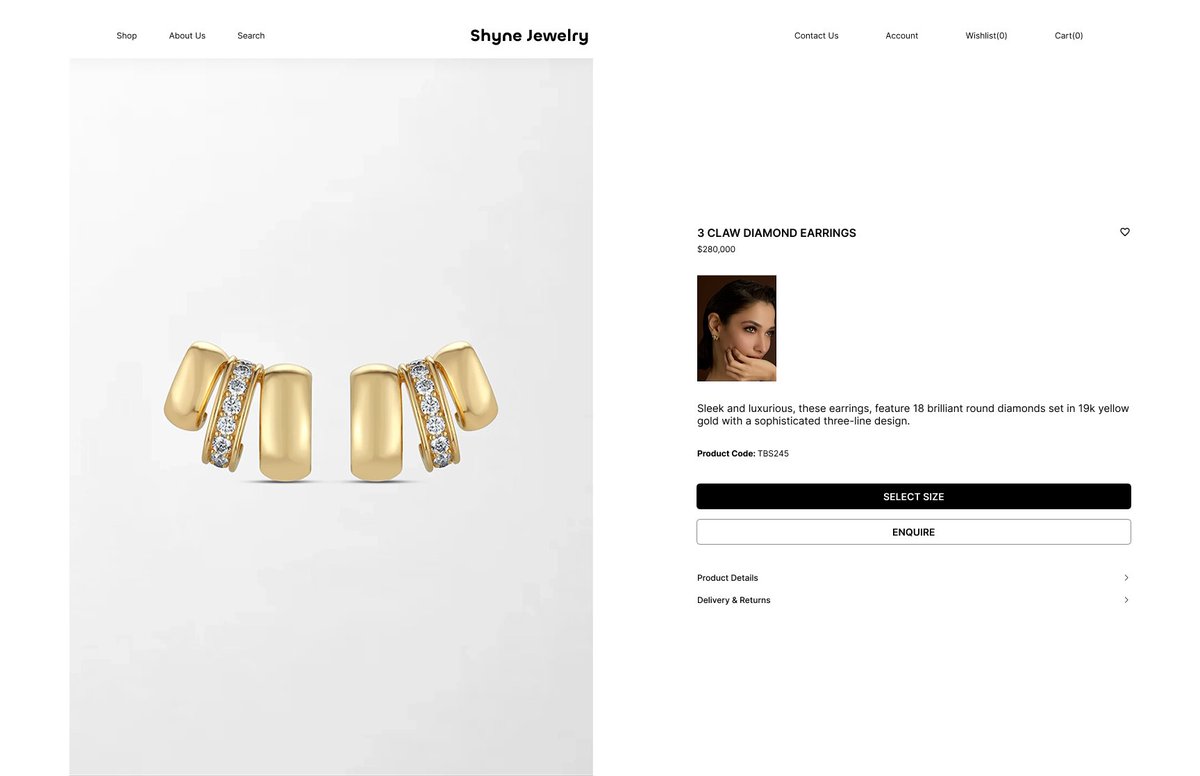
Today's UI is an e-commerce design for a high-jewelry brand. I kept it minimal and clean to create a luxurious feel, using a black-and-white palette for a timeless look.
#UIUX#UIDesign#DailyUI
Day 12/75 – Exploring UI Design 🎨
Today's design is a recreation of screens from the Tasty app (adding ingredients to a grocery bag). I wanted to practice layout, spacing, and visual hierarchy.
#UIUX#UIDesign#DailyUI
Day 10/75 – Exploring UI Design
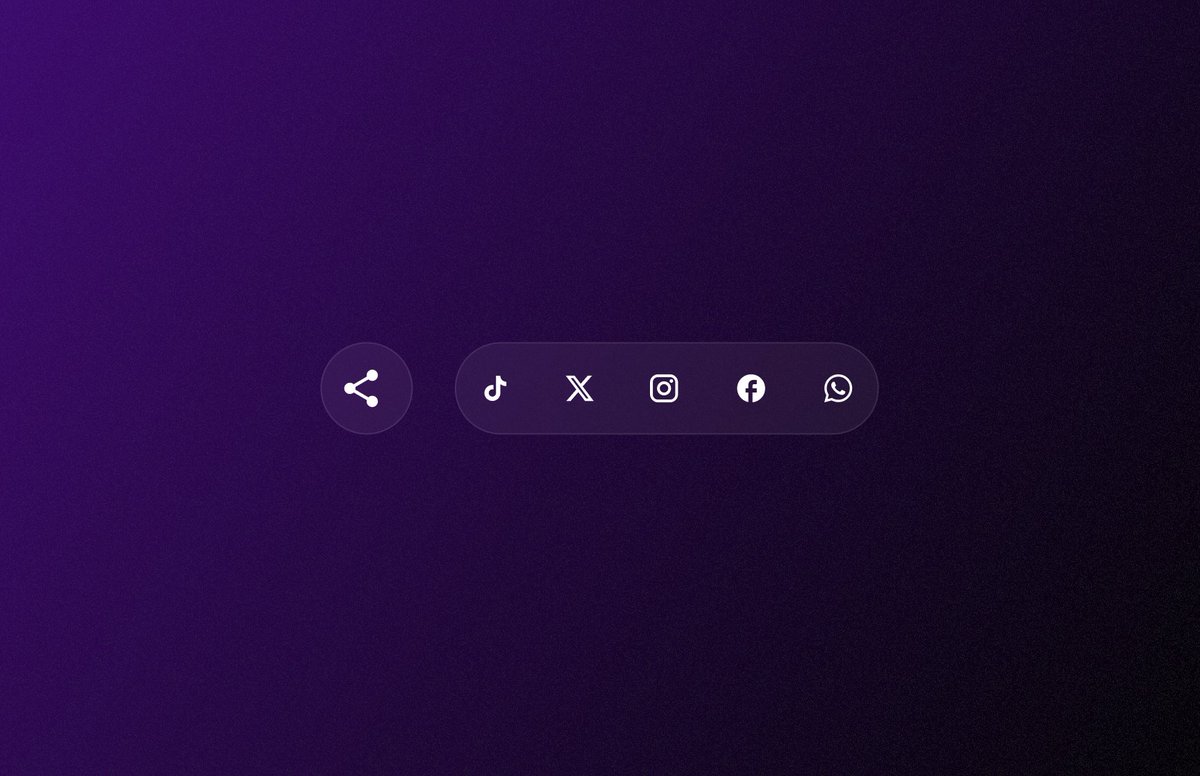
Today's design is a share button that reveals a list of icons when clicked. Inspired by a Dribbble design, I'm still working on the animation, but here's the UI.
Really love the gradient background and glass morphism effect on the buttons.
Today, I spent some time learning Jitter to animate my designs. I don't fully understand it yet, that's part of the process.
I had a great idea for animating today's UI, but bringing it to life was harder than I expected. Looks like I need a lot more practice. we keep moving.
Day 8/75 - Exploring UI Design
Today's UI is a 404 page for an AI app I made up called Kara 😂.
I made the design feel a little fun than the usual boring error pages, added an empty-state illustration and fun copy to give it some personality.
See you tomorrow!
#UIUX#DailyUI
Day 9/75 – Exploring UI Design
Today's UI is a music player for a car dashboard. The interface colors adapt to the selected song's album artwork, inspired by Apple Music. The layout was inspired by a design I found on Dribbble.
That's a wrap, See you next week!
#UIUXDesign
Day 7/75 – Exploring UI Design
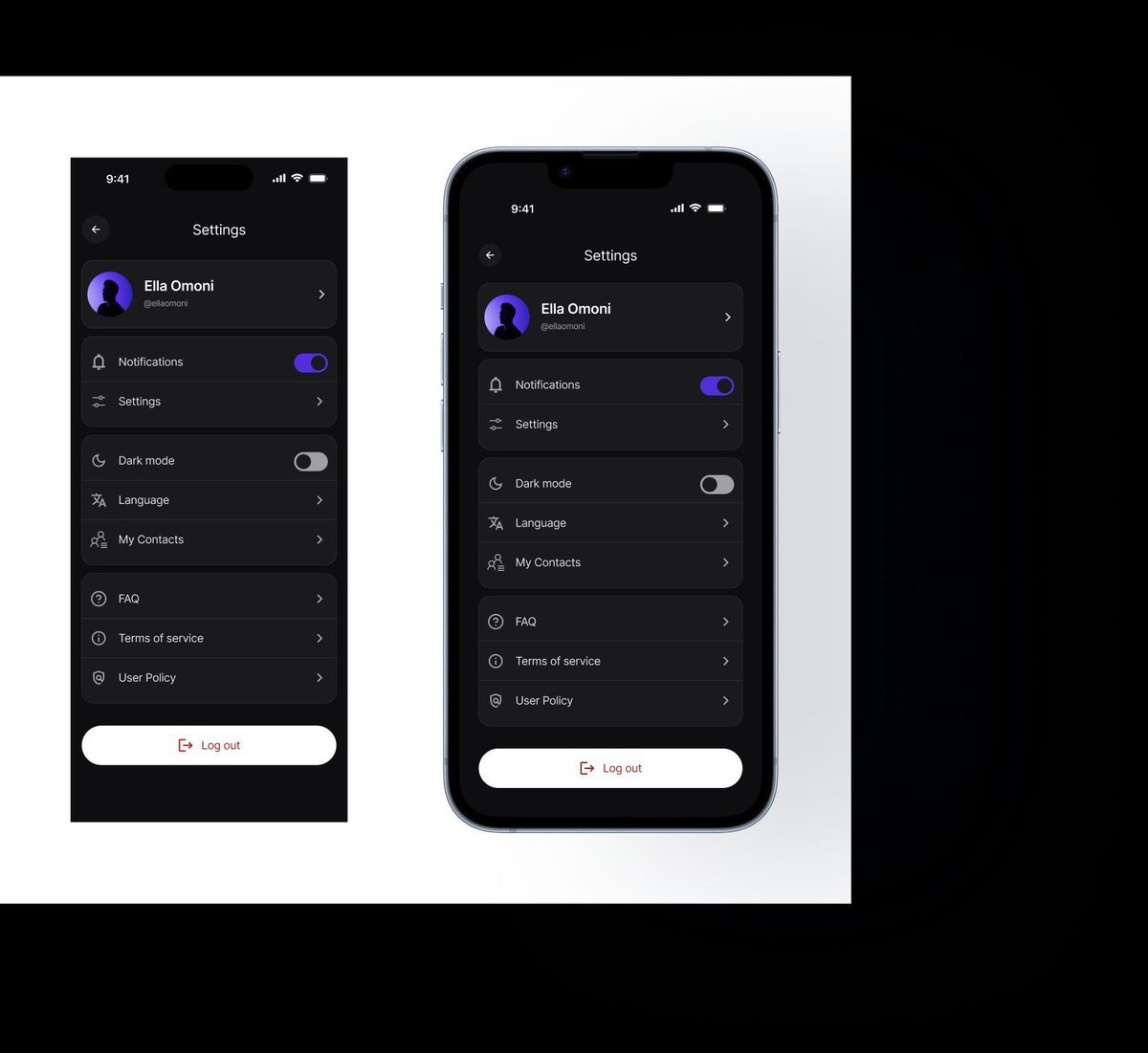
Today's UI is a settings screen inspired by a design I saw on Dribbble.
I created reusable components and used Text Properties and Instance Swap to speed up my workflow since several elements were repeated throughout the design.
#UIUX#DailyUI