Emerge helps teams like @Spotify, @Duolingo, @Bumble, @Square, @Tinder, @Dropbox, @OpenAI & @CashApp build better mobile apps 🚀 Now a part of @Sentry 🧠
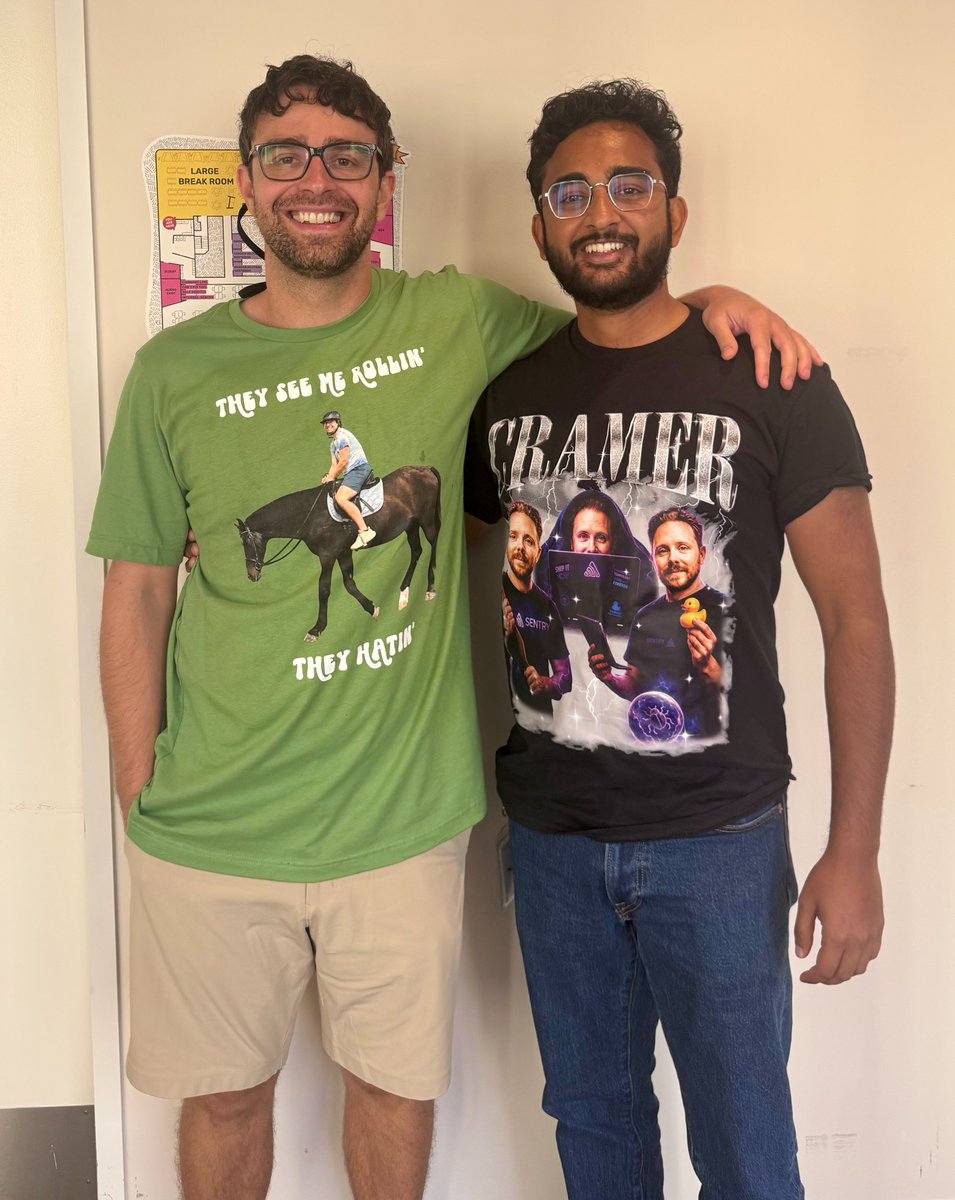
At @Sentry’s AI offsite this week, @indragie & I decided to kick things off with a bang❗️
We’d seen a video where friends bought each other ridiculous shirts before a flight and had to wear whatever they were given... so naturally, we did the same for the offsite (ft. @zeeg)
If you see us around SF today, make sure to say hi
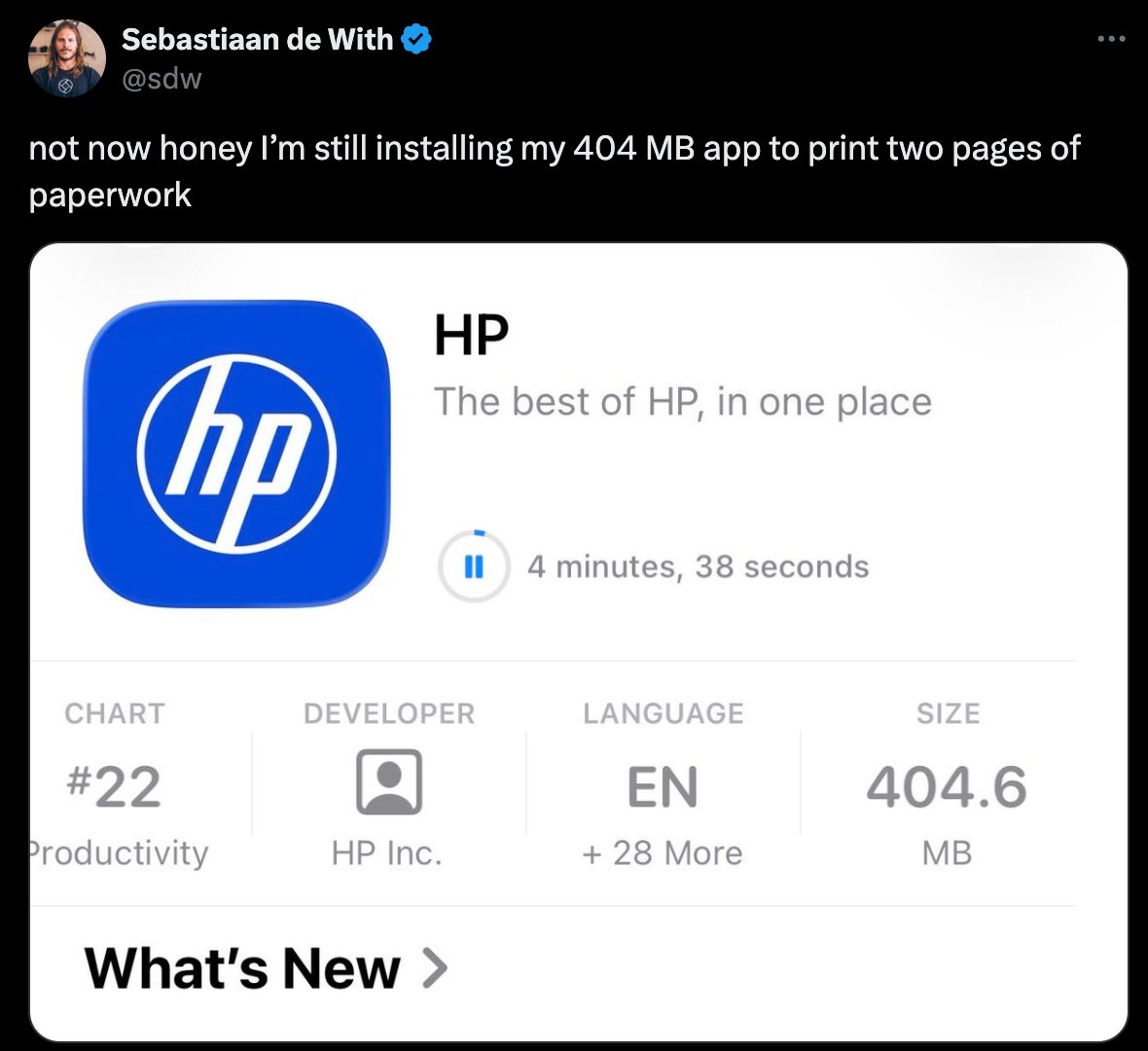
Every app now is insanely sized. Why is my Wingstop app half a GB. How does that even happen!! These ppl should be beaten in the streets until it gets under 50mb again
There's no excuse anymore, Sentry Size Analysis is free 100 builds / month
That's a nightly + weekly releases on Android & iOS and then some
https://t.co/gGSAlK4fDT
We focused on the video file b/c it's so easy to optimize + having a 23 MB onboarding video, seen once by user, is ... not ideal
But all the images are also easily optimized, saving 30+ MB.
Optimizing the video & images + stripping binary symbols would save ~75 MB, a third of the total app size
TL;DR on the video file, it's encoded with way higher bitrate than needed
If you want to learn more about bitrate, check out this thread
https://t.co/Pzsr0FjulN
It’s Friday, we do have a job, and we do have things to do
But we’re going to tell you about bitrate today
Why this @weedmaps video on the left is 14x bigger than the one on the right, despite looking the same 🌿
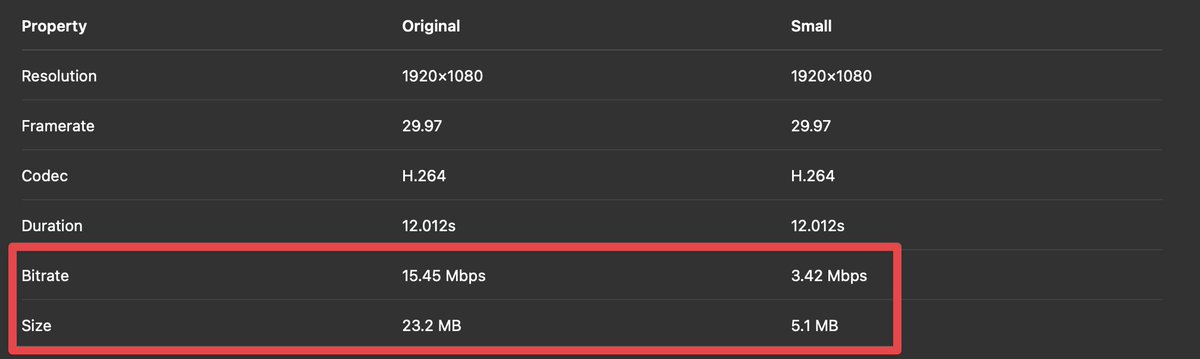
Here's the metadata comparison of the new file + a side-by-side of a random frame, which is virtually indistinguishable
Note the lower bitrate (15.45 Mbps vs. 3.42 Mbps) and file size (23.2 MB vs. 5.1 MB)
This code is re-encoding the video with a constant rate factor of 28 (`-crf 28`)
Low CRF (0) = higher quality, larger file size
High CRF (51) = lower quality, smaller file size
In this case, CRF 28 gave us the same video with a lower bitrate & a visually similar output