Student Activity Idea💡Dream Room Edition
In this ready-made activity, students design their ultimate space, then play detective, matching rooms to their classmates!
It's perfect for getting everyone excited and learning about Canva!
🔗https://t.co/C1dtUNCaZh
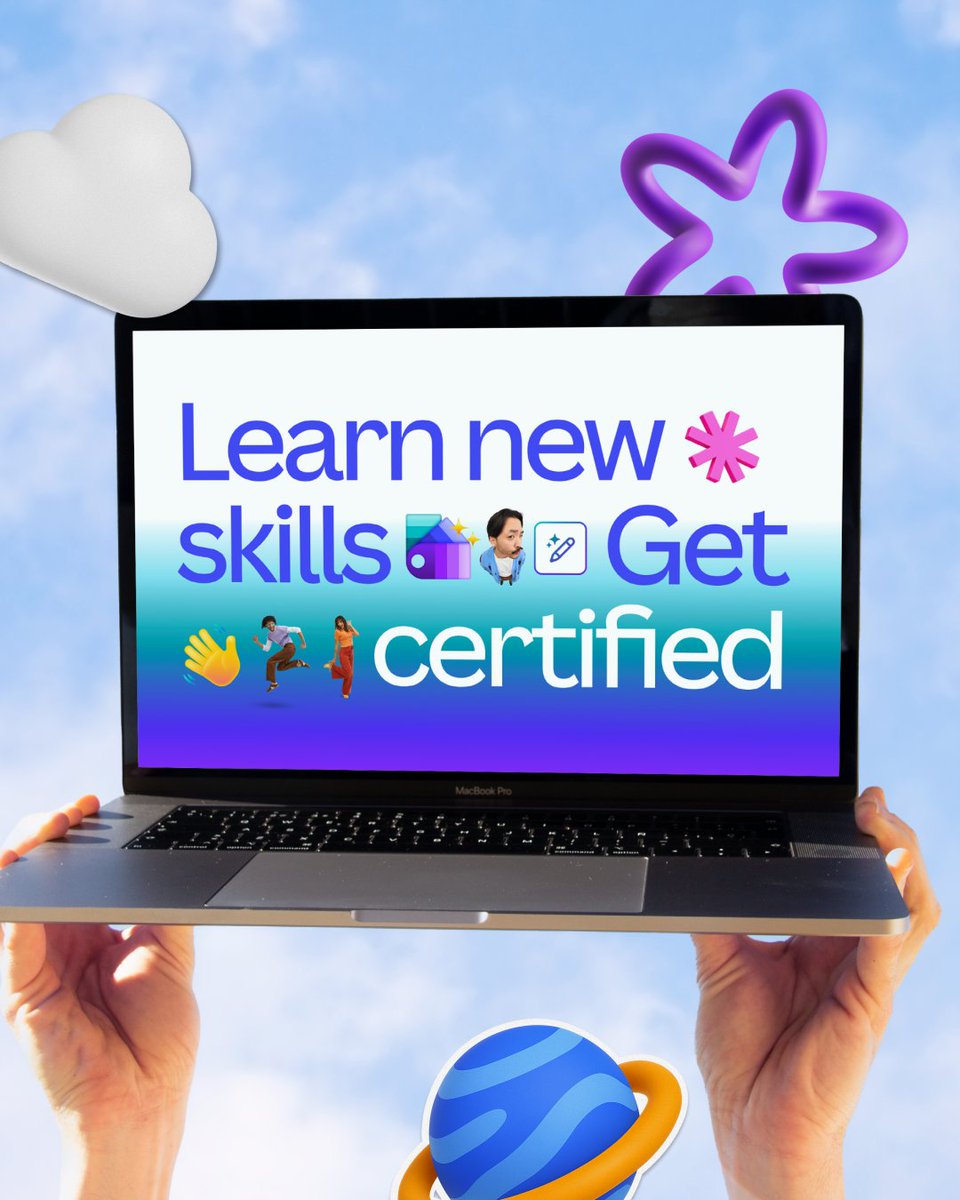
Upgrade your skillset and unlock opportunities with the #CanvaWorldTour all October long.
🌍 Join the movement
The Canva World Tour is bringing the tools to unlock imagination for everyone, everywhere.
💡 Access free Design School courses
Discover new tools, expand your expertise, and earn certificates to boost your credentials. Explore a range of lessons for all experience levels and industries, and learn at your own pace.
🤝 Meet the community
Get the chance to grow your network at community events coming soon to your locale.
See how you can join: https://t.co/jrtuzvBtXX
Magic features in Canva Sheets that every busy teacher needs! 📊
These handy tools assist busy teachers in tracking progress, identifying trends, and saving time, allowing you to concentrate on teaching instead of formulas.
Learn how in our latest guide: https://t.co/KVrORuunpB
Magic features in Canva Sheets that every busy teacher needs! 📊
These handy tools assist busy teachers in tracking progress, identifying trends, and saving time, allowing you to concentrate on teaching instead of formulas.
Learn how in our latest guide: https://t.co/KVrORuunpB
@NotebookLM workflow: I uploaded 3 EdTech articles and asked it to generate an audio or video overview + FAQs. Perfect for my Tech Tip Tuesday newsletters. Where could you use overviews? #EdTech#EduCoach#EmilyAndEdTech
I noticed a new "question type" in @Canvas_by_Inst and thought I would explore the possibilities. This would be great to use for test prep. Check out my latest PD in Seconds video. https://t.co/33aqcuc7oL #edtech#edtechcoach#Canvas
ChatGPT hack: I pasted a messy rubric and asked it to reformat in student-friendly language. Saved a lot of time. How would you use ChatGPT with rubrics? #EdTech#EduCoach#EmilyAndEdTech
New @CanvaEdu Resource!
Let’s get to know the actions button and all the new Canva Sheets features that will lighten your workload and help you work smarter in the classroom.
Explore the Resource: https://t.co/tHi9OmG00z