Hot take: an “AI receptionist” is the last thing a small business should set up.
Not the first.
Everyone sells it first because it’s the shiny one. A voice that picks up the phone. It demos great. It’s also the hardest to get right, the most expensive, and the one customers notice when it goes wrong.
Here’s the order I’d actually do it in:
1. Fix your reply speed. A text in 60 seconds beats a robot voice in 2 rings.
2. Fix your reminders. Stop losing money to forgotten appointments.
3. Fix your invoices. Stop losing money to slow payers.
4. Then, maybe, let a robot answer the phone. If you still need it.
Most owners who do 1 through 3 find they don’t need 4. The calls still come. They just get answered by text, fast, and booked.
What did I miss?
The setup steps for each are in my ebook bundle. Comment any word (or like this) and I’ll send the link. Follow first so the DM gets through.
Almost every post about “AI for small business” is written by someone selling to small businesses.
Not by someone running one.
I noticed this after going through a hundred of the top posts in this space. Agencies. Consultants. “AI automation experts.” All talking about owners. Almost none talking to them.
Here’s what it looks like from the owner’s side:
You don’t care about “agents.” You care about the 10 PM message you haven’t answered.
You don’t want a dashboard. You want the no-show to not happen.
You don’t want “automation.” You want Sunday off.
You don’t want to “learn AI.” You want the invoice paid.
The tools are real. They’re cheap. But every guide is written like you’re going to hire a team. You’re not. You’re going to do it yourself, after close, with one hand on the mop.
So I write from the owner’s side. Plain words. No code. No hires. One thing a week.
Boring tools. Real hours back.
Owners: what’s the one thing you wish these guides actually explained?
Most small business owners don’t need an AI agent.
I know that’s not what the ads say. The ads say you need a robot that runs your whole shop. You don’t.
You need three boring things.
1. A reply in 5 minutes.
When someone messages “are you open Saturday?” they’re ready to book. If they wait an hour, they’ve booked somewhere else. A simple auto-reply with your hours and a booking link fixes this. It takes 20 minutes to set up.
2. A reminder text the day before.
People don’t skip appointments because they’re rude. They skip because they forgot. One text, 24 hours before, with a “confirm” button. That’s it.
3. An invoice that chases itself.
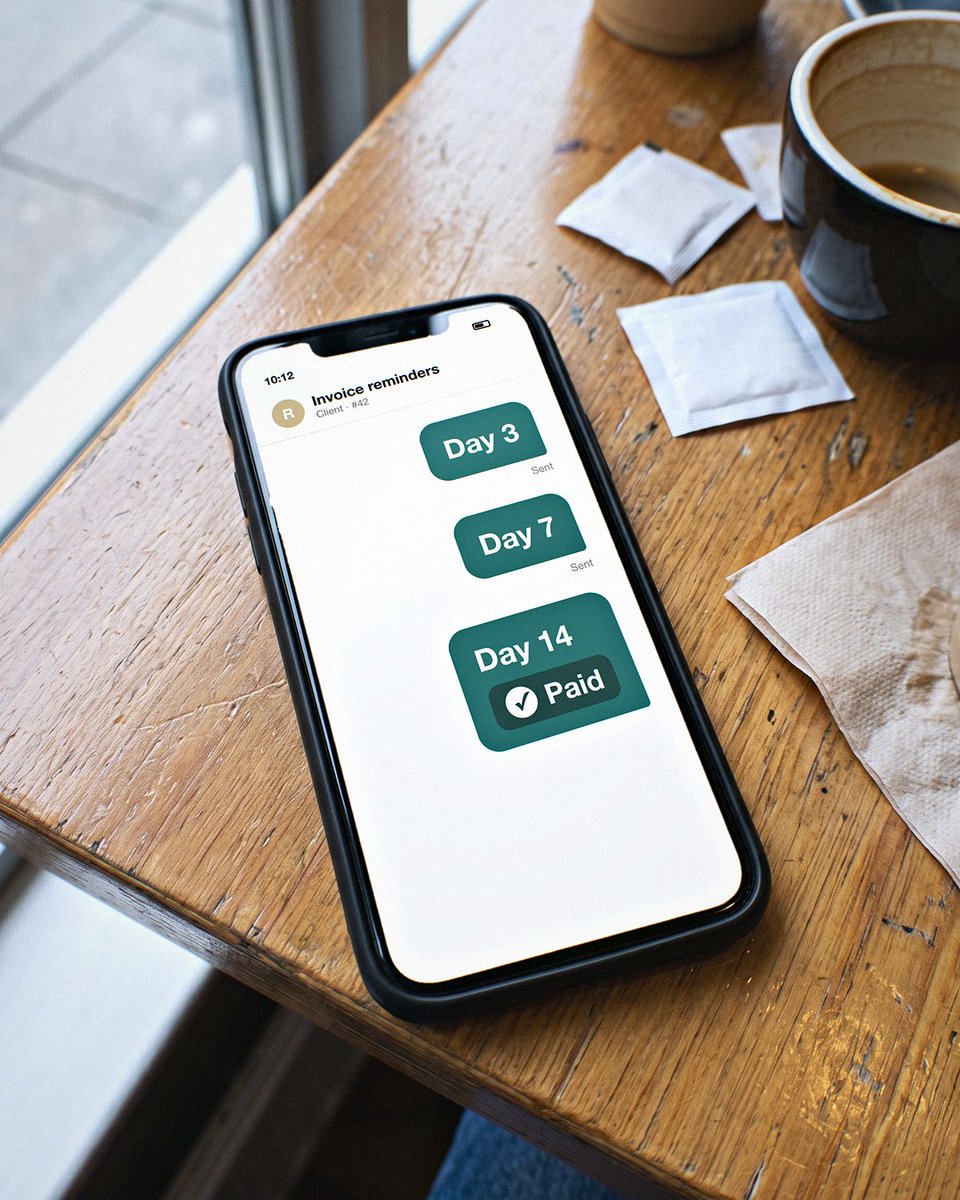
You hate sending the “just checking in” email. So don’t. Write three reminders once. Calm ones. Let the tool send them on day 3, 7 and 14.
None of this needs code. None of this needs a hire. All three can be done in one week, one per evening.
Agree, or did I miss one?
Don’t automate your whole business this weekend. You’ll quit by Tuesday.
I’ve seen it over and over. Owner gets excited. Signs up for five tools on Saturday. By Tuesday, nothing works, three trials are about to charge, and the whole idea feels like a scam.
Do one thing a week.
WEEK 1: Auto-reply for your top 5 customer questions.
Hours, prices, location, deposit, how to book. Under an hour. You’ll feel it by Wednesday.
WEEK 2: Reminder text 24 hours before every booking.
Add a confirm button. Watch your no-shows drop.
WEEK 3: A “thanks, mind leaving a review?” text after each visit.
Send it 2 hours after. Include the link. Reviews start showing up.
WEEK 4: Invoice reminders on day 3, 7, 14.
Write them once, calm. Turn on the timer. Stop chasing.
Each one takes under an hour. Each one works on its own. You don’t need week 2 for week 1 to pay off.
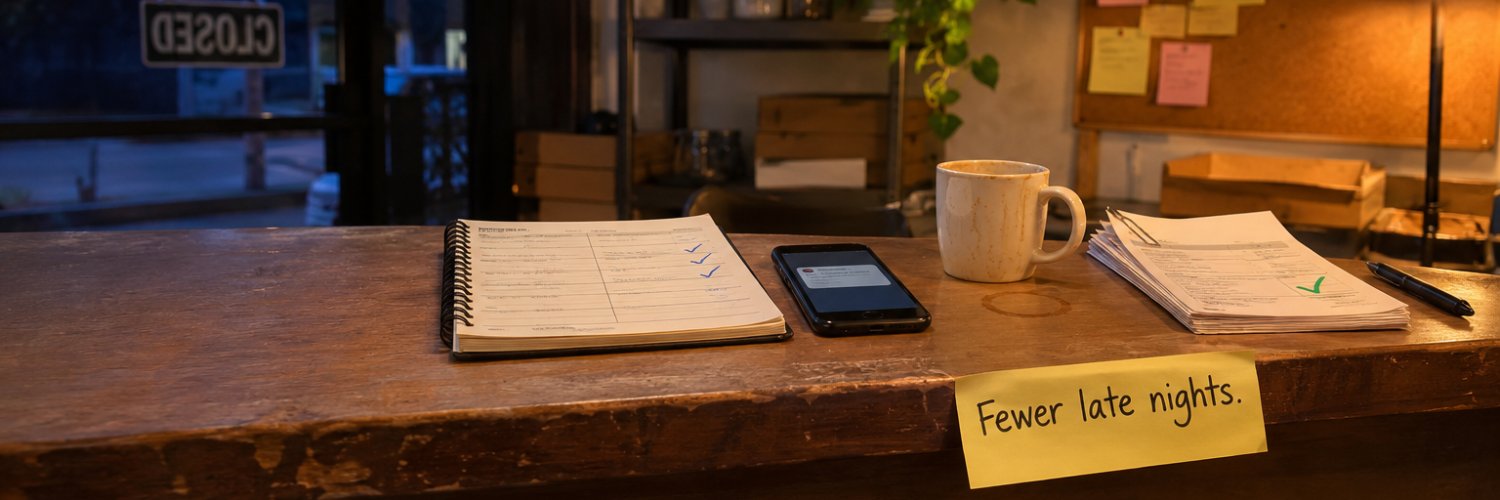
By week 4 you’ll feel it. Fewer late nights. Fewer empty slots. Faster money.
WHERE IT GOES WRONG
Doing week 4 first. Invoices feel urgent, but replies are the easiest win. Start there. Get a win. Then keep going.
Slow is fast.
Save this. The full 30-day and 90-day plans, with every prompt and template, are in my ebook bundle. Like this or drop a comment and I’ll message you the link. Follow first so it reaches you.
You run a shop. You can only fix ONE thing this month.
A) Answer every missed call
B) Get paid on time
Here’s why this is harder than it looks.
Missed calls are money you never see. One study followed 85 small businesses for a month. Only 37.8% of calls got a live answer. The rest went to voicemail or nowhere. And most people who hit voicemail don’t call back.
Late payments are money you’ve already earned but can’t touch. A survey of 2,487 small businesses found 56% had unpaid invoices. The average owed: $17,500.
So which hurts more? The customer you never met, or the customer who owes you?
My answer: B, if you’re busy. A, if you’re not. But I’d love to hear yours.
Which one? And why?
Unpopular take: automating the wrong thing can lose you money.
Picture a plumbing company. It puts in an AI receptionist. Zero missed calls. The dashboard is green. The owner is proud.
Six months later, revenue is down.
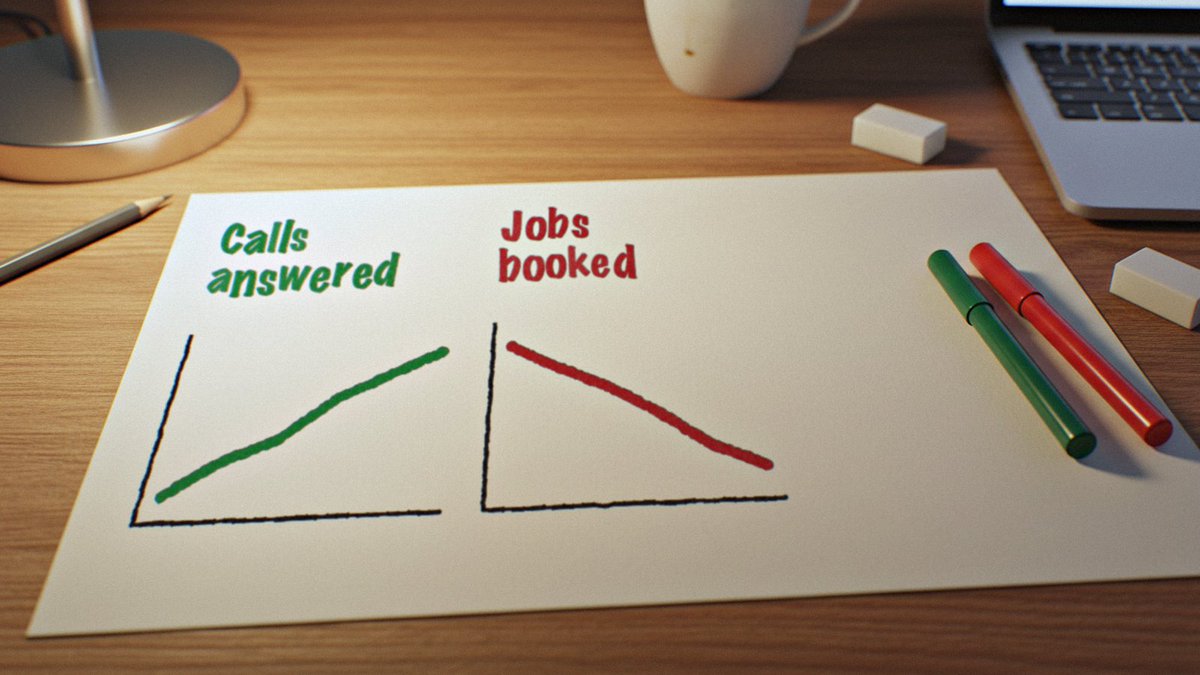
What happened? The AI answered every call. But it booked fewer jobs than the old front desk did. The front desk knew to say “we can squeeze you in Thursday, and we’ll waive the call-out fee.” The AI said “I can book you for next Wednesday.” Polite. Accurate. Useless.
It answers. It doesn’t sell.
So revenue went down while the dashboard went up.
The rule: automate the chase, not the close.
Let AI do the boring, safe parts:
1. confirm the booking
2. send the reminder
3. follow up after the job
4. chase the invoice
Keep a human on the part that wins the job:
1. the first real conversation
2. the price question
3. the “can you come today?”
Fast where it’s safe. Human where it pays.
Where would you draw the line?
say a plumber gets 27 calls a week.
that’s the average for a 2-to-10 person service business, btw. not a guess.
now say he misses 62% of them. that’s what one 30-day study of 85 businesses found. he’s under a sink. hands wet. phone buzzing in the van.
17 calls a week nobody picks up
most go to voicemail
most of those never call back
and he thinks “business is slow this month”
DIAGNOSIS: LEAKING.
the fix isn’t a new receptionist. he can’t afford one, and he doesn’t need one.
1. missed call → auto text in 60 seconds: “Hey, it’s Dave’s Plumbing. Can’t talk right now, what’s up?”
2. customer replies “leaking tap, can you come tomorrow?”
3. AI asks 3 questions: where, when, how bad
4. job lands in his calendar. he sees it at lunch.
cost: under $50 a month. time to set up: one afternoon. one time.
say he saves even 4 of those 17 calls a week. that’s 4 jobs he was losing to the guy who picked up.
the lesson: you don’t need to answer every call. you need every call to get an answer.
the exact text scripts and the one-afternoon setup are in my ebook bundle. comment any word or like this and i’ll send you the link in a DM. follow first so it gets through.
Here’s a number from a survey of 2,487 small businesses.
56% had unpaid invoices.
The average amount owed: $17,500.
That’s not a big-company problem. That’s the café. The electrician. The two-person design shop.
Here’s the part nobody calculates:
THE MATH
US small businesses wait about 28.8 days to get paid.
That’s about 9 days past due, on average.
Say you bill $10,000 a month.
Nine late days means about $3,000 is always floating somewhere. Earned. Not yours yet.
RUN YOUR OWN VERSION
1. Monthly billing ÷ 30 × days late = your “floating” cash.
2. Check your last 10 invoices for the real “days late.” People guess 2 or 3. It’s usually more.
THE FIX
1. Reminder on day 3 after due. Friendly. “Hey, this one might’ve slipped by.”
2. Reminder on day 7. Clear. “Still open. Here’s the link.”
3. Reminder on day 14. Firm. “Needs to be settled by Friday.”
Write them once. The tool sends them forever. You never type them again.
WHAT IT COSTS
Nothing extra, usually. Most invoice tools have reminders built in. They’re just turned off.
WHERE IT GOES WRONG
Writing the “firm” one when you’re angry. Write it on a calm day. Send it on a timer.
Also: skipping day 3. The friendly one does most of the work.
You don’t chase money. The system does. You just get the “paid” email.
What’s your real “days late” number? Check and tell me.
If you’ve ever written an invoice reminder at 11 PM and deleted it because it sounded rude...
you know.
You typed “Hi, just checking in on invoice #42.” Then you read it back. Too soft. They’ll ignore it.
So you tried again. “This invoice is now overdue.” Too hard. They’re a nice customer. They’ll be upset.
You deleted both. You went to bed. The invoice stayed unpaid.
Here’s the thing. The problem isn’t your words. It’s the timing. You’re writing it tired, late, and a little angry. Nobody writes well like that.
So write it once, on a good day. Three versions. Day 3: friendly. Day 7: clear. Day 14: firm. Then let a tool send them on a timer. You never see the email again. You just see “paid.”
The customer gets a calm, polite reminder. You get your 11 PM back.
Sound familiar?
I’ve spent months watching how small businesses use AI.
The common advice is wrong.
Everyone says: “Get an AI receptionist.” A voice that answers the phone. Sounds smart. Costs a lot. And it fixes the wrong problem.
Here’s what the data says:
One study tracked 85 small businesses for a month. Only 37.8% of calls got a live answer.
About 69% of missed calls never get a callback within 48 hours.
A lead answered in 5 minutes is about 21x more likely to qualify than one answered at 30 minutes.
Read that again. The problem isn’t WHO answers. It’s HOW FAST anyone answers.
A robot voice that picks up and fumbles your prices is not better than a text that lands in 60 seconds saying: “Hey, it’s Dave. On a job. What do you need?”
The text is cheaper. It’s faster. And the customer can reply when they want.
So here’s what I’d do instead:
1. Missed call → auto text in under a minute.
2. The text asks one question: “What’s it about?”
3. You or an AI replies with the next step and a booking link.
That’s a $20-a-month setup that beats a $500-a-month robot.
Fast beats fancy. Every time.
Am I wrong about the receptionist?