llama.cpp now has an official website: https://t.co/vztdUpdBWL
Our goal is to make local AI accessible to everyone, and improving the user experience is a big part of that. On the new landing page you’ll find a single-line cross-platform installer. The installation provides a single unified `llama` entrypoint which you can use to run/serve models and interface with 3rd-party agentic applications.
While oriented towards simplified user experience, the new `llama` application also provides all the advanced functionality of the existing llama.cpp tooling with which experienced users are already familiar. Also note that all GGUF models that you might have already downloaded with llama.cpp in the past will be automatically available to use without downloading again (they are stored in the common HF cache on your machine).
We have many improvements in the pipeline both at the UX and at the engine level and we plan to iteratively ship new things over the coming months. One of the main focuses will be seamless integration with local-friendly 3rd-party agents (such as Pi). In the meantime, we’ll continue to listen for feedback from the community and adjust accordingly, so keep letting us know what you think and need.
@MamillAI@fishright@ggerganov I'm afraid I still don't understand. Can you share a specific use case that you have in mind? What is it that you would like to achieve? Thanks!
@iddar@ggerganov macOS often deletes files in /tmp, perhaps this is what happened.
Can you try to run it again and see if the .log file appears?
Also, is this Qwen3-VL-specific or does it freeze for other models as well?
Thanks 🙏
@iddar@ggerganov Could you please take a look at /tmp/llama-server.log and see if you can spot any issues there? It might give us some clues about why it froze.
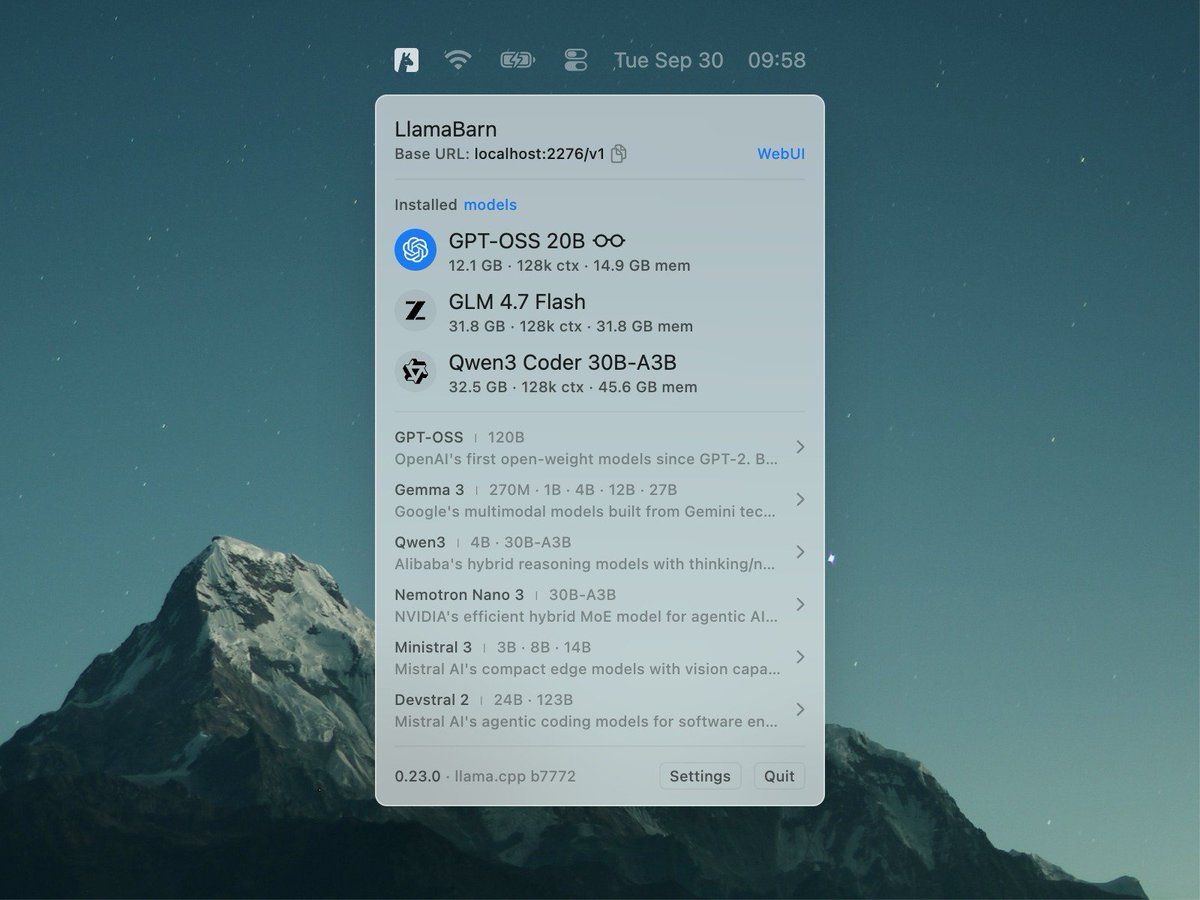
@jayrodge15@ggerganov LlamaBarn doesn't replace webUI, it builds on top of it — it's a thin wrapper of llama.cpp — when you run a model in LlamaBarn it starts the llama.cpp server and the llama.cpp webUI.
@kanwisher@ggerganov The idea is to make it easy to run an LLM on your device and then connect that LLM to whatever you want — similar to how you connect to a Wi-Fi network and use that connection in any app you want.