Probably somewhere, but here’s how I did it:
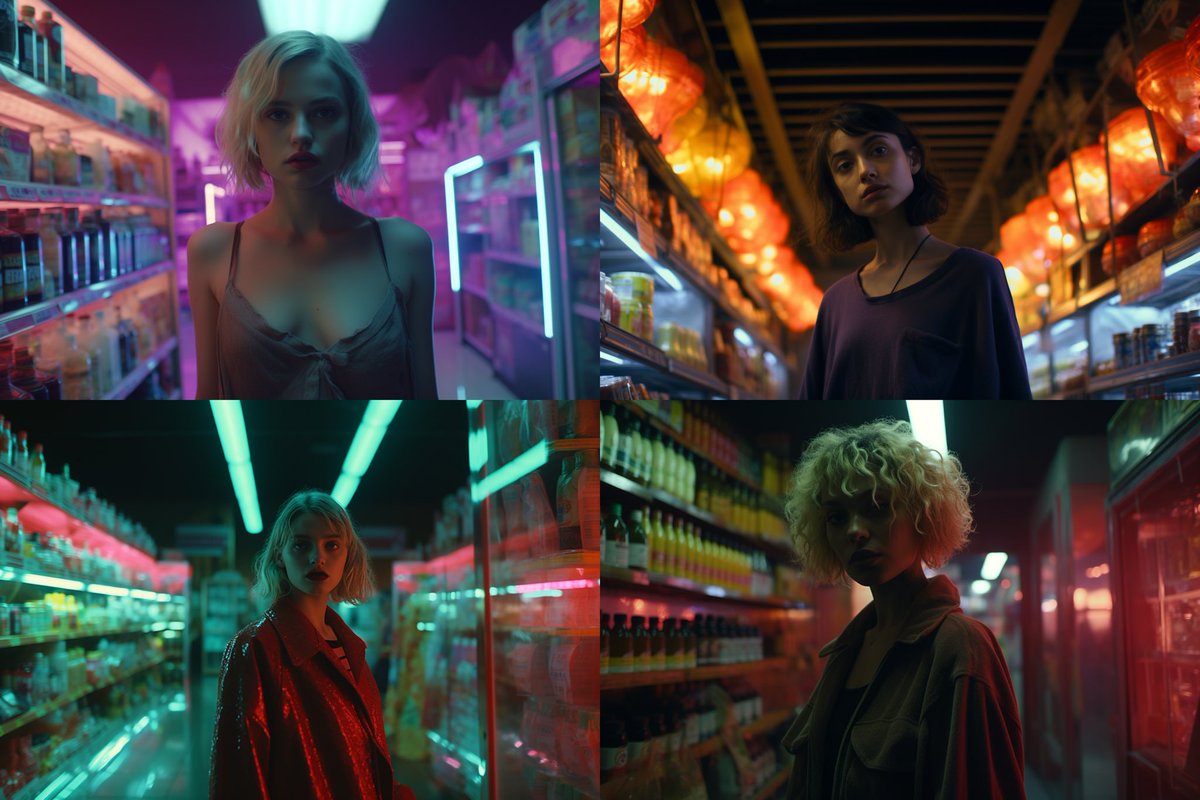
Create a bunch of stills (maybe ~200 for this clip) in MidJourney, each with slight variations or themes. Here’s an amalgamation of what I used:
“A Dutch angle photo of a model walking through/standing in front of/on top of a car/supermarket/bodega/abandoned building at night in a scene from a music video directed by Harmony Korine —ar 3:2”
Then take each clip and bring it into @runwayml’s gen-2 (available as a mobile app, but the desktop app is much easier to use for this).
Run through as “image to video” without a prompt (prompt would override the source image) and repeat as needed until you get a good result.
Then bring all the clips into your favourite editing app (I used Adobe After Effects), cut out all the AI weirdness, edit to music and adjust colours as needed.