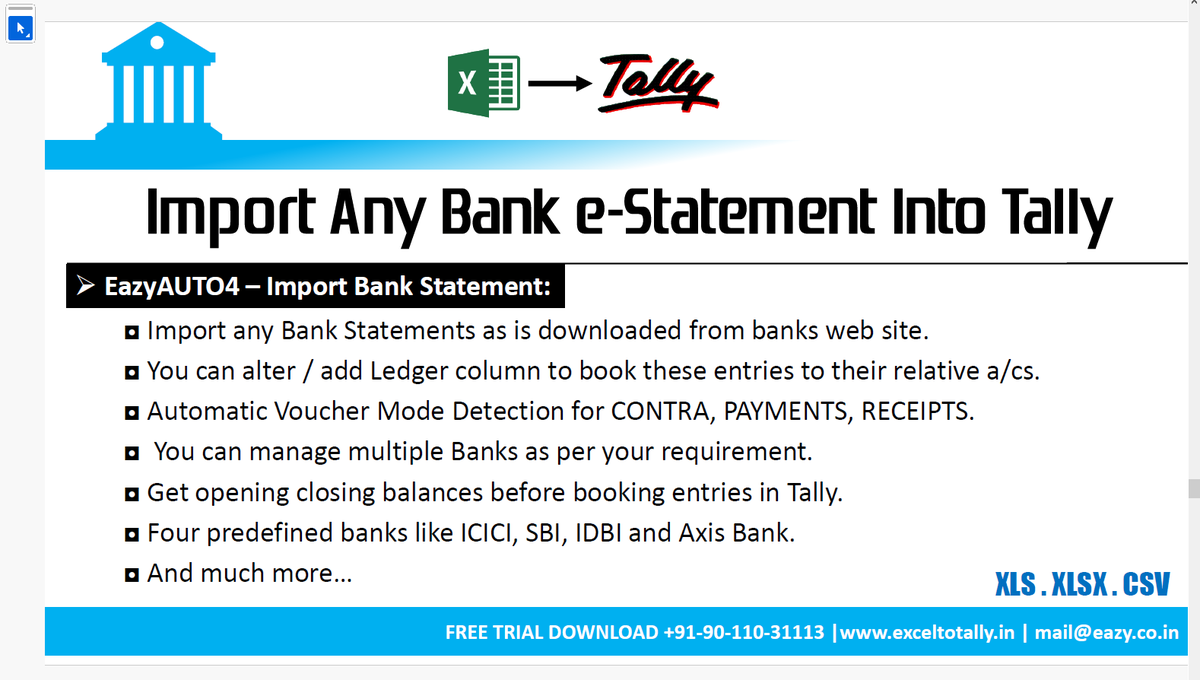
Built for CAs & Accountants. Convert Excel & PDF bank statements to Tally in seconds. Faster posting. Zero manual work Save Time + Increase Productivity
Tested something today that genuinely improves workflow efficiency
GSTR-2A / GSTR-2B → Tally (One-Click Import)
✔️ ~300 transactions
✔️ Processed in under 1 minute
✔️ No Excel, no manual entry
What used to take HOURS…
Now happens in a FLASH.
This is where automation starts delivering real value -
time saved, errors reduced, and compliance made smoother.
For professionals handling volume-based GST data,
this is a meaningful upgrade to the existing process.
Link for Demo or Enquiry
https://t.co/AtTkU9QvXn @exceltotally
5 saal ka bharosa ⭐
Mr. Piyush Jalan (Business Owner, Pune) shares his experience with EazyAUTO4
✔ Excel to Tally made easy
✔ Huge time saving
✔ Fast & 100% accurate data
Perfect for CAs, Accountants & Businesses 🚀
Watch Now https://t.co/9KZmkFRV8V
CA office me sabse boring kaam kaunsa hota hai? 🤔
Excel aur PDF ki manual Tally entry 😫
Isi problem ka smart solution hai EazyAUTO4 🚀
https://t.co/zcgUN8EXE5
https://t.co/OCxTgI25yu
#CAOffice#CharteredAccountant#TallyPrime#TallyAutomation
"EazyAUTO4" - Smart Solution for Excel/PDF to Tally
Using this software you can import Sale/Purchase/Journal/Receipts/Payments/Debit Note/Credit Note entries from Excel format to Tally software with accuracy and speed
Using "AI Based PDF to Tally Bank Statement Import" features through which you can import PDF format bank statement of any bank directly into tally with ledger mapping options and many more functions
Unique Features
🔹Selection of Date Range - Import only those range of transactions which you want to enter from the whole statement, so that duplication of bank entries will not happen
🔹Option of filter in all column of bank like Date, Ledger Name, Amount, Narration etc
🔹Unique feature is "SmartAI Suspense Filter Rules" using it you can create Rules specific to your requirement for Receipts, Payment and Contra Entries
For rules you can apply filter like Containing, Ending, Amt > , Amt <, Amt =, Amt <>, Amt Between, Starting, Not-Containing, Not-Starting, Not-Ending and you can save those rules also for future reference so next time whenever you import the same bank it is easy to apply those rules again.
Link to try Demo
https://t.co/4FmCUhMuD3 by @exceltotally
WhatsApp Community and Channel for Professional and Taxation Related Updates only
To join the community or channel kindly send you name, city and qualification at https://t.co/RUF67eetTx
Currently
Members in Community 5138
Members in Channel 2057
Thanks
#TaxationUpdates
https://t.co/VBYqM0S0NF
PDF bank statement dekh ke Dhurandhar tension aa jati thi? 😤📄
Excel/PDF se Tally entry matlab full drama?
PDF ho ya Excel -
1 Click → Direct Tally Import
No upload. No manual entry. No headache.
#Dhurandhar#PDFtoTally#ExcelToTally#fa9la