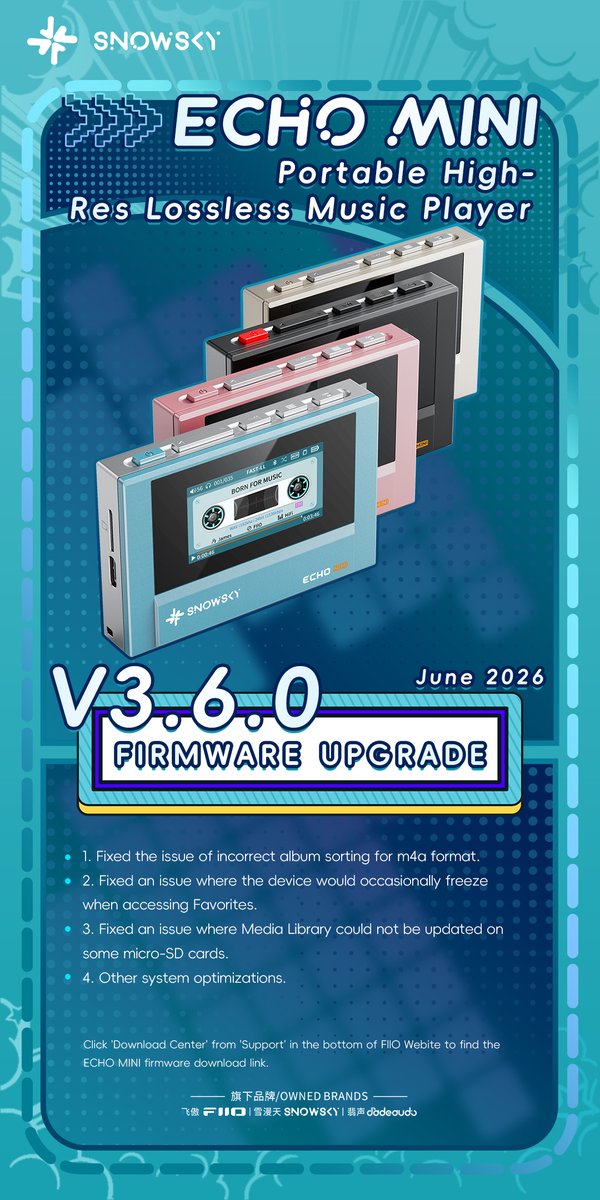
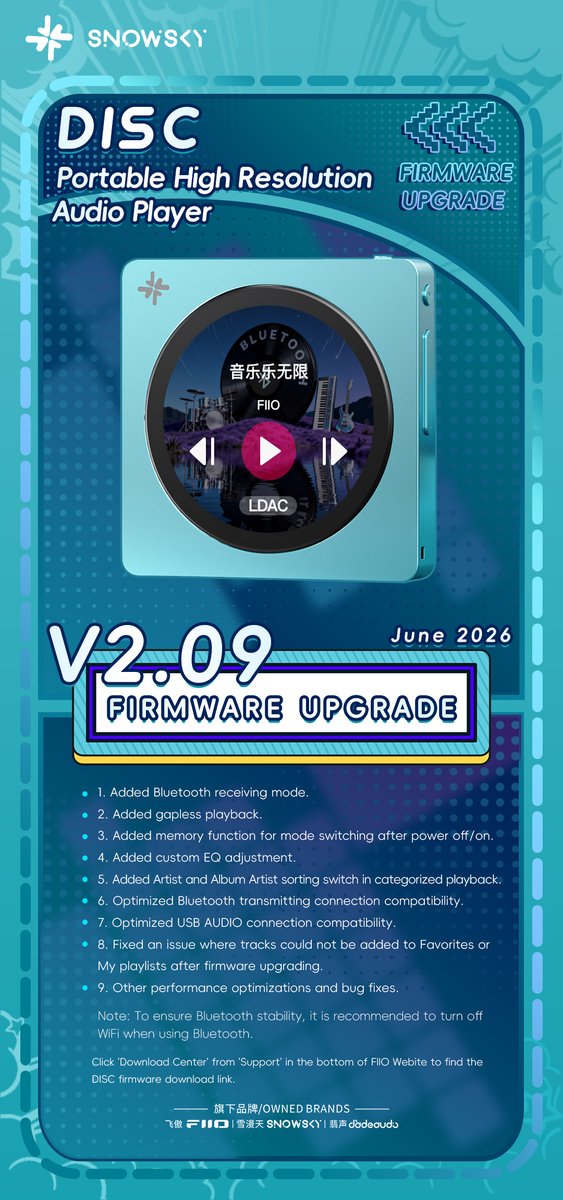
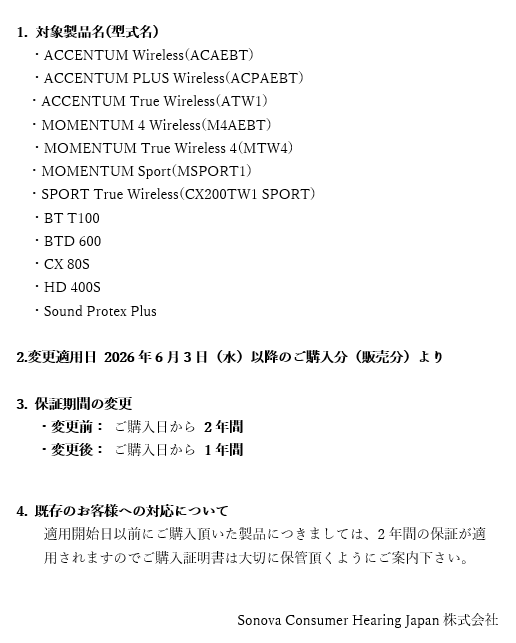
New firmware updates for ECHO MINI, ECHO and ECHO NANO are now available!
How to update the firmware for ECHO MINI:
1. Unzip the file and copy the HIFIECxxx.img file to the root directory of the ECHO MINI's internal memory. Safely eject the device and restart it to begin the automatic upgrade.
2. If you encounter any issues, please feel free to contact us.
Note: Please remove the SD card from ECHO MINI before updating the firmware.
SNOWSKY ECHO MINI V3.6.0 firmware download link:
https://t.co/7FeJIp3x1S
How to update the firmware for ECHO:
1. Unzip the file and copy the ECHOVxxx.img file to the root directory of the ECHO's internal memory. Safely eject the device and restart it to begin the automatic upgrade.
2. If you encounter any issues, please feel free to contact us.
SNOWSKY ECHO v1.6.0 firmware download link:
https://t.co/WhKPcaiMP4
How to update the firmware for ECHO NANO:
1. Unzip the file and copy the xxx.img file to the root directory of the ECHO NANO's internal memory. Safely eject the device and restart it to begin the automatic upgrade.
2. If you encounter any issues, please feel free to contact us.
Note: Please remove the SD card from ECHO NANO before updating the firmware.
SNOWSKY ECHO NANO v1.3.0 firmware download link:
https://t.co/0D7MviO01j
#FIIO #SNOWSKY #FirmwareUpgrade #FirmwareUpdate #ECHO #ECHOMINI #ECHONANO #MusicPlayer #MP3 #Player #AudioPlayer #Music
📷The firmware update 1.80 for HiBy RS8 II is available.
Changelog:
1. Added HiBy Render feature; (Supports direct push via DLNA and AirPlay, and compatible with some DLNA/AirPlay pushed videos)
2. Added HiBy AppStore;
3. Added a drop-down audio center shortcut button, allowing direct access to the audio center on the left-end visualizations page from any interface;
4. Fixed the issue where Roon ARC could not play;
5. Optimize the UI of MSEB, PEQ, plugins, etc.
6. Fixed several other bugs.
Go to Settings -> System -> System Updates->Click "Check Version" while connected to the internet through WiFi to search for and install the new update.
#hiby #hibyrs8ii #hibymusic
📷 The firmware update 1.30 for M500 (WiFi version) is now available.
Changelog:
1. Added a cassette playback UI;
2. Added FM Bluetooth output function;
3. Added a toggle switch for the desktop pet feature;
4. Added automatic recording termination for FM recording upon Bluetooth connection or disconnection.
5. Fixed several other bugs.
Go to Settings -> System -> System Updates->Click "Check Version" while connected to the internet through WiFi to search for and install the new update.
#hiby #hibydigital #hibydigitalm500 #hibydigitalxhatsunemiku #hatsunemiku
「Exhibition Preview」Returning to Europe, Debut in Vienna | ddHiFi at High End Vienna 2026
As a benchmark event in the global high-end audio sector, the High End Show has a history spanning more than four decades. It stands as an elite platform for leading industry trends, unveiling innovative products and linking partners worldwide. In 2026, this world-famous exhibition moves from Munich to Vienna, Austria, opening a brand-new chapter.
Exhibition Schedule
June 4 – June 6: 10:00 – 18:00
June 7: 10:00 – 16:00
Venue
Austria Center Vienna (ACV), Vienna, Austria
Booth Information
Hall X4, Booth P12-R11
Following our participation in CanJam London last year, we are delighted to return to Europe. This also marks ddHiFi's debut at the prestigious High End Show. We have made thorough preparations for this occasion. Our booth will present our full product range, featuring classic bestsellers popular throughout Europe, alongside a series of brand-new 2026 releases. We warmly welcome you to visit and experience our outstanding sound performance on site.
Let's connect through music this early summer in Vienna! Come to enjoy premium audio, exchange insights and discuss potential cooperation.
The new V3.3.2 version for FiiO Music app is now available!
How to update the FiiO Music app online:
Method 1: Search and download FiiO Music in the App Store on your mobile phone;
Method 2: Connect the mobile phones/players to the Internet, then click 'Check for update' from Personal-Settings-About menu.
If the update fails to work correctly, please try following steps:
1. If the update prompt does not shows after connecting to the Internet for sometime, please delete theinstallation package in 'Android-data-com.fiio.music-file-update'. Then restart the APP and wait from the re-download.
2. If the current APP version is too old, the automatical update may not work. Please
try to update locally.
How to update the FiiO Music app locally:
Set the device to storage mode and connect to computer, drag the downloaded FiiO Music (.apk) to the device. Then disconnect the connection and enter ES file explorer/file manager, find the FiiO Music app in internal storage/sd card and click install.
FiiO Music app v3.3.2 download link:
https://t.co/5K1ZIXXyLQ
#FIIO #FIIOMusic #FIIOMusicapp #Upgrade #Update