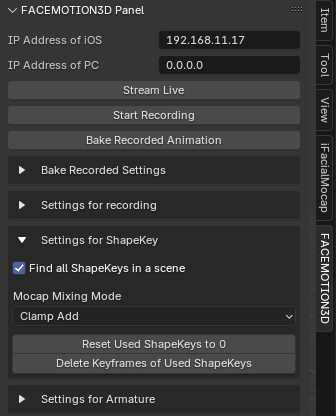
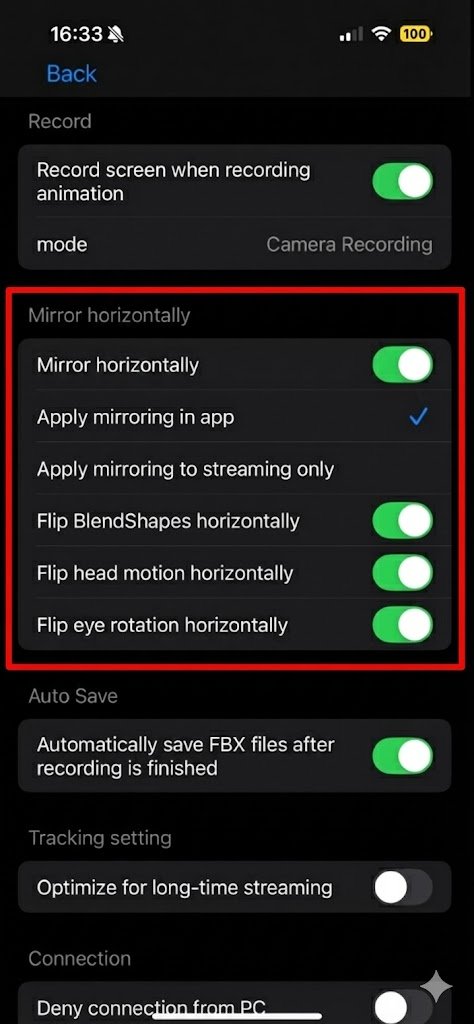
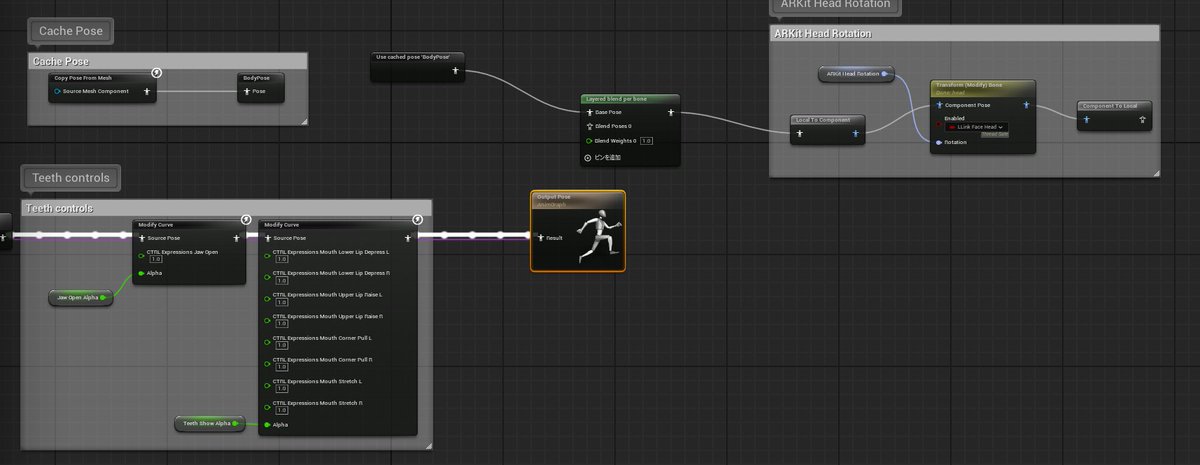
Blender add-on v2.9.3 is out. It now runs faster even on high-poly models, and adds a button to reset all Facemotion3D-related ShapeKey values to 0.
https://t.co/7VrMddaPeH
A bug has been fixed where the audio file was not being correctly imported into the timeline in Blender when using the recording feature. Updating to Facemotion3D iOS app version 1.3.7 and Blender add-on version 2.9.2 will resolve the issue.
https://t.co/7rXlaP1rjI
Version 2.5 of the Blender add-on has also been released, fixing issues related to recording. (We fixed problems such as time discrepancies during baking caused by Blender's FPS settings.) https://t.co/7VrMddaPeH I also fixed the issue that caused errors in Blender 4.4.
Version 1.3.3 of the iOS app has been released. I have added a feature that allows Bluetooth communication to be used when Wi-Fi connection fails. (Currently, this feature is available only for the Blender License and Other License.)
@ai_hamm The Facemotion3d app offers two types of licenses: a recording license and a streaming license for each supported software.
Even if you purchase the streaming license for Blender, you can only record up to 5 seconds unless you also purchase the recording license.
The Facemotion3d plugin for Unreal Engine has been updated. https://t.co/SDspCKWFTD
This update includes support for MetaHuman and compatibility with recording in Take Recorder.
Facemotion3d iOS version 1.3.1 has been released.
-Fixed an issue where long recordings caused desynchronization between the recorded audio and animations. Maya, Blender scripts or add-ons need to be updated to the latest versions. https://t.co/Tokb17x4GC -
-Fixed an issue where a lag occurred after about 3-4 hours during long streaming sessions when motion smoothing was applied. The default parameters and behavior of the motion smoothing process have also been changed.
When using regular .txt file export, baking depends on the settings within Blender.
Using the .txt file (Blender Settings) allows baking to be performed according to the streaming settings within the iOS app.
I have released the Blender add-on (version 2.2) and iOS app (Version 1.3.0) for Facemotion3d. Now, you can input Armature and bone names directly within Blender.
https://t.co/Tokb17xCwa
@SuriFox20 As for the Happy slider, I will consider adding it. However, I will review the design carefully about it, because too many sliders may result in poor interface design. I cannot update it right away.
- iOS app version 1.2.8 released
Fixed the behavior when "BlendShape Calibration" is turned off; it is now possible to keep the calibration values even after turning it off.
The export and import of settings can now also save BlendShape values.
@SuriFox20 What does exporting face data mean for the emotion slider? We will soon fix the issue of the emotion slider values not being reflected in the export of settings.
What do you mean by recording only eyes and mouth in iFacialMocap, do you mean the Upper and Lower buttons?
@omg_sims If the sample avatar rotates in the correct direction, but the custom avatar rotates in a strange direction, you can fix the problem by changing the "Axes of Rotation" setting in the streaming settings.