Introducing Sakana Fugu: A full multi-agent orchestration system accessible via a single model API.
Our ‘Fugu Ultra’ model matches the performance of Fable and Mythos, delivering frontier capability without the risk of export controls.
Try it: https://t.co/hhO6qTawgb 🐡
Introducing Claude Design by Anthropic Labs: make prototypes, slides, and one-pagers by talking to Claude.
Powered by Claude Opus 4.7, our most capable vision model. Available in research preview on the Pro, Max, Team, and Enterprise plans, rolling out throughout the day.
CURSO COMPLETO DE CLAUDE DE 4 HORAS
Esta es la guía más detallada de Claude que he visto en línea.
Guarda esta página antes de que se te olvide.
Construye herramientas.
Automatiza el trabajo.
Aprende cómo las personas construyen bots y sistemas.
🚨 AHORA CLAUDIO TE BUSCA EMPLEO
Se llama Career-Ops (hecho con Claude Code) por @santifier y es una locura:
- Escanea vacantes de +45 empresas top (OpenAI, Anthropic, Stripe, ElevenLabs...).
- Reescribe tu CV perfecto para cada puesto.
- Genera PDFs optimizados para ATS con Playwright.
- Llena los formularios solo.
- 14 modos/skills + dashboard brutal en Go.
El futuro de buscar trabajo ya está aquí y es open source.
REPOOO👇
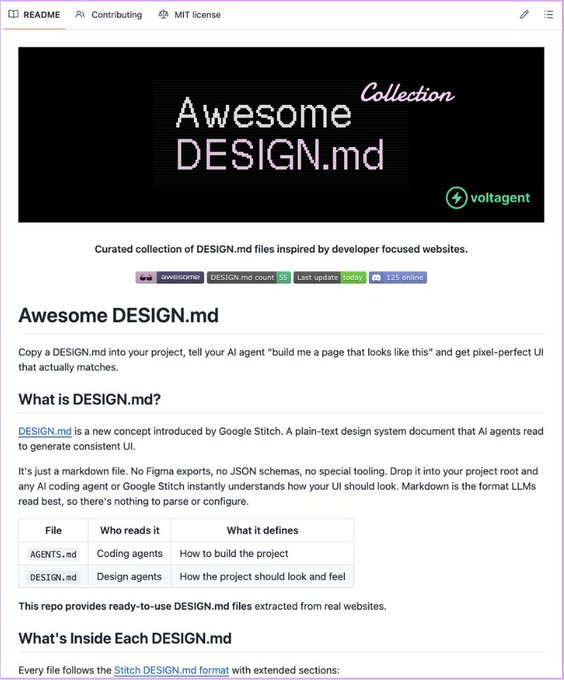
🚨 Google Stitch acaba de lanzar más de 40 sistemas de diseño reales.
Una colección de archivos prediseñados, extraídos de productos reales como Stripe, Notion o ElevenLabs.
Son gratis y funcionan con Claude Code, Cursor y Copilot.
Aquí te explico todo lo que debes saber 👇
Corridor Crew acaba de open sourcear CorridorKey: la IA open-source que quita el green screen a la perfección, solo mira este video, es UNA LOCURA.
Si trabajas en VFX esto es ORO PURO PARA TI.
REPOOO 👇
Esta conferencia impartida por Steve Jobs en el MIT en 1992 te enseñará más sobre productos y ventas que la mayoría de los programas de MBA de dos años.
UI/UX Designers, this might be the best tool for generating accessible color palettes.
RandomA11y helps you auto-generate accessible color collections in seconds, making your designs both beautiful and inclusive.
Bookmarks it for later 💜
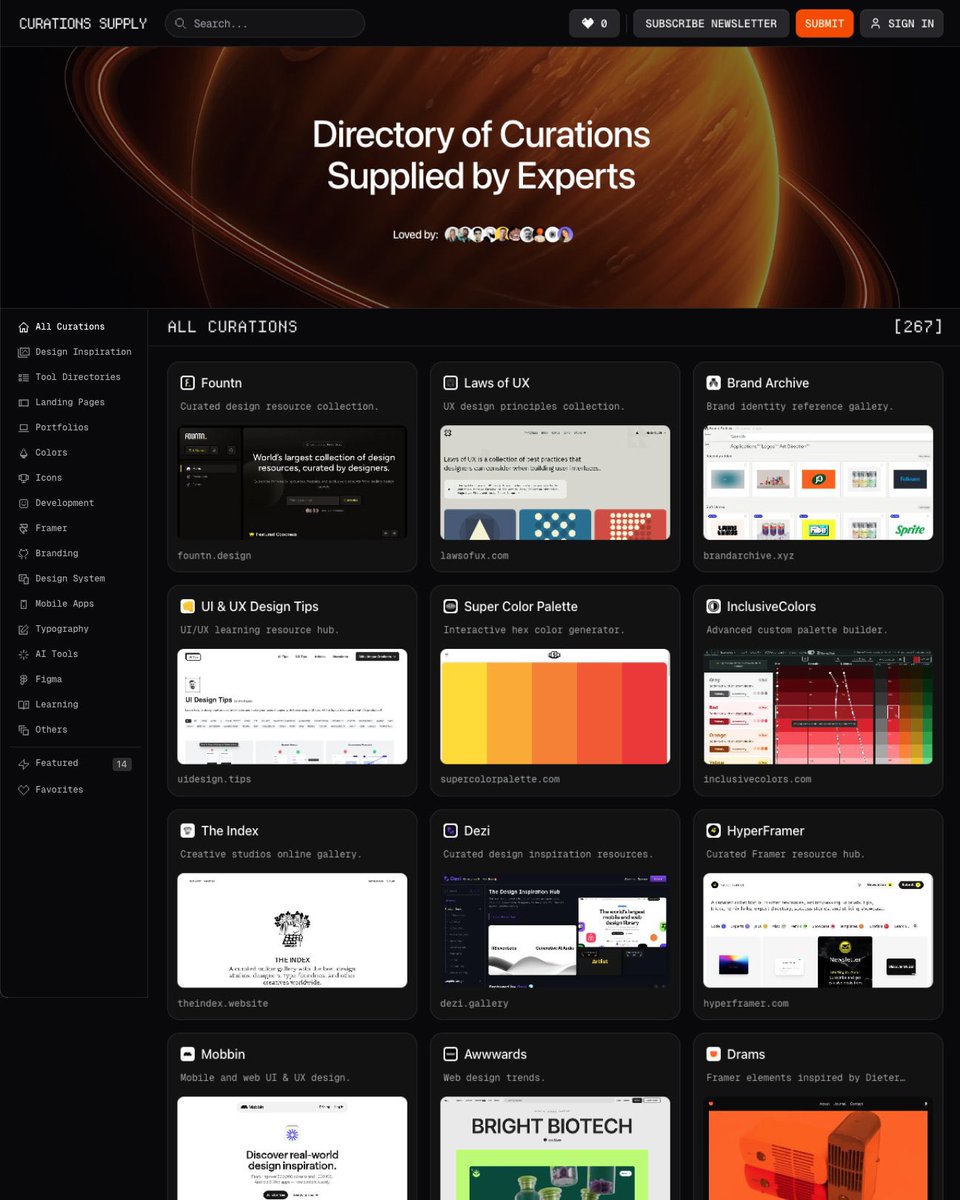
UI/UX Designers, here are my go-to best design resource sites on the internet you should bookmark:
Design Library → https://t.co/MbhnAQB0yP
Landing Pages → https://t.co/lgMLG11AID
Saas Websites → https://t.co/MsoiXI7Z2k
Navbar → https://t.co/jEPQN5cpns
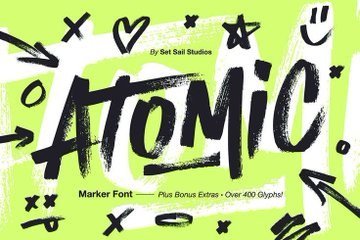
Fonts → https://t.co/mtLpMHU8gh
Animation → https://t.co/N4N9EUHc5B
Mobile Apps → https://t.co/YxsQM2IoaD
Brands → https://t.co/wTIpDJhsvr
Icons → https://t.co/7N0AzaGl6E
Design Systems → https://t.co/9kAEoD5FUf
Top 5 new AI tools for designers.
✦ https://t.co/CrG30NsyyZ
✦ https://t.co/hqYUa4J4V3
✦ https://t.co/yqnUfttBro
✦ https://t.co/LB05cmhRUb
✦ https://t.co/144VFt8yaV
See more on ✦ https://t.co/xKm5bCtjPq
Create a brand visual storyboard for presenting your product with Nano Banana Pro:
Create ONE final image.
A clean 3×3 [ratio] storyboard grid with nine equal [ratio] sized panels on [4:5] ratio.
Use the reference image as the base product reference. Keep the same product, packaging design, branding, materials, colors, proportions and overall identity across all nine panels exactly as the reference. The product must remain clearly recognizable in every frame. The label, logo and proportions must stay exactly the same.
This storyboard is a high-end designer mockup presentation for a branding portfolio. The focus is on form, composition, materiality and visual rhythm rather than realism or lifestyle narrative. The overall look should feel curated, editorial and design-driven.
FRAME 1:
Front-facing hero shot of the product in a clean studio setup. Neutral background, balanced composition, calm and confident presentation of the product.
FRAME 2:
Close-up shot with the focus centered on the middle of the product. Focusing on surface texture, materials and print details.
FRAME 3:
Shows the reference product placed in an environment that naturally fits the brand and product category. Studio setting inspired by the product design elements and colours.
FRAME 4:
Product shown in use or interaction on a neutral studio background. Hands and interaction elements are minimal and restrained, the look matches the style of the package.
FRAME 5:
Isometric composition showing multiple products arranged in a precise geometric order from the top isometric angle. All products are placed at the same isometric top angle, evenly spaced, clean, structured and graphic.
FRAME 6:
Product levitating slightly tilted on a neutral background that matches the reference image color palette. Floating position is angled and intentional, the product is floating naturally in space.
FRAME 7:
is an extreme close-up focusing on a specific detail of the label, edge, texture or material behavior.
FRAME 8:
The product in an unexpected yet aesthetically strong setting that feels bold, editorial and visually striking.
Unexpected but highly stylized setting. Studio-based, and designer-driven. Bold composition that elevates the brand.
FRAME 9:
Wide composition showing the product in use, placed within a refined designer setup. Clean props, controlled styling, cohesive with the rest of the series.
CAMERA & STYLE:
Ultra high-quality studio imagery with a real camera look. Different camera angles and framings across frames. Controlled depth of field, precise lighting, accurate materials and reflections. Lighting logic, color palette, mood and visual language must remain consistent across all nine panels as one cohesive series.
OUTPUT:
A clean 3×3 grid with no borders, no text, no captions and no watermarks.
If you’re looking to learn UI/UX DESIGN from scratch to expert level…
Here’s a fully loaded 5.16GB DESIGN PACK, with 130 files, covering everything from foundations to advanced workflows — all for FREE.
Share with DESIGNERS on the TL.
https://t.co/xhA5M103ax








![Dari_Designs's tweet photo. Create a brand visual storyboard for presenting your product with Nano Banana Pro:
Create ONE final image.
A clean 3×3 [ratio] storyboard grid with nine equal [ratio] sized panels on [4:5] ratio.
Use the reference image as the base product reference. Keep the same product, packaging design, branding, materials, colors, proportions and overall identity across all nine panels exactly as the reference. The product must remain clearly recognizable in every frame. The label, logo and proportions must stay exactly the same.
This storyboard is a high-end designer mockup presentation for a branding portfolio. The focus is on form, composition, materiality and visual rhythm rather than realism or lifestyle narrative. The overall look should feel curated, editorial and design-driven.
FRAME 1:
Front-facing hero shot of the product in a clean studio setup. Neutral background, balanced composition, calm and confident presentation of the product.
FRAME 2:
Close-up shot with the focus centered on the middle of the product. Focusing on surface texture, materials and print details.
FRAME 3:
Shows the reference product placed in an environment that naturally fits the brand and product category. Studio setting inspired by the product design elements and colours.
FRAME 4:
Product shown in use or interaction on a neutral studio background. Hands and interaction elements are minimal and restrained, the look matches the style of the package.
FRAME 5:
Isometric composition showing multiple products arranged in a precise geometric order from the top isometric angle. All products are placed at the same isometric top angle, evenly spaced, clean, structured and graphic.
FRAME 6:
Product levitating slightly tilted on a neutral background that matches the reference image color palette. Floating position is angled and intentional, the product is floating naturally in space.
FRAME 7:
is an extreme close-up focusing on a specific detail of the label, edge, texture or material behavior.
FRAME 8:
The product in an unexpected yet aesthetically strong setting that feels bold, editorial and visually striking.
Unexpected but highly stylized setting. Studio-based, and designer-driven. Bold composition that elevates the brand.
FRAME 9:
Wide composition showing the product in use, placed within a refined designer setup. Clean props, controlled styling, cohesive with the rest of the series.
CAMERA & STYLE:
Ultra high-quality studio imagery with a real camera look. Different camera angles and framings across frames. Controlled depth of field, precise lighting, accurate materials and reflections. Lighting logic, color palette, mood and visual language must remain consistent across all nine panels as one cohesive series.
OUTPUT:
A clean 3×3 grid with no borders, no text, no captions and no watermarks.](https://pbs.twimg.com/media/G-yxXSjaEAAyaak.jpg)


