¡Mamá, salí en el Times Square! 🔥
Gracias totales @webflow y a la comunidad de @webflowperu, se vienen más cursos, talleres y colaboraciones con grandes comunidades 🔥✨
The Webflow Code Editor just got a major intelligence boost! 🧠
We finally have contextual autocomplete for:
▶ CSS Classes
▶ Variables
Huge win for dev productivity and design system consistency. Kudos @leinwand & the @webflow team!
The new @Webflow MCP v1.2 just dropped.🔥
Raw HTML to Webflow elements. Component slots. 500+ CSS properties. Element querying. Variable creation.
Your agents just got a whole lot more powerful. Here's what's new 🧵
Meet the new Stitch, your vibe design partner.
Here are 5 major upgrades to help you create, iterate and collaborate:
🎨 AI-Native Canvas
🧠 Smarter Design Agent
🎙️ Voice
⚡️ Instant Prototypes
📐 Design Systems and DESIGN.md
Rolling out now. Details and product walkthrough video in 🧵
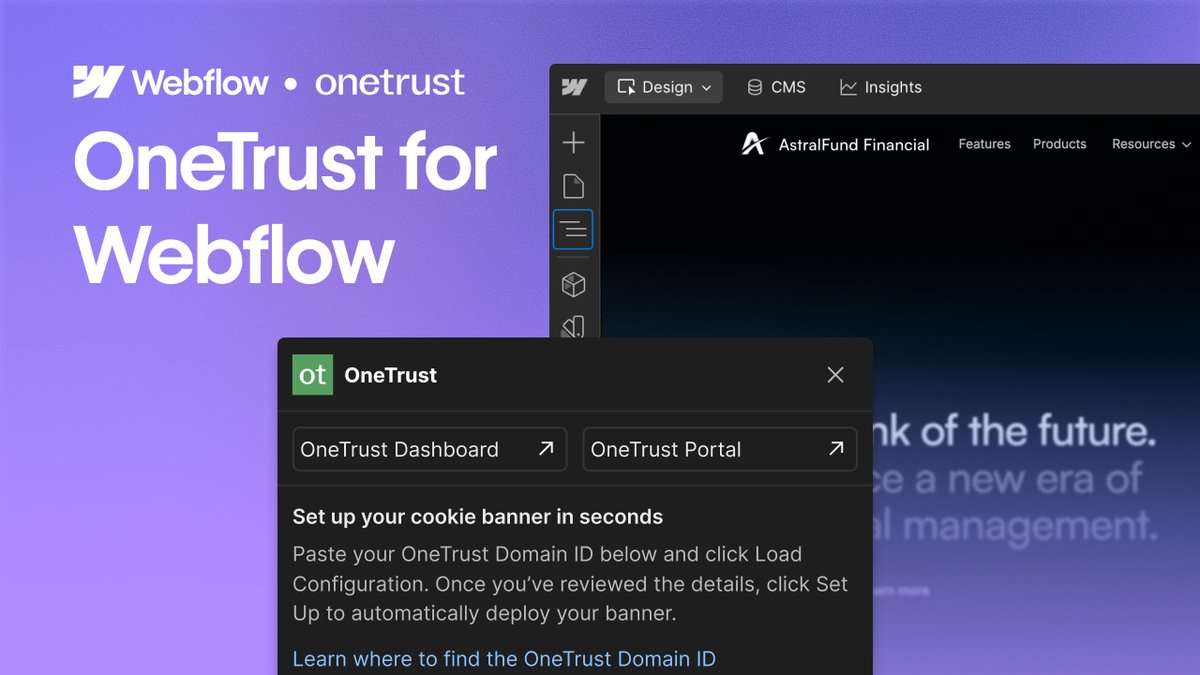
Introducing OneTrust for Webflow 🙌
With the OneTrust app for Webflow, teams can manage consent and user preferences directly within Webflow, making it easier to launch compliant, trust-forward experiences without slowing down.
- Seamless consent banners and preference centers
- Support global privacy regulations
- Fewer scripts, less manual work
- Better alignment across teams
👉 Available now in the Webflow Marketplace: https://t.co/e7rcoDAGWE
You've probably done this:
Edit code locally. Paste it into Webflow. Publish. Refresh. Hope it works. Repeat.
@odynhq removes that entire loop.
A dev workspace that lets you write, organize, and deploy custom code to your Webflow project.
Waitlist is open.