FireBox recently reached 9,000 active installs on the WordPress Plugin Directory. A huge thank you to everyone who has chosen FireBox to grow their audience! Your support inspires us to keep improving.
WooCommerce lets people buy without making an account. That is on by default.
So an upsell that targets what someone bought before will never show to them. You may think something is wrong, but it's not; the visitor is just a guest.
Show the accessory offer only when the main product is in the cart.
Your store can check the cart for a specific product: if coffee is in the cart, the grinder offer appears. Shoppers without coffee in the cart never see the grinder offer.
Most popup tools you're using show your campaigns on every page of the site.
This means the cart offer shows to someone reading a blog post with an empty cart.
Assign each campaign to its pages: the cart offer on the cart and checkout pages, the signup form on the blog.
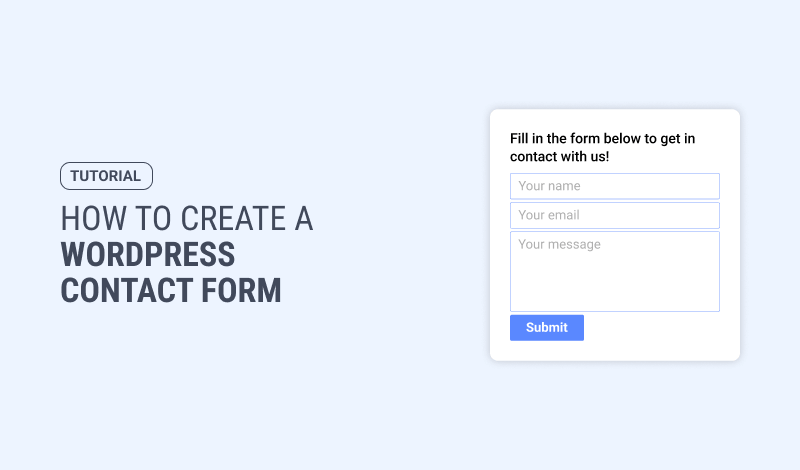
Your contact form can open in a popup, from a link or a button anywhere on your site.
This lets a visitor ask their question on the page they are already reading, not on a separate contact page.
You can set the form to email you every submission.
👇
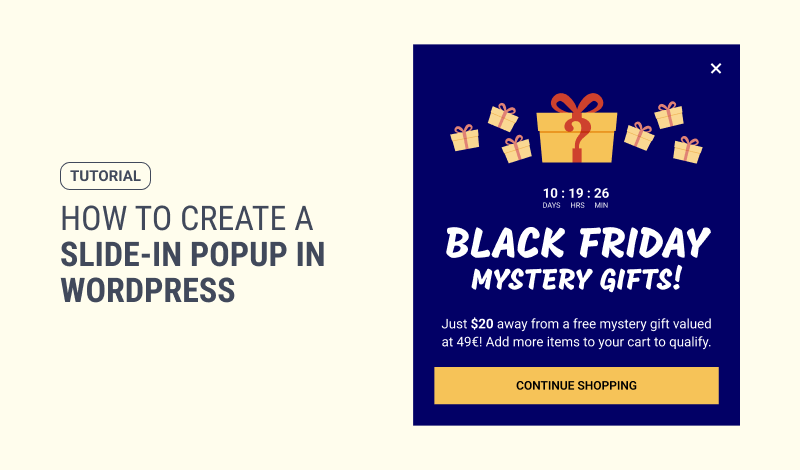
A slide-in opens in the corner of a page on your site, instead of covering the whole page.
This lets visitors keep reading while it's open.
This is usually the right format for a blog post or a product page.
👇
Bots fill store signup forms the same way they fill comment sections.
The usual fixes: a hidden honeypot field that only bots fill in, and a captcha in front of the form.
Set your free shipping threshold a little above your average order value.
Both are in WooCommerce Analytics; the average is shown in the shipping zone, which holds the threshold.
At a $68 average, an $80 threshold is a $12 gap: one more small item in the cart.
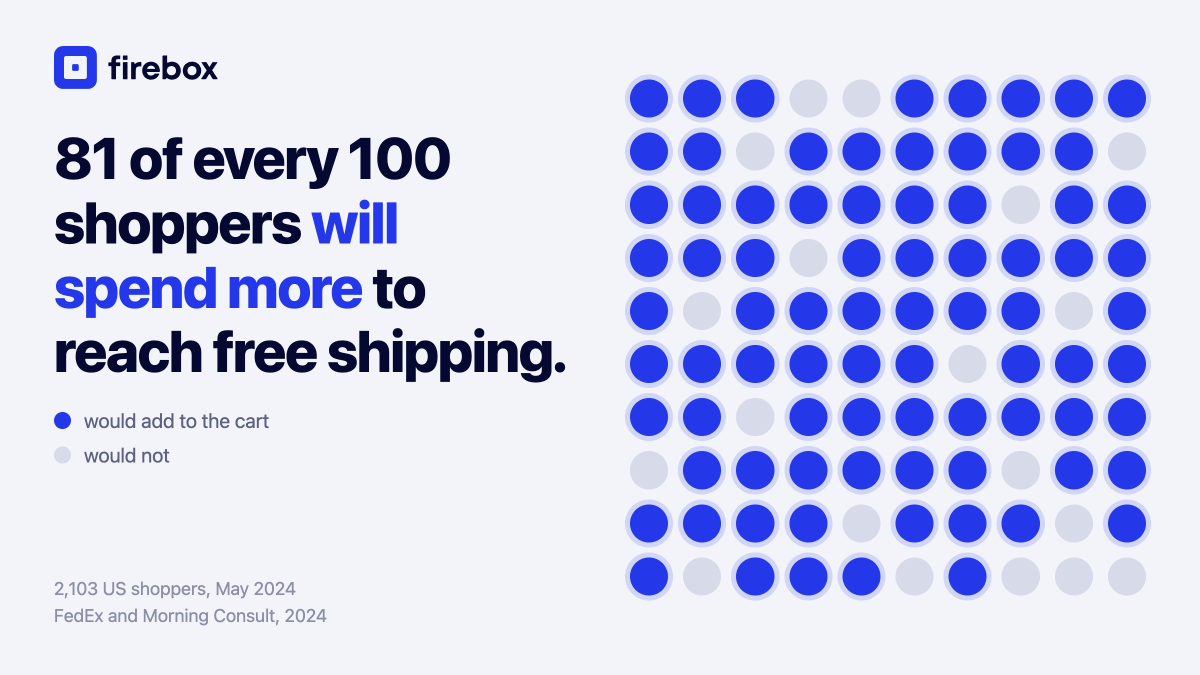
81% of shoppers say they'll spend more to get free shipping (FedEx and Morning Consult, 2024).
A free shipping bar can read the cart and show each shopper exactly how much is left to add: "Spend $18 more for free shipping."
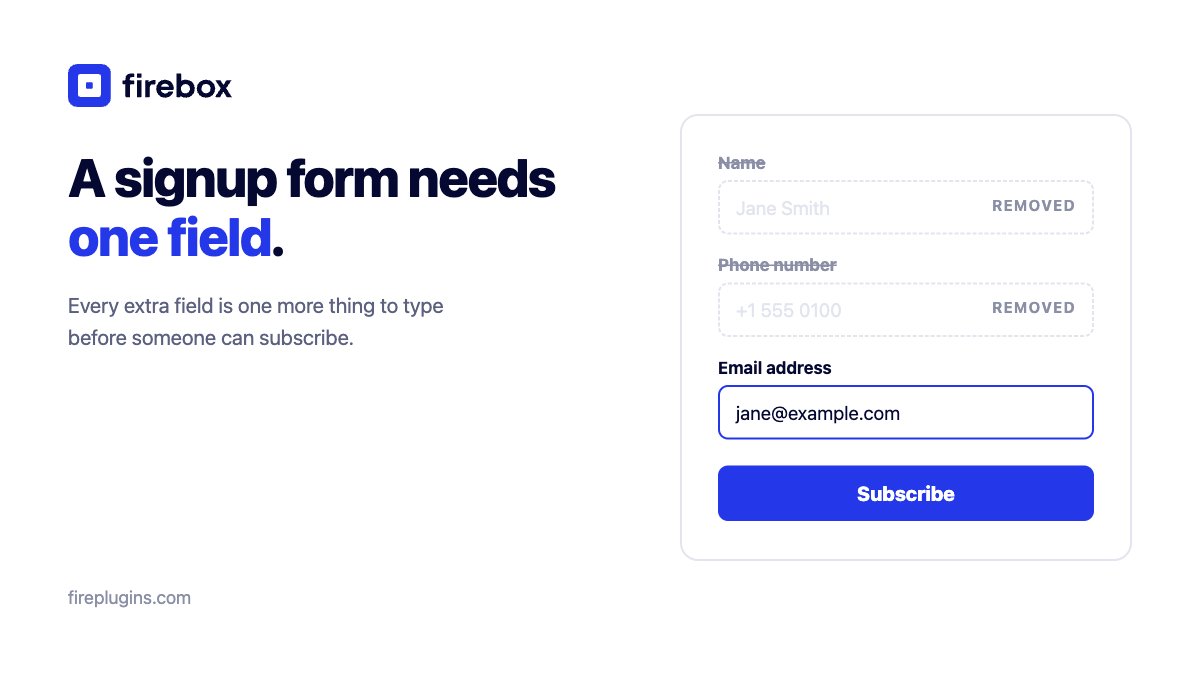
A signup form needs one field: the email address.
Every extra field, like a name or a phone number, is one more thing to type before someone can subscribe.
Ask for the email only. You can add a field later, when you know what you'll use it for.