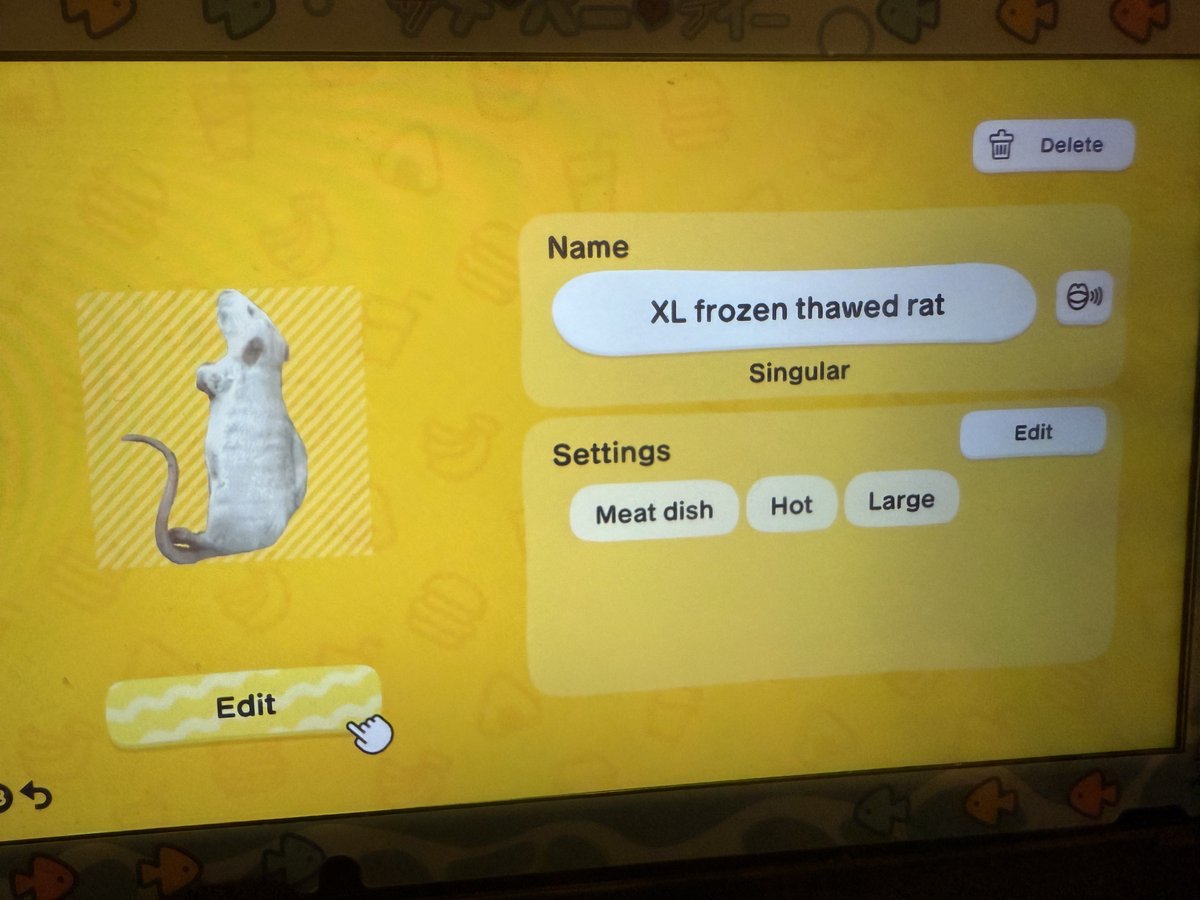
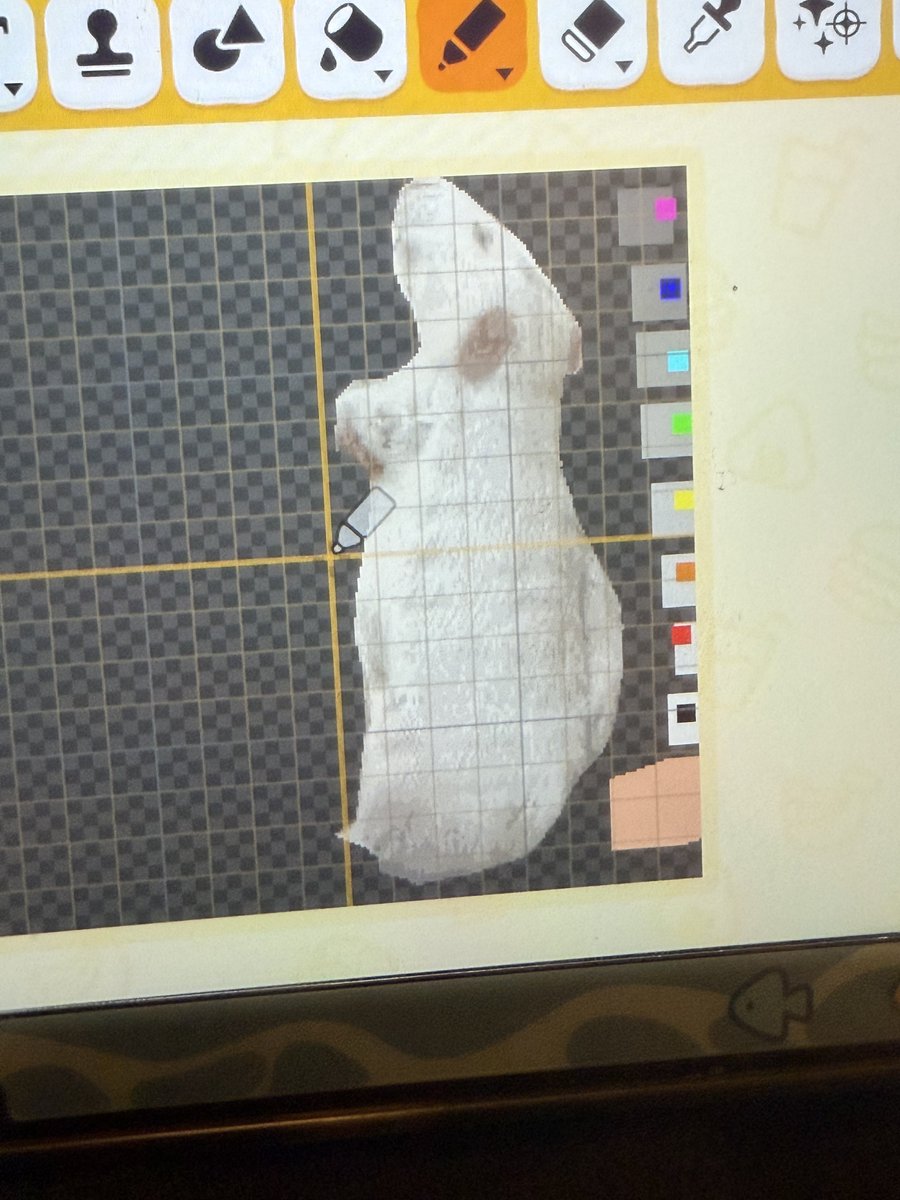
it’s possible to improvise a lasso tool in tomodachi life by setting the eraser to the smallest size, using it like a lasso, and then using the select box tool to select the separated part
@njinsha you are way too kind thank you for this guidance 😭 i was rly going about it like a neanderthal when i shouldve known there were better ways to do this lol
i’m fucking crying for those who were wondering just how stupidly i brute-forced this, i didn’t even know there was a term for reducing the color count until i saw ppl saying posterization in my replies
i wanted to feed my miis photorealistic rats but i dont have a homebrewed switch so i had to color code this rat image and manually put it in pixel by pixel
it took me nearly 8 hours
i wanted to feed my miis photorealistic rats but i dont have a homebrewed switch so i had to color code this rat image and manually put it in pixel by pixel
it took me nearly 8 hours
@Nomi__tomo i do not recommend doing what i did because i didnt know there was already a tomodachi life pixel art tool, i think someone replied it onto here
@Nomi__tomo im caveman so for posterization i used w/e website was first on google, adjusted a gradient map on procreate to separate the colors, then overlaid a 8x8px grid guideline
i added the pixels in grayscale, locked transparency, and painted tans/pinks on top with dark brush setting
@mraksfunbox i bullshitted the colors on grayscale, then locked transparency and painted over it with a mix of the dark/layered brush setting using light browns and pinks